This tag collects guides for using the Procreate app on an iPad, aimed at anyone from beginners learning the basics to more experienced digital artists looking for specific fixes. The articles here focus on practical, step-by-step solutions for common drawing, design, and editing tasks within the app.

The tutorials break down into a few clear themes. One major group covers core drawing and editing techniques, you’ll find help with smoothing lines, making a perfect circle, mirroring your drawing, and using symmetry. Another set of articles deals with color and layers, including how to pick or change color, use the eyedropper, invert colors, merge layers, and make a layer transparent. A third theme is working with text and images: you can learn to curve text, edit text, cut out or crop an image, and trace an image directly in Procreate.

Specific topics include saving your work, making a sticker, adding a grid, and even renaming a stack. For those wondering about cost, there is also an article on how much Procreate costs on the iPad. Whether you need to resize an image, turn on grayscale, or get new brushes, these articles help you perform each action without extra fuss.
How To Shade In Procreate

To shade in Procreate, start with a flat base color on one layer, then add shadows on a new layer using Blend Modes like Multiply, and finish with highlights on...

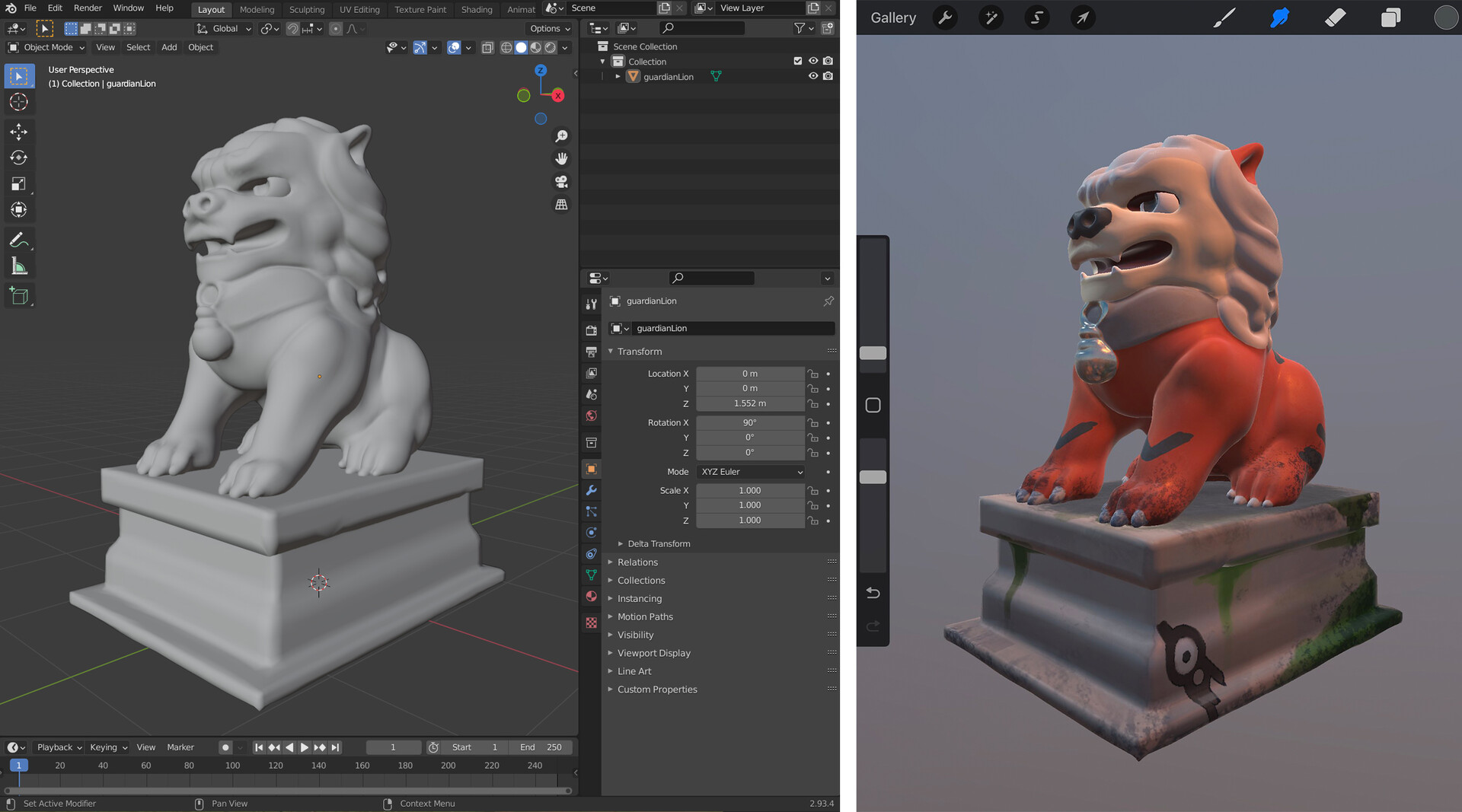
How To Use 3D Models In Procreate

To use 3D models in Procreate, you open a canvas, go to Actions, tap Help, and select Download 3D model pack to get the built-in models, or you import your...

How To Color Inside The Lines In Procreate

To color inside the lines in Procreate, use the official layer-based workflow: set your line art layer as a Reference, create a new layer below it, and drag the Colors...

Why Is My Procreate Pixelated

Why is my Procreate pixelated? The direct answer is that Procreate is a raster-based application, meaning your artwork is made of a fixed grid of pixels, so pixelation happens when...

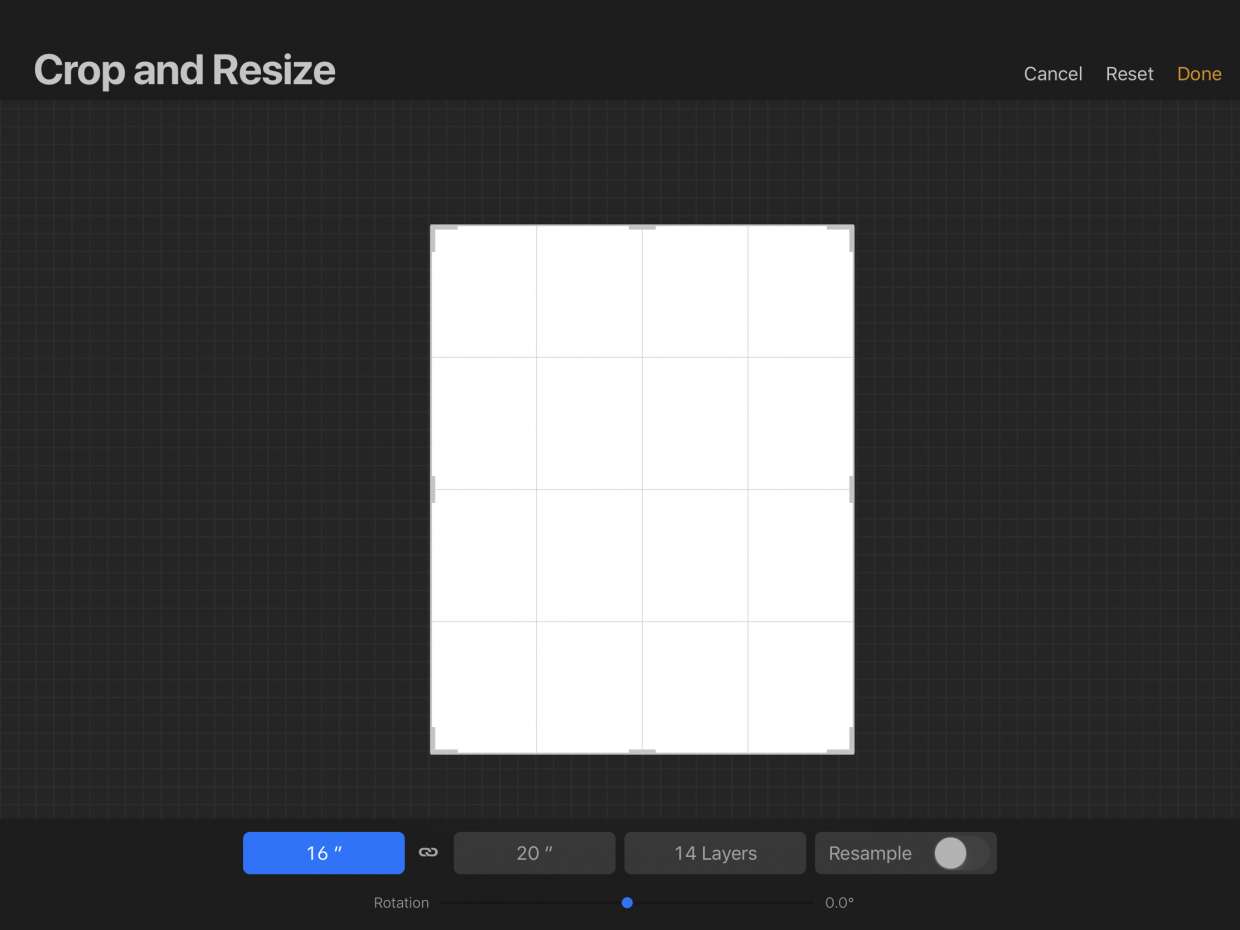
How To Resize Image In Procreate

To resize an image in Procreate, you need to choose between two methods depending on whether you want to change the entire canvas or just a single layer. Resizing the...

How Much Is Procreate On IPad

Procreate for iPad costs $12.99 USD as a one-time purchase. That is the full price you pay to own the app, and it answers the primary question of how much...

How To Turn On Grayscale In Procreate

To turn on grayscale in Procreate, you must use your iPad or iPhone's system-wide accessibility setting, as the app itself does not have a documented built-in grayscale toggle. If your...

How To Make Background Transparent On Procreate

To make a background transparent in Procreate, turn off the Background layer in the Layers panel. This reveals the checkerboard transparency grid, and you can then export your artwork as...

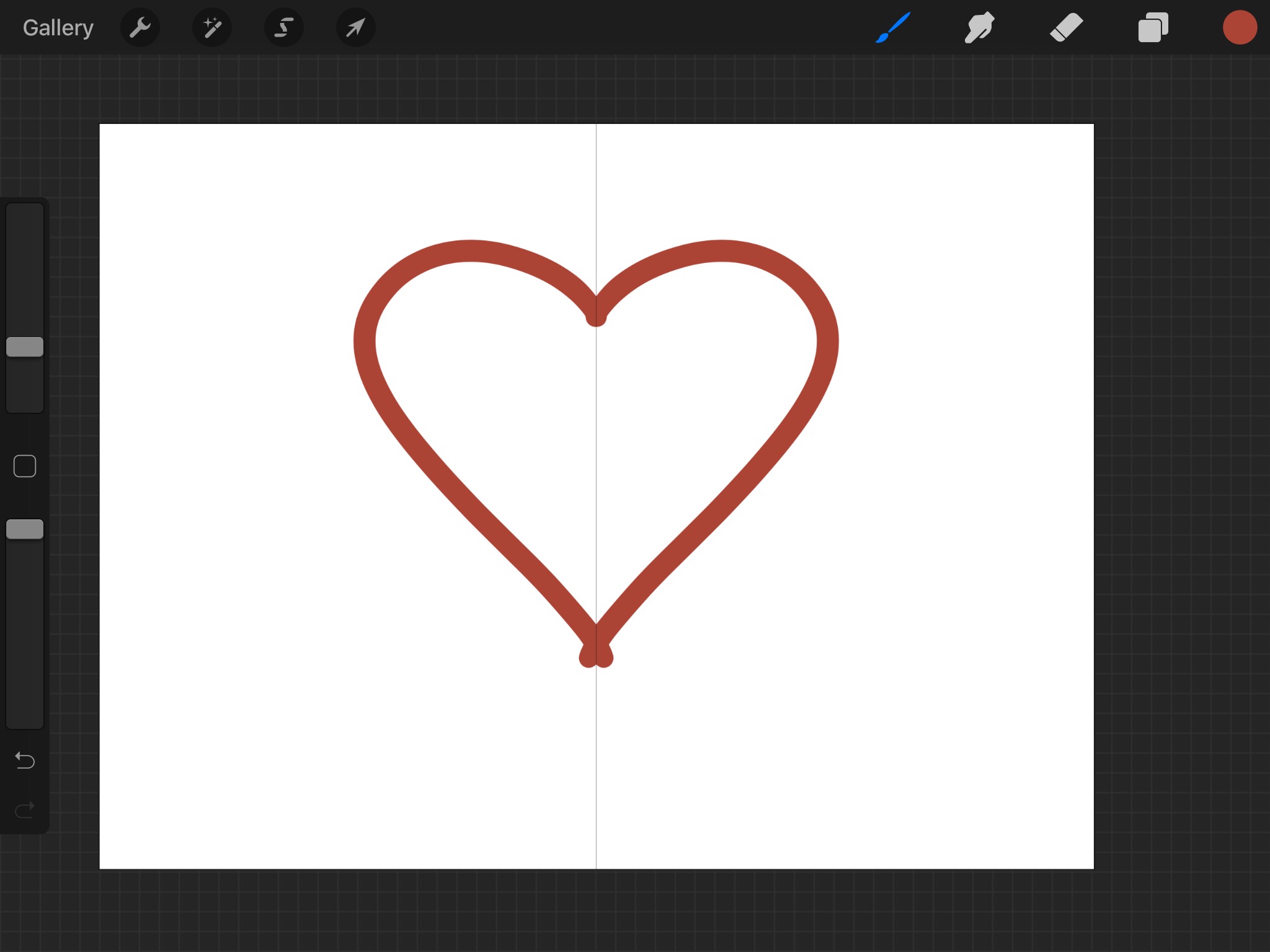
How To Make Symmetry In Procreate

Symmetry in Procreate is a Drawing Guide feature that mirrors your brushstrokes across one or more axes, letting you draw perfectly balanced designs in real time. You turn it on...

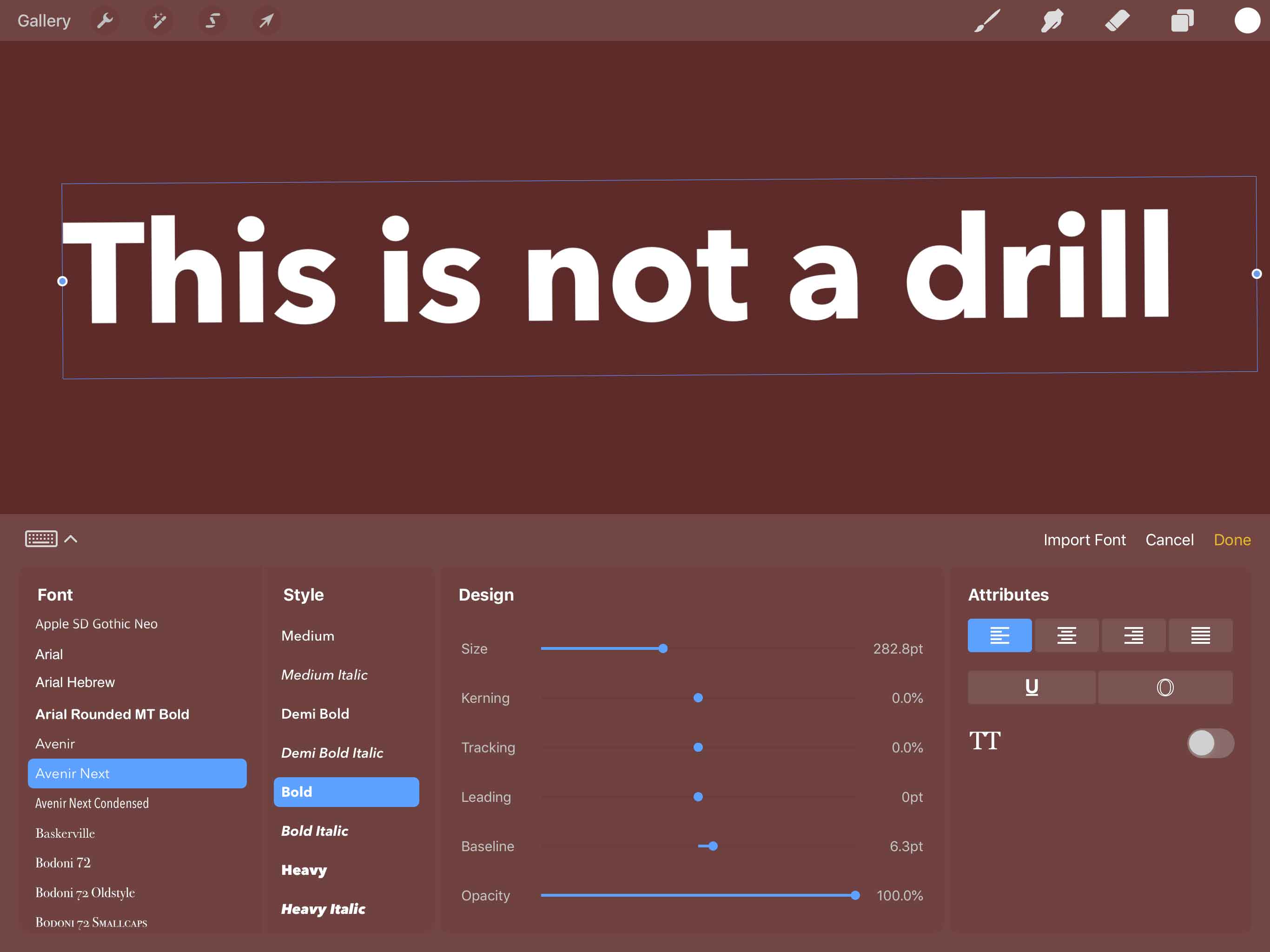
How To Do Text In Procreate

To add text in Procreate, open your document and tap Actions > Add > Add Text on iPad, or on iPhone in Procreate Pocket use Modify > Actions > Add...