This tag collects guides for using the Procreate app on an iPad, aimed at anyone from beginners learning the basics to more experienced digital artists looking for specific fixes. The articles here focus on practical, step-by-step solutions for common drawing, design, and editing tasks within the app.
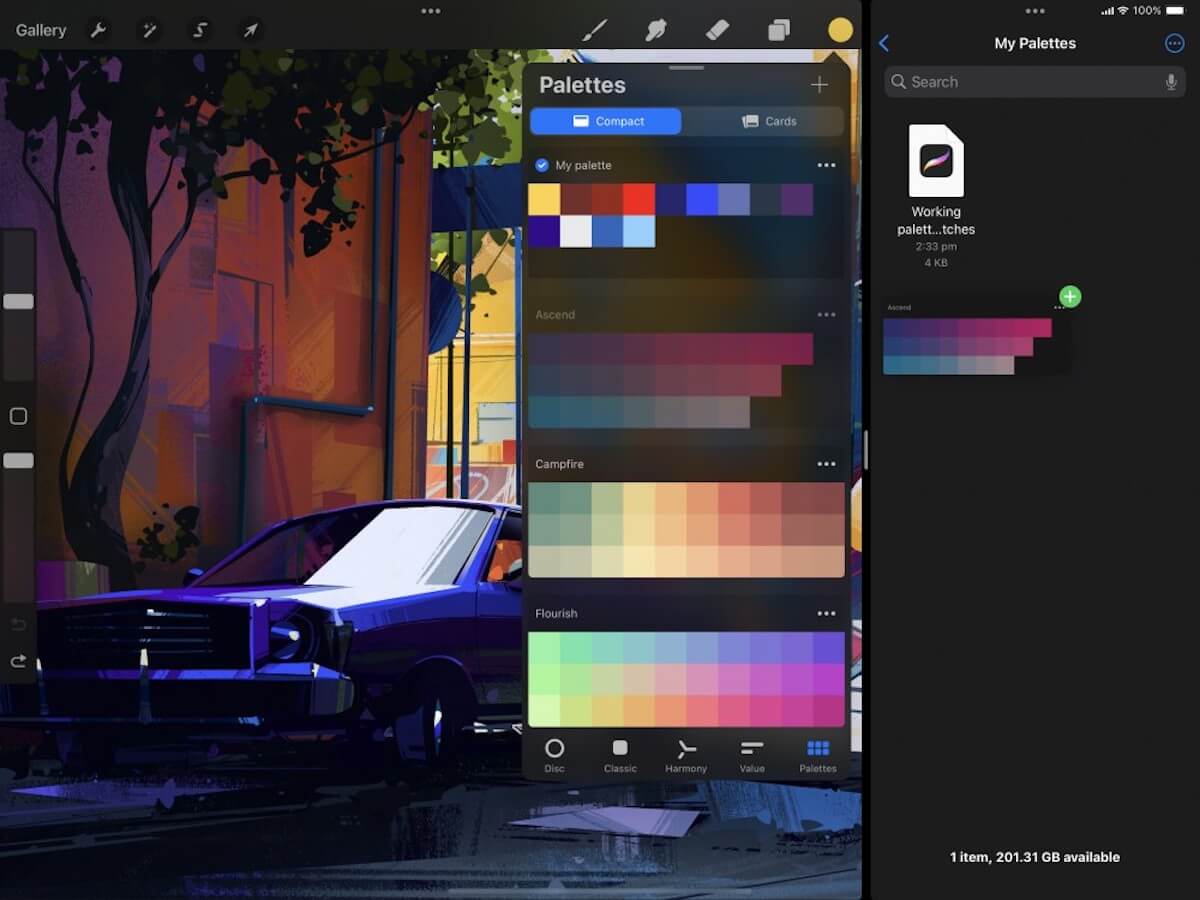
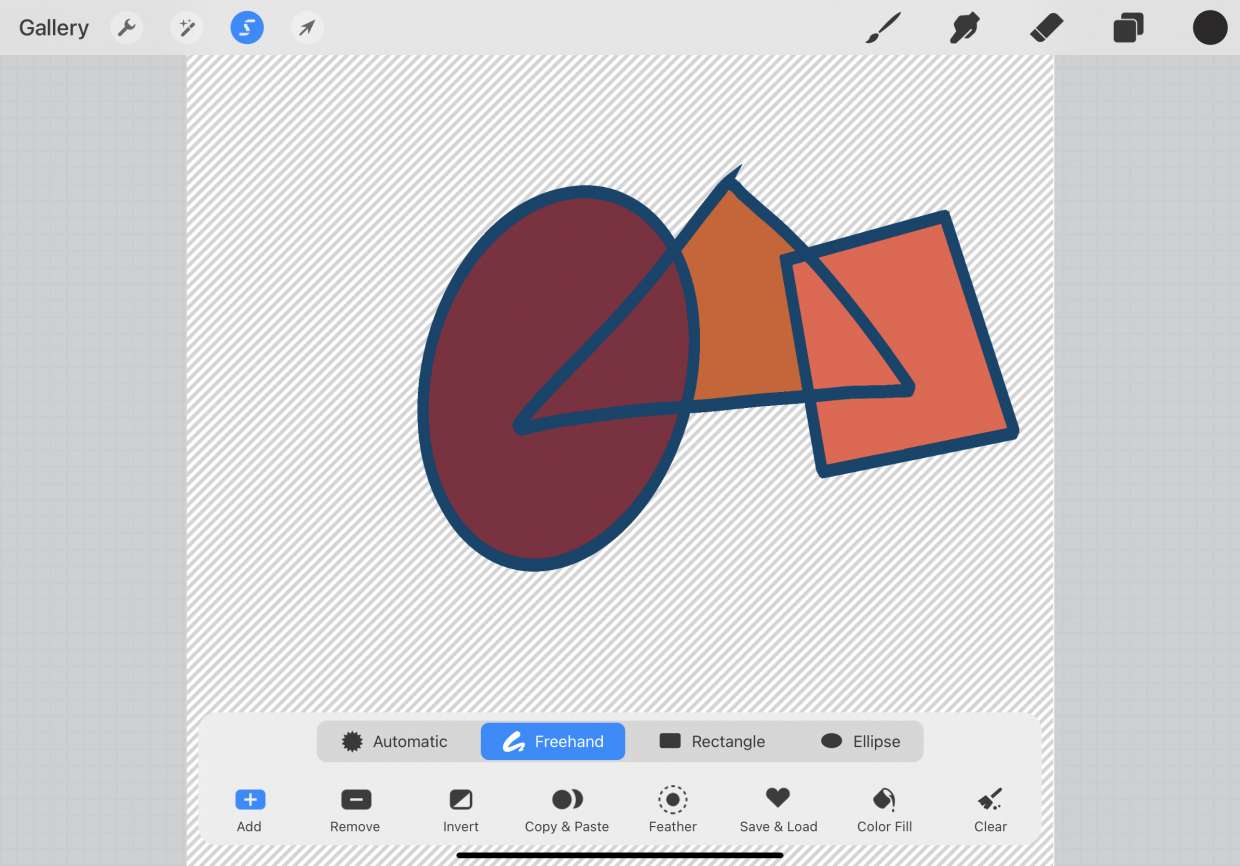
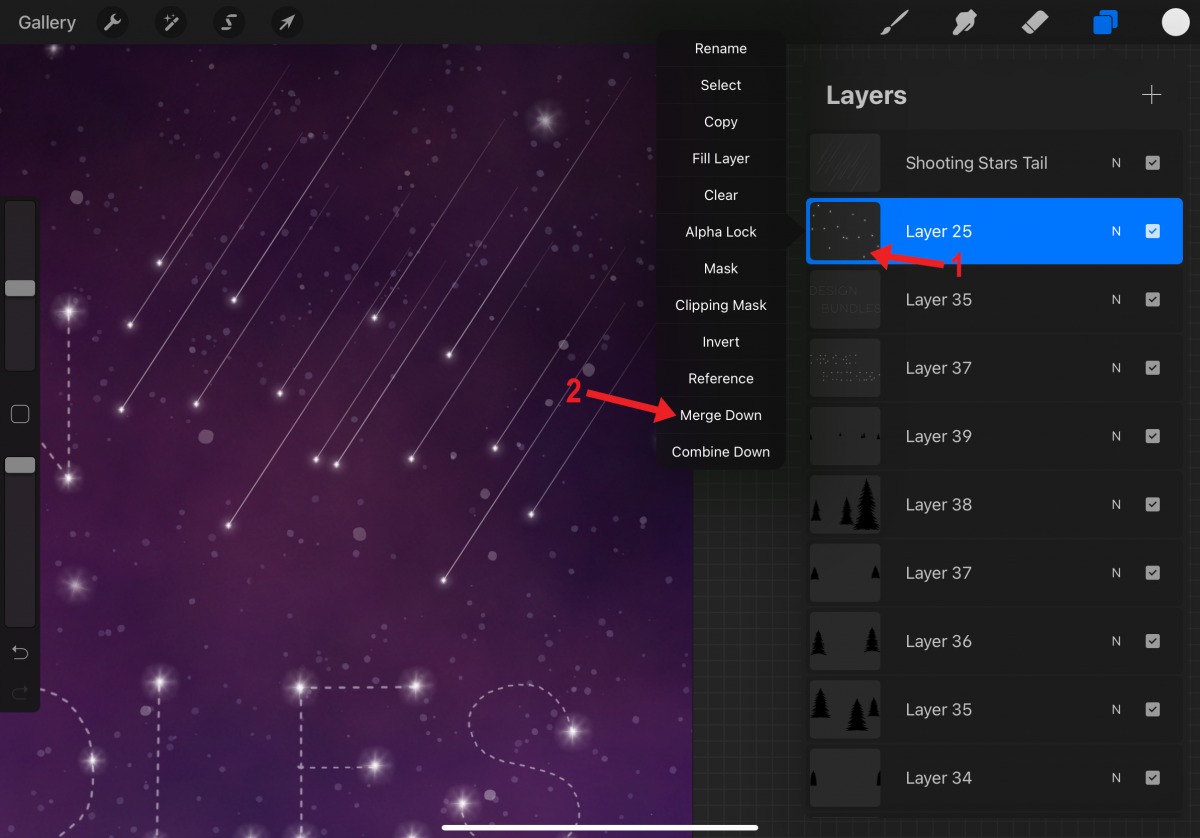
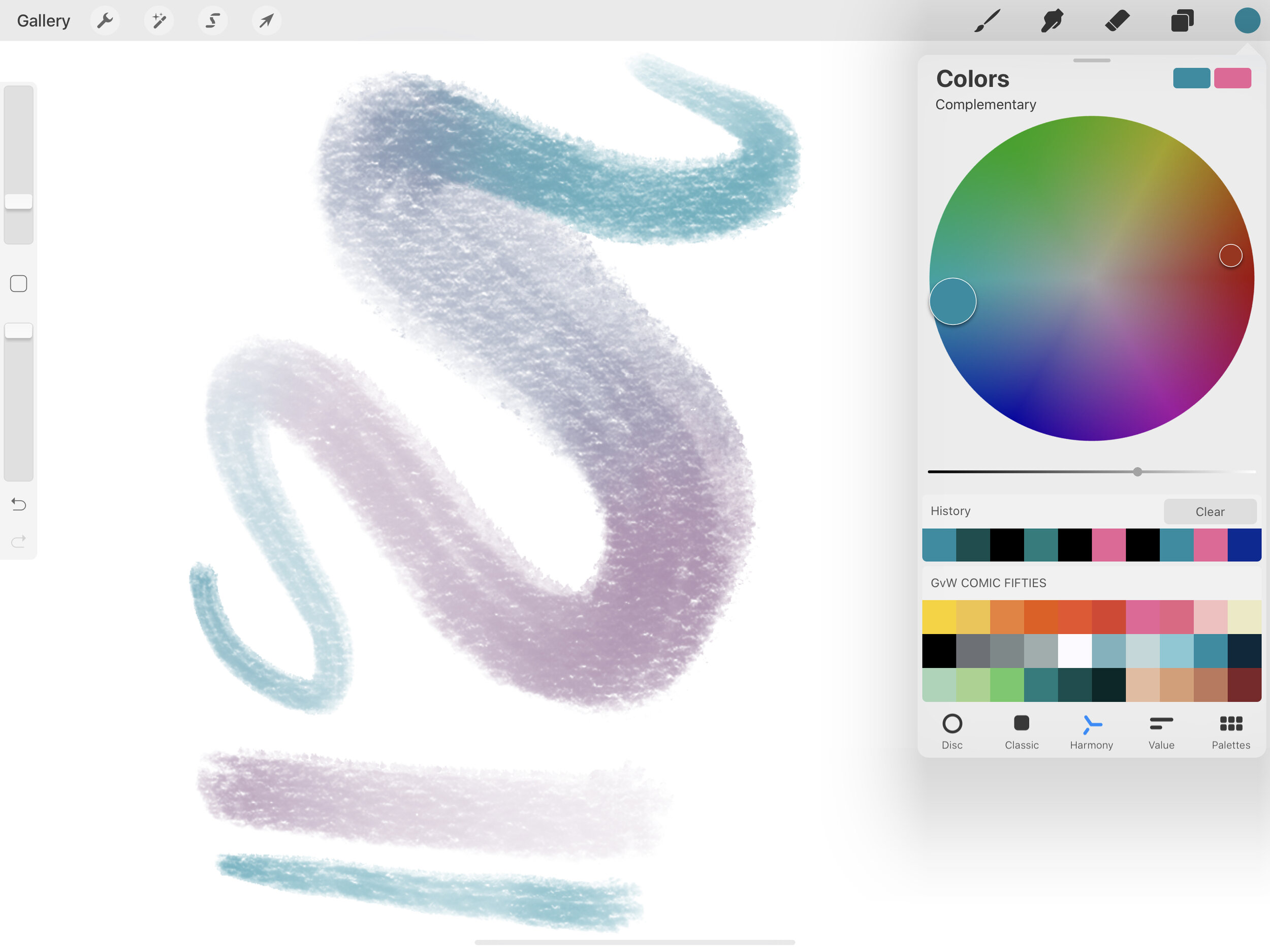
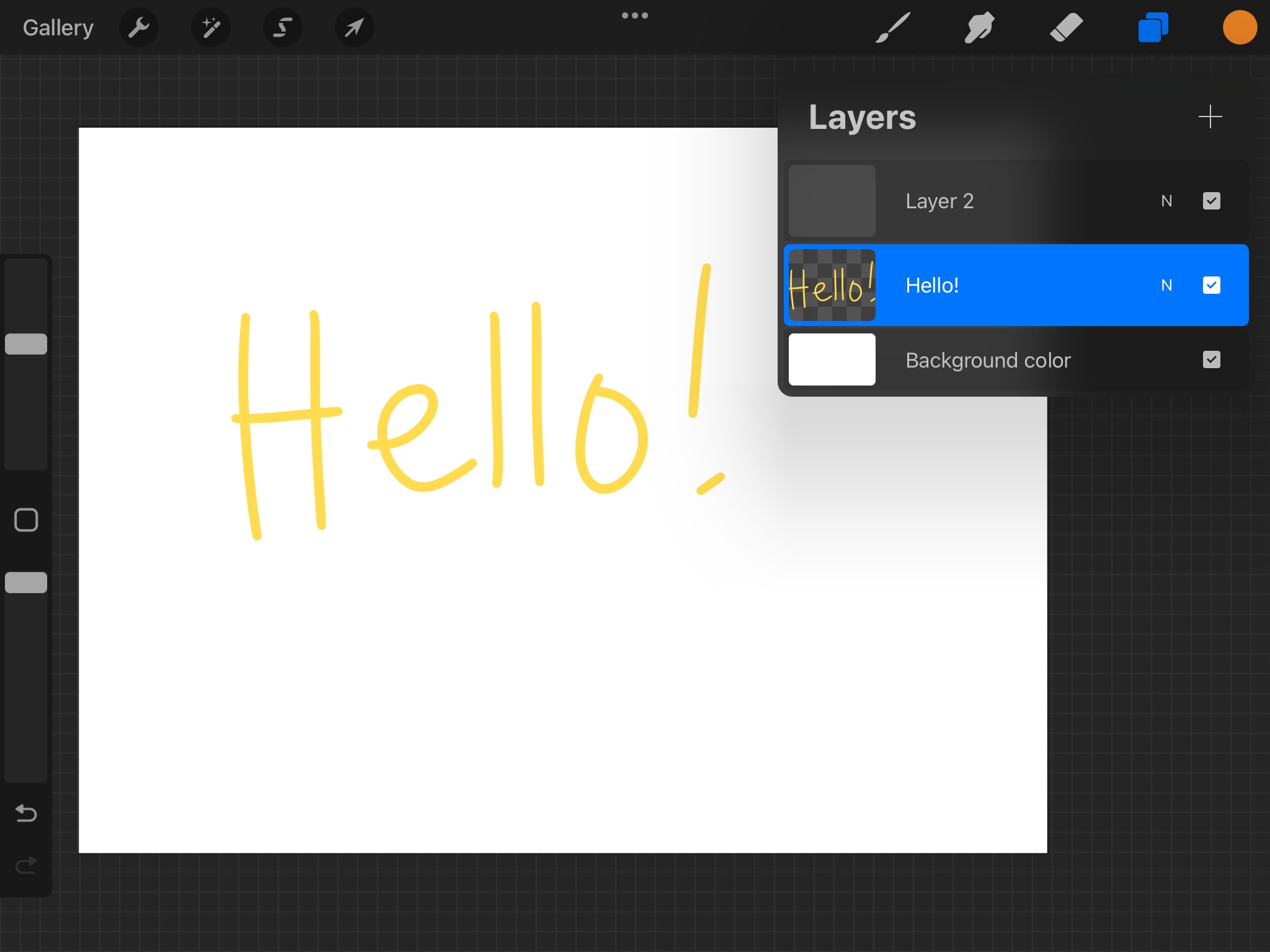
The tutorials break down into a few clear themes. One major group covers core drawing and editing techniques, you’ll find help with smoothing lines, making a perfect circle, mirroring your drawing, and using symmetry. Another set of articles deals with color and layers, including how to pick or change color, use the eyedropper, invert colors, merge layers, and make a layer transparent. A third theme is working with text and images: you can learn to curve text, edit text, cut out or crop an image, and trace an image directly in Procreate.
Specific topics include saving your work, making a sticker, adding a grid, and even renaming a stack. For those wondering about cost, there is also an article on how much Procreate costs on the iPad. Whether you need to resize an image, turn on grayscale, or get new brushes, these articles help you perform each action without extra fuss.