You can access an old Cash App account without a phone number by using the email address linked to the account or by contacting Cash App Support for identity verification. This solves the common problem of losing or changing your phone number, and three recovery methods are available to get you back into your account.
Start with in-app recovery using your email
If you no longer have the phone number tied to your old Cash App account, the primary method is to log in using your linked email address. This allows you to regain access and update your contact information once inside the app.
- Log out of any current Cash App account to return to the login screen.
- Tap the "..." icon (more settings) at the top-right corner.
- Select "I need help logging in" to follow the recovery prompts.
- Enter the email address associated with your old account and your password to authenticate.
If successful, you can immediately view your account details. Ensure you still have access to that email account to receive any verification or communication from Cash App regarding the login process.
Contact Cash App Support for identity verification
When in-app recovery fails, reaching Cash App Support is the next step. The support team can help you regain access even without the original phone number by verifying your identity.
You can contact Cash App Support through the app, their website (cash.app/help), or by phone at 1 (800) 969-1940, available daily from 8 AM to 9:30 PM ET. When you reach out, provide relevant details about your old account, such as the associated email address and previous phone number, to help verify your identity.
Cash App representatives will never ask for your password, PIN, full card number, or sign-in code. Never share your PIN or sign-in code with anyone claiming to be support. The verification process may involve answering security questions or providing identifying information to confirm ownership of the account.
Recover your account with security questions
If you have also lost access to the email linked to your account, answering pre-set security questions serves as a fallback method. These questions were set up during your initial account setup and are designed to be personal and specific to you.
To start, access the Cash App login screen and select the account recovery option. You may be asked to provide your email address or the last known balance in your account before being presented with the security questions. Correctly answering these questions verifies your identity and allows you to regain access. Once inside, you can update your contact information and review your account security settings.
Update your profile after logging in
Once you regain access to your old Cash App account, the final step is to secure it for future use. Navigate to the "Personal Information" section of your profile to update your phone number and email address. This ensures you can log in again without issues and helps with updating phone number on apps and accounts you use regularly. It also simplifies removing phone numbers from accounts and devices that are no longer active. Consider reviewing your account security settings or enabling additional protections to prevent future access challenges.
Frequently Asked Questions
Can I access my old Cash App account without a phone number?
Yes, you can access your old Cash App account without a phone number by using your linked email address, answering security questions, or contacting Cash App Support for identity verification.
What should I do if I have forgotten the phone number associated with my old Cash App account?
If you have forgotten the phone number, you can still regain access by providing your email address or linked bank account details during the recovery process. Cash App offers multiple options for account recovery.
Can I update the phone number associated with my old Cash App account?
Yes, after logging in, navigate to the "Personal Information" section in your profile settings to update your phone number. You will need to verify the new number to complete the process.
What should I do if I no longer have access to the phone number or email linked to my old Cash App account?
If you have lost access to both your phone number and email, contact Cash App Support directly. They will guide you through the account recovery process using other verification methods to help you regain access to your old account.
How can I pay with Cash App on phone after recovering my account?
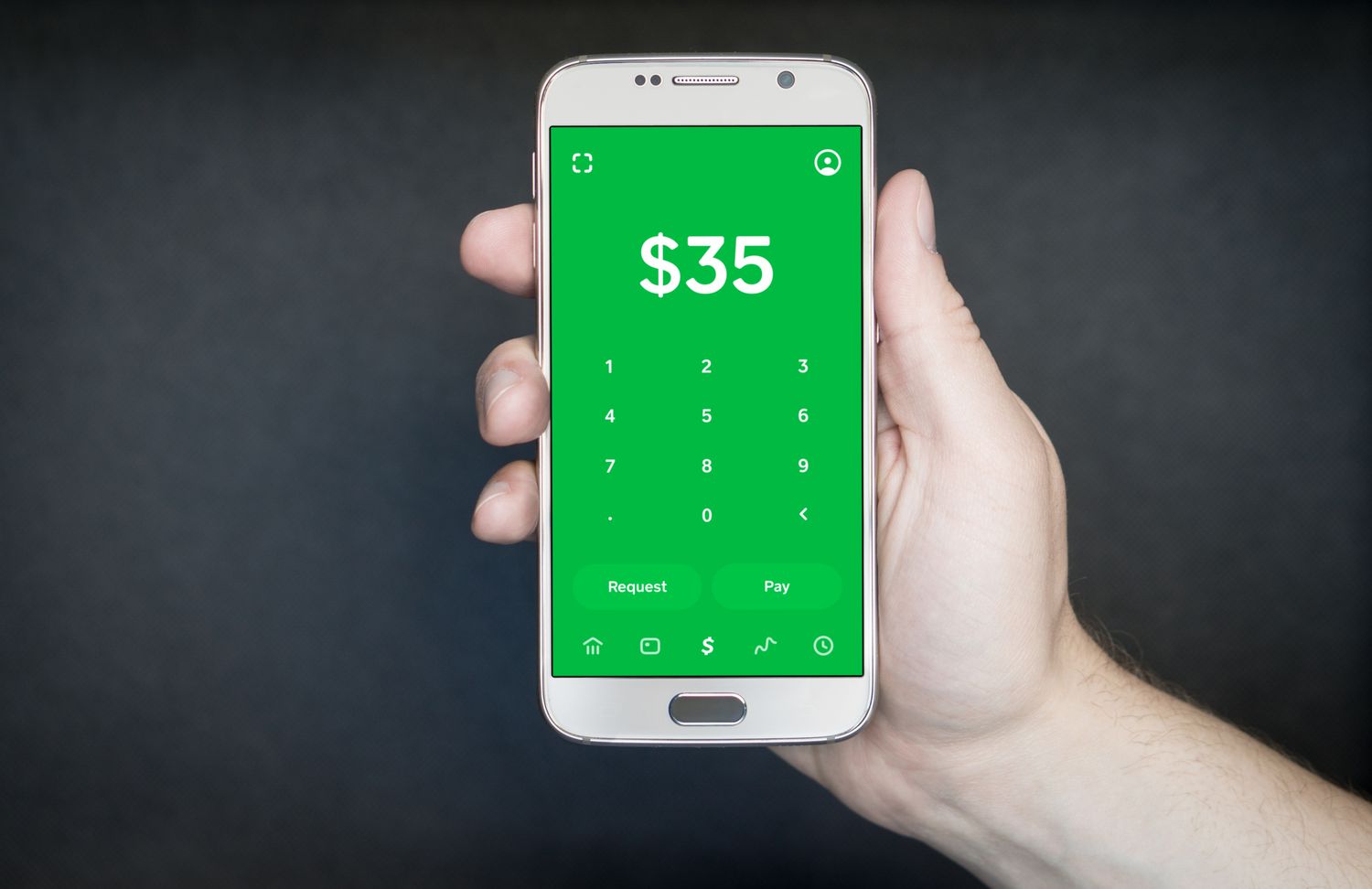
Once you have recovered your account and updated your contact information, you can use the app normally. Simply open Cash App, enter the amount, and select a contact or enter a phone number or email to send or request money, allowing you to pay with Cash App on phone as usual.