The standard Chase mobile deposit limit is $2,000 per day or $5,000 in any rolling 30-day period for most consumer checking accounts. Higher-tier accounts offer significantly higher thresholds, with Chase Private Client accounts having a $25,000 daily limit and a $100,000 rolling 30-day limit, while J.P. Morgan Private Bank accounts have a $100,000 daily limit and a $500,000 rolling 30-day limit.
What is the chase mobile deposit limit
Premium account holders receive elevated limits: Chase Private Client accounts can deposit up to $25,000 per day and $100,000 in a rolling 30-day period; J.P. Taxable investment accounts are capped at $100,000 in any rolling 30-day period, while IRAs are subject to their annual contribution limits of $6,000 or $7,000. You can view your personal current available limit directly inside the Chase Mobile app by opening the deposit service and selecting an account.
How Chase mobile deposit works
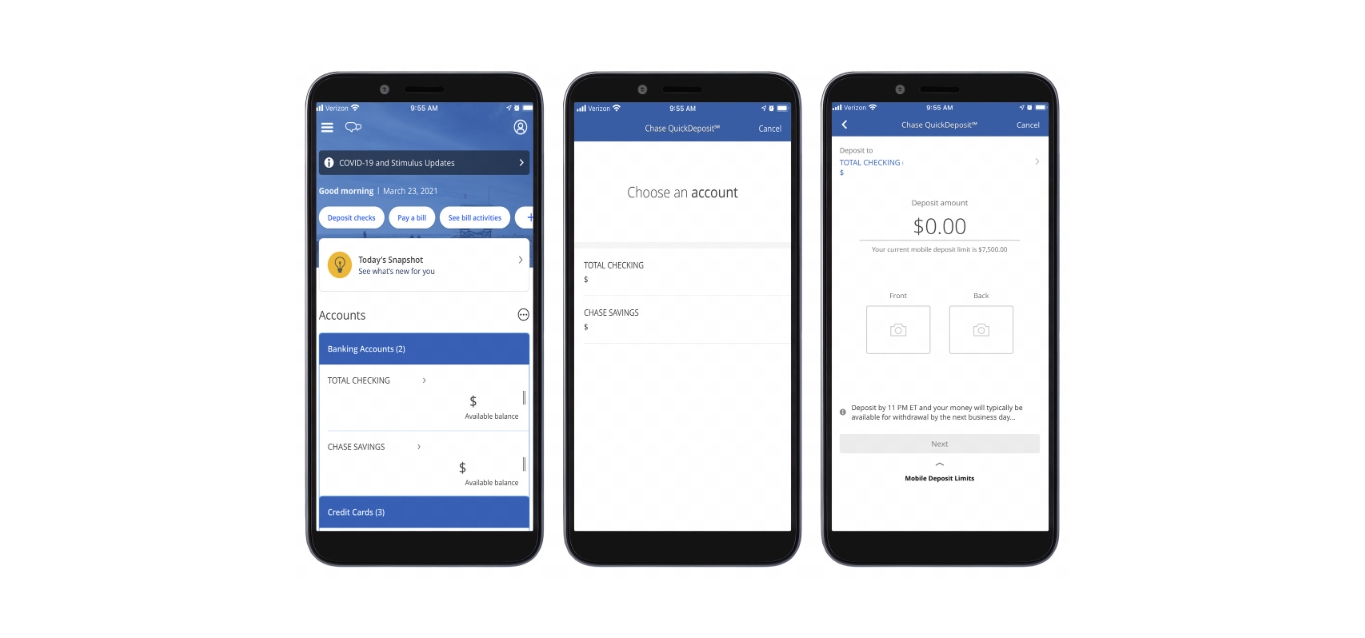
Depositing a check through the Chase Mobile app follows a straightforward process. The documented navigation path within the app is:
- Open the Chase Mobile app and select Pay & Transfer from the main menu.
- Choose Deposit checks from the options presented.
- Enter the deposit amount you wish to submit.
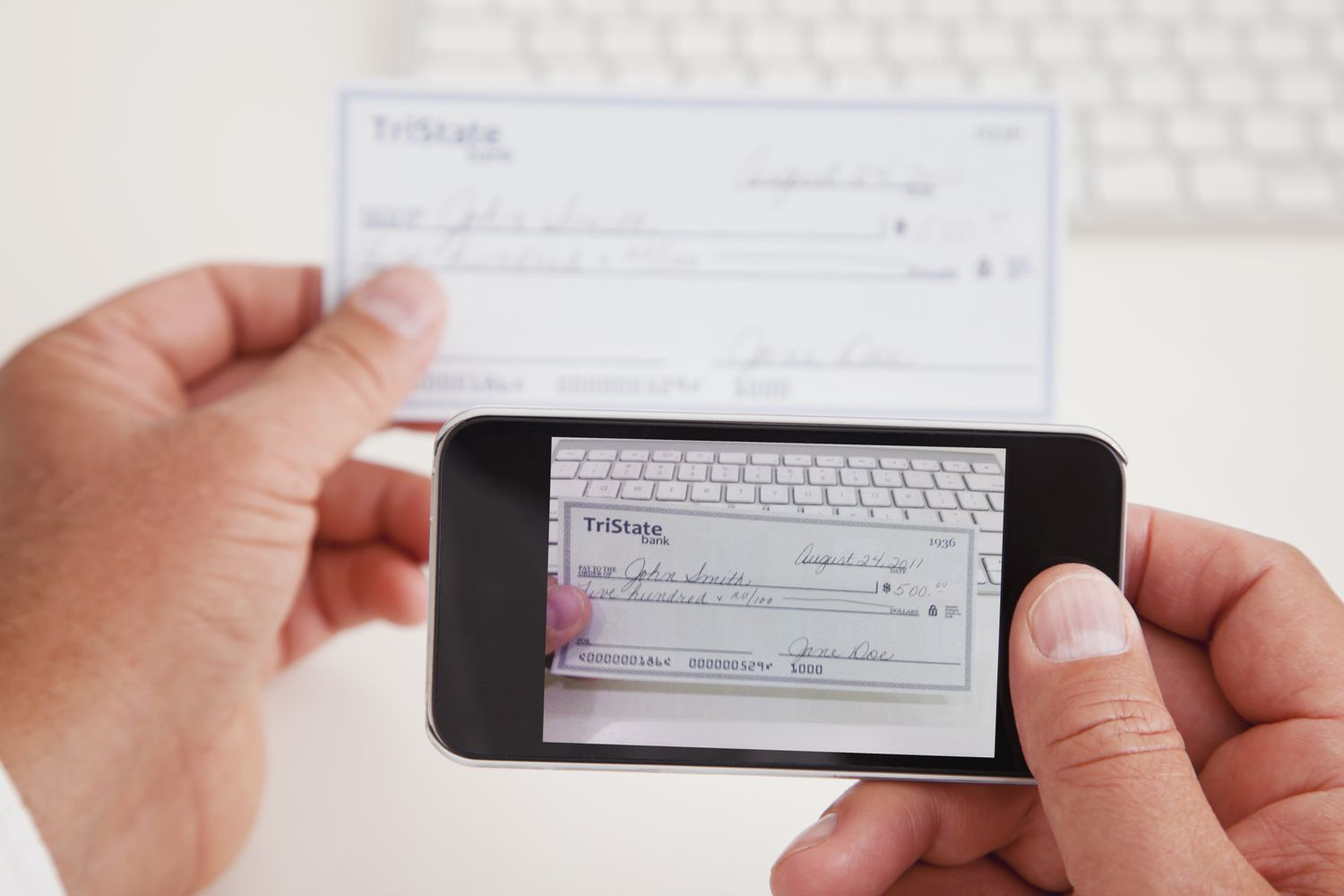
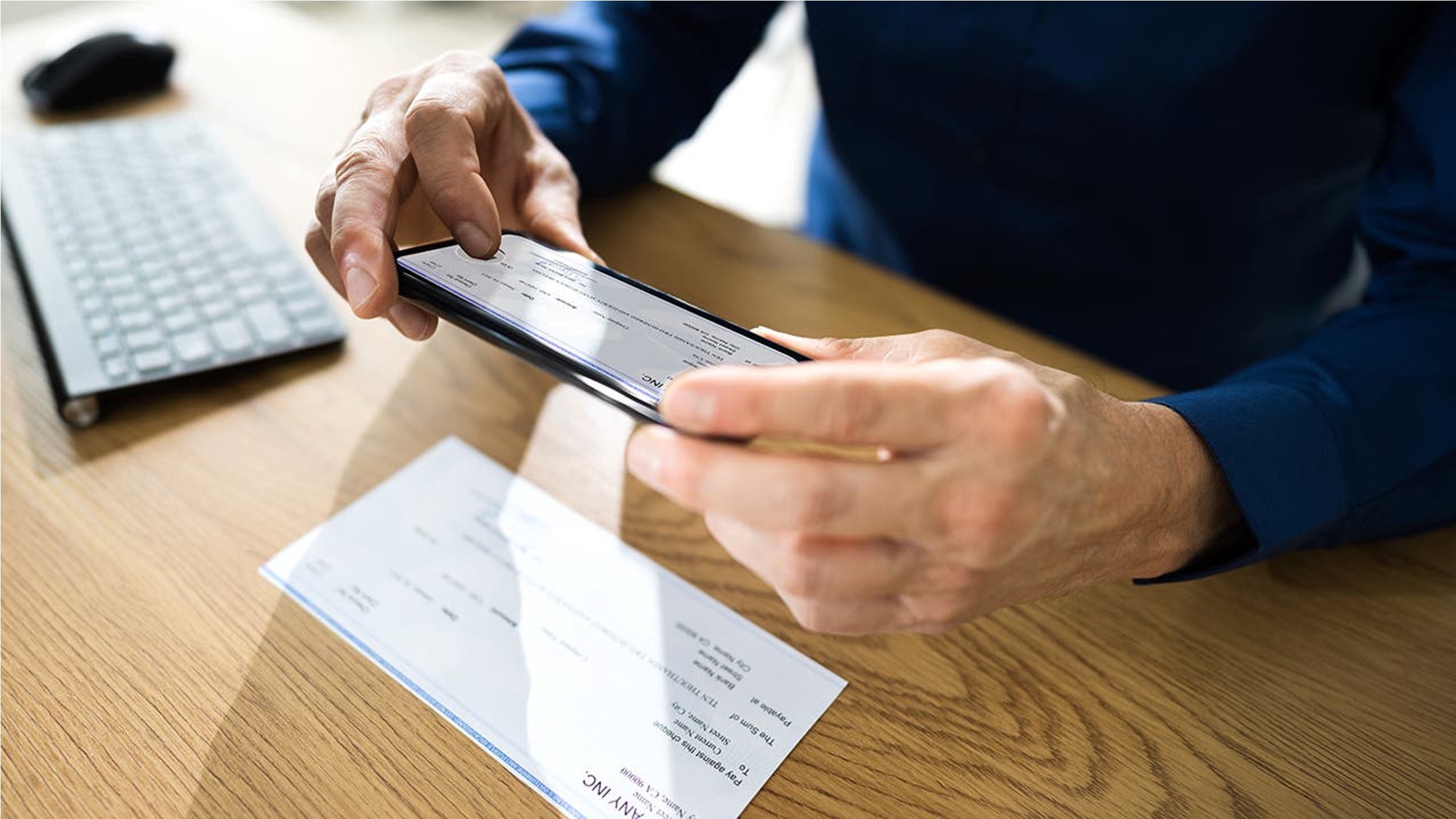
- Tap Front to photograph the front of the endorsed check, ensuring the image is clear and all details are visible.
- Endorse the back of the check by signing it.
- Tap Next and then photograph the back of the endorsed check.
- Review the deposit amount and check details displayed on the screen.
- Tap Next, then tap Deposit to confirm and submit the deposit.
The app provides instant confirmation once the deposit has been successfully submitted for processing. Chase also describes the same flow as selecting Deposit checks in the top navigation menu of the Chase Mobile app. Retain the original physical check for a reasonable period after depositing it via the mobile app, as a precautionary measure for discrepancies or issues.
Chase mobile deposit limits by account type
Deposit limits vary by account type, and the rolling 30-day period is calculated based on the total of all deposits made within the most recent 30 consecutive days. The specific limits are:
- Chase Private Client: $25,000 per day and $100,000 in any rolling 30-day period.
- J.P. Morgan Private Bank: $100,000 per day and $500,000 in any rolling 30-day period.
- Taxable investment accounts: $100,000 in any rolling 30-day period.
- IRAs: Subject to annual contribution limits of $6,000 or $7,000.
How to check your personal deposit limit in the app
To see your current available limit, open the Chase Mobile app and navigate to the deposit service. When you select an account within that service, the app will display your remaining available limit for that account. This is the most accurate way to know exactly how much you can deposit at any given time, as the limit reflects your recent deposit activity within the rolling 30-day window. Chase evaluates factors like account history, relationship with the bank, and overall banking activity to determine appropriate deposit limits, and may adjust these limits over time based on account usage and transaction patterns.
Fund availability and processing times
Funds from mobile deposits are generally available the next business day. Chase states that mobile deposits are typically available by the next business day, and the Google Play listing confirms this timeframe. All deposits are subject to the applicable deposit limits, so a deposit that would exceed your remaining available limit may be rejected.
Frequently Asked Questions
What happens if I exceed my Chase mobile deposit limit?
If you attempt to deposit an amount that would exceed your daily or rolling 30-day limit, the deposit will likely be rejected by the system. Exceeding your deposit limit may result in additional fees. You would then need to use an alternative deposit method, such as visiting a branch or using an ATM, to deposit the check.
Can I request an increase to my mobile deposit limit?
Contacting Chase customer service or visiting a local branch would be the appropriate way to discuss whether a limit increase is possible based on your account history and banking relationship.
Are all types of checks accepted for mobile deposit?
The Chase mobile deposit limit applies to all types of checks, including personal, business, and cashier's checks. However, the service may not accept certain check types, such as those that are damaged or altered, so it is best to verify within the app before attempting a deposit.
How do I find my current available limit in the app?
Open the Chase Mobile app, go to the deposit service, and select the account you want to deposit into. Your current available limit will be displayed there, reflecting how much of your daily and rolling 30-day limit remains.
Where can I find mobile check deposit help?
For mobile check deposit help, you can refer to Chase's official resources, including the Mobile Check Deposit Guides and Timelines available within the app's help section or on the bank's website. These guides provide step-by-step instructions and answer common questions about the deposit process.
Related reading: Why Is My Mobile Deposit Pending and How To Deposit A Check On Chase Mobile.