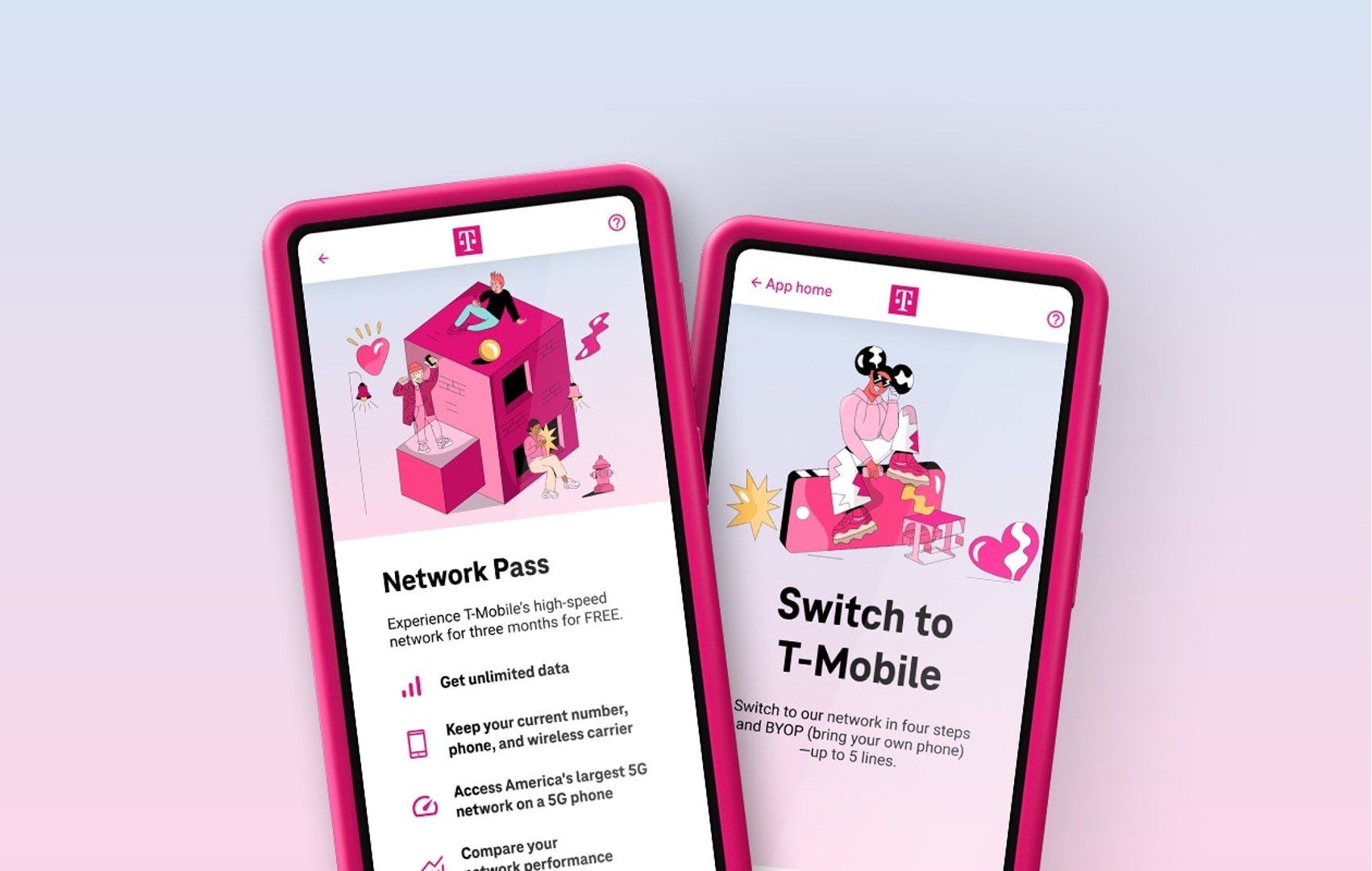
To apply for T-Mobile service, you must go through T-Mobile's official sales and support channels, as the company does not publish a specific online application form with documented steps. The official way to start your how to apply for T-Mobile process is by using one of T-Mobile's four verified channels: their website, the T-Life app, a phone call, or a local store visit.
Official ways to start your T-Mobile application
T-Mobile provides four verified channels to begin your application for new service. Each channel connects you directly to T-Mobile's sales and support teams, which handle new account setup. You can apply through the T-Mobile website, use the T-Life app for mobile account management, call 611 from an existing T-Mobile phone, or call 1-800-937-8997 from any other phone. Visiting a local T-Mobile store is also an option where a representative can assist you with the application process in person.
Contacting T-Mobile customer care for new accounts
When you are ready to apply, T-Mobile customer care is available daily from 4 a.m. to 9 p.m. Pacific Time. If you are calling from a non-T-Mobile phone, dial 1-800-937-8997 and enter the T-Mobile phone number when prompted. For those specifically interested in T-Mobile 5G Home Internet, technical support is available at 1-844-275-9310. These contact numbers connect you to representatives who can walk you through the application process and answer questions about T-Mobile purchases and billing, including details on T-Mobile Billing, Insurance and Purchases Explained.
What to expect during the sign-up process
While T-Mobile does not publicly document the exact steps of its online application flow, the sign-up process generally follows common industry practices. You will typically be asked to choose a service plan that fits your needs, provide personal information such as your name, address, and Social Security number for a credit check, and select a device or SIM card. Existing T-Mobile Accounts must be in good standing before applying for additional services or making changes. Applicants must agree to comply with T-Mobile's terms and conditions, acceptable use policy, and other guidelines. The actual application flow will be handled entirely through the channel you choose to apply through.
Frequently asked questions about applying for T-Mobile
Can I keep my phone number when switching to T-Mobile?
Yes, T-Mobile allows you to keep your current phone number when switching to their service. You will need to provide your current account information and authorize the transfer during the application process.
What if I have bad credit?
T-Mobile may conduct a credit check as part of the application process, but they also offer prepaid and no-contract options that may not require a credit check. For more detailed information on credit requirements, see the sibling article on credit scores for T-Mobile.
How do I apply for a T-Mobile plan?
To apply for a T-Mobile plan, you can visit their official website, use the T-Life app, call 1-800-937-8997, or visit a local T-Mobile store. Each channel connects you directly to T-Mobile's sales team to begin the application process.
What documents do I need to apply for a T-Mobile plan?
When applying for a T-Mobile plan, you will typically need to provide a valid form of identification, such as a driver's license or passport, as well as proof of address and payment information. Proof of Income may be requested in some cases (recent pay stubs, tax returns, employment verification). Additional Documentation for Business Accounts may be required (business licenses, articles of incorporation).
What are the different T-Mobile plans available for application?
T-Mobile offers a variety of plans, including individual and family plans, as well as options for unlimited data, talk, and text. You can choose a plan that best suits your needs and budget when applying through any of the official channels.
Related reading: What Is T-Mobile Essential Plan and How To Cancel AT&T Mobile Line.