






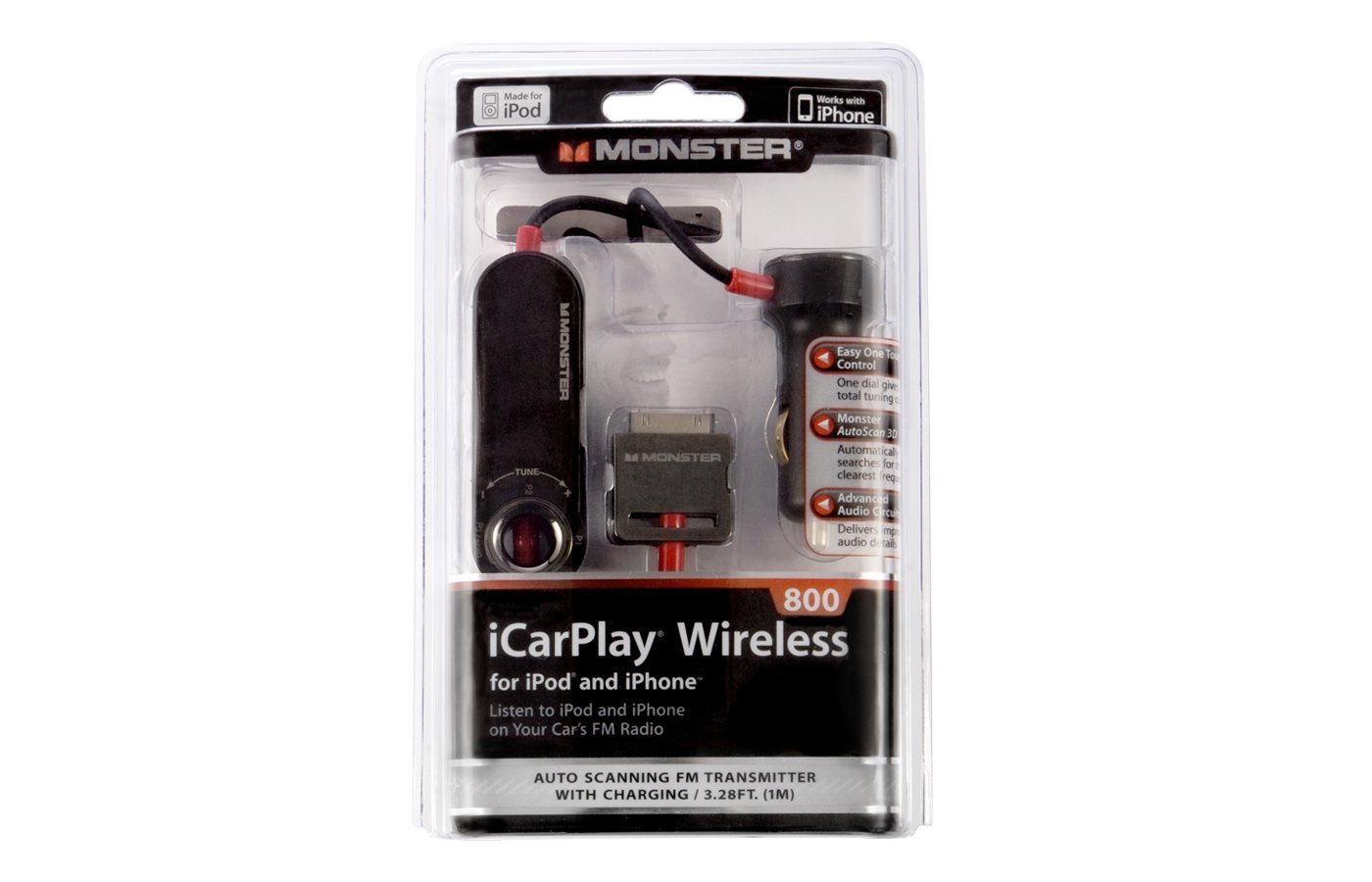
To connect to Monster Bluetooth FM Transmitter, you need to pair your phone via Bluetooth and then set an FM frequency on both the transmitter and your car radio. This gives you wireless music streaming and hands-free calling in any vehicle with an FM stereo.
How to connect to monster Bluetooth fm transmitter
Connecting your phone to the Monster Bluetooth FM Transmitter takes two main steps: pairing the devices through Bluetooth, then matching an FM frequency on your car radio. Once set up, you can stream music, take calls, and charge your devices while driving.
Step 1: Power on and prepare the transmitter
- Plug the Monster Bluetooth FM Transmitter into your car's power socket (cigarette lighter or accessory port).
- The device will power on automatically. Look for the LED indicator to confirm it is receiving power.
- Note the two 3.4 Amp USB charging ports on the transmitter. These allow you to charge two devices simultaneously while streaming audio.
The transmitter (MCC9-1032-BLK) has two 3.4 Amp USB ports for simultaneous charging.
Step 2: Pair your phone via Bluetooth
- Enable Bluetooth on your phone. Go to your device's Bluetooth settings and make sure it is discoverable.
- On the transmitter, ensure it is in pairing mode. The LED will typically flash to indicate it is ready to pair.
- From your phone's list of available devices, select the Monster Bluetooth FM Transmitter. It may appear as "Monster FM Transmitter" or a similar name.
- If prompted for a pairing code, enter the default code (often 0000 or 1234) provided in the user manual.
- Once paired, the LED will stop flashing and remain steady. Your phone is now connected.
This transmitter supports voice control through Google Assistant and Siri. After pairing, you can activate your phone's voice assistant to make calls, change music, or get directions without touching your phone. For model MCC9-1032-BLK, it connects with Google Assistant and Siri for voice control.
Step 3: Set the FM frequency on your car radio
- Tune your car radio to an FM station that has no broadcast, a frequency with only static, no music or talk.
- On the Monster Bluetooth FM Transmitter, press and hold the "CH" button to enter frequency selection mode.
- Use the forward and backward buttons to scroll through frequencies until you find the same one you selected on your car radio.
- Press the "CH" button again to confirm the frequency. Your phone's audio will now play through your car's speakers.
For enhanced sound, press the Bass Boost button if your model includes it. This feature is available on models MCC9-1035 and MCC9-1032-BLK and adds extra low-end punch to your music. Some models (MCC9-1035, MCC9-1032-BLK) feature a Bass Boost button.
FM transmitters for cars work by broadcasting audio over an unused FM frequency, so choosing a clear station is key to avoiding static or interference from local radio stations.
Troubleshooting common connection problems
Static or poor sound quality
If you hear static or interference, change the FM frequency. Find a different empty station on your car radio and match it on the transmitter. Avoid frequencies near strong local radio stations for the clearest sound.
Pairing failures
If your phone cannot find or connect to the transmitter, power cycle both devices: turn off the transmitter and your phone's Bluetooth, then turn them back on. On your phone, "forget" the transmitter from the Bluetooth list and repeat the pairing process from scratch.
If the LED indicator does not light up, check the battery level of the transmitter. It may need to be charged before it can be turned on. Connect the transmitter to a power source using the provided USB cable and allow it to charge for a while before trying to power it on again.
The Monster Bluetooth FM Transmitter can only connect to one device at a time. If you want to connect a different device, make sure to disconnect the current device first by turning off Bluetooth or selecting 'Forget' on the device's Bluetooth settings.
If the battery continues to drain rapidly, it may be time to replace it with a new one.
In rare cases, some devices may not be compatible with the Monster Bluetooth FM Transmitter. If you are unable to establish a successful connection or experience other issues, check the device's user manual or contact the manufacturer to ensure compatibility.
Frequently Asked Questions
Can I use the Monster Bluetooth FM Transmitter with any car stereo?
Yes, it works with any car stereo that has an FM radio. Simply tune your car radio to the same frequency you set on the transmitter, and you will hear your phone's audio through the car's speakers.
How do I use the hands-free calling feature?
The transmitter has a built-in microphone for hands-free calls. When a call comes in, press the call button on the transmitter to answer. Your voice is picked up by the microphone, and the caller's audio plays through your car speakers.
Can I charge my phone while using the transmitter?
Yes. The transmitter includes two 3.4 Amp USB charging ports. Plug your phone's charging cable into either port to charge your device while streaming music or making calls.
Does the transmitter work with both Android and iPhone?
Yes, it works with any Bluetooth-enabled smartphone, tablet, or MP3 player. It also supports Google Assistant on Android devices and Siri on Apple devices for voice control.
Why does my audio cut out or skip?
Audio interruptions are usually caused by interference on the chosen FM frequency. Try switching to a different empty frequency on both the transmitter and your car radio.
For the wider topic, see FM transmitters for cars.















