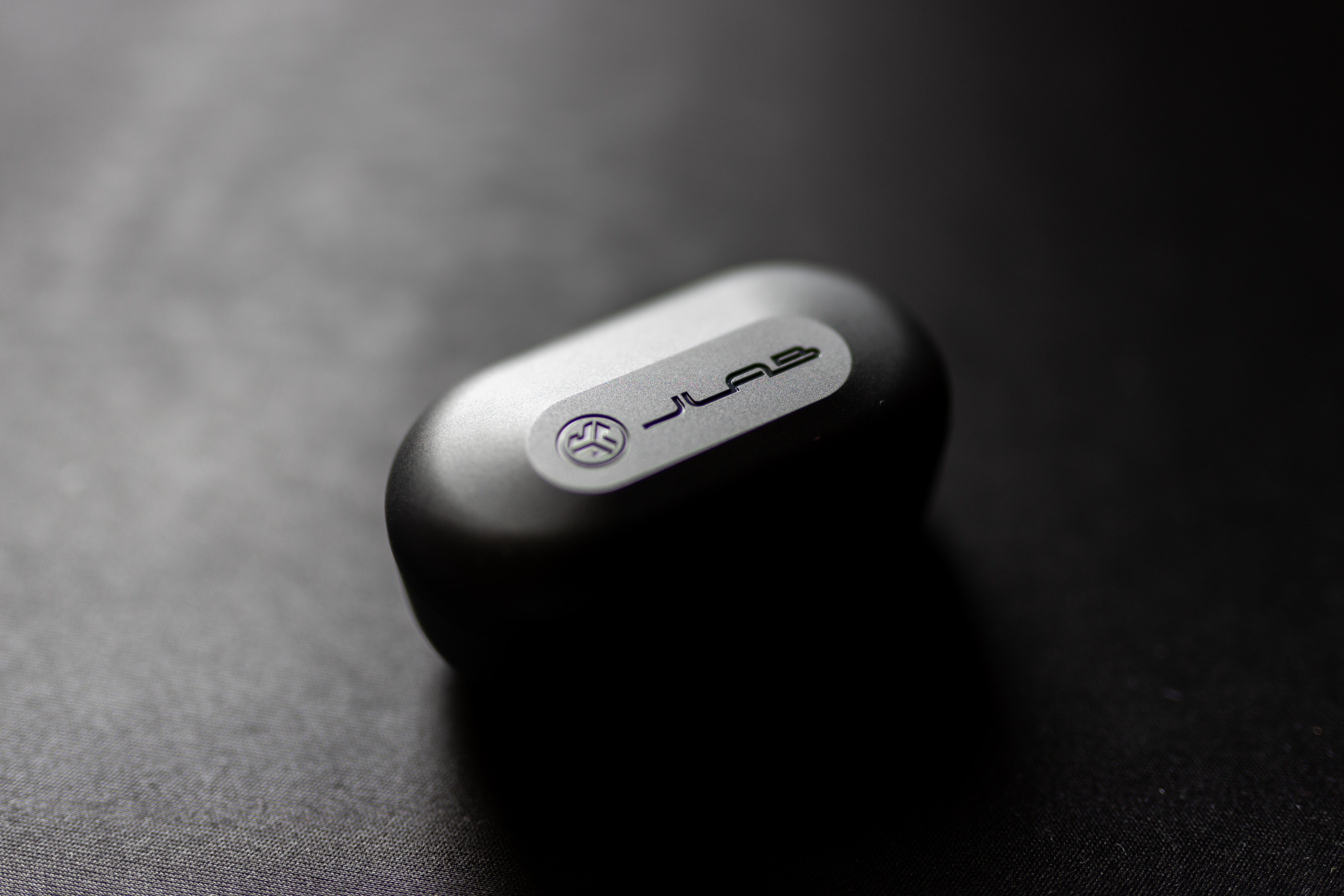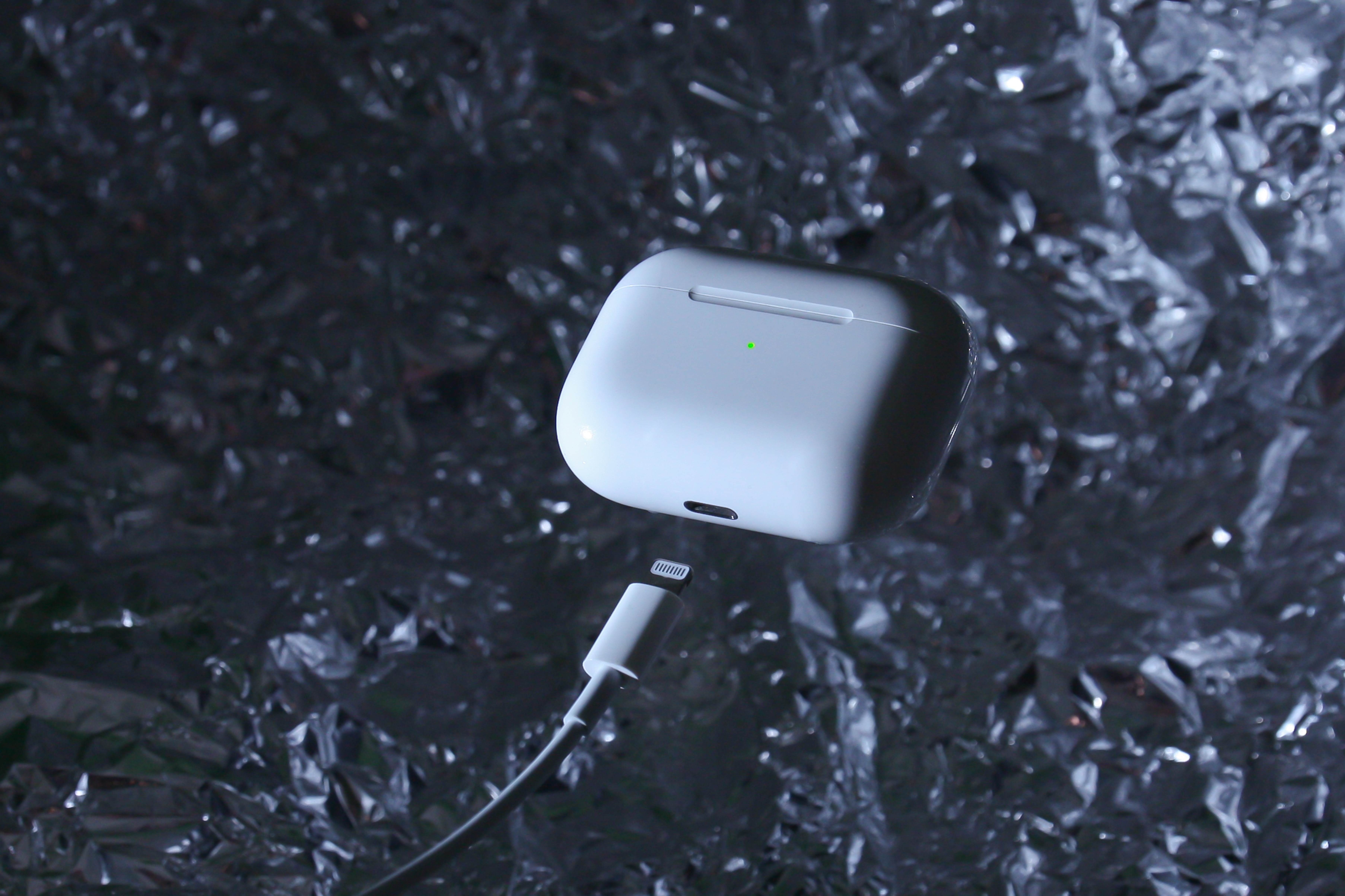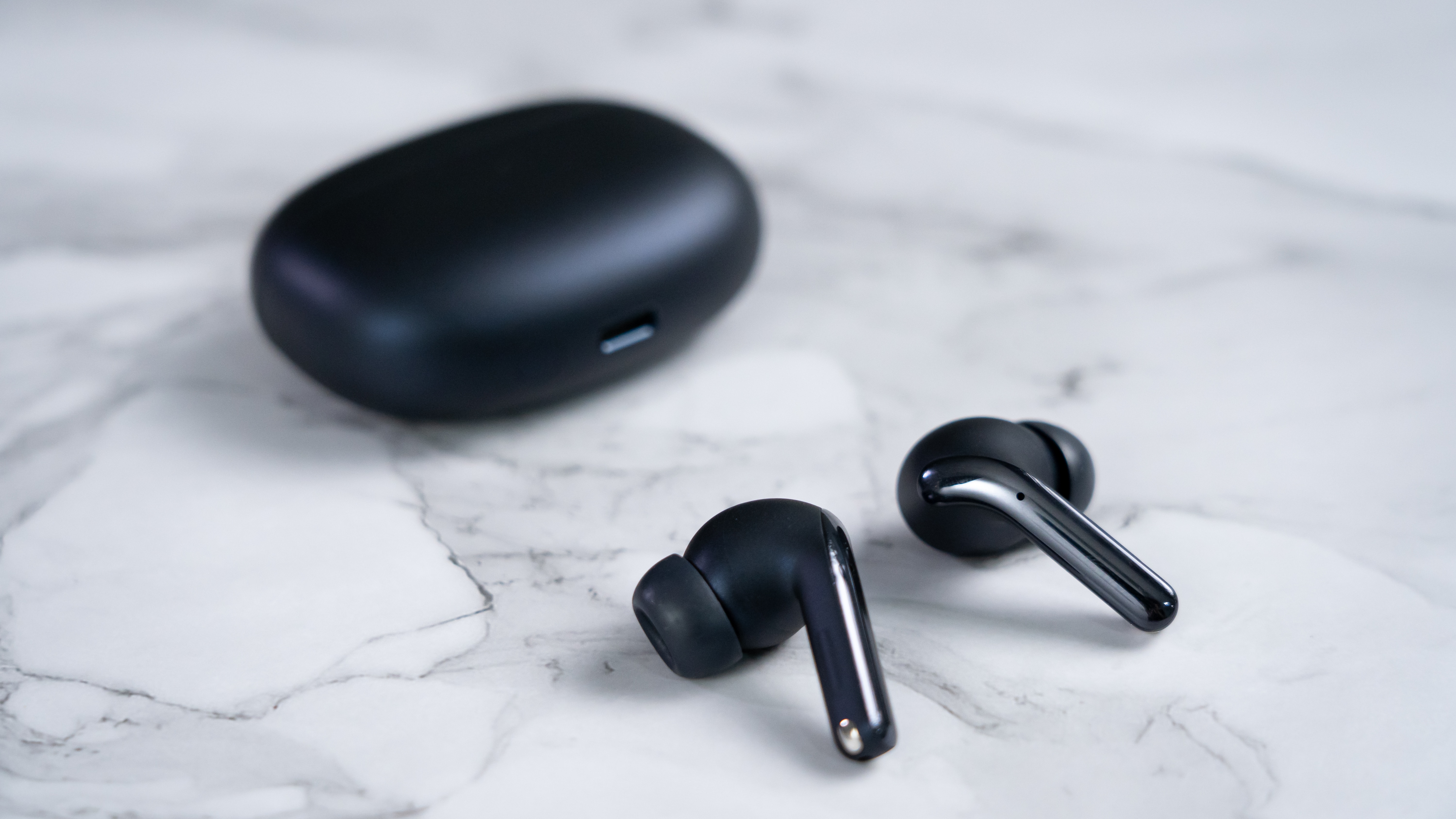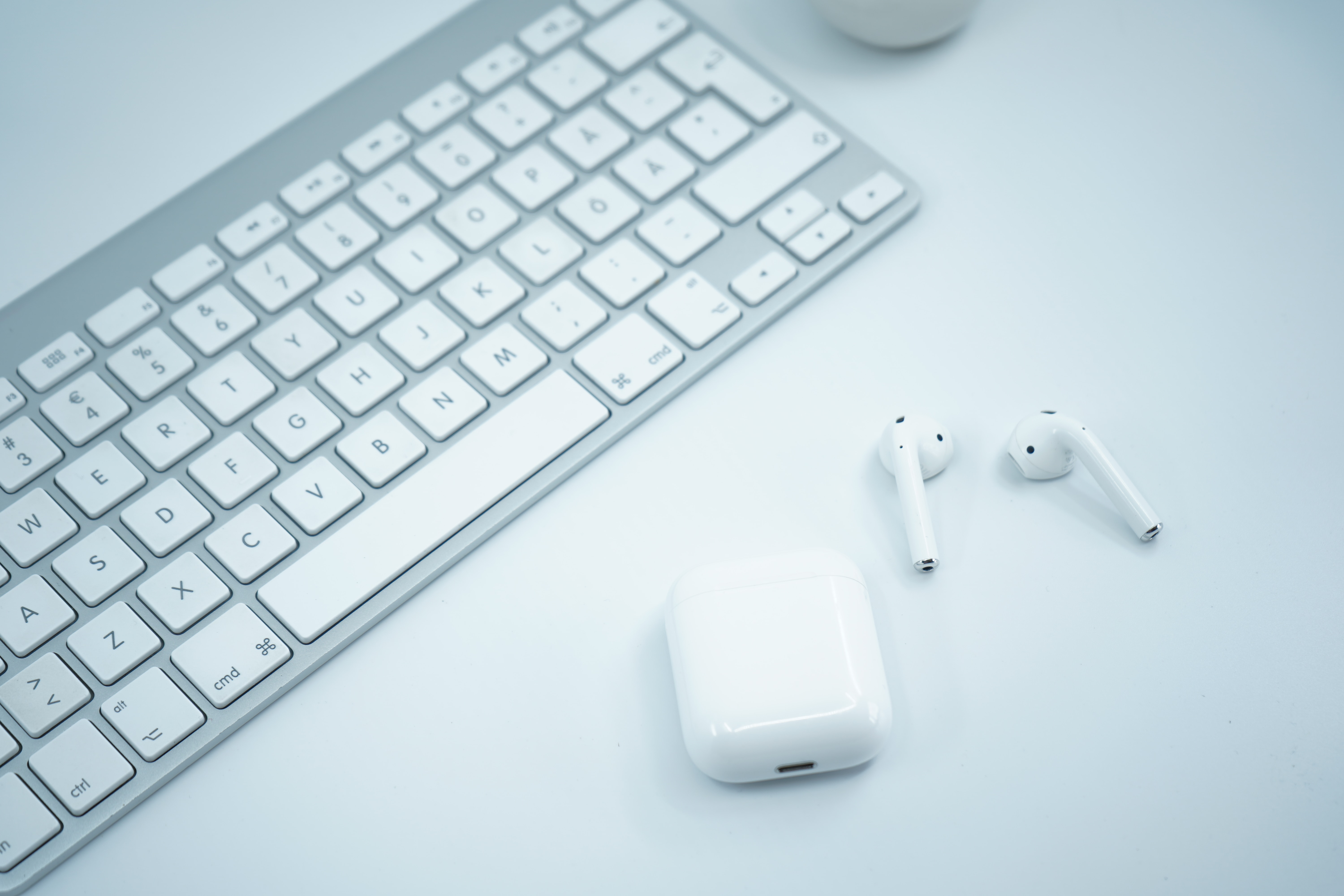
To charge JLab wireless earbuds, place them into their charging case; the case automatically powers them off and begins charging them. Then, connect the case to a power source using its integrated USB cable and a computer or a USB 5V/1A charging adapter.
How to charge JLab wireless earbuds
The core method for charging JLab wireless earbuds is universal across models. Simply insert the earbuds into the charging case, which will power them off and start the charging process. To charge the case itself, use the integrated USB cable (on supported models) and plug it into a computer or a USB 5V/1A adapter. This is the standard procedure for all JLab wireless earbuds.
Charging indicators by model
Knowing what the lights mean helps you confirm your earbuds and case are charging correctly. For the Work Buds, the earbuds' LEDs pulse blue while charging and turn off when fully charged; the dock LED pulses blue while charging and turns solid blue when fully charged. For the GO Air POP, the case light first shows the case battery level: a solid red light means 25-100% charge, while blinking red four times indicates less than 25% battery.
Charge times and quick charge facts
Specific charge durations vary by model. The GO Air POP case charges in under 2 hours, with a quick charge of 10 minutes providing 1 hour of playback. The JBuds Pods ANC case charges in 2 hours, earbuds charge in 2 hours in the case, and a 10-minute fast charge gives 2 hours of use. The Epic Lab Edition case charges in under 2 hours via USB-C, with a 10-minute quick charge providing 2 hours of playback. The Work Buds case charges in 3 hours, earbuds charge in 2 hours, and a 10-minute quick charge offers 1.5 hours of use.
Wireless charging for supported models
Only specific JLab models support Qi wireless charging. The Epic Lab Edition and Work Buds are the models that list wireless charging support. If you own a different JLab model, you must use the cable method to charge your earbuds.
What to do if your JLab earbuds won't charge
If your earbuds do not charge, the first documented troubleshooting step is to place them in the charging case when they are powered off and ensure they are correctly seated. For Work Buds, the earbuds auto power off and start charging when placed in the dock, and they power off after 3 minutes if removed without the case after Bluetooth is disconnected. Also check that your USB power source meets the requirements: for the GO Air POP and JBuds Pods ANC, the charger must deliver between 2.5W minimum and 5W maximum to achieve maximum charging speed. For other models, use a computer or a USB 5V/1A adapter with the integrated cable.
Frequently Asked Questions
Can I charge my JLab earbuds without the charging case?
No, JLab wireless earbuds are designed to charge only when placed inside their dedicated charging case. The case provides the necessary contacts and power management.
How do I know when my JLab earbuds are fully charged?
For most models, the LED indicators on the earbuds or case will turn off or change to a solid color when charging is complete. For example, Work Buds earbud LEDs turn off when fully charged, and the dock LED turns solid blue.
Can I use a fast charger to charge my JLab earbuds?
You can use a fast charger, but the earbuds will only draw the power they need. JLab specifies a maximum of 5W for some models like GO Air POP and JBuds Pods ANC. Using a higher-wattage charger will not damage the earbuds but will not speed up charging beyond their designed limits.
Why is only one of my JLab earbuds charging?
This usually indicates a poor connection. Ensure both earbuds are fully seated in the charging case and that the charging contacts are clean. If the issue persists, try resetting the earbuds by placing them in the case and closing the lid for a few seconds.
How long does the battery last on a full charge?
Battery life varies by model. The charging case provides additional charges, extending total listening time significantly.
For the wider topic, see charging wireless earbuds and headphones.
Related reading: How To Turn On Jlab Wireless Earbuds.