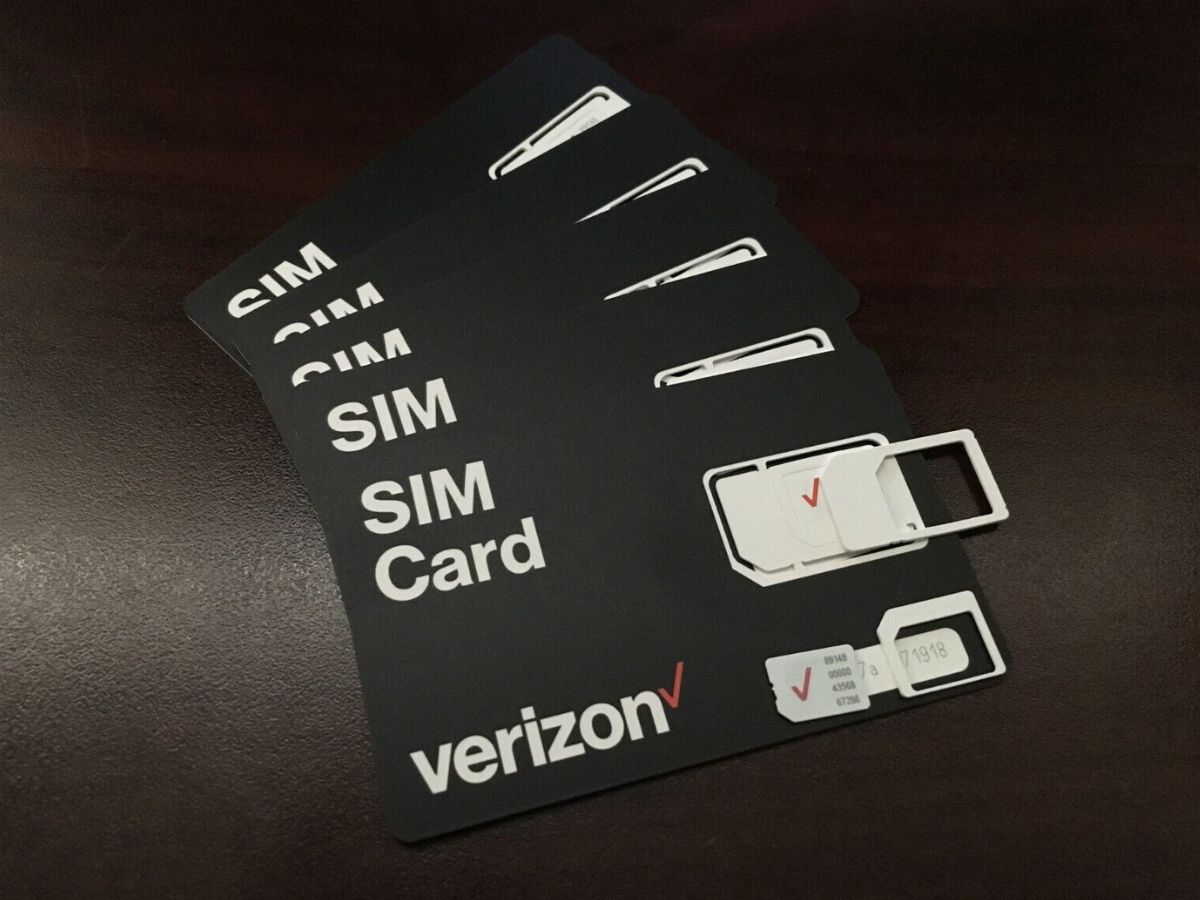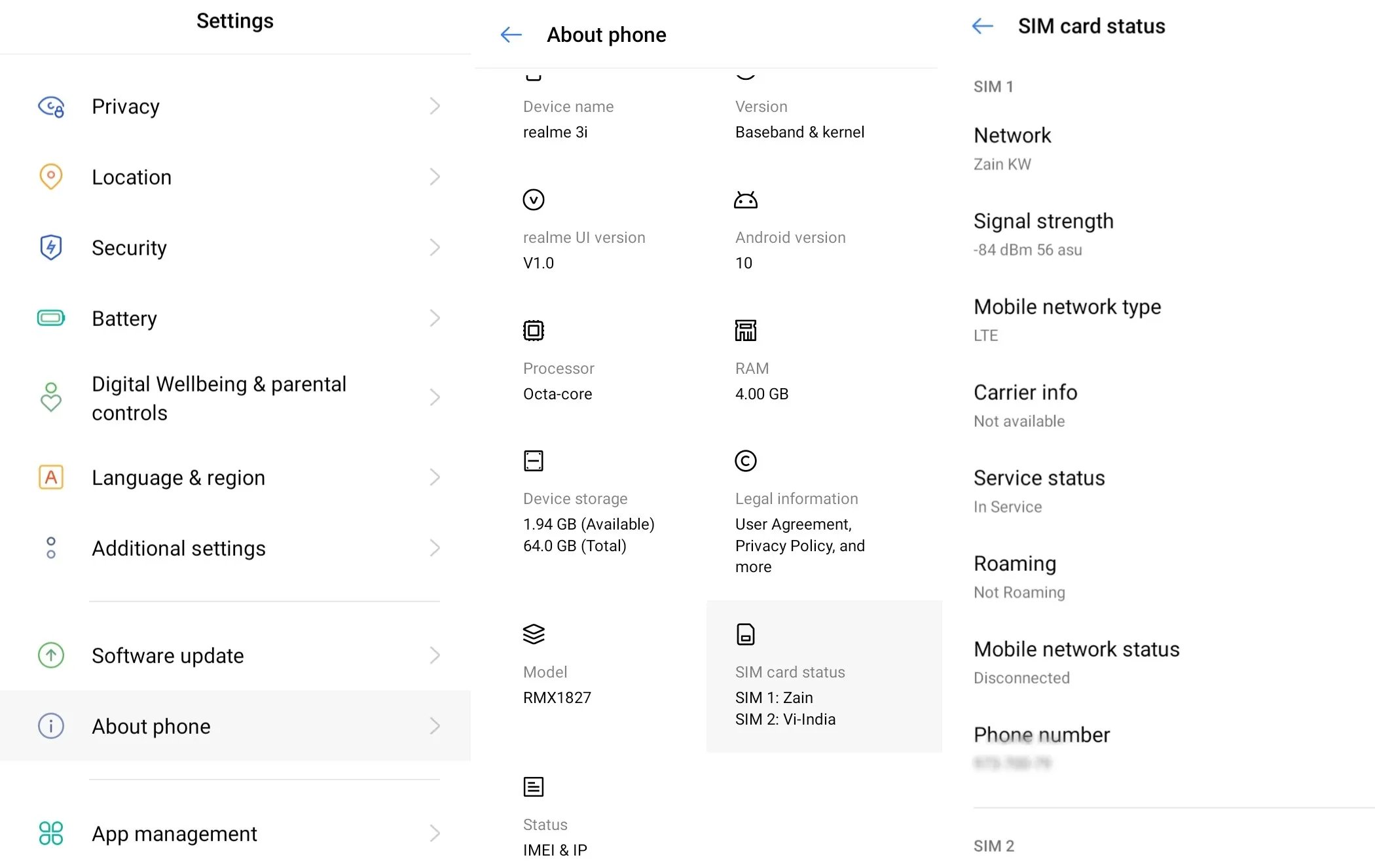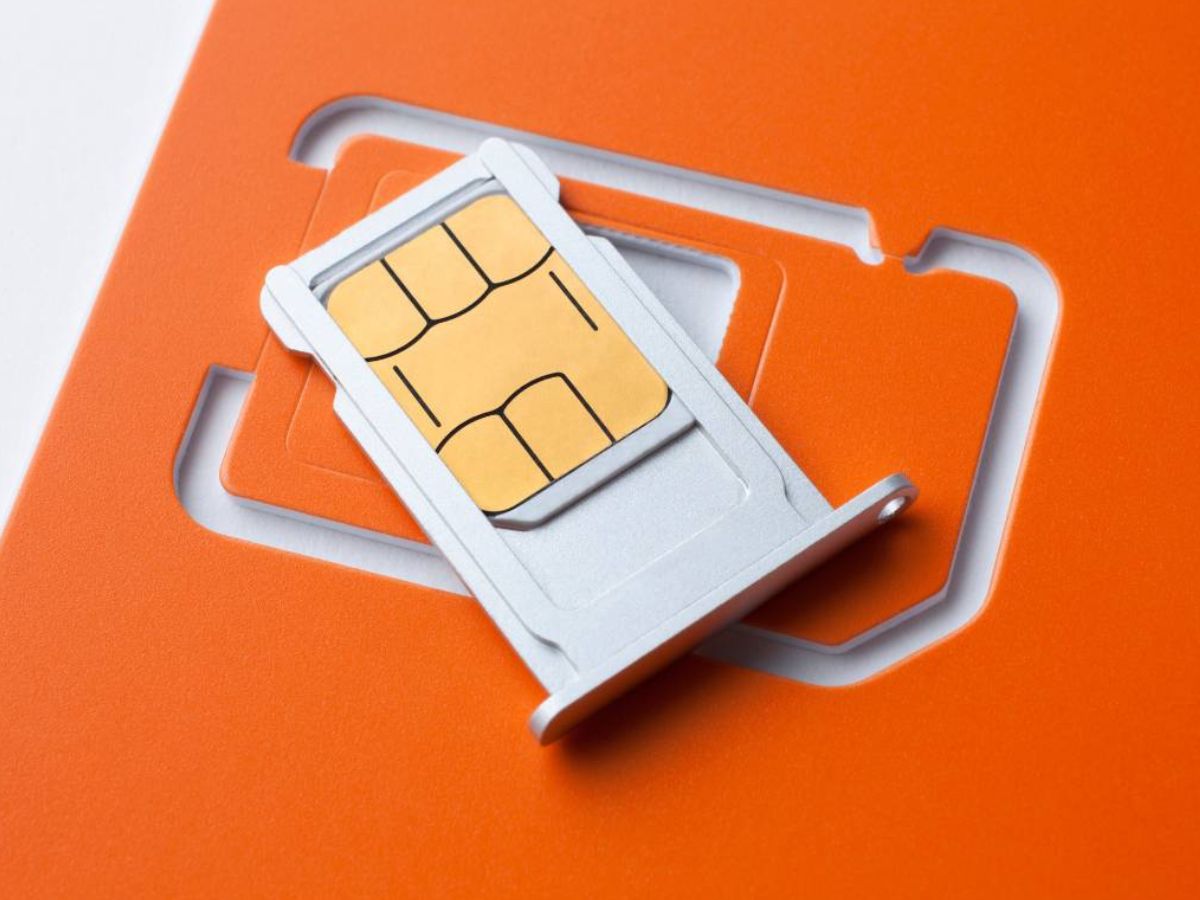
While many sources suggest a typical length of 19 or 20 digits, the official documentation for finding your SIM card number digits does not specify an exact count, so the number can vary depending on the issuer and type of card.
What a SIM card number (ICCID) is used for
The SIM card number, also known as the ICCID (Integrated Circuit Card Identifier), is a unique identifier for your SIM card. It is used for activating the SIM card, performing SIM card swaps or replacements, and tracking usage details. It is also used during device setup, network registration, and when filling out support forms to identify your specific line or account. The SIM card number is typically 19 or 20 digits long and follows a specific format with parts like Major Industry Identifier, Country Code, Issuer Identifier, Individual Account Identifier, and Check Digit. The first digit (MII) represents the industry category, e.g., 8 for telecommunications. Knowing this number helps you understand what a SIM card do in a phone, as it links your device to your carrier’s network for calls, texts, and data.
How to find your SIM card number on iPhone
To locate the ICCID on an iPhone, iPad, or iPod touch, follow these steps:
- Open the Settings app.
- Tap General.
- Tap About.
- Scroll down to find ICCID. This number is your SIM card number.
This method applies to all iPhone, iPad, and iPod touch models that have those identifiers. You can also view the ICCID on a connected Mac or PC using Finder, iTunes, or Apple Devices.
How to find your SIM card number on Android
For Google Pixel devices, the official path to find the ICCID is:
- Open the Settings app.
- Tap About phone.
- Tap SIM Status.
- Locate the ICCID entry.
This path is documented for specific Pixel models, including the Pixel Fold, Pixel 9, and Pixel 11. If you are comparing plans, you can use this number to check SIM card information and costs with your carrier.
Frequently Asked Questions
Where do I find the SIM card number on iPhone?
Go to Settings > General > About, then scroll to ICCID. This works on iPhone, iPad, and iPod touch.
Where do I find the SIM card number on Android?
On supported Google Pixel devices, navigate to Settings > About phone > SIM Status to find the ICCID. This path is confirmed for Pixel Fold, Pixel 9, and Pixel 11.
How many digits does a SIM card number have?
While common estimates range from 19 to 20 digits, the length can vary by carrier and SIM card type. Some virtual network operators may issue SIM cards with 13 or 15 digits. Newer SIM types for M2M or IoT devices may have numbers exceeding 20 digits. The number of digits does not directly affect functionality or device compatibility.
Can I find my SIM card number without the physical card?
Yes. On both iPhone and supported Android devices, you can view the ICCID in the device settings without removing the SIM card, as described in the steps above.
Can the number of digits in a SIM card number vary?
Yes, the number of digits can vary.
Are there any security concerns associated with the SIM card number?
The SIM card number itself is primarily an identifier and is not typically considered sensitive on its own, but you should still protect it as you would any personal account information to help prevent unauthorized SIM swaps or account changes.
Can I change my SIM card number?
You cannot change the ICCID itself, as it is permanently assigned to the physical SIM card. To get a new SIM card number, you would need to obtain a replacement SIM from your carrier.
Related reading: What Is A Verizon SIM Card.