To add more hotspot data at&t, you purchase a $15/10GB data pass directly through the myAT&T app or the AT&T website. This is the fastest way to restore high-speed hotspot access on your current unlimited plan.
How to add more hotspot data on AT&T instantly
Follow these exact steps to buy a hotspot data add-on immediately:
- Open the myAT&T app or go to att.com and sign in to your account.
- Navigate to your wireless add-ons section.
- If you have multiple lines, select the line you want to update by choosing "Switch."
- Scroll to "Get new add-ons" and select "Hotspot data."
- Choose either "One time" (valid for 30 days) or "Monthly" (recurring add-on).
- Select "Add to device" and follow the on-screen prompts to complete the purchase.
The new hotspot data is typically available within a few minutes. Both the one-time and monthly options cost $15 for 10GB of high-speed hotspot data.
AT&T hotspot data add-on pricing and plan eligibility
The $15/10GB hotspot data add-on is available as either a one-time purchase (good for 30 days) or a recurring monthly add-on. For the recurring monthly add-on, unused data does not transfer to the next bill period. You can also add more data in 5GB increments if needed.
This add-on works with current unlimited plans that include mobile hotspot data, specifically AT&T Elite 2.0, AT&T Premium 2.0, and AT&T Extra 2.0. It also works with several retired or grandfathered plans: Unlimited Premium PL, Unlimited Extra EL, Unlimited Starter SL, Unlimited Plus, Unlimited Enhanced Plus, and Unlimited &More Premium. The AT&T Value 2.0SM plan is a current unlimited plan with 3GB of high-speed hotspot data, but it is not eligible for the $15/10GB add-on.
These plans already include generous hotspot data allowances, AT&T Elite 2.0 offers 250GB, Premium 2.0 offers 100GB, Extra 2.0 offers 50GB, and Value 2.0 offers 3GB, but the add-on gives you extra high-speed data when you need it.
How to check your AT&T hotspot data usage first
Before buying more data, verify how much hotspot data you have left using one of these methods:
- myAT&T app: Tap "Controls," then tap "Usage."
- Online wireless usage center: Sign in at att.com, select your wireless number, then choose the "Data" tab. You can also enable text message alerts when you reach a certain percentage of your data allowance via the 'Usage Alerts' section online.
- Dialing a code: Dial *DATA# (*3282#) from your AT&T phone to receive a text message with current data usage.
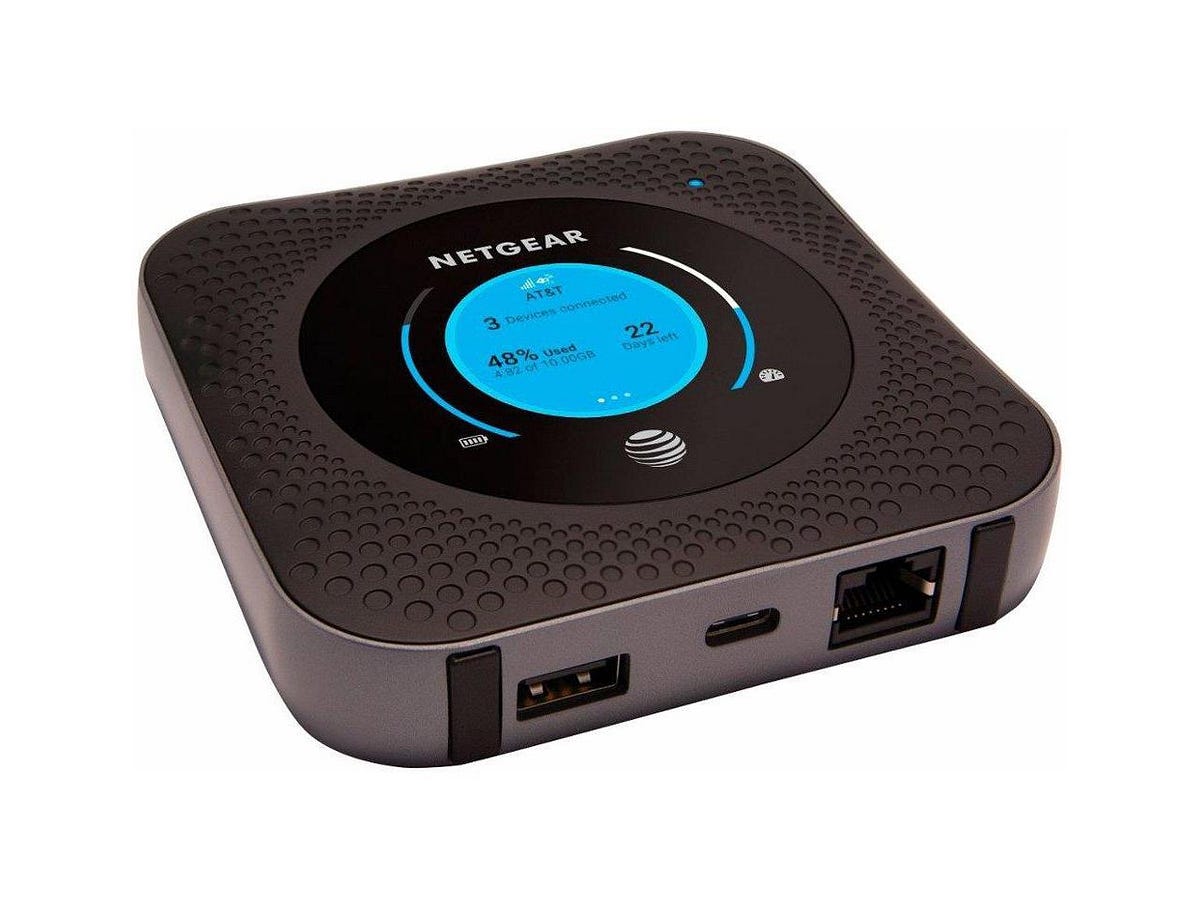
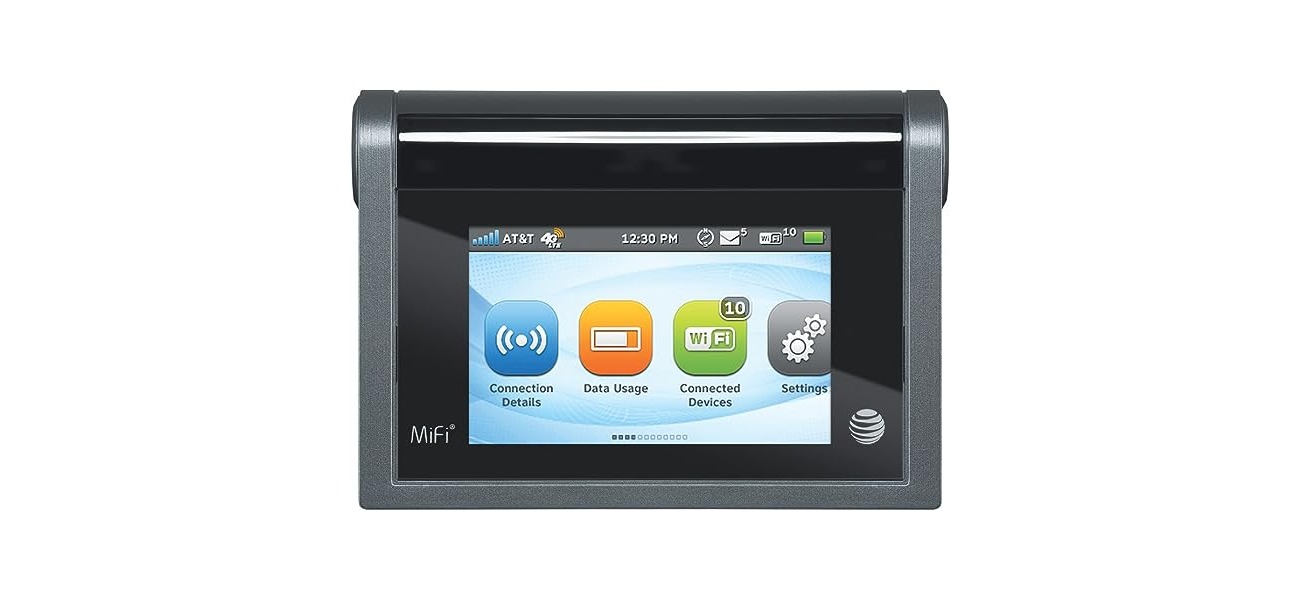
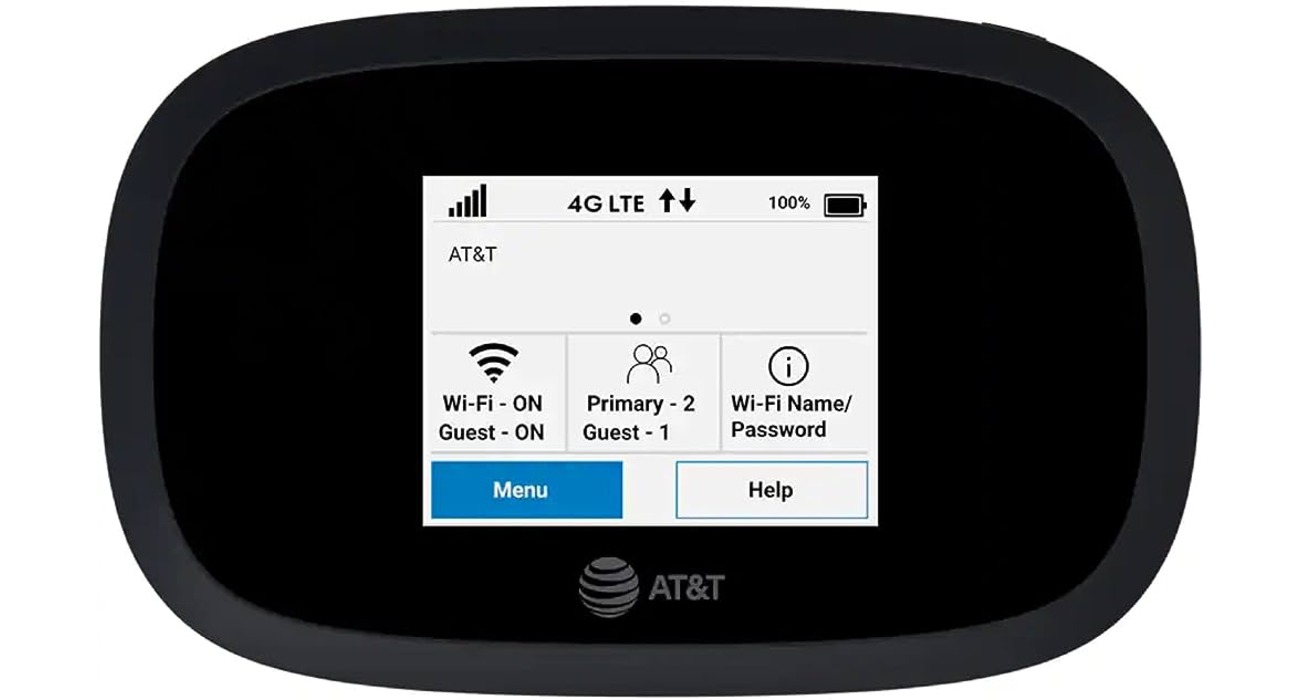
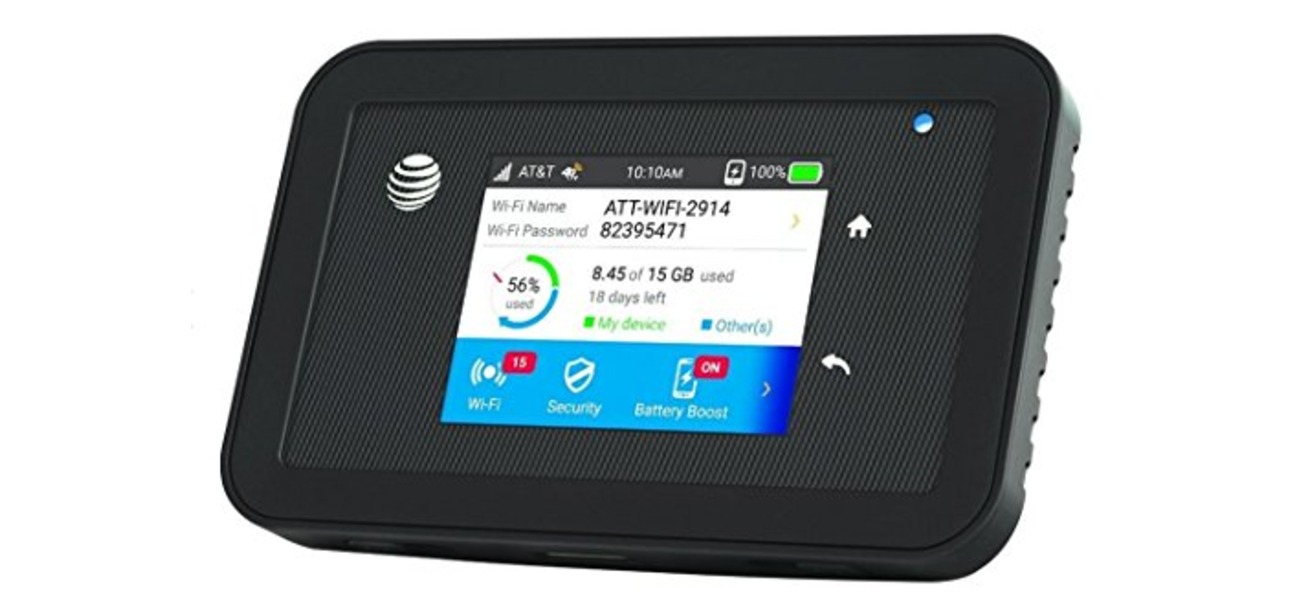
- Standalone mobile hotspot devices: Check the device's home screen or access its web interface (http://hotspot.webui) and select "Data usage."
Knowing your remaining data helps you decide whether you need the full 10GB add-on or can manage with less.
What happens when you run out of AT&T hotspot data
Once you use all the high-speed hotspot data included in your unlimited plan, your hotspot speed is slowed to a maximum of 128Kbps for the rest of your billing cycle. This is enough for basic messaging but not for streaming, video calls, or browsing most websites. You cannot get truly unlimited data from an AT&T hotspot; all plans have a high-speed data cap after which speeds are reduced.
AT&T Turbo is an add-on that improves network data performance for eligible 5G smartphones and plans. It costs $7 per line per month (free on AT&T Elite 2.0), but it does not provide additional data, it only improves the performance of the data you already have.
Adding hotspot data on AT&T Prepaid plans
AT&T Prepaid customers follow a different process. A 5GB data add-on is available for $10 per month. To purchase it, visit att.com/myprepaid or call 800.901.9878. If you add money to your account before your current balance expires, your data balance carries over to the new expiration date.
If you go over the included data (50GB or 100GB) during your billing period, 5GB of additional data will automatically be provided for $10.
Using Wi-Fi to save your AT&T hotspot data
To make your purchased hotspot data last longer, prioritize secure Wi-Fi networks whenever possible. Connect to your home Wi-Fi, office Wi-Fi, or trusted public hotspots at coffee shops and libraries. Download content like movies, music, and app updates while on Wi-Fi so you don't consume hotspot data for those tasks. Set your phone to automatically update apps and sync data only when connected to Wi-Fi. For streaming, consider lowering video quality, YouTube data usage and saving tips include reducing playback quality to 480p or lower to significantly cut data consumption.
Frequently Asked Questions
Can I add more than one hotspot data add-on at a time?
Yes, you can purchase multiple 10GB add-ons, but they do not stack. Each add-on is used separately, and you must use the first one before the second activates.
Does the one-time hotspot data add-on auto-renew?
No, the one-time add-on expires after 30 days and does not renew. You must manually purchase another one if you need more data after it expires.
Can I add hotspot data to a plan that doesn't include hotspot?
No, the $15/10GB add-on is only available for unlimited plans that already include mobile hotspot data. Plans without hotspot data cannot purchase this add-on.
What happens to unused one-time hotspot data when I change plans?
Unused one-time add-on data is forfeited if you change your wireless plan before the 30-day validity period ends.
Is the $15/10GB add-on available for business accounts?
The pricing and availability may differ for business accounts. Check your business account's add-ons section or contact AT&T business support for specific options.
For the wider topic, see hotspot data allowances.