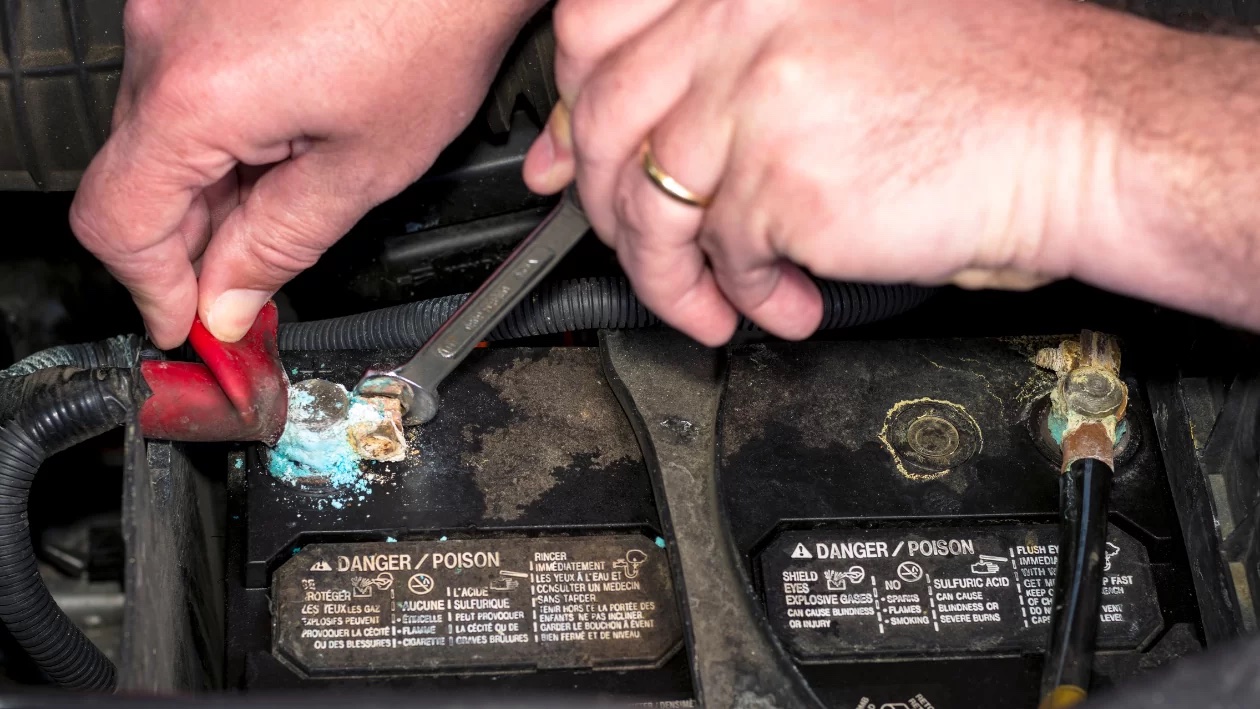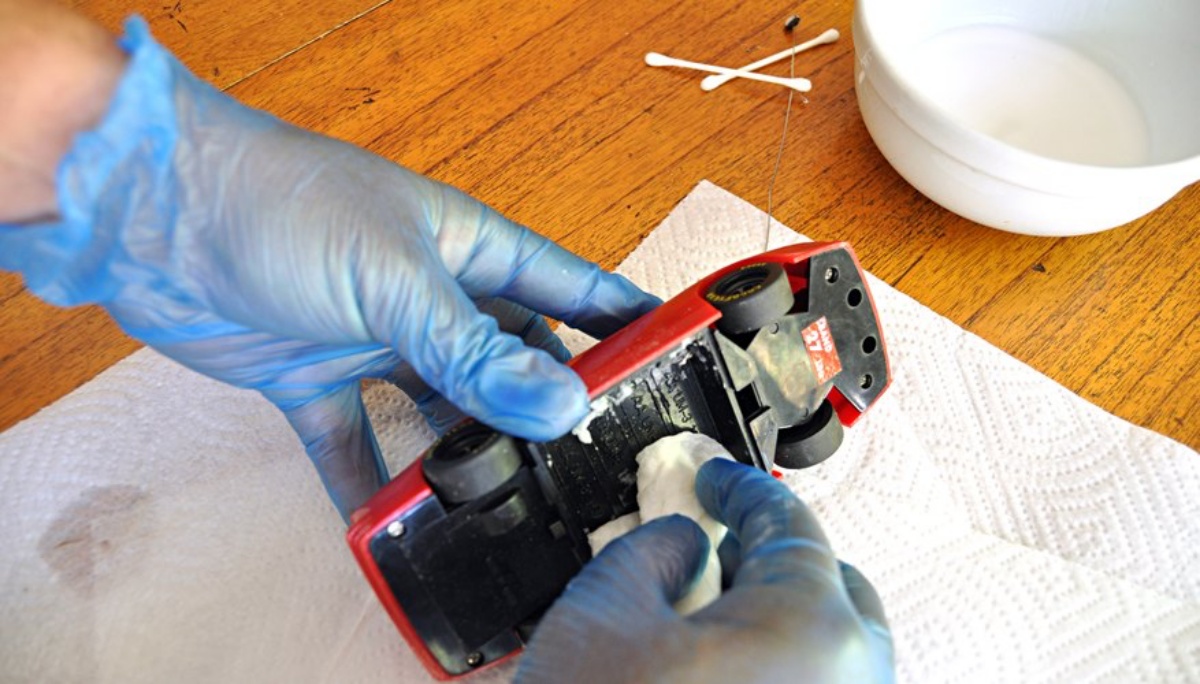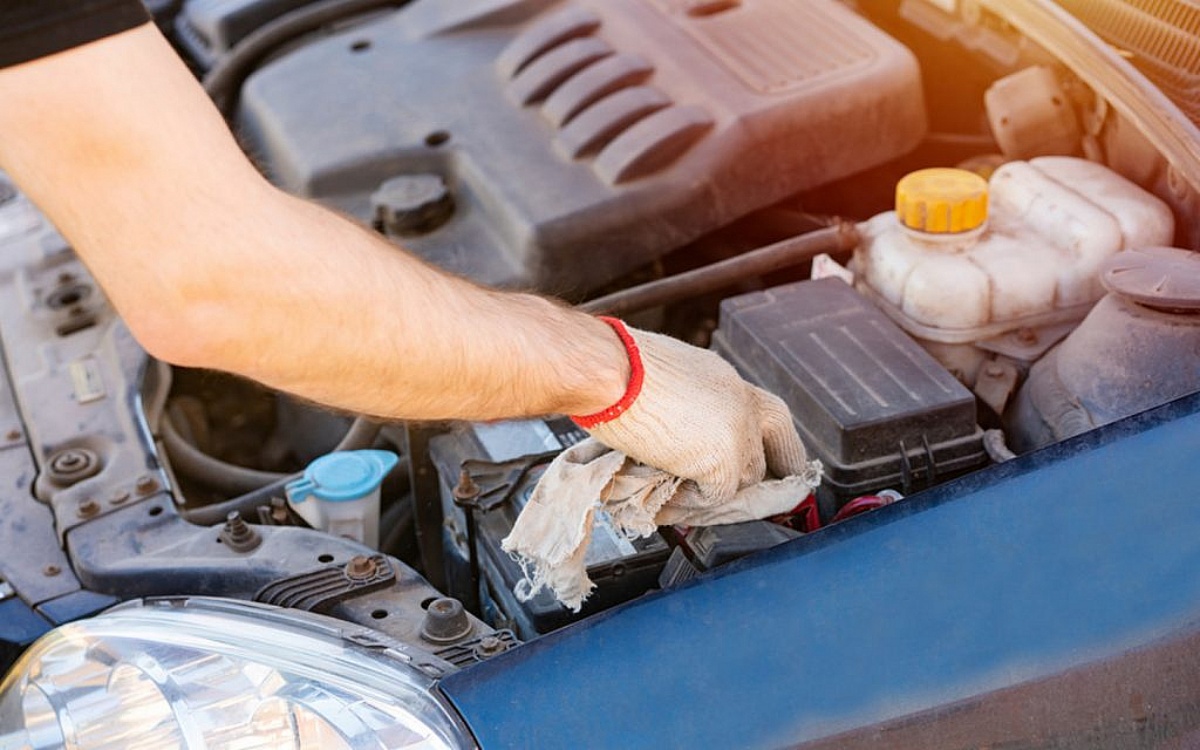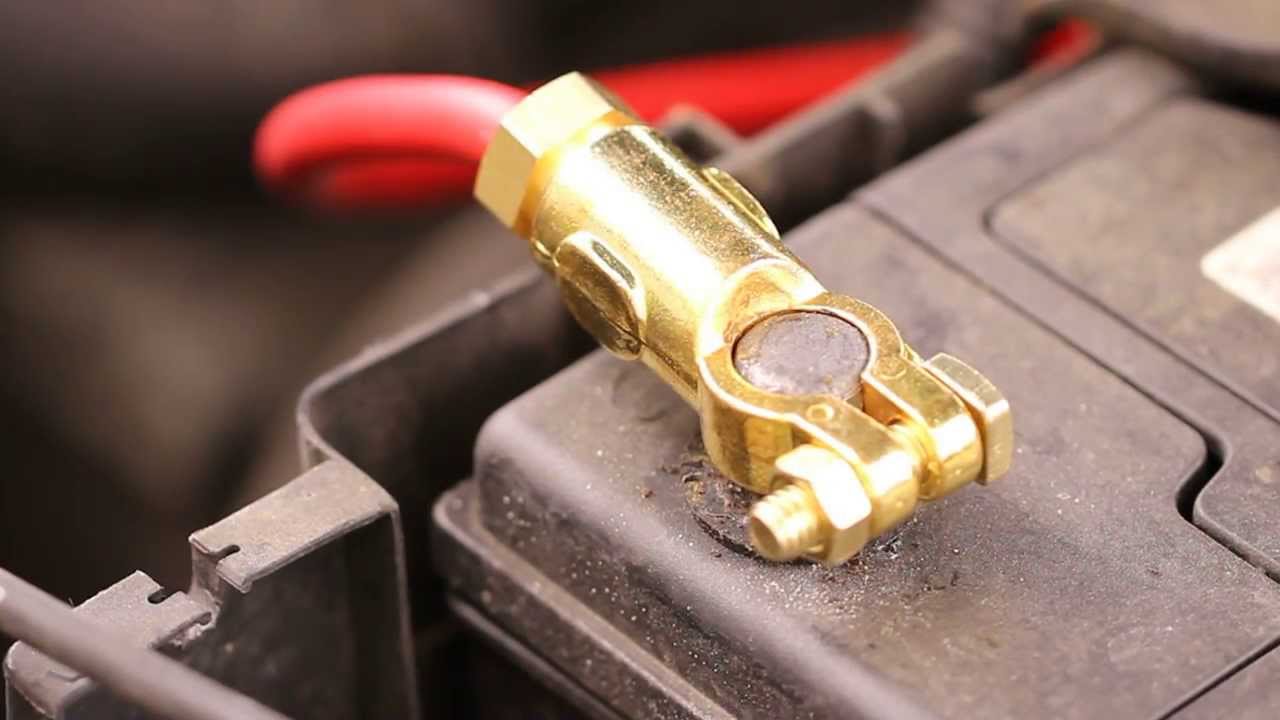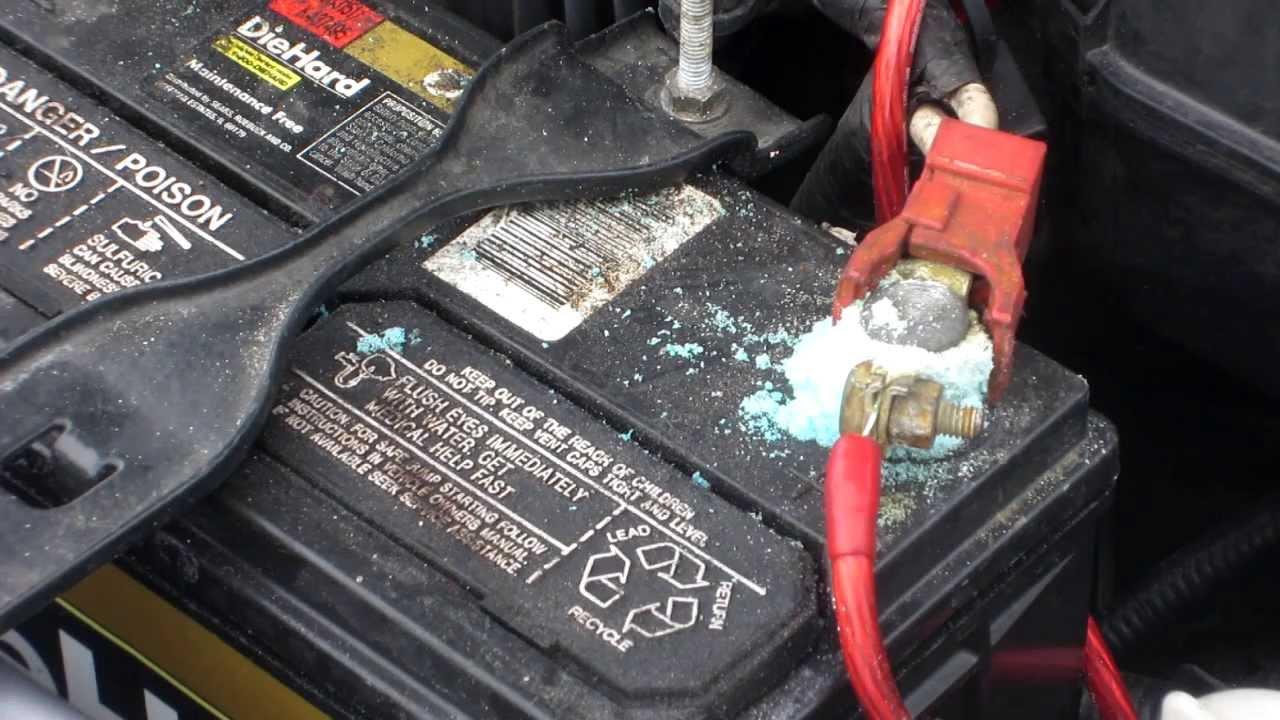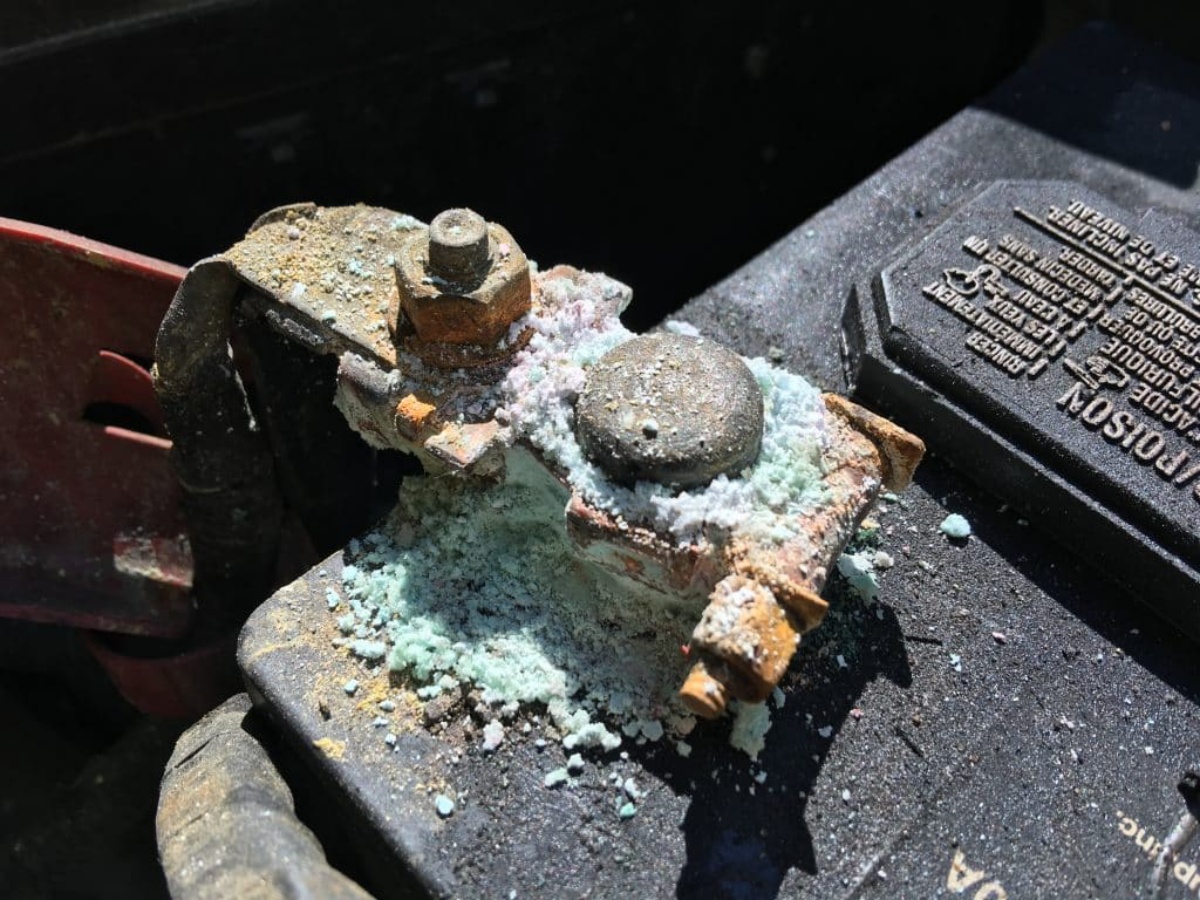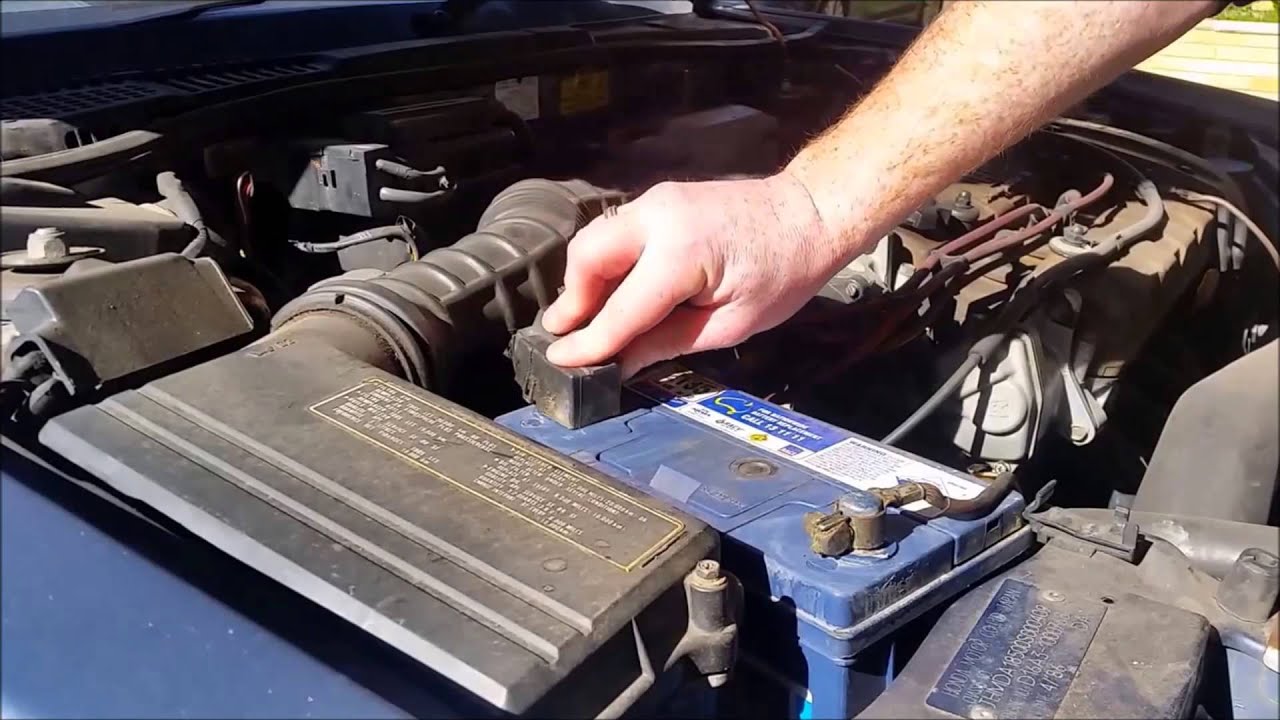
To clean battery posts on removable batteries like AA, AAA, or car batteries, you need to remove corrosion and dirt from the metal terminals to restore a good electrical connection.
Why you need to know how to clean battery posts
Corrosion on removable battery terminals, whether on AA, AAA, or car batteries, causes poor electrical contact, power loss, and device failure. Dirt, dust, and oxidation accumulate on the battery posts over time, hindering the flow of electricity between the battery and the device. Cleaning these posts regularly removes barriers to electrical conductivity, prevents battery damage such as short circuits or leaks, ensures optimal battery performance with consistent power delivery, and extends the battery’s lifespan.
Tools and materials needed for cleaning battery posts
Having the right tools makes the job effective and safe. You will need protective gloves to shield your hands from harmful chemicals or debris. A battery terminal cleaner is specially formulated to remove corrosion and dirt, though baking soda mixed with water also works as a natural cleaning agent. A wire brush with stiff bristles is ideal for scrubbing off buildup. Clean water is required for rinsing, and a clean cloth or towel is needed to dry the posts thoroughly after cleaning.
Step-by-step guide to clean battery posts
- Gather tools and materials. Collect protective gloves, a wire brush or toothbrush, baking soda, water, a clean cloth, and a small container for mixing the cleaning solution.
- Wear protective gloves. Put on rubber or latex gloves to protect your hands from any harmful chemicals or substances on the battery posts.
- Disconnect the battery. Remove the battery from the device or disconnect the terminals to prevent electrical shock or damage.
- Mix baking soda paste. In a small container, mix a tablespoon of baking soda with enough water to create a paste-like consistency. Baking soda neutralizes acid and lifts corrosion.
- Apply the paste. Using a clean cloth or toothbrush, apply the baking soda paste onto the battery posts, covering the entire surface.
- Scrub the posts. Use a wire brush or toothbrush to scrub the posts in a circular motion, removing dirt and corrosion. Be gentle to avoid damaging the posts.
- Rinse with clean water. Rinse the posts thoroughly with clean water to remove all traces of baking soda and loosened debris.
- Dry the posts. Use a clean cloth to dry the battery posts completely. Ensure no moisture remains before reconnecting.
- Reconnect the battery. Reattach the battery or terminals securely, ensuring a snug connection.
- Schedule regular maintenance. Inspect and clean battery posts periodically, at least once every three months, to prevent future buildup.
Additional tips for proper battery maintenance
Check battery fluid levels periodically in car batteries, adding distilled water if low, but avoid overfilling. Keep terminals and cables clean using the same baking soda paste method. Avoid deep discharges by keeping charge levels between 20% and 80% for optimal performance. Store batteries in a cool, dry place away from extreme temperatures. Disconnect the battery when storing equipment for prolonged periods to prevent parasitic drain. Use a battery maintainer or tender to keep the battery charged when not in use, prolonging its lifespan and preventing overcharging or undercharging. Inspect for signs of damage such as cracks or bulges, and replace damaged batteries promptly. Follow manufacturer guidelines for your specific battery model, as different batteries may require different routines. For AA and AAA battery specs, refer to standard battery specifications for proper voltage and size compatibility.
What to do if you have a smartphone instead
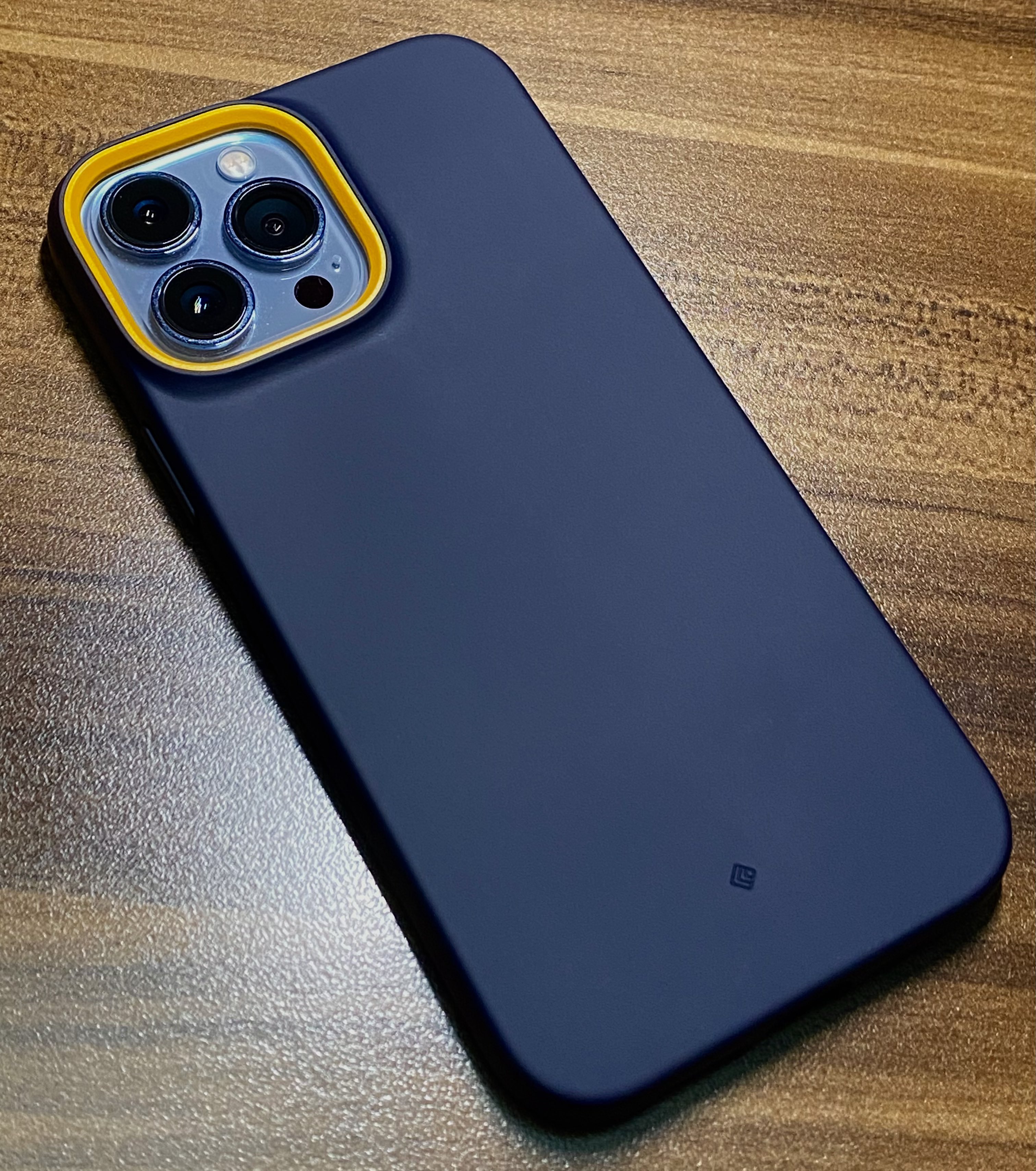
iPhone and Samsung Galaxy phones do not have user-serviceable battery posts like removable-battery devices do. For iPhone users, clean the charging port and MagSafe accessories per Apple’s official instructions: use a soft, lint-free cloth with a very small amount of rubbing alcohol to clean dirt around the SIM tray opening, wiping gently and avoiding moisture in the opening. For a Smart Battery Case, clean it with a soft, slightly damp, lint-free cloth, and clean the internal Lightning connector with a soft, dry, lint-free cloth, do not use liquids or cleaning products there. For a MagSafe Charger or MagSafe Battery Pack, unplug it before cleaning, then wipe the silicone middle of the charging area with a microfiber cloth dampened with 70-percent isopropyl alcohol. Samsung users should go to Settings > Battery and device care > Battery on supported Galaxy devices, or use the Samsung Members app and Phone Diagnostics to check battery status. These devices have no battery posts to clean.
Frequently Asked Questions
Why is cleaning battery posts important?
Cleaning battery posts removes corrosion that hinders electricity transfer, reducing battery efficiency and causing power loss or device failure. Regular cleaning ensures a steady flow of power and prolongs battery life.
How often should I clean battery posts?
Inspect and clean battery posts at least once every three months, though frequency depends on battery type and environmental conditions. Devices exposed to moisture or temperature extremes may need more frequent cleaning.
What tools are needed to clean battery posts?
A dedicated battery terminal cleaner can substitute for baking soda.
What are the basic cleaning steps for battery posts?
Disconnect the battery, mix baking soda with water into a paste, apply it to the posts, scrub gently with a wire brush, rinse with clean water, dry thoroughly, and reconnect the battery.
What safety precautions should I take when cleaning battery posts?
Always wear protective gloves to avoid chemical exposure. Disconnect the battery before cleaning to prevent electrical shock. Never mix baking soda with other cleaning agents, as it may produce harmful fumes. Ensure terminals are correctly reconnected after cleaning.
Related reading: How To Get Corrosion Off Battery Terminals.