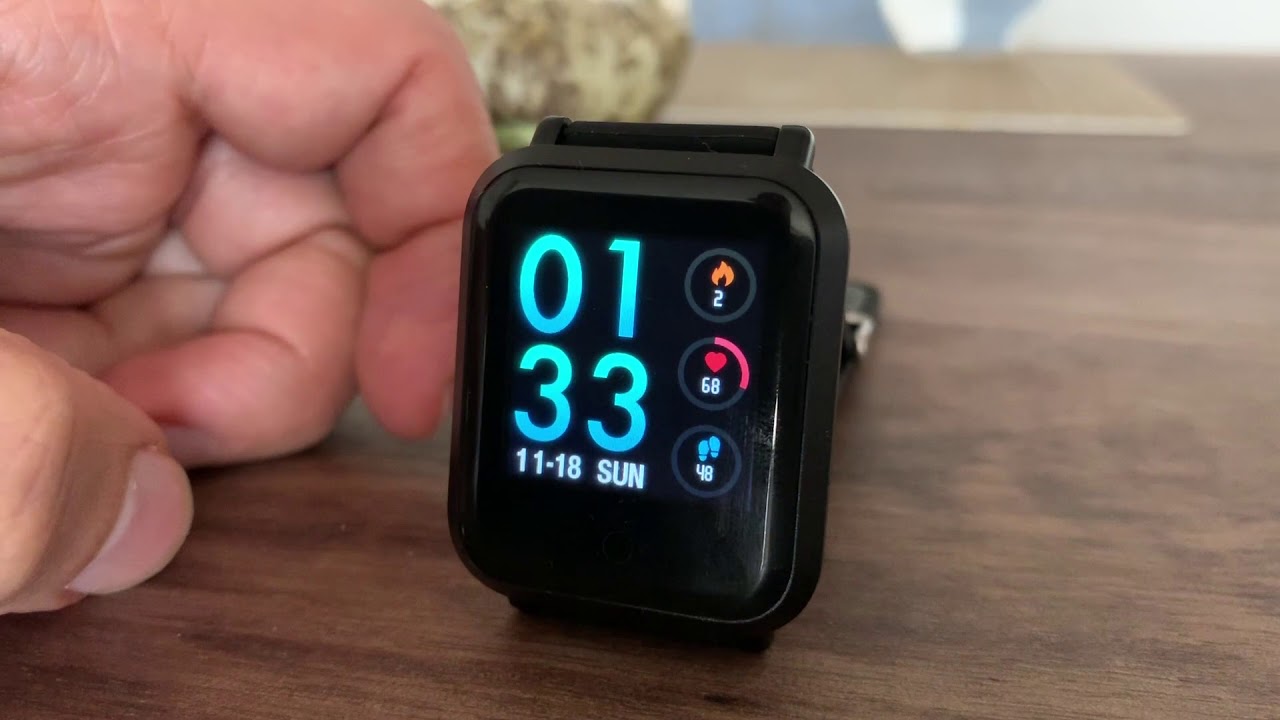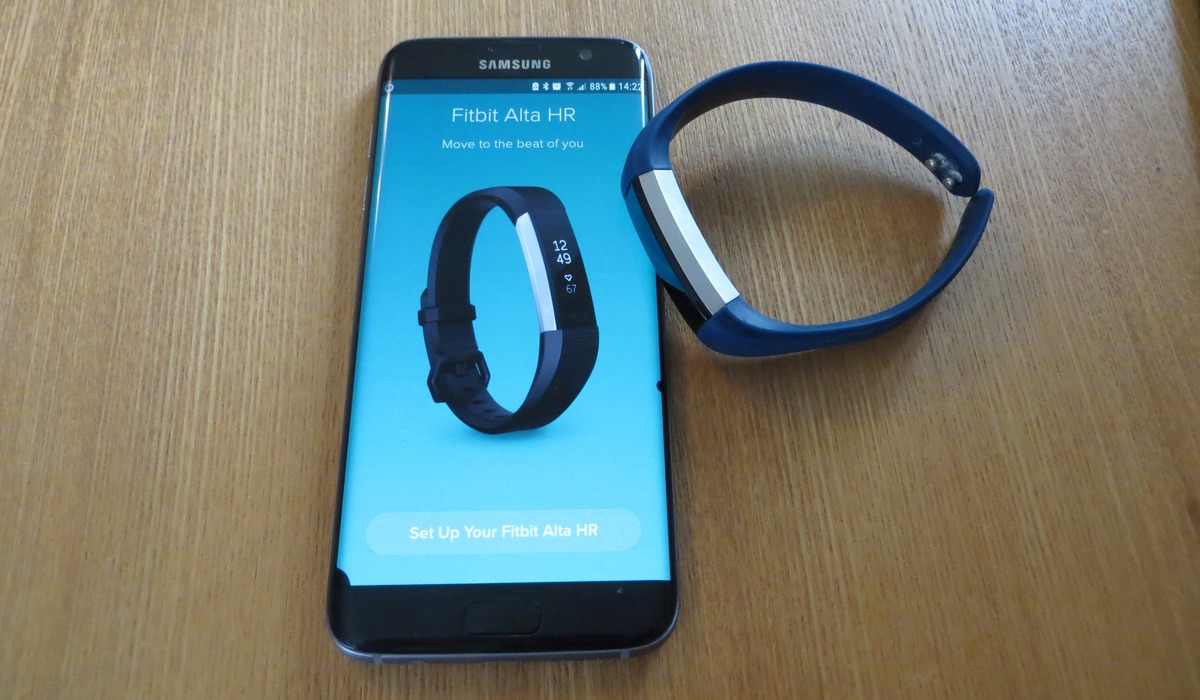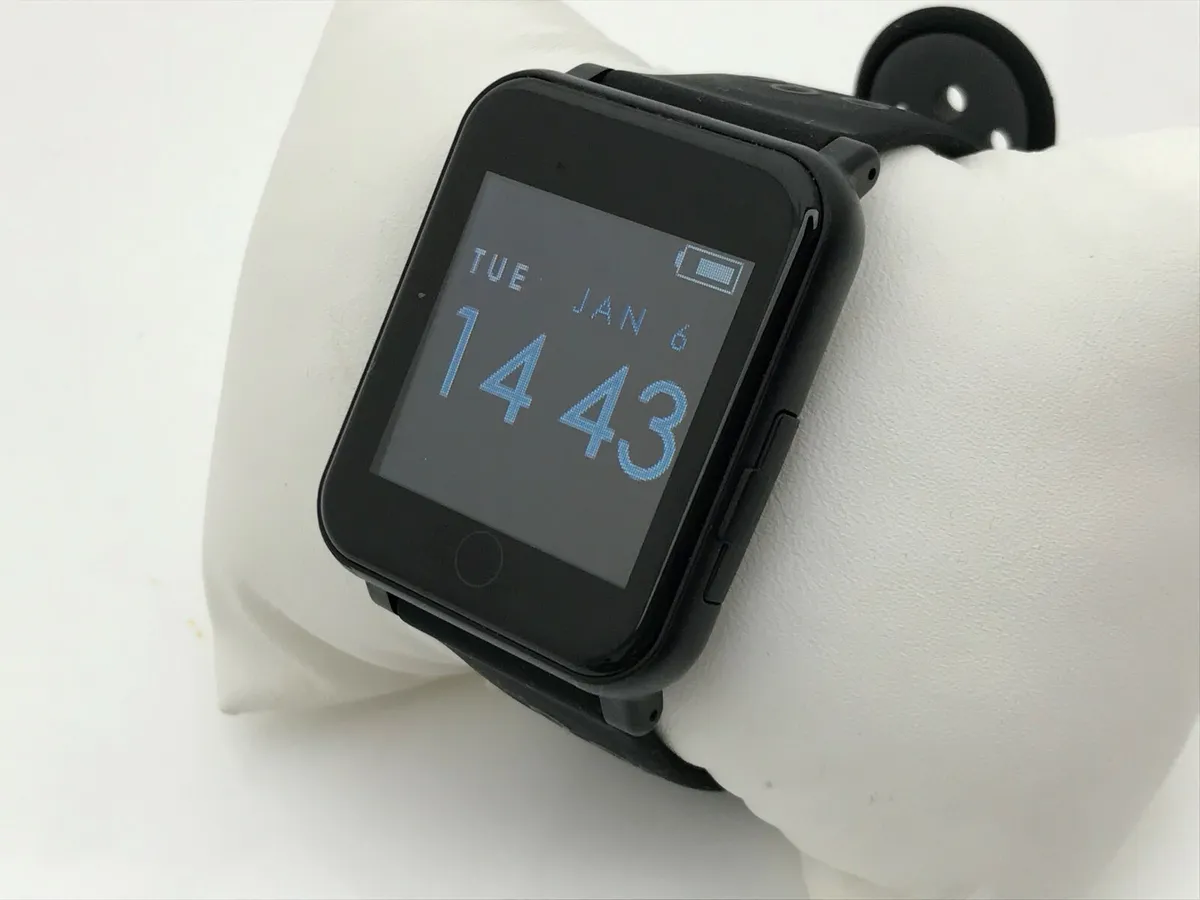
To pair a Justice Smartwatch, you must use the Lefun Health app on your smartphone, not the phone's native Bluetooth settings. This is the only verified method to establish a successful connection between the watch and your device.
Before you pair a Justice Smartwatch: what you need
Before starting, ensure you have the following ready:
- A fully charged Justice Smartwatch.
- A smartphone with Bluetooth enabled.
- The Lefun Health app downloaded from the Apple App Store or Google Play Store.
Step 1: Install the Lefun Health app
Download and install the Lefun Health app on your smartphone. This is the required app for pairing your Justice Smartwatch, and it is available for free from both the Apple App Store and Google Play Store.
Step 2: Turn on the Justice Smartwatch and activate phone Bluetooth
Power on your Justice Smartwatch by pressing and holding the power button until the screen lights up. On your smartphone, enable Bluetooth from the settings menu or quick settings panel. Do not attempt to pair the watch through your phone’s built-in Bluetooth settings; this will not work and can cause connection issues.
Step 3: Pair the watch inside the Lefun Health app
- Open the Lefun Health app on your smartphone.
- Tap the menu icon (☰) in the top left corner of the app.
- Select unconnected from the menu. This is a selectable option, not just a status indicator.
- On the next screen, tap Search.
- When your Justice Smartwatch appears, tap SmartWatch to initiate the pairing. After tapping Search, choose 'SmartWatch' as the specific device type.
Step 4: Complete the synchronization
After tapping SmartWatch, the app will return to the main screen and display connected. Data synchronization will begin automatically, and your Justice Smartwatch will update to show the correct time and date. This confirms the pairing is complete and the watch is ready for use.
Troubleshooting: why won't my Justice smartwatch pair?
The single most important fix is ensuring you are pairing inside the Lefun Health app and not through your phone’s native Bluetooth settings. The watch must not be paired through the phone's native Bluetooth settings because it will not work and can cause connection issues. If the watch is not found, confirm that Bluetooth is active on your phone, the watch is powered on and close to your phone, and then repeat Step 3 within the app.
Frequently Asked Questions
What app do I need to pair a Justice Smartwatch?
You must use the Lefun Health app. It is the only app verified to pair with the Justice Smartwatch and is available for both iPhone and Android devices.
Can I pair my Justice Smartwatch with multiple phones?
The pairing process is designed for a single smartphone at a time. To switch paired phones, you must first unpair the watch from the current phone in the Lefun Health app and then repeat the pairing process with the new device.
Why doesn't my Justice Smartwatch show up in the phone's Bluetooth list?
This is normal. The Justice Smartwatch is not meant to be paired through the phone’s standard Bluetooth menu. It will only appear and connect inside the Lefun Health app during the search step.
What should I do if the Lefun Health app says "unconnected" but my watch is on?
Ensure your watch is powered on and within a few feet of your phone. Then, open the app, tap the menu icon (☰), select "unconnected," and tap "Search" to find the watch. Do not use your phone’s Bluetooth settings to attempt a connection.
How do I turn on a smart bracelet like the Justice Smartwatch?
To turn on a smart bracelet, press and hold the power button on the side or front of the device until the screen activates. This is the same method used for the Justice Smartwatch before pairing it with the Lefun Health app.
Related reading: Smartwatch & Tracker Comparisons and How To Set Time On Spade And Co Smartwatch.