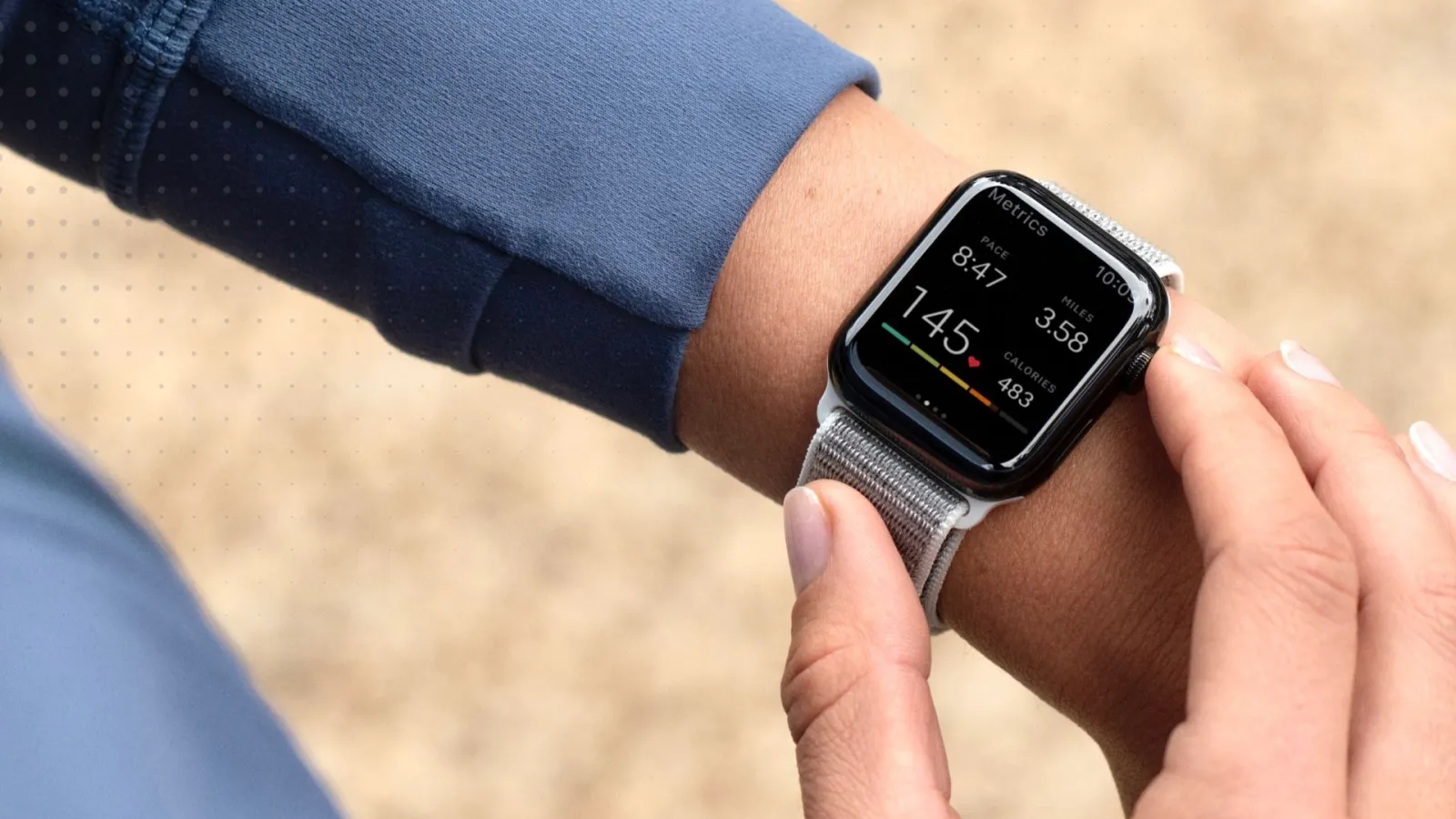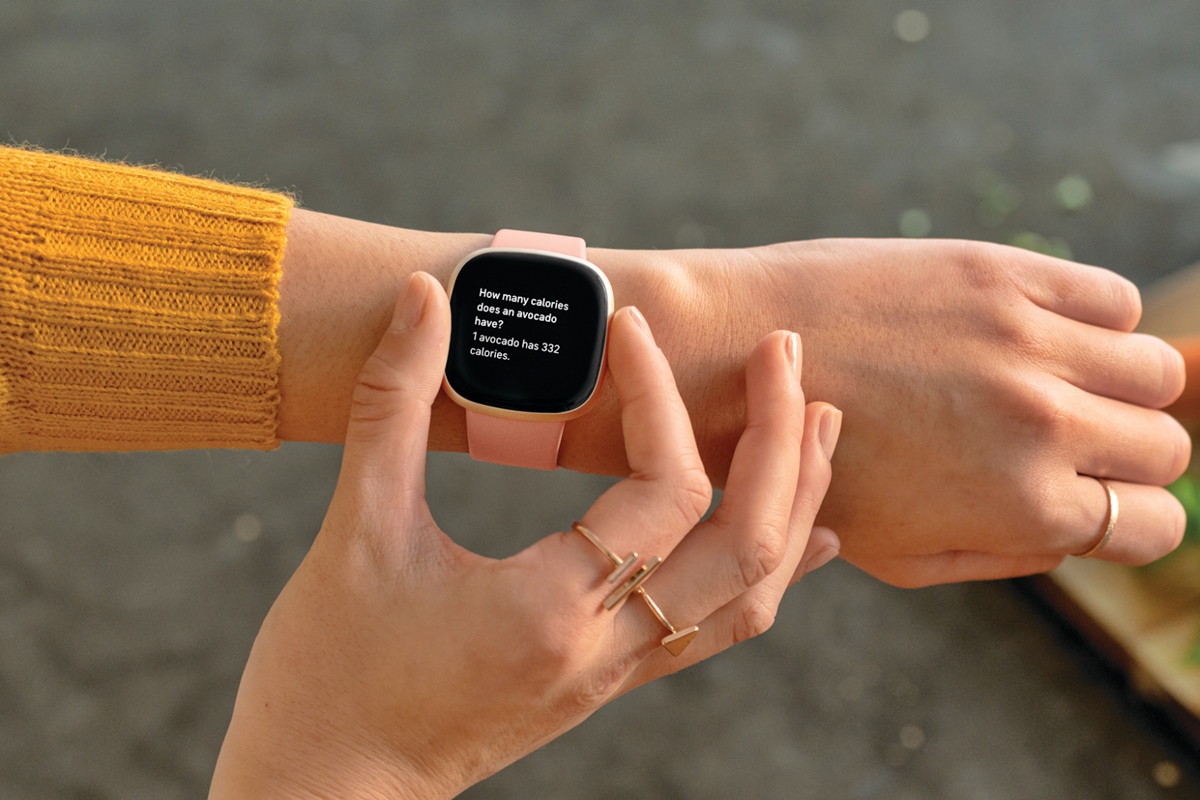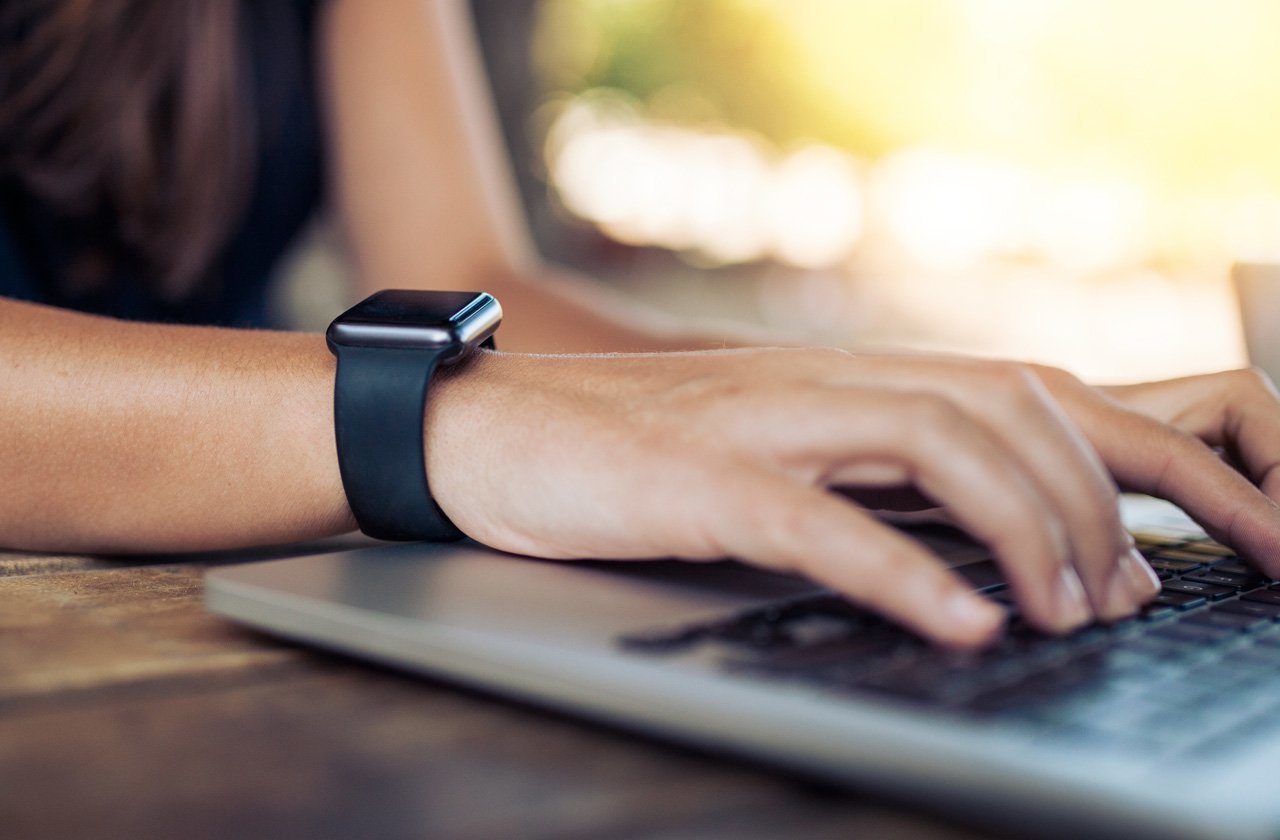
A smartwatch works by pairing with your phone over Bluetooth, then using the watch’s companion app to copy settings, manage notifications, and install apps. Many models also add Wi‑Fi or cellular so some tasks can work without the phone nearby.
How a smartwatch works with Bluetooth, Wi‑Fi, or cellular
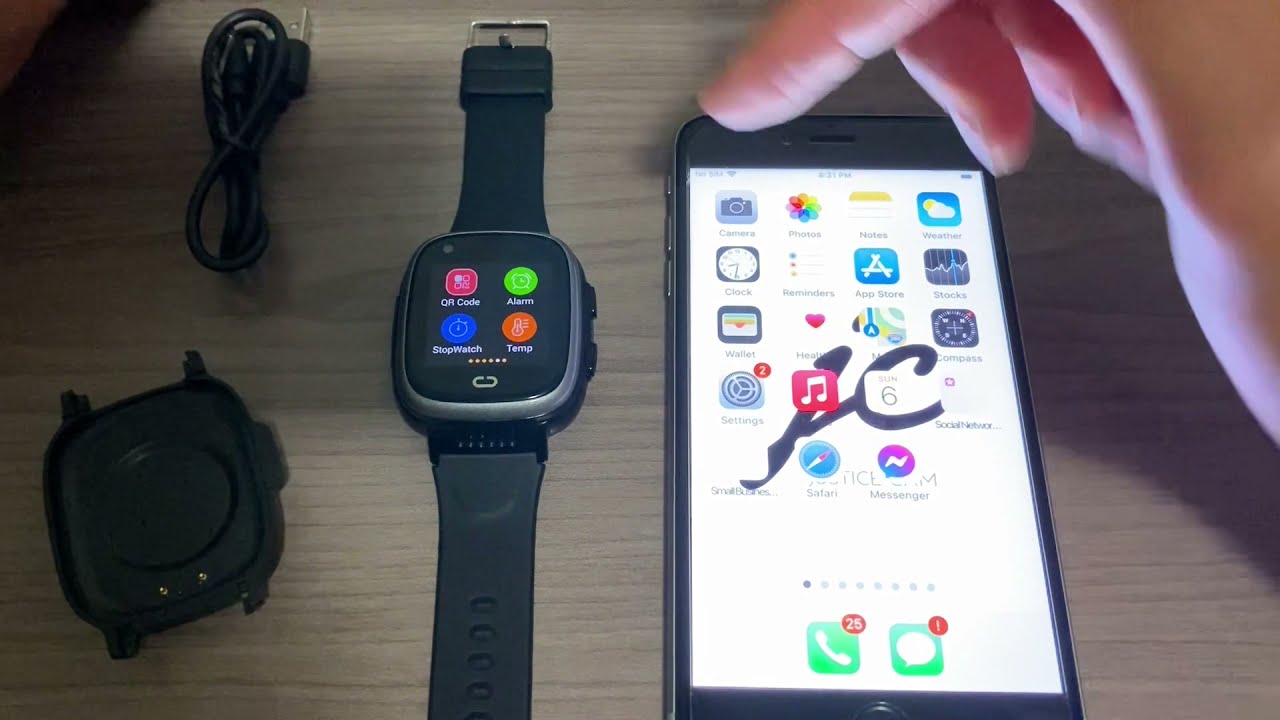
The fundamental working pattern is the same across major smartwatch families. You pair the watch to your phone using Bluetooth, which creates a direct wireless link. Once paired, a companion app on your phone copies your settings, forwards notifications, and lets you install apps on the watch. Some models also include Wi‑Fi or cellular radios, allowing the watch to perform certain tasks, like streaming music, checking weather, or sending messages, even when the phone is not nearby. For detailed model-by-model capability comparisons, you can consult independent smartwatch and tracker comparisons.
How to set up an Apple Watch with iPhone
- Update your iPhone: go to Settings > General > Software Update and install any available update.
- Enable Bluetooth on your iPhone and make sure it is connected to Wi‑Fi or cellular.
- Put the Apple Watch on your wrist and press and hold the side button until the Apple logo appears.
- Hold your iPhone near the watch. Tap Continue on the pairing screen, or open the Watch app and tap Pair New Watch / Start Pairing.
- Tap Set Up for Myself and then Set Up Apple Watch.
- Sign in to your Apple Account and create a passcode.
Apple Watch compatibility requirements
Current models require specific iPhone and iOS versions. Apple Watch Series 12 and Apple Watch Ultra 4 need an iPhone 11 or later with iOS 27 or later. Apple Watch SE 3 needs an iPhone 11 or later with iOS 26 or later. For older models, Apple Watch Series 1 or later with watchOS 5 works with an iPhone 5s or later with iOS 12 or later. Cellular Apple Watch models require an iPhone 6 or later.
How to set up a Wear OS watch on Android
- Turn on Bluetooth on your Android phone.
- Turn on the watch.
- Open the Wear OS app on your phone.
- Select the watch name from the list.
- Confirm the matching code by tapping Pair.
Google’s setup instructions are for Android phones only and are not for iPhone.
How to set up a Samsung Galaxy Watch on Android
- Power on the watch by pressing and holding the Home button.
- Open the Galaxy Wearable app on your Android phone.
- Follow the on-screen prompts to complete pairing.
This applies to Galaxy Watch4 and later models that run Wear OS.
Can you use a Samsung smartwatch with iPhone?
Only older Samsung Galaxy Watch models work with iPhone. The compatible models are Galaxy Watch, Galaxy Watch Active, Galaxy Watch Active2, and Galaxy Watch3. These connect through the Samsung Galaxy Watch or Samsung Galaxy Fit app, using START THE JOURNEY, then selecting the device and following the prompts. Samsung says Galaxy Watch4 and later models that run Wear OS are not compatible with iOS devices.
What to expect during smartwatch setup
During setup, you may be prompted for carrier service activation if the watch supports cellular connectivity. Samsung says some watches may prompt carrier service activation during setup if the watch supports it. Model, operating system, and phone compatibility vary by watch family, and carrier activation support differs between models and regions.
Frequently Asked Questions
Do I need a smartphone to use a smartwatch?
Most smartwatches require a smartphone for initial setup and ongoing notifications. A few cellular models can operate independently for calls and data, but they still need a phone for the initial pairing and app management.
Can I use a smartwatch without Bluetooth?
Bluetooth is required for the initial pairing and for receiving notifications from your phone. Without Bluetooth, the watch can still show the time and track some fitness data, but it will not sync with your phone or receive updates.
How long does it take to set up a smartwatch?
Initial setup typically takes 5 to 15 minutes, depending on software updates, account sign-ins, and carrier activation prompts. Most of the time is spent waiting for the watch and phone to sync.
Will my smartwatch work with any phone?
No. Apple Watch works only with iPhone. Wear OS watches work with Android phones but not with iPhone. Samsung Galaxy Watch4 and later work with Android only; older Samsung models can work with both Android and iPhone.
Do I need a cellular plan for my smartwatch?
Only if you want the watch to make calls, send messages, or use data without your phone nearby. Bluetooth and Wi‑Fi models work fine without a cellular plan as long as your phone is within range.
Can I change the watch face after setup?
Yes. Most smartwatches let you change the watch face from the companion app or directly on the watch, often with dozens of built-in and downloadable options.
Related reading: What Is Lte In Smartwatch and How To Set Time On Spade And Co Smartwatch.