






The telephone line modem connector is the RJ-11 connector. This small, rectangular plug with four to six gold contacts is the standard connector used to plug a telephone line into a modem for DSL or dial-up connections.
How to identify an RJ-11 connector
An RJ-11 connector is a small, rectangular plug that typically has between four and six gold metal contacts and a clear plastic locking tab on the top. It is significantly smaller than an Ethernet connector, which helps you tell them apart at a glance. The locking tab secures the connector in the port to prevent accidental disconnection.
RJ-11 vs. RJ-45: Don't confuse them
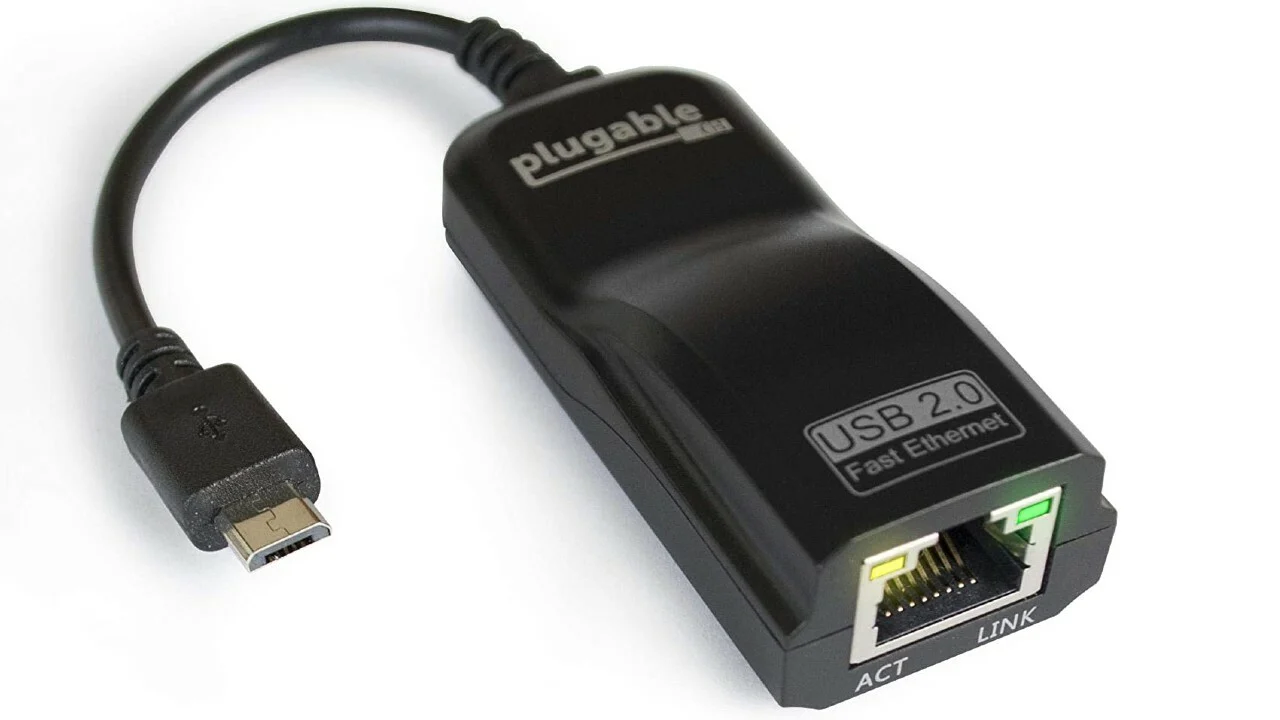
A common point of confusion is mistaking the RJ-11 connector for the larger RJ-45 connector. RJ-45 is the standard connector for Ethernet networking and has eight contacts, not four to six. You cannot plug a telephone line into a modem using an RJ-45 connector; that port is used to connect the modem to a router or computer for internet access. The telephone line input on the modem is specifically for an RJ-11 connector.
Analog vs. digital phone lines
Your modem requires a standard analog phone line to function correctly. Apple says to use a standard RJ-11 telephone wall jack and an analog phone line; the modem will not work with a digital phone line. Plugging the modem into a digital phone line, such as those used in many office phone systems, is not supported and may damage the modem. Always verify that your wall jack provides an analog signal before connecting your modem.
How to connect the phone line to your modem
- Plug the other end of the RJ-11 cable into a standard RJ-11 telephone wall jack. Apple documents the modem connection as a phone cord or RJ-11 cable from the wall jack to the modem port.
If you need to set up landline phone service, the same RJ-11 connection from your wall jack to your modem is the first step. If you want to use a landline phone without a landline, you would connect a VoIP phone or an analog telephone adapter to your network, not directly to the modem's telephone line port.
Frequently Asked Questions
Can I use a regular phone cable for my DSL modem?
Yes, a standard phone cable with RJ-11 connectors on both ends is exactly what you need to connect your DSL modem to the telephone wall jack.
What happens if I plug an RJ-11 cable into an RJ-45 port?
An RJ-11 plug is physically smaller than an RJ-45 port, so it may fit loosely. However, it will not make a proper connection and will not work for data transmission. It is best to only use the correct port for each cable type.
Does the length of the telephone cable affect my modem connection?
Yes, very long telephone cables can degrade the signal quality, especially for DSL connections. It is best to use the shortest cable that reaches from your wall jack to your modem.
Can I connect my modem to a phone line splitter?
Yes, you can use a standard telephone line splitter to connect both your modem and a landline phone to the same wall jack, as long as the splitter uses RJ-11 connectors.
The Apple pages retrieved are for older Mac hardware with internal 56K v.92 modems, not current iPhone or Android phones. No retrieved Apple or Google support page documented any iPhone or Android menu path, setting name, supported model list, or app/carrier option for changing the physical connector used for a telephone line into a modem.

















