






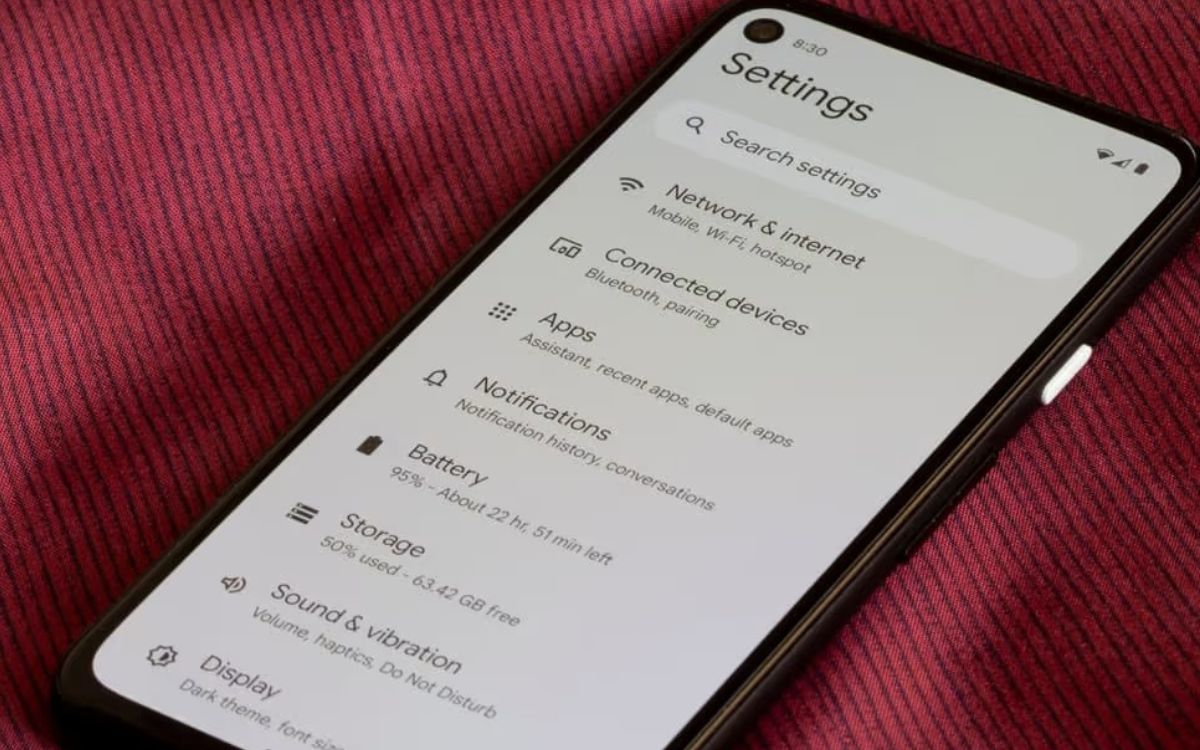
Your phone rings on silent because silent mode only mutes ringtones and notification sounds, not alarms, media, or emergency alerts. This means the core reason your phone rings on silent is often a separate volume control or an override setting like Emergency Bypass or Do Not Disturb exceptions that lets specific calls or alerts through.
Why your phone rings on silent
When you set your phone to silent, you are only silencing the ringer for incoming calls and the sounds for notifications. Other audio sources, such as alarms you set, media playback from videos or music, and system sounds remain unaffected. Additionally, emergency alerts are designed to override silent mode to ensure your safety. Understanding this distinction is the first step in troubleshooting why your phone still makes noise.
Check Emergency Bypass for iPhone contacts
On an iPhone, you can allow specific people to ring through silent mode using Emergency Bypass. This setting overrides the physical Ring/Silent switch on the left side of your iPhone (models 15 and earlier), which normally mutes ringtones and alerts but does not affect media or alarms. Medical ID information on iPhone can be automatically shared during an emergency call (U.S. and Canada only) and is accessible from the Lock Screen, but this does not cause the phone to ring on silent for non-emergency calls.
- Open the Contacts app and select the contact that rings through.
- Tap Edit in the top-right corner.
- Tap Ringtone (and separately Text Tone if you want to bypass for messages).
- Toggle off Emergency Bypass to disable it, so their calls and texts no longer bypass silent mode.
Disabling this setting ensures that contact will no longer cause your phone to ring when it is on silent.
Turn off Samsung's 'Ring even when muted' setting
Samsung Galaxy phones include a contact-specific override that forces a ringtone even when the phone is set to vibrate or mute. This is a common source of ringer and ringtone issues for Samsung users. A custom ringtone setting for specific contacts can include an option to "Ring even when set to Vibrate or Mute," overriding system-wide silent settings.
- Tap More options (the three vertical dots or ⁝ icon).
- Select Change ringtone/vibration.
- Disable the option labeled Ring even when set to Vibrate or Mute.
Once turned off, that contact will follow your phone's silent or vibrate setting.
Review Do Not Disturb exceptions on Android
Android's Do Not Disturb (DND) mode can be configured with exceptions to allow calls from "Starred contacts" or to allow "Repeat callers" (a second call from the same number within 15 minutes). Even if you think DND is off, these exceptions might still be active if you have previously set them.
- Swipe down from the top of your screen to open the status bar.
- Press and hold the Do Not Disturb icon (a circle with a dash through it).
- Go to People or Calls and messages (depending on your Android version).
- Remove or disable these exceptions to prevent calls from ringing through.
Adjust Android's separate volume sliders
Android phones use separate volume controls for Media, Ringtone, Notification, Alarm, and System sounds, meaning silencing one does not silence all. To ensure complete silence, you must lower each slider individually.
- Press a volume button on the side of your phone.
- Tap the expand arrow or settings icon (often a gear or three dots) to see all volume sliders.
- Lower the Media, Alarm, and System volumes to zero, in addition to the Ringtone volume.
This prevents unexpected sounds from apps, alarms, or system notifications when your phone is on silent.
Manage app notifications that override silent mode
Some apps, especially messaging and calling apps, have their own notification settings that can override your phone's silent mode. These apps can produce sounds even when the system ringer is muted.
- Open your phone's Settings app.
- Go to Apps & notifications (or Notifications on some devices).
- Select the app that is still making noise (e.g., WhatsApp, Telegram, or your default phone app).
- Tap Notification categories or App notifications and turn off the sound for each category, or set them to silent.
Auditing these settings ensures that individual apps cannot bypass your silent mode preference.
Understand emergency alert overrides
Wireless Emergency Alerts (WEA), such as AMBER Alerts or severe weather warnings, are designed to override silent and Do Not Disturb settings for public safety. On Android, you can manage some of these alerts, though in some regions like Canada, they cannot be fully disabled.
- Open your phone's Settings app.
- Go to Apps & notifications or Safety & emergency.
- Look for Wireless Emergency Alerts or Emergency alerts.
- Toggle off the types of alerts you wish to silence, such as extreme threats or AMBER alerts, where permitted by your region.
Note that presidential alerts cannot be disabled. This is by design to ensure critical safety information reaches you.
Frequently Asked Questions
Can a software update fix my phone ringing on silent?
Yes, software updates often include bug fixes for volume control and notification handling. Keeping your phone updated can resolve unexpected ringing caused by software glitches.
Does the iPhone Action button affect silent mode?
On iPhone 15 Pro and later models, the Action button can be customized to toggle silent mode, but it does not change how Emergency Bypass or Do Not Disturb exceptions work. The same override settings still apply.
Why does my phone vibrate but not ring on silent?
If your phone vibrates on silent, the vibration setting is still active. You can disable vibration in your sound settings by turning off "Vibrate on silent" or setting the ringtone volume to zero with vibration off.
Can third-party launchers cause ringing on silent?
Some third-party launchers or customization apps can interfere with system sound settings.
Do smartwatches affect phone silent mode?
Yes, a connected smartwatch can mirror your phone's silent mode or override it. Check your watch's sound and notification settings to ensure it is not causing the phone to ring.

















