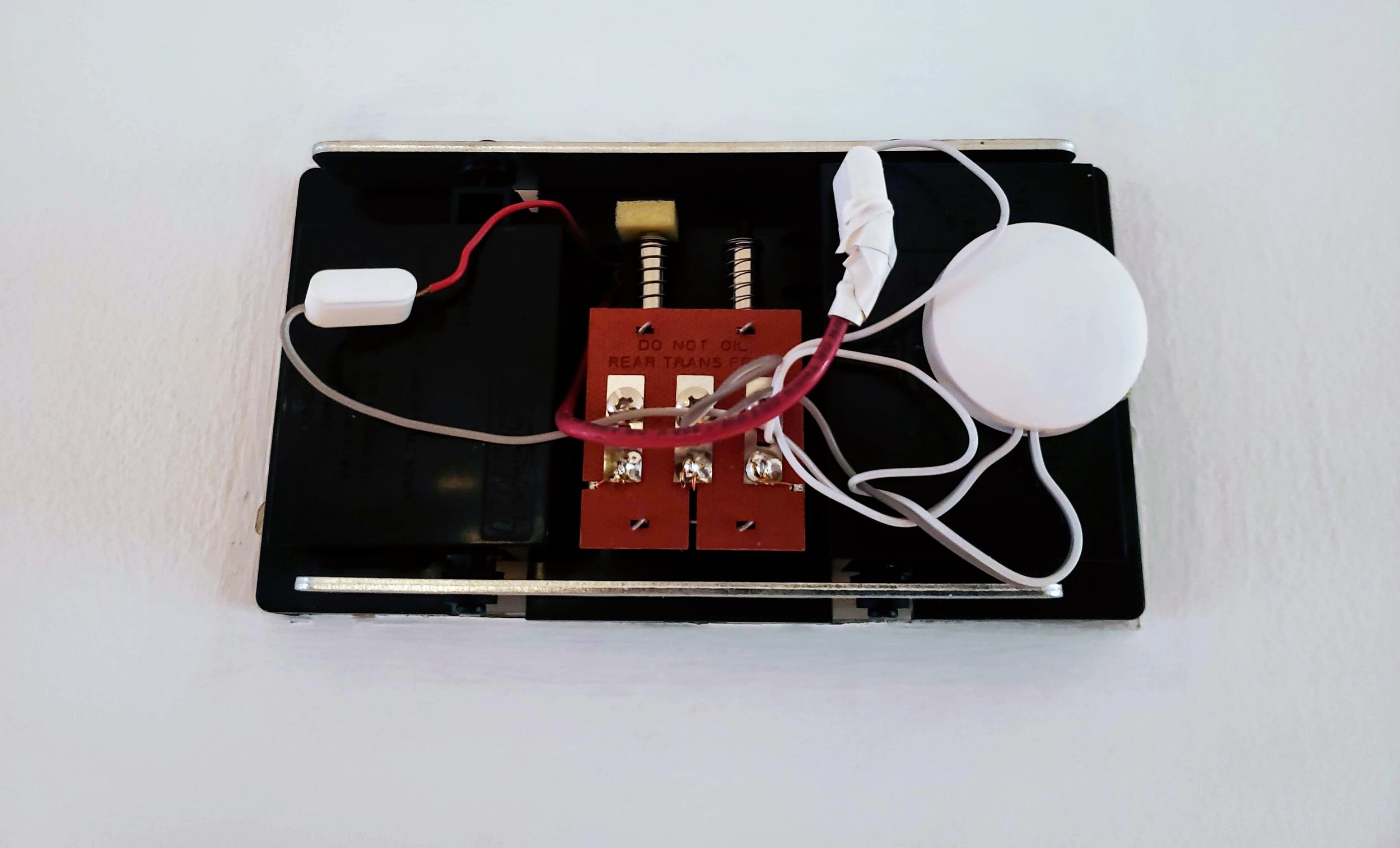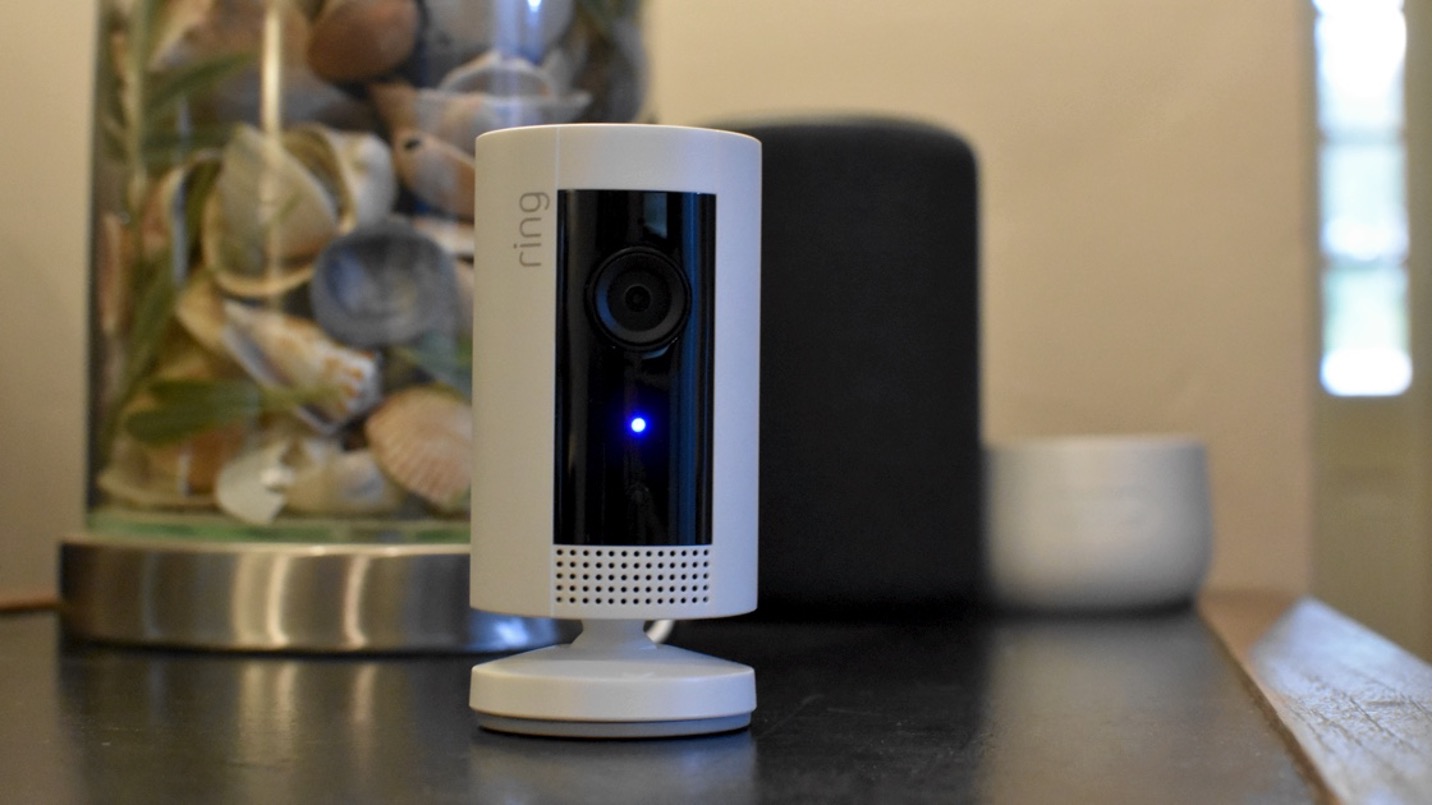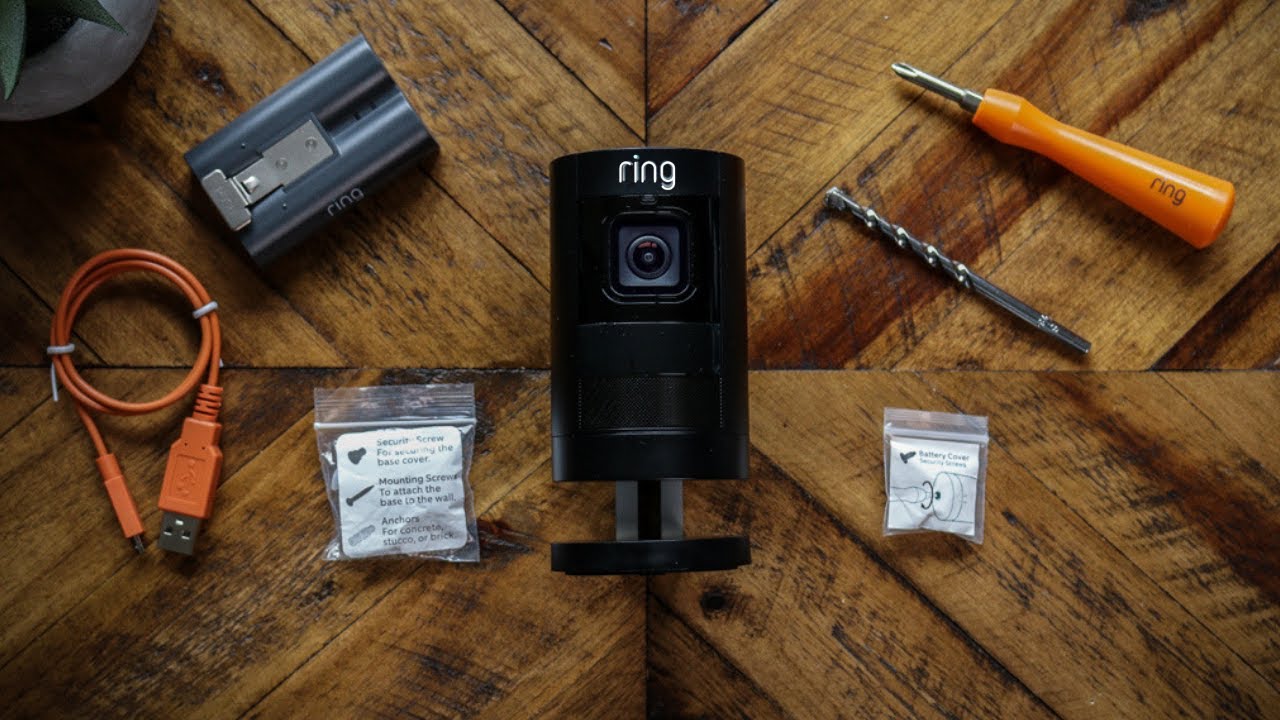
When your Ring light is red, it usually means one of two things: the device's infrared (IR) night vision is active and working normally, or it is signaling a specific power, connection, or sensor issue. Because the meaning changes depending on your exact Ring device and the light pattern you see, identifying your model and the light's behavior is the first step to understanding what the ring light is red for.
Why your ring light is red: First steps
Before troubleshooting, take a moment to confirm which Ring device you have. A small red glow on a camera or doorbell at night is almost always the IR night vision turning on, this is expected behavior. If the red light appears in a different pattern, such as a flashing rectangle or a solid circle, it likely points to a battery, power, or setup issue specific to that device. Knowing your device type narrows down the cause immediately.
Red light on Ring cameras and doorbells: Night vision explained
Small red lights or a row of red lights on Ring cameras and doorbells typically indicate that the infrared (IR) night vision is active. These IR lights provide night vision in low-light conditions and can act as a supplemental light source up to 15 feet in front of the device. If you see these red lights at night, your camera is simply switching to its night vision mode, this is normal and requires no action.
Battery and power indicators: Spotlight Cam and Power Pack
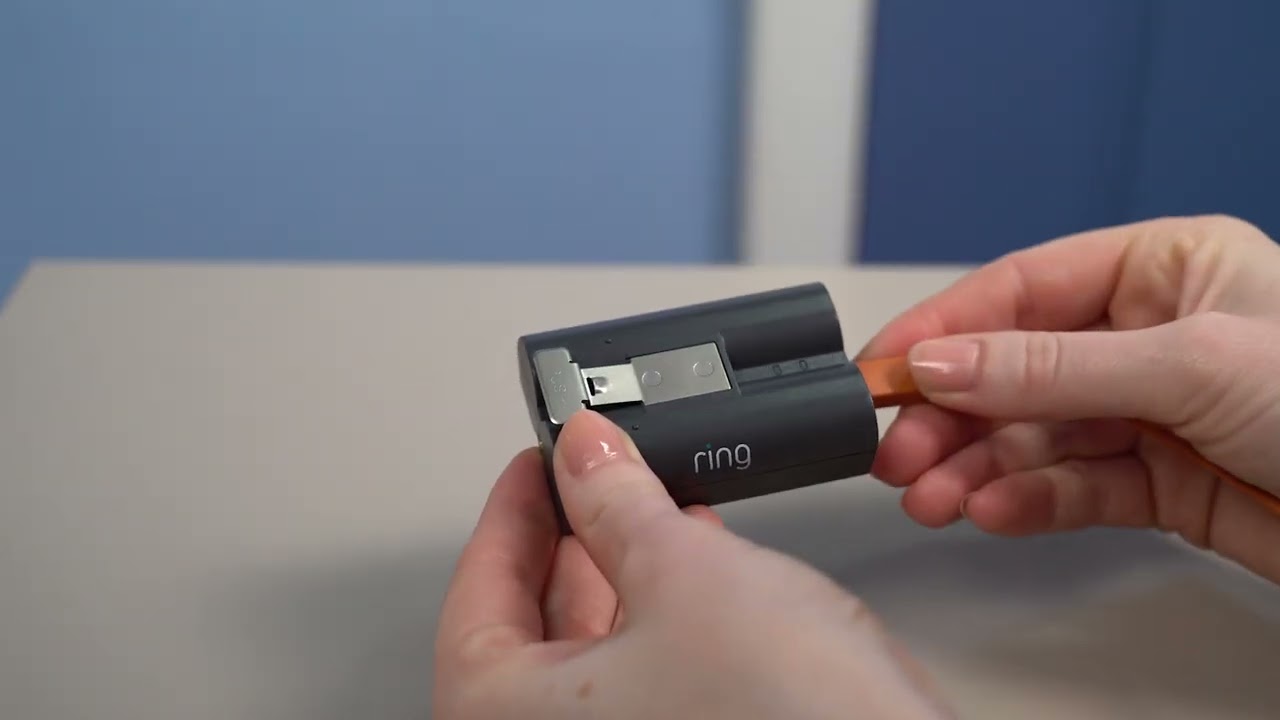
On a Ring Spotlight Cam, a solid red rectangle light in the battery compartment means the battery is charged and providing power to the camera. A flashing red rectangle light indicates the battery is getting low, and it will flash faster as the charge decreases. For Ring Power Packs, a slow flashing red light means the battery is very low and needs immediate charging. If a Ring Power Pack shows a solid red light for five seconds, it means it is not receiving power. When charging a removable Ring battery pack, both solid red and green lights usually mean the battery is still charging.
Wired doorbell and Chime red light meanings
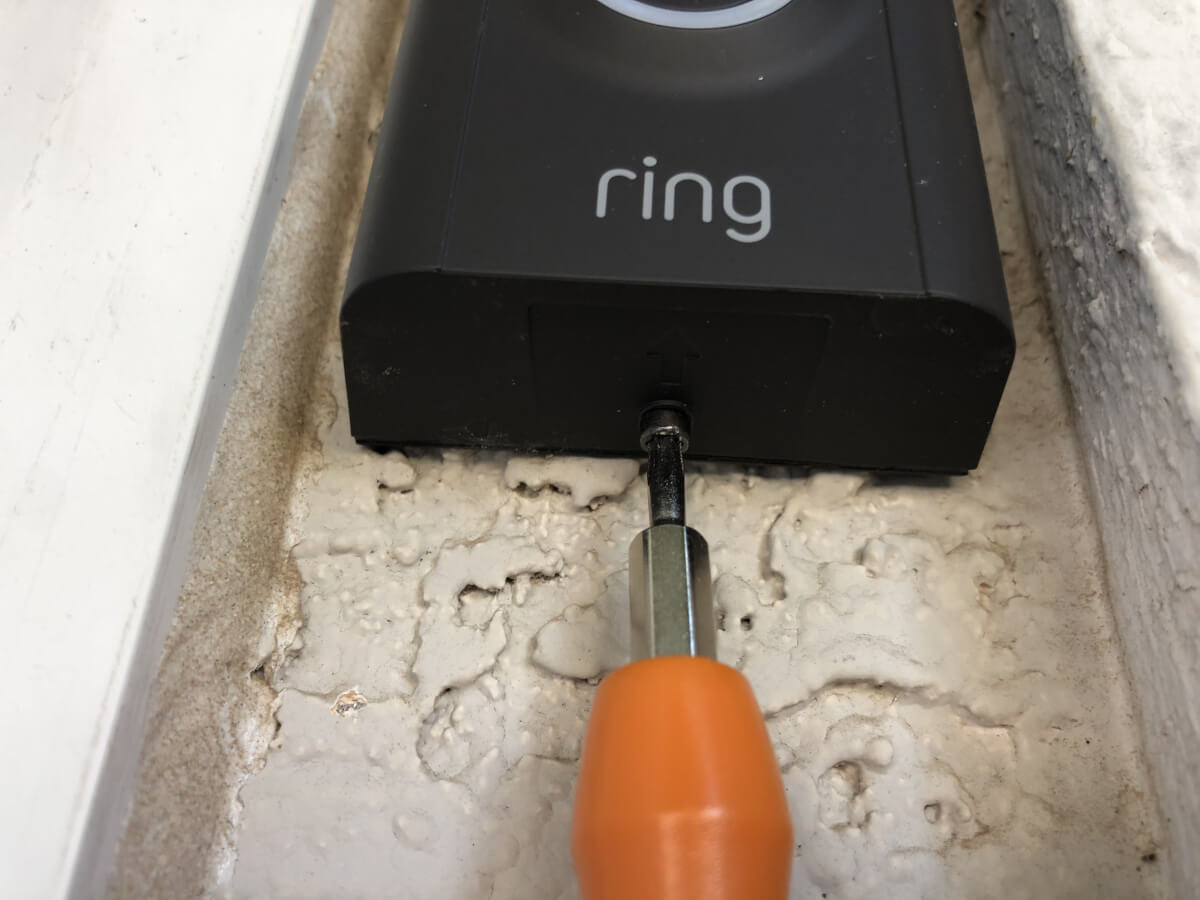
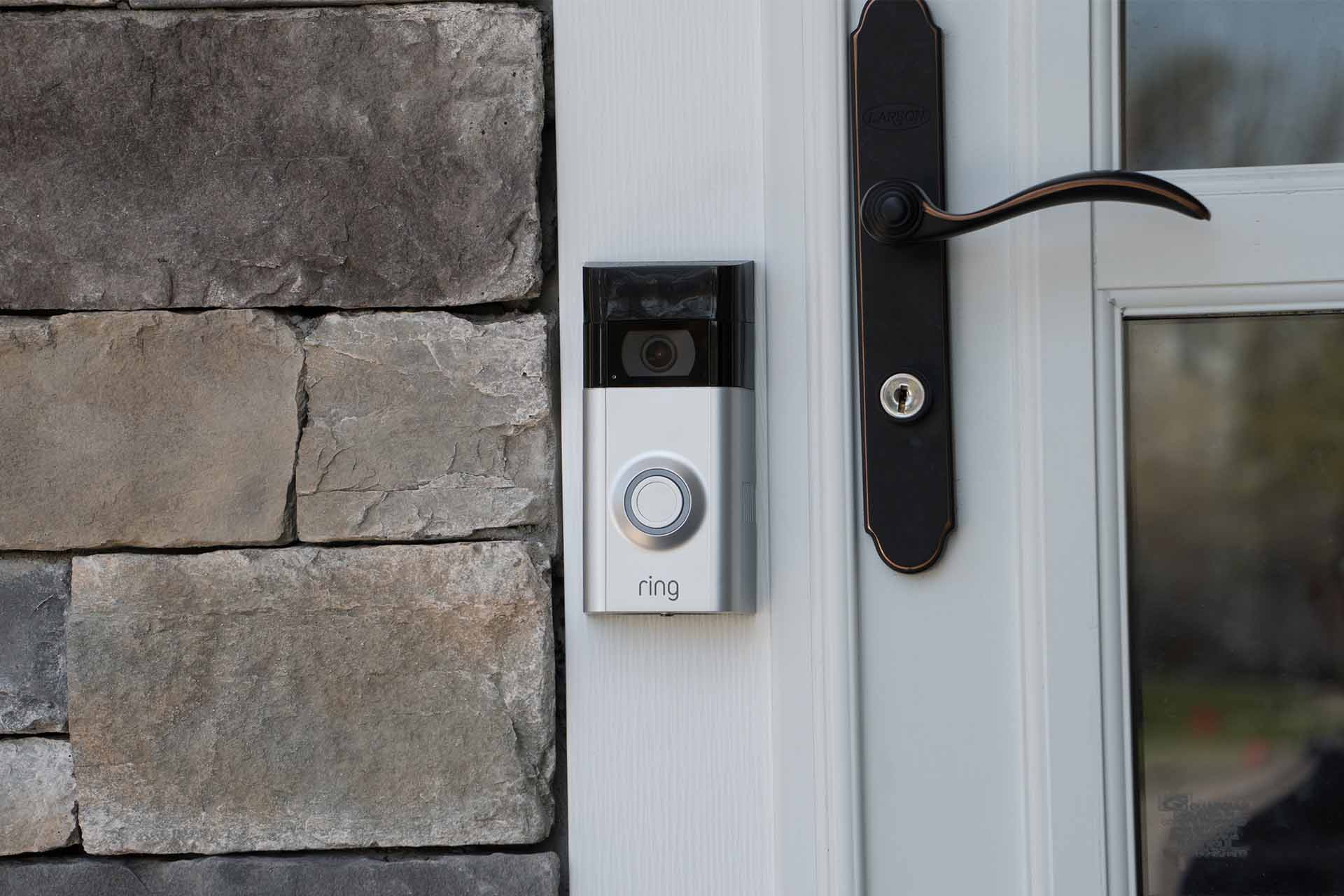
A red light flashing at the bottom of wired (non-battery-powered) Ring doorbells signifies insufficient power. For Ring Chimes, a red flashing light indicates there is no internet connection or a failed Wi-Fi connection during setup. If you see these patterns, check your doorbell's transformer voltage or your chime's network settings.
Alarm sensors and siren alerts
For Ring Alarm sensors, a solid red circle light for three seconds indicates that pairing with the Base Station failed. A Motion Detector (2nd Gen) flashing a red circle light three times quickly means the sensor is in a tampered status. If a Ring Outdoor Cam or Stick Up Cam displays an alternating red and blue light flashing quickly, it means the siren is activated. During setup, a red light turning on and off on an Outdoor Cam 4K Pro can mean the camera could not connect to the home Wi-Fi network due to an incorrect password.
Troubleshooting common red light issues
To check the battery level of your Ring doorbell, open the Ring app, tap the menu (☰), go to "Device Settings," then "Device Health," and look under "Power" for "Battery Level." If a Ring Floodlight Cam's lights are not activating with motion at night, but red lights are visible, these are the infrared LEDs for night vision, and the floodlight issue may be separate. To troubleshoot a Floodlight Cam where the floodlight isn't coming on, you may need to completely power down the unit from your circuit breaker for about 3 minutes and then power it back up. If you encounter a Wi-Fi password error during setup, double-check your network credentials. Charging a Ring battery-powered doorbell can take up to 10 hours and requires a minimum output of 1 amp. For more detailed guidance on your device's specific signals, you may also want to review your phone icon symbols and indicators for any related notifications in the Ring app.
Frequently Asked Questions
Does a red light on my Ring camera mean someone is watching?
No. A red light on a Ring camera typically means the infrared night vision is active, not that someone is actively viewing the live feed. The camera records and streams based on motion detection or live view requests, not the status of the IR lights.
Why is my Ring doorbell red but not ringing?
A red light at the bottom of a wired Ring doorbell usually indicates insufficient power. This can prevent the doorbell from functioning properly, including ringing your internal chime. Check your transformer voltage to ensure it meets the device's requirements.
How do I fix a red flashing light on my Ring Chime?
A red flashing light on a Ring Chime means it has lost its internet connection or failed to connect during setup. Restart your router and the chime, then run the setup process again in the Ring app to reconnect it to your Wi-Fi network.
What does a solid red light on my Ring Spotlight Cam mean?
A solid red rectangle light inside the battery compartment of a Spotlight Cam means the battery is fully charged and supplying power to the camera. This is a normal status indicator.
Can a red light on my Ring device mean it's broken?
Not necessarily. While some red light patterns indicate issues like low battery or failed pairing, many are normal operational signals (such as night vision). If the light persists after troubleshooting the specific pattern for your device, contact Ring support for further assistance.