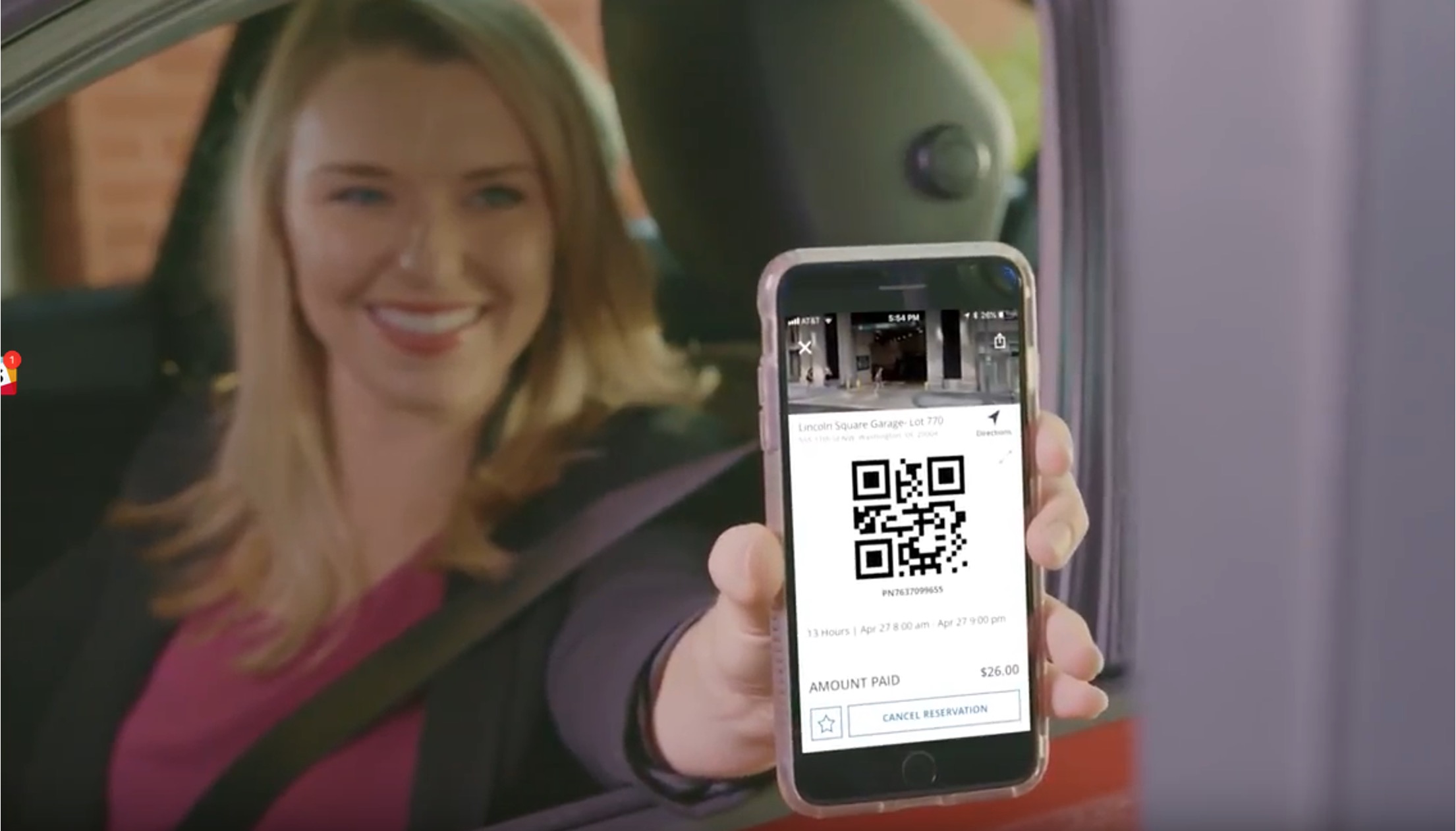
ParkMobile works by having you enter the zone number posted on the parking meter or nearby signs, choose your parking duration, select your vehicle and payment method, then tap “Start Parking” to begin the session. The app displays a countdown clock for your remaining time, and in most locations you can extend parking only up to the maximum allowed for that space.
How does ParkMobile work: the core steps
The primary workflow for using ParkMobile is straightforward. First, locate the zone number printed on stickers or signs around the parking meter or space. Open the app, enter that zone number, then select how long you want to park. Choose the vehicle you are using and your preferred payment method, then tap “Start Parking” to begin the session. The app immediately starts a countdown clock showing your remaining time.
Creating a ParkMobile account
To get started, download the ParkMobile app for iPhone or Android from the App Store or Google Play. Sign up using your email address or mobile phone number, or with a third-party login such as Google or Facebook. You may need to verify your account via a verification email or a code sent to your mobile phone. When you later need to access your account, simply enter that email or phone number, and ParkMobile sends you a link to log in automatically. You do not need to remember a password. You can add a digital wallet such as Apple Pay or Google Pay as a payment method.
Starting a parking session
Follow these steps to begin a parking session:
- Find the zone number posted on stickers or signs around the parking meter or space.
- Enter that zone number in the app.
- Select how long you want to park.
- Choose the vehicle you are using.
- Select your payment method.
- Tap “Start Parking” to confirm and start the countdown clock.
The session begins immediately, and the app shows your remaining time on a countdown clock. The app can provide insights into parking availability trends based on historical data. ParkMobile's integration with navigation apps can guide you directly to your chosen parking spot.
How to extend your parking time
When you need more time, log in to the app and go to your active session. Press “extend,” enter the extra time you want, and agree to the parking charges. You can receive notifications before a session expires. You can extend as many times as necessary, but only if three conditions are met: the parking authority allows extensions, your session is still active, and the zone or space has not already reached its maximum duration. If you need help extending, you can also use the mobile web, personal pages, or the automated phone system.
What happens when the zone maximum is reached
If the zone maximum time has been reached, you must stop the transaction. You can only start a new parking session if the zone rules allow it; otherwise, adding more time is not available. In some areas, parking is a flat rate or paid when leaving, and those cases do not require an extension at all.
Supported devices and account access
The ParkMobile app is available for iPhone and Android devices. For exact operating system requirements, check the App Store or Google Play. To log into your account, enter the email address or mobile phone number on file, then use the link ParkMobile sends to you. This login method works on the app, mobile web, and personal pages.
Frequently Asked Questions
How do I access my account?
Enter the email address or mobile phone number on your account, then use the link that ParkMobile sends to you to log in automatically. No password is needed.
Are extensions always allowed?
No. If you need "mobile check deposit help" (Mobile Check Deposit Guides and Timelines), that feature is not part of ParkMobile's parking service.
What happens when my time runs out?
If your session expires and you have not extended, you may receive a parking citation. The app does not automatically add time. You can only start a new session if the zone rules permit it and the maximum time has not been reached.
Can I use ParkMobile without a smartphone?
Yes. In addition to the mobile app, you can manage parking sessions through the mobile web, personal pages, and the automated phone system, as long as you have your account credentials.
How do I find my zone number?
Zone numbers are printed on stickers or signs attached to the parking meter, the pole, or nearby signage. Look for a clearly marked four- or five-digit number at your parking spot.
Related reading: What Is A Returned Mobile ACH Payment and Walmart Pay Lets You Pay With Your Phone.