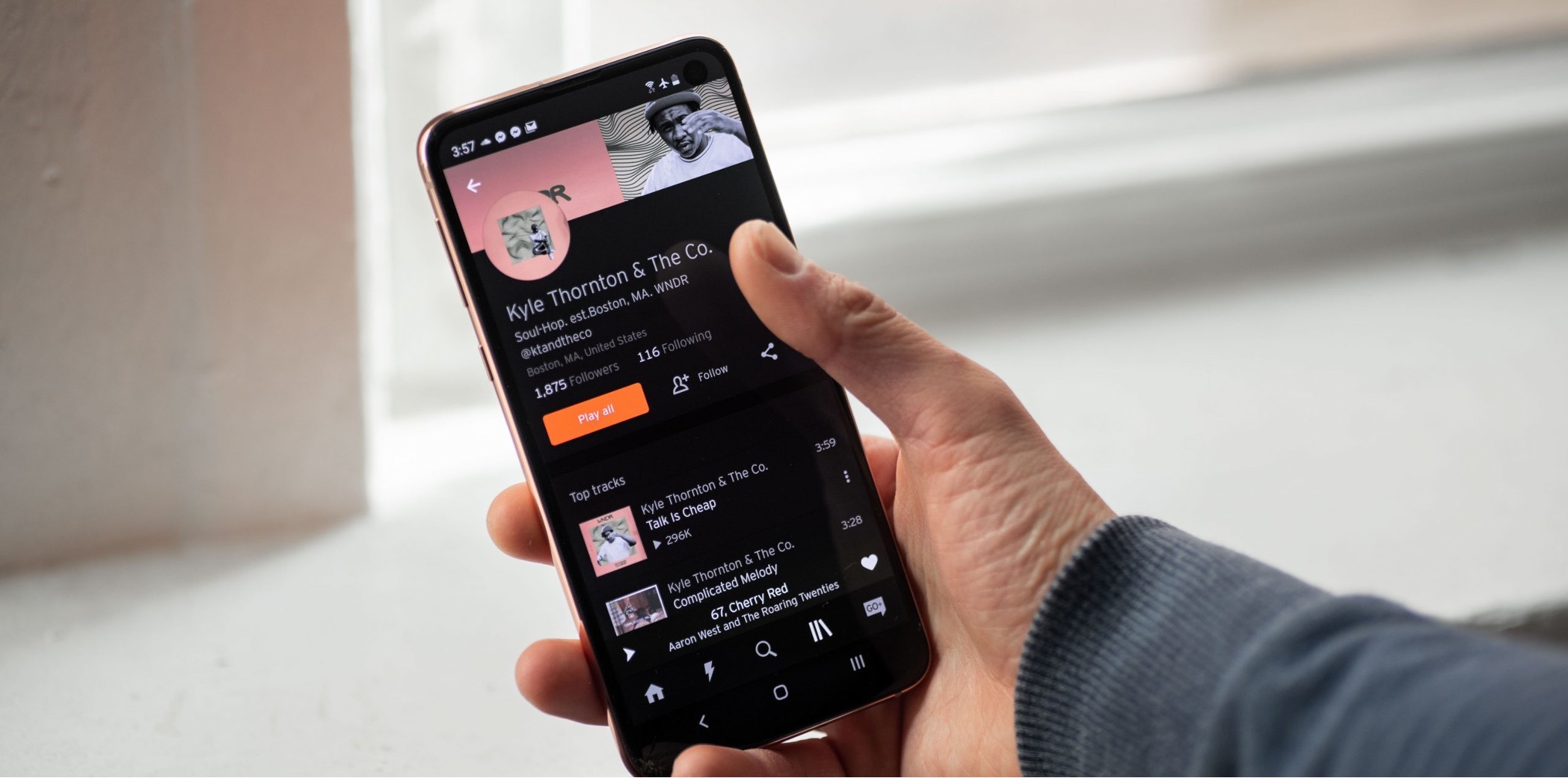
You cannot upload an album directly on SoundCloud mobile. The mobile app only supports uploading individual tracks, which you can later organize into an album using SoundCloud's web-based album management tools.
Can you upload an album on SoundCloud mobile?
The direct answer is no, SoundCloud's mobile app does not have a dedicated "upload album" button. The official help pages confirm that the mobile upload flow is designed for individual tracks, while album and playlist management is documented as a separate feature area on the web platform. If you want to release a multi-track album, you must upload each track individually from your phone, then use SoundCloud's "Managing your Albums and Playlists" tools on the web to group them together.
How to upload tracks using the SoundCloud mobile app
Both iPhone and Android users start the same way: open the SoundCloud app and tap the upward-pointing arrow icon on the top right of the home screen. This opens the file picker.
On iPhone
After tapping the arrow, the file picker lets you browse recent files or tap “Browse” to access iCloud, Google Drive, Dropbox, local files, and audio from compatible apps. Tap the file you want to upload, and the process begins.
On Android
The entry point is identical, tap the upward-pointing arrow on the top right of the home screen. The retrieved help page confirms this step but does not show the rest of the Android-specific flow, so follow the same file selection process your device presents.
After selecting a file, the upload starts automatically.
What you can do after uploading tracks on mobile
Once your individual tracks are uploaded from your phone, the real album work happens on SoundCloud's website. This separation means you can upload tracks on the go and polish the album presentation later. If you're looking for how to make an album on SoundCloud mobile, the answer is that you make the album on the web, the mobile app handles the raw uploads.
Free upload limits to know before you start
The 180-minute free upload limit applies to total duration of all tracks uploaded, not per album. Be aware that album-level limits (like maximum tracks per album or file size) are not mentioned in the mobile help pages either.
Frequently Asked Questions
Can I upload multiple tracks at once from the SoundCloud mobile app?
No, you must upload tracks one at a time. The mobile app does not support batch or multi-file selection for uploading. Each track requires its own tap-and-upload action.
What audio file formats does SoundCloud mobile support for upload?
SoundCloud supports MP3, WAV, AIFF, and FLAC.
Where do I manage album organization after uploading tracks on mobile?
You manage albums and playlists through SoundCloud's web platform, not the mobile app.
Does the mobile app let me schedule an album release?
Scheduling is typically handled through the web platform's album management tools, not the mobile app.
Can I add album artwork during mobile upload?
No. The mobile upload flow does not prompt for album artwork or any album-level metadata. Artwork must be added later when you create the album on the web platform.
Does the SoundCloud mobile app support uploading in the background?
The retrieved help pages do not mention background upload capabilities. For reliable uploads, keep the app open and your device connected to a stable network until each track finishes.
Can I upload an entire album on SoundCloud using the mobile app?
No, you cannot upload an entire album directly on SoundCloud mobile.
Are there any limitations on the number of tracks I can include in an album upload on SoundCloud mobile?
Since you cannot upload an album directly on mobile, there is no album-level track limit within the app itself. You upload tracks individually, and the total duration of all tracks must comply with your account's upload limit guidelines.
For the wider topic, see Spotify mobile features.
Related reading: How To Tip On Twitch Mobile.