The best mobile phone for you is the one that matches your personal priorities, budget, camera quality, battery life, or gaming performance, before you even look at a brand name.
How to choose the best mobile phone for your needs
Start by listing what matters most to you. Ask yourself these questions in order:
- What is my budget? Set a firm maximum price before looking at any phone.
- What will I use the phone for most? Gaming, photography, streaming, work, or a mix?
- How important is battery life? If you need all-day power, prioritize battery capacity.
- Do I need a great camera? Decide if you want a dedicated camera phone or something adequate for casual shots.
- How much storage do I need? Consider your photo, video, and app habits.
Once you have clear answers, you can filter phones by these criteria instead of getting distracted by brand hype or flashy features you won't use.
Android vs. iOS: picking the right operating system
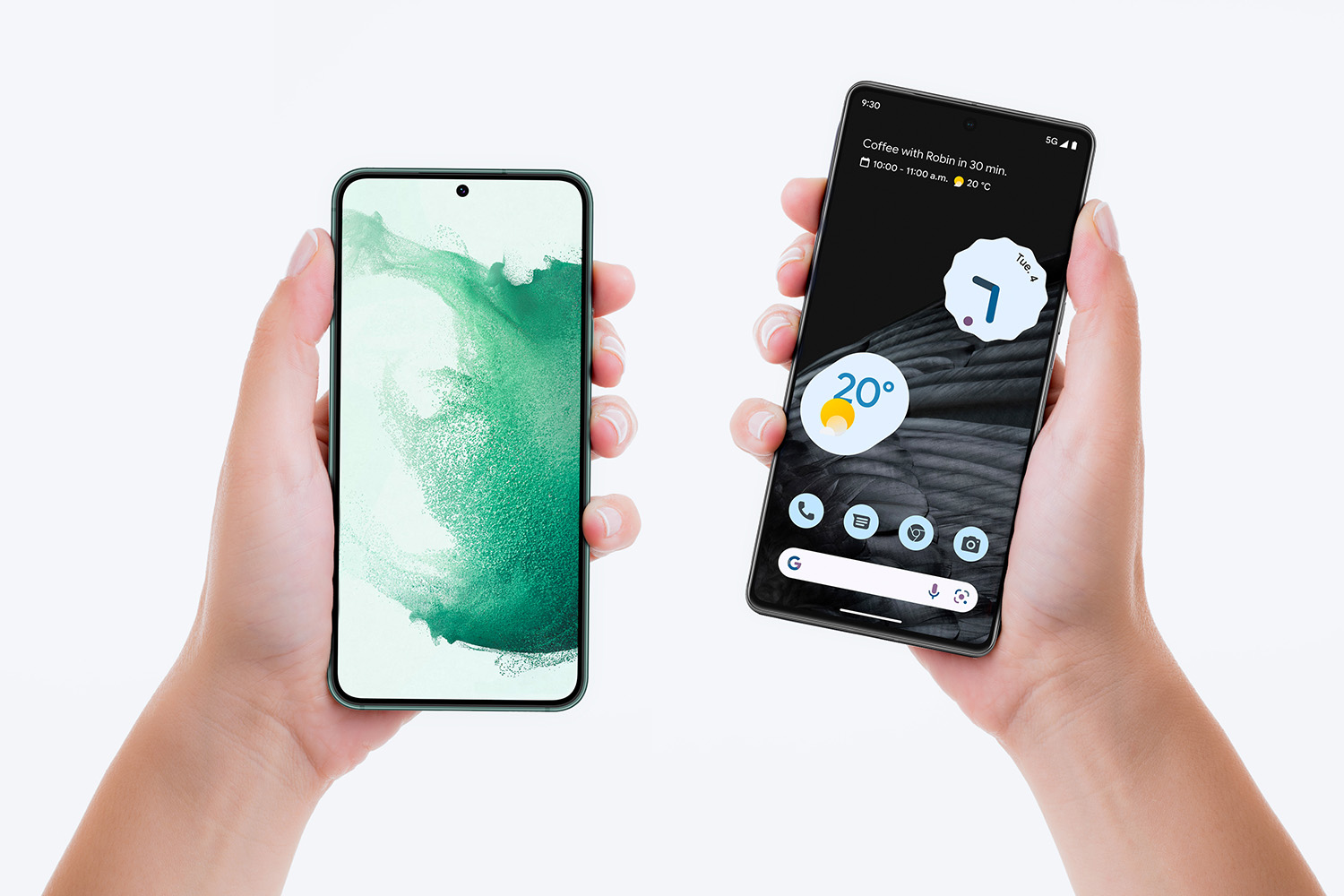
Your choice of operating system is the foundation of your mobile phone experience. Android and iOS dominate the market, and each has distinct strengths.
Android offers deep customization, widgets, and the ability to change default apps. It runs on many brands and price points, and it supports storage expansion via SD cards on many models. The Google Play Store has over 2.5 million apps, though quality varies. Android phones also use standard USB cables for charging and data transfer. Android phones support APK installation from outside the Play Store, though Android isn't responsible for any viruses. Google Duo's 'Knock Knock' feature allows the person you're calling to see you before they answer. Skype group calls can include up to 25 people and allow instant messaging during the call, plus features like screen share and voice messages. The Google Play Store has a refund policy allowing you to rescind any purchases within two hours. The Nokia 2017 Threat Intelligence Report found a big percent of Android phones suffered malware infection, closely followed by Windows, while iOS had only about 3% of the findings. Google removed about 600 adware apps in the Play Store with stricter app guidelines.
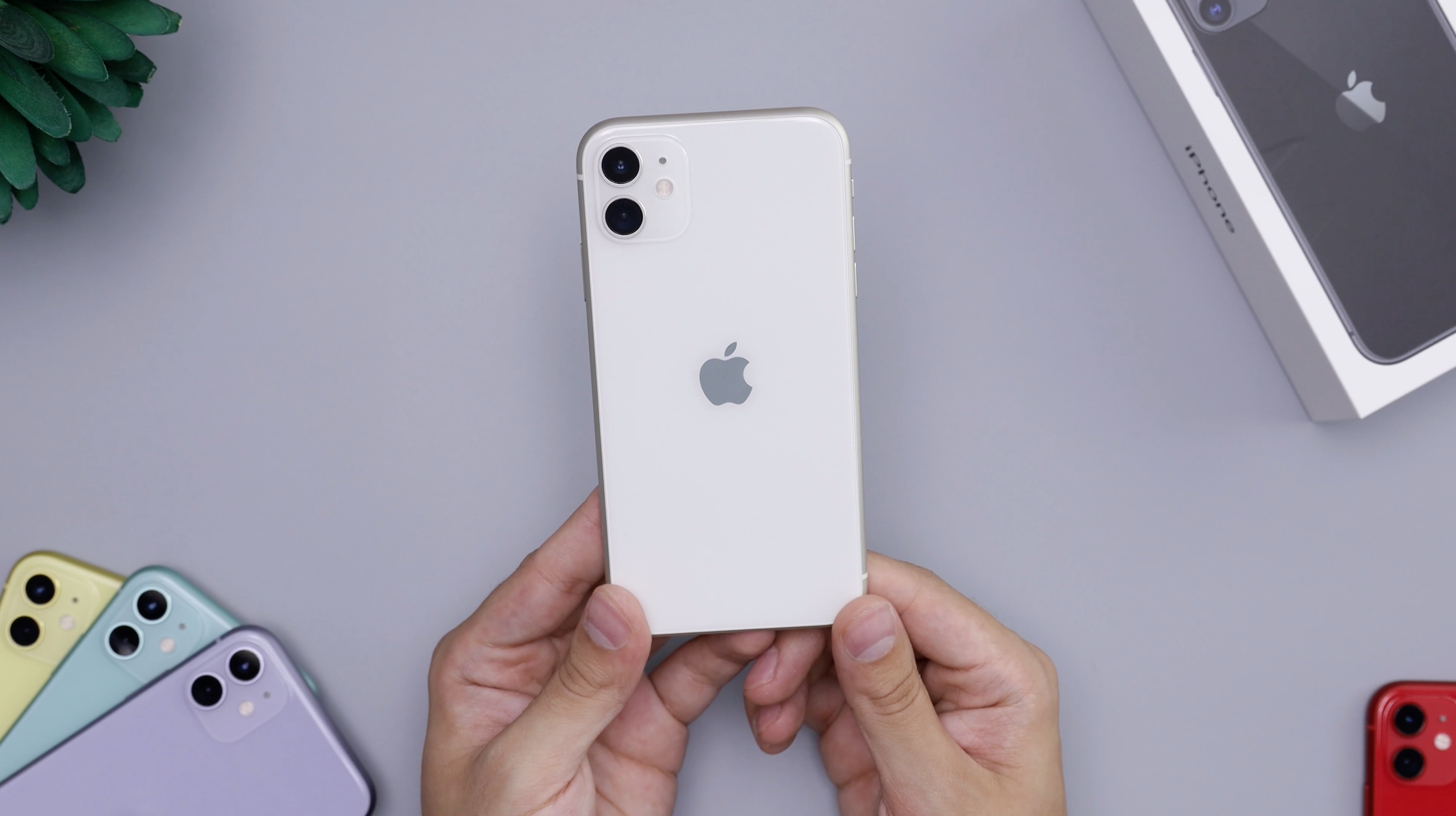
iOS is exclusive to Apple's iPhone. It provides a consistent, easy-to-use interface with fewer customization options but stronger security and privacy. Apple's App Store has about 1.8 million apps, but they are often higher quality due to a strict review process. iOS updates roll out to all supported iPhones at the same time, and the ecosystem integrates seamlessly across Apple devices. iPhones are less prone to malware than Android phones.
If you want simplicity, security, and a polished ecosystem, choose iOS. If you prefer customization, expandable storage, and a wider range of price options, choose Android. Windows phone final update was in January 2020; you can still use your Windows phone but some apps might not work over time.
How to check your current phone's software and updates
Knowing your phone's software version helps you understand compatibility and security. Here is how to check on both platforms using only verified facts from official support pages.
On an iPhone
- Open the Settings app from the Home Screen or App Library.
- Tap General, then tap About. Your iOS version is listed here.
- To check for updates, go back to General and tap Software Update. If an update is available, you can install it from this screen.
- You can also search settings by swiping down from the top of the Settings screen and typing in the search field.
iPhone models compatible with iOS 18 include iPhone XR, XS, XS Max, 11, 11 Pro, 11 Pro Max, SE (2nd generation), 12 mini, 12, 12 Pro, 12 Pro Max, 13 mini, 13, 13 Pro, 13 Pro Max, SE (3rd generation), 14, 14 Plus, 14 Pro, 14 Pro Max, 15, 15 Plus, 15 Pro, 15 Pro Max, 16, 16 Plus, 16 Pro, 16 Pro Max, and 16e.
On an Android phone
- Open the Settings app.
- Scroll down and tap About phone or About tablet.
- Tap Android version to see the exact version number.
- To check for updates, look for a System or Software Update option in Settings (paths vary by manufacturer).
No official Google support page provides a similar list for Android devices.
Understanding key mobile phone specifications
Specs tell you how a phone will perform in real life. Here is what each one means for everyday use, gaming, and photography.
- RAM: More RAM (6GB, 8GB, 12GB) lets you run multiple apps smoothly and switch between them without lag. 8GB is good for most users; 12GB or more benefits heavy gaming.
- Processor: The chip determines speed and efficiency. Mid-range processors are fine for everyday tasks.
- Storage: Internal storage holds your apps, photos, and files. 128GB is becoming standard. Android phones often allow expansion via microSD; iPhones do not. Samsung has developed 1TB phone storage.
- Display types: OLED and AMOLED screens offer deeper blacks and better contrast than LCD. A higher refresh rate (90Hz or 120Hz) makes scrolling and gaming feel smoother.
- IP ratings: An IP68 rating means the phone is dust-tight and can survive submersion in water. Lower ratings offer less protection.
Types of mobile phones for different lifestyles
Different phones excel at different tasks. Here is what to prioritize for each lifestyle.

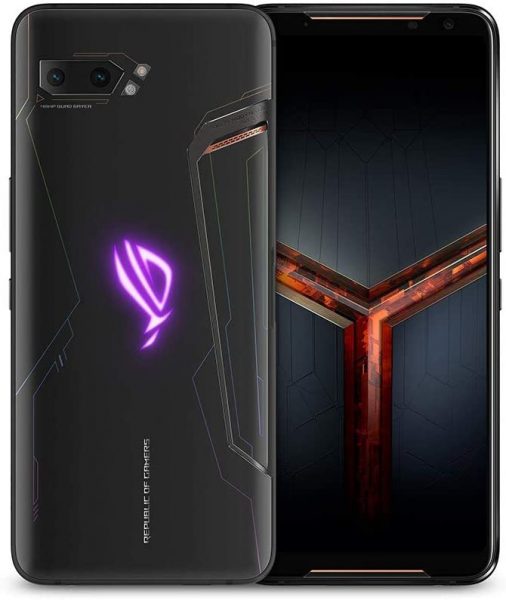
Gaming phones
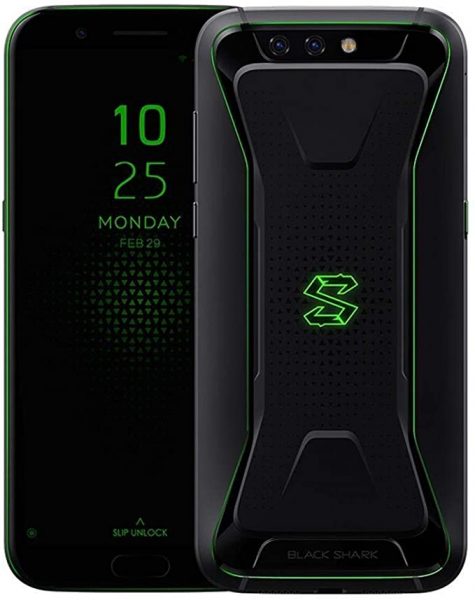
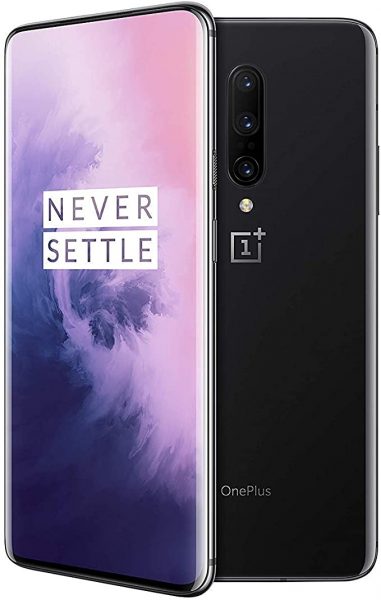
Look for a high-refresh-rate display (90Hz or 120Hz), a flagship processor, at least 8GB of RAM, and a large battery. Gaming phones often have extra cooling and customizable controls. If you enjoy playing games, check out popular mobile game recommendations (Popular Mobile Games to Download) to see which titles push performance.
Camera phones
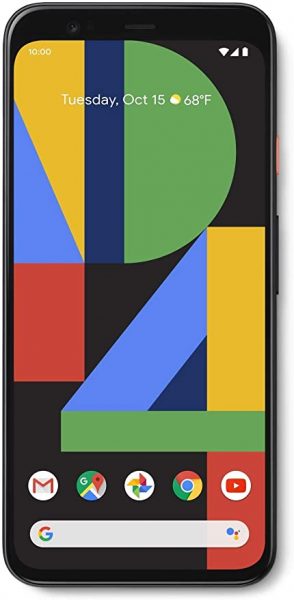
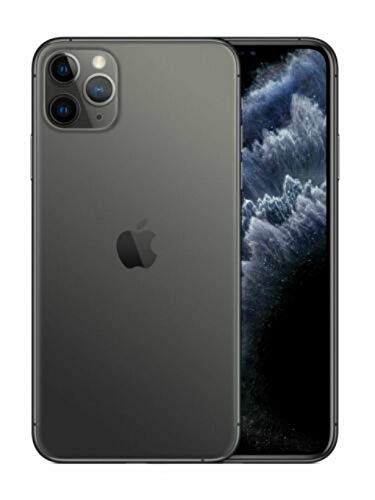
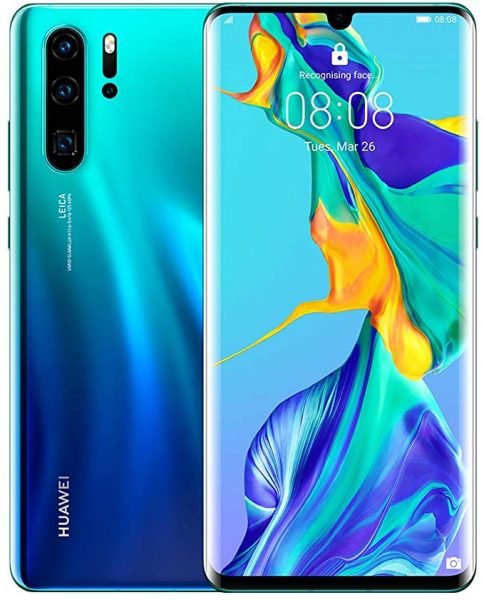
Prioritize multiple lenses (wide, ultra-wide, telephoto), large sensor size, optical image stabilization, and good software processing. Brands like Apple, Google, and Huawei are known for excellent camera quality. Google Photos offers unlimited storage for photos.
Long-battery phones
Focus on battery capacity (measured in mAh) and efficiency. Phones with 4500mAh or more can easily last a full day. Fast charging and wireless charging are bonuses.
Budget-friendly phones
You can get good performance at a lower price by choosing a mid-range processor, 4-6GB of RAM, and a decent display. Brands like Xiaomi, Realme, and Motorola offer strong value in this category.
A good measure for a music phone is to get familiar with audio specs and test the stereo in a store; specs to look for include audio enhancement, audiophile sound customization, internal speakers, speakers design, and wired audio quality.
Simple tests to evaluate any mobile phone
Before buying, run these DIY tests to confirm the phone delivers on its promises.
Software tests
- Reception test: Make a call in an area with known weak signal. Check if the call drops or the audio breaks up.
- Sound quality test: Play music or a video at full volume. Listen for distortion, tinny sound, or lack of bass.
- Display test: View a high-contrast image or video. Check for dead pixels, uneven brightness, or color shifts at different angles.
- Battery life test: Use the phone normally for a day. Note how much battery is left after typical use.
- Connectivity test: Connect to Wi-Fi and download a file. Pair Bluetooth headphones and walk away to test range. To test Bluetooth strength, step away from one distance to another to find out how reliable it is.
- Camera quality test: Take photos in the same scene under different lighting. Compare sharpness, color accuracy, and low-light performance.
Hardware tests
- Drop test: Watch online drop-test videos for the specific model. Do not drop your own phone.
- Scratch test: Check if the screen has Gorilla Glass or similar protection. Watch scratch-test videos to see real-world durability.
- Water resistant test: If the phone has an IP rating, check videos that test submersion. Do not submerge your phone unless you are prepared for potential damage.
Frequently Asked Questions
Why is my phone so slow?
Phones slow down over time as components age. Apps running in the background can also eat up RAM. Check app permissions to limit background activity, and ensure you have enough free storage space.
Why is my phone battery draining so fast?
Leaving many apps open, keeping screen brightness high, and constant notifications all drain battery. Check your battery usage settings to identify power-hungry apps and adjust them.
What phone has the best camera right now?
Flagship models from Apple, Google, and Samsung consistently deliver top-tier camera quality. The iPhone 16 Pro and Google Pixel 9 Pro are strong contenders, but the best choice depends on your budget and preferred operating system.
When did the iPhone come out?
Steve Jobs introduced the original iPhone on January 9, 2007, and it went on sale on June 29, 2007.
What is an Android phone?
Android is a mobile operating system developed by Google, running on phones from brands like Samsung, OnePlus, Xiaomi, and Motorola. It offers extensive customization and a wide range of price points.
Related reading: What Is A Mobile and Is Mobile Phone A Computer?.