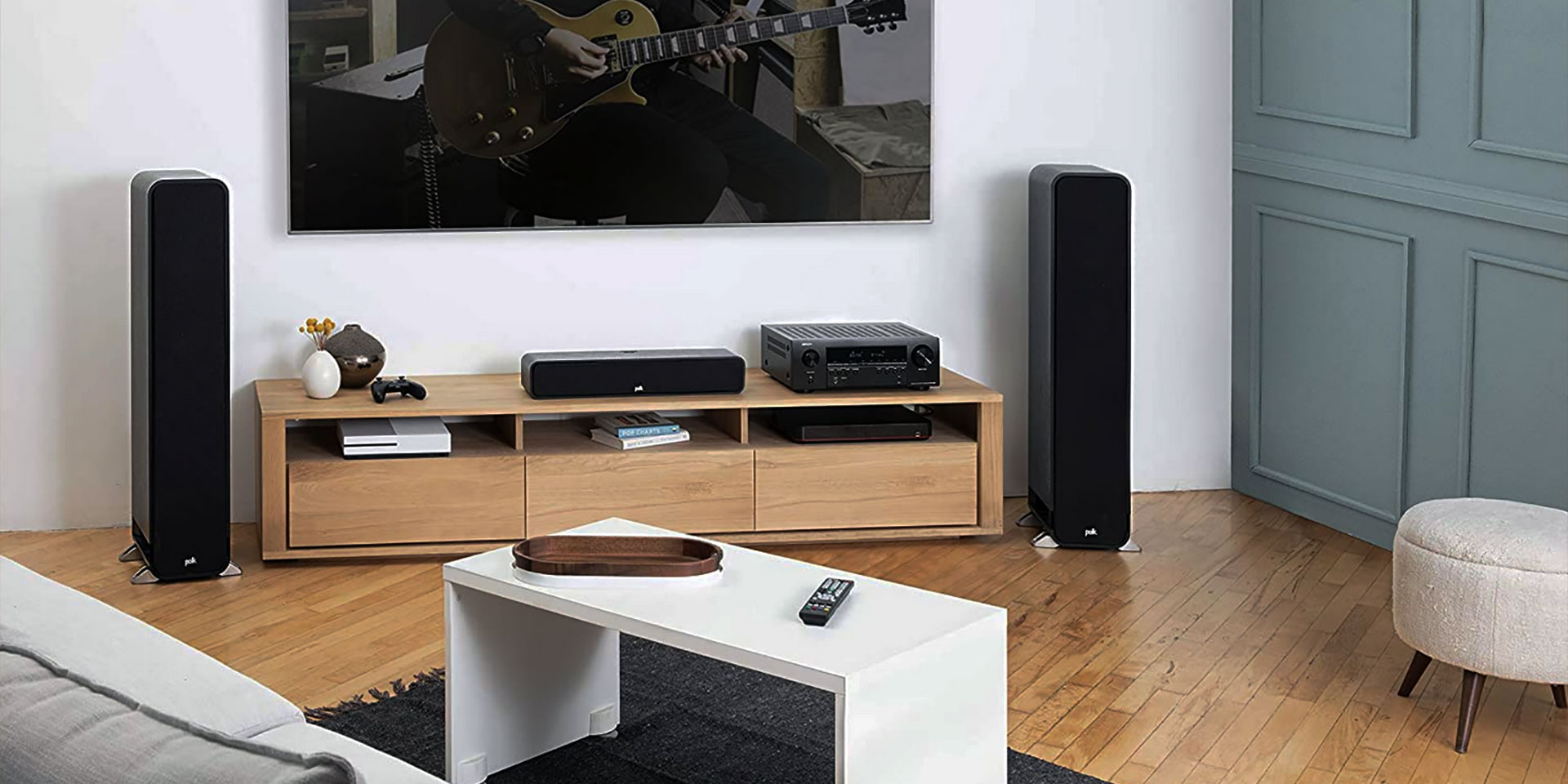
To connect wireless speakers to a stereo receiver, you need a Bluetooth transmitter because most receivers only have Bluetooth input, not output. A Bluetooth transmitter sends audio from the receiver's output to your wireless speakers, allowing you to enjoy wireless audio for your TV or music system without replacing your existing equipment.
Why your stereo receiver needs a Bluetooth transmitter to connect wireless speakers
Most stereo receivers include Bluetooth as an input, meaning they can receive audio from a phone or tablet but cannot send audio out to wireless speakers. Apple and Google both document pairing a Bluetooth accessory from the phone side, not from the receiver side. A wireless speaker connects to a stereo receiver by Bluetooth only if the receiver supports Bluetooth output or a separate Bluetooth transmitter is added. A normal Bluetooth receiver on the stereo side is not enough. The transmitter bridges this gap by converting the receiver's audio output into a Bluetooth signal that wireless speakers can receive.
What you need to connect wireless speakers to a stereo receiver
You need three items: a Bluetooth transmitter, wireless speakers, and the appropriate audio cables for your receiver's output. The transmitter must have an input that matches one of your receiver's audio outputs, such as RCA, 3.5mm, or optical. The wireless speakers must support Bluetooth pairing. No special app or carrier-specific workflow is required for this connection.
How to connect a Bluetooth transmitter to your stereo receiver
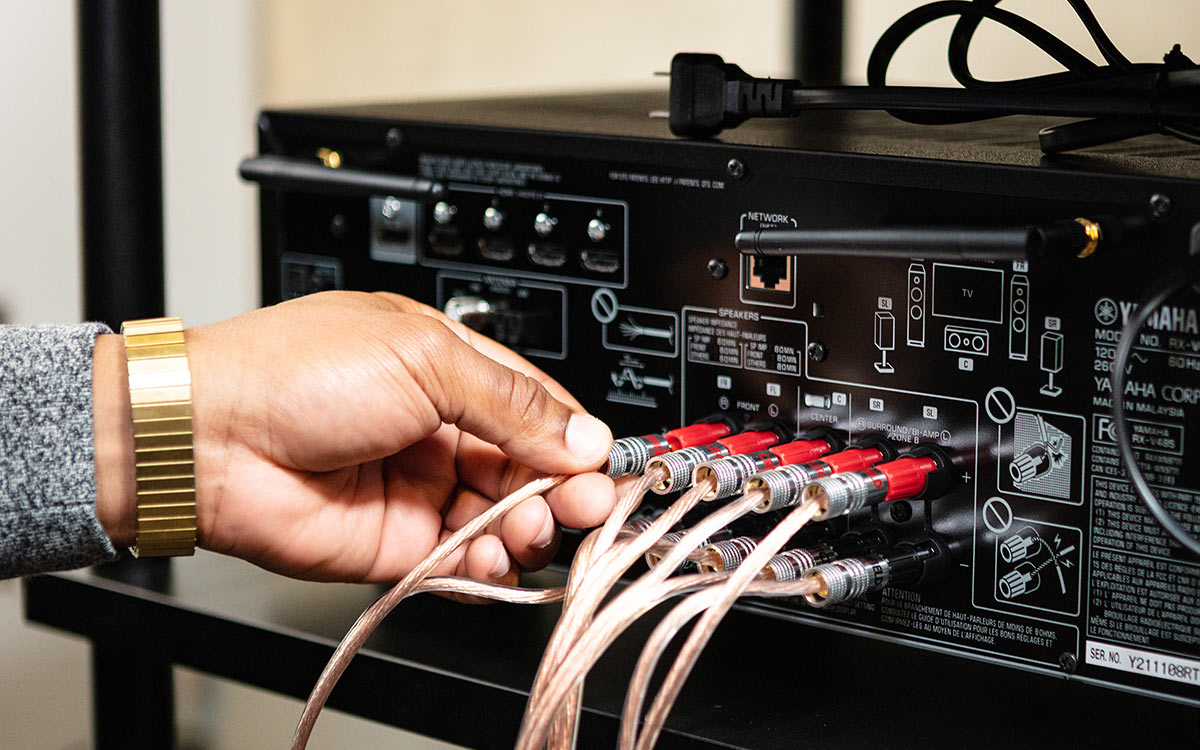
- Identify an available audio output on your stereo receiver. Common options include RCA (red and white jacks), a 3.5mm headphone jack, or an optical digital output.
- Plug the appropriate cable into the receiver's output and into the Bluetooth transmitter's input. For RCA, use a stereo RCA cable. For 3.5mm, use a standard auxiliary cable. For optical, use a Toslink cable.
- Power on the Bluetooth transmitter. Most transmitters require USB power or a wall adapter.
- Set the transmitter to transmit mode, not receive mode, if it has a switch. Some transmitters auto-detect the mode.
How to pair your wireless speakers with the Bluetooth transmitter
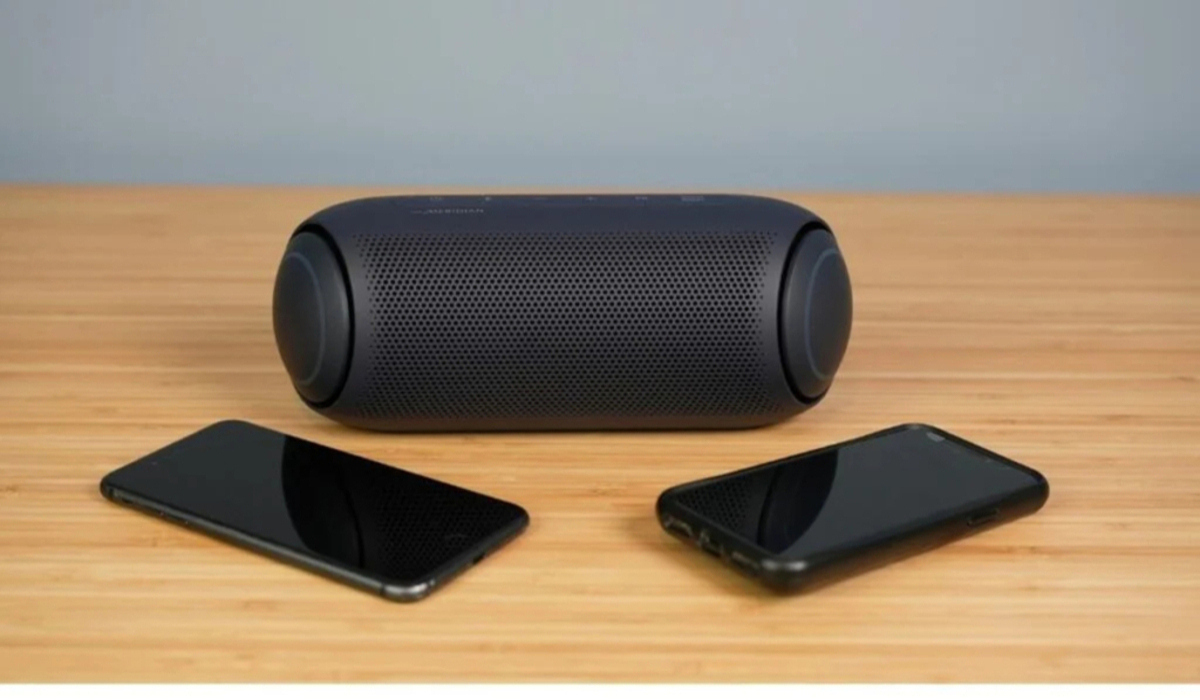
- Put the wireless speaker in discovery mode. This is usually done by pressing and holding a dedicated button or a combination of buttons until a light flashes. Refer to the speaker's manual for exact steps.
- Put the Bluetooth transmitter in pairing mode. This typically involves pressing a pairing button or holding the power button until an indicator light blinks.
- Keep the transmitter and speaker within about 33 feet (10 meters) of each other during pairing, as documented by Apple. Apple documents a Bluetooth range of about 33 feet (10 meters) for pairing. Apple says you may need the accessory PIN or passcode.
- Wait for the devices to connect. The transmitter's light will usually change from flashing to solid once paired. Google documents Pair new device, Available devices, and Refresh as the relevant controls for pairing on Android. If Pair new device does not appear, check Available devices or tap More > Refresh.
Troubleshooting wireless speaker connection problems
If the wireless speaker does not connect, start by keeping the speaker close to the transmitter. Apple says to make sure the accessory is near the device, turn the accessory off and back on, confirm it is charged or powered, and if the accessory uses an app, allow Bluetooth for that app under Settings > Privacy & Security > Bluetooth. Apple recommends turning the accessory off and back on, confirming it is charged or powered, and checking that any required app has Bluetooth permission under Settings > Privacy & Security > Bluetooth. Apple says to unpair the accessory, put it back in discovery mode, and try pairing again if it had worked before. If the speaker had worked before, unpair it, put it back in discovery mode, and try pairing again. Signal interference from other electronic devices, wireless routers, or physical obstructions can also cause issues. Move potential sources of interference away from the transmitter and speaker. Verify that the transmitter is receiving power from a working outlet or USB port.
Frequently Asked Questions
Can I connect multiple wireless speakers to one Bluetooth transmitter?
Some Bluetooth transmitters support pairing with multiple speakers simultaneously, but this depends on the transmitter's specifications. Check the transmitter's manual for multi-point or dual-audio support. Most basic transmitters pair with only one device at a time.
What is the range of wireless speakers connected to a stereo receiver?
Walls and other obstacles can reduce this range. For best performance, keep the transmitter and speakers in the same room with a clear line of sight.
Are there audio quality differences between wired and wireless speakers?
Wireless connections can introduce slight compression or latency, which may affect sound quality compared to a direct wired connection. However, modern Bluetooth codecs like aptX and AAC minimize these differences. For critical listening, wired speakers still offer the most stable and reliable audio.
Can I use an older stereo receiver without Bluetooth?
Yes. Any stereo receiver with an audio output, such as RCA, 3.5mm, or optical, can be used with a Bluetooth transmitter. The transmitter adds wireless capability without needing to replace the receiver.
Do I need an app to connect wireless speakers to a stereo receiver?
No. The connection is handled entirely through Bluetooth pairing between the transmitter and the speaker. No special app is required, and no carrier-specific steps apply.
Related reading: How To Connect Wireless Rear Speakers To Receiver.