






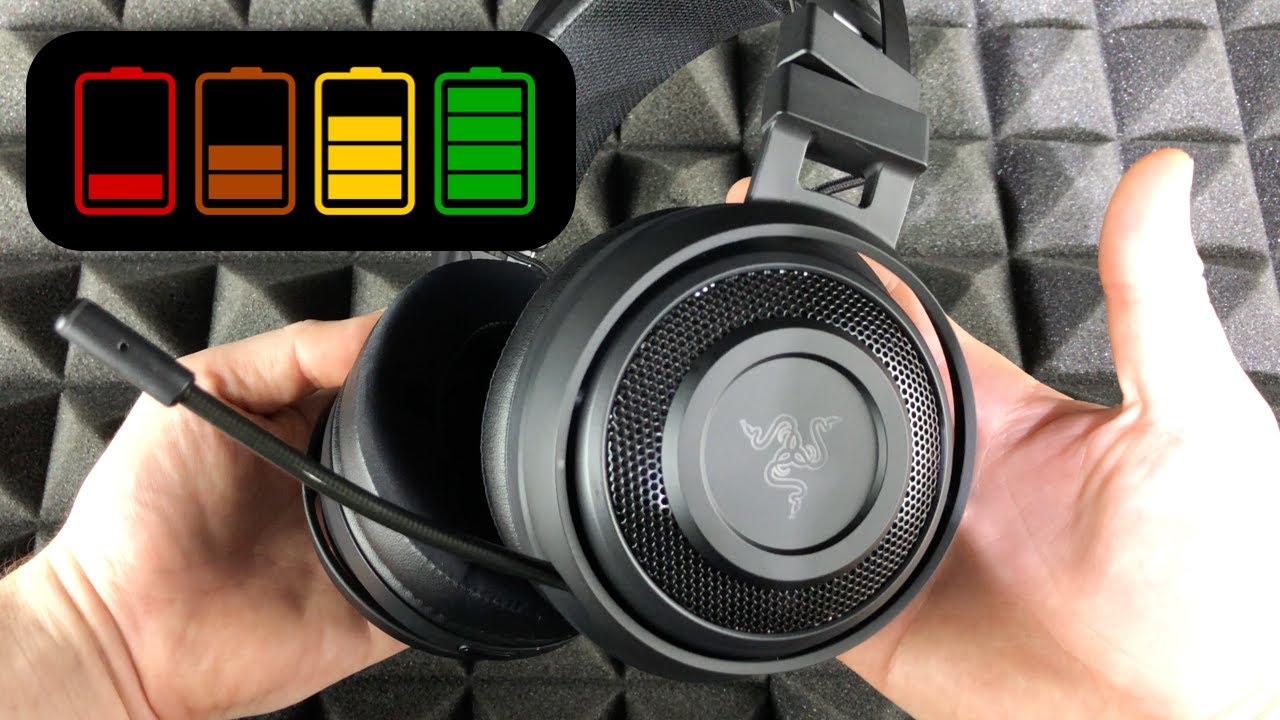
There is no single answer for how long it takes to charge a headset because charging time depends on the specific model, battery capacity, and whether the headset is wired or wireless.
How long does it take to charge a headset?
For wired headsets, Philips provides model-specific times of 2 hours or 3 hours for a full charge. For wireless headsets, Beats gives playback time after charging rather than a full-charge duration. The sections below cover these verified examples and the variables that influence charging speed.
Factors affecting your headset's charging time
Several variables determine how long it takes to charge a headset. Battery capacity is a primary factor: larger batteries require more energy and typically take longer. The charging source matters as well, using a wall adapter often delivers more power than a computer USB port. Cable condition also plays a role; a frayed or damaged cable can slow charging or prevent it entirely. Environmental temperature affects battery performance, with extreme heat or cold hindering the process. For iPhone users, charging behavior depends on the selected charge limit and Optimized Battery Charging settings. On iPhone 15 models and later, the charge limit can be set between 80% and 100% in 5% increments, and with Optimized Battery Charging, charging may pause at 80% and finish closer to when the phone is usually unplugged.
Charging times for specific wired headsets
Some wired headsets do require charging, particularly those with features like noise cancellation or inline controls. Philips support pages document that one wired headset model takes 2 hours for a full charge, while another model takes 3 hours. For optimal battery capacity and lifetime, Philips also recommends an initial charge of 5 hours for one of these models, even though its normal full charge time is listed as 3 hours. Philips says one headset battery should be charged for 5 hours for optimum battery capacity and lifetime, even though the normal full charge time is listed as 3 hours on that page. These are model-specific figures and do not apply to all wired headsets.
Playback and charging for specific wireless headsets
Beats support pages provide device-specific playback results after charging rather than universal charging times. The Beats Solo Buds deliver up to 18 hours of playback, and a 5-minute charge provides up to 1 hour of playback. The Beats Flex offers up to 12 hours of playback after a full charge. These figures are playback durations, not charge times, and they apply only to the specific models listed.
How to charge your headset faster
To reduce charging time for your headset, use a wall adapter instead of a computer USB port, as it typically delivers higher power output. For iPhone users, if charging is slow, the phone may show a "Slow Charger" message in Settings > Battery. To override Optimized Battery Charging on iPhone 15 and later, go to Settings > Battery > Charging and choose "Allow Until Tomorrow" or set the charge limit to 100%. On iPhone 14 models and earlier, the path is Settings > Battery > Battery Health & Charging. These steps help ensure your device charges at its maximum possible speed.
Frequently asked questions about charging a headset
Can I use my phone charger to charge my headset?
Yes, in most cases you can use a phone charger if it has a USB port and matches the voltage and amperage requirements of your headset. Using a charger with higher output than recommended may damage the headset, so check the manufacturer's specifications first.
Should I let the battery drain fully before charging?
No, it is not necessary and can actually shorten battery lifespan. It is better to charge when the battery level is around 20-30% to maintain optimal battery health over time.
How do I know when it's fully charged?
Most headsets have an LED indicator that changes color or stops flashing when charging is complete. For Bluetooth headphones, Sony’s support page says charging indicators help determine whether the headphones are fully charged or the battery is low. You can also check the battery level on your connected device or companion app if available.
Can I use my headset while it's charging?
Many headsets support pass-through usage, allowing you to listen while charging. However, this may slow the charging process and generate additional heat, so it is not recommended if you want the fastest charge possible.
What should I check on iPhone for charging behavior?
On iPhone 15 models and later, go to Settings > Battery > Charging. On iPhone 14 models and earlier, go to Settings > Battery > Battery Health & Charging. These menus let you adjust charge limits and Optimized Battery Charging settings that affect how your devices charge.
For the wider topic, see charging wireless earbuds and headphones.

















