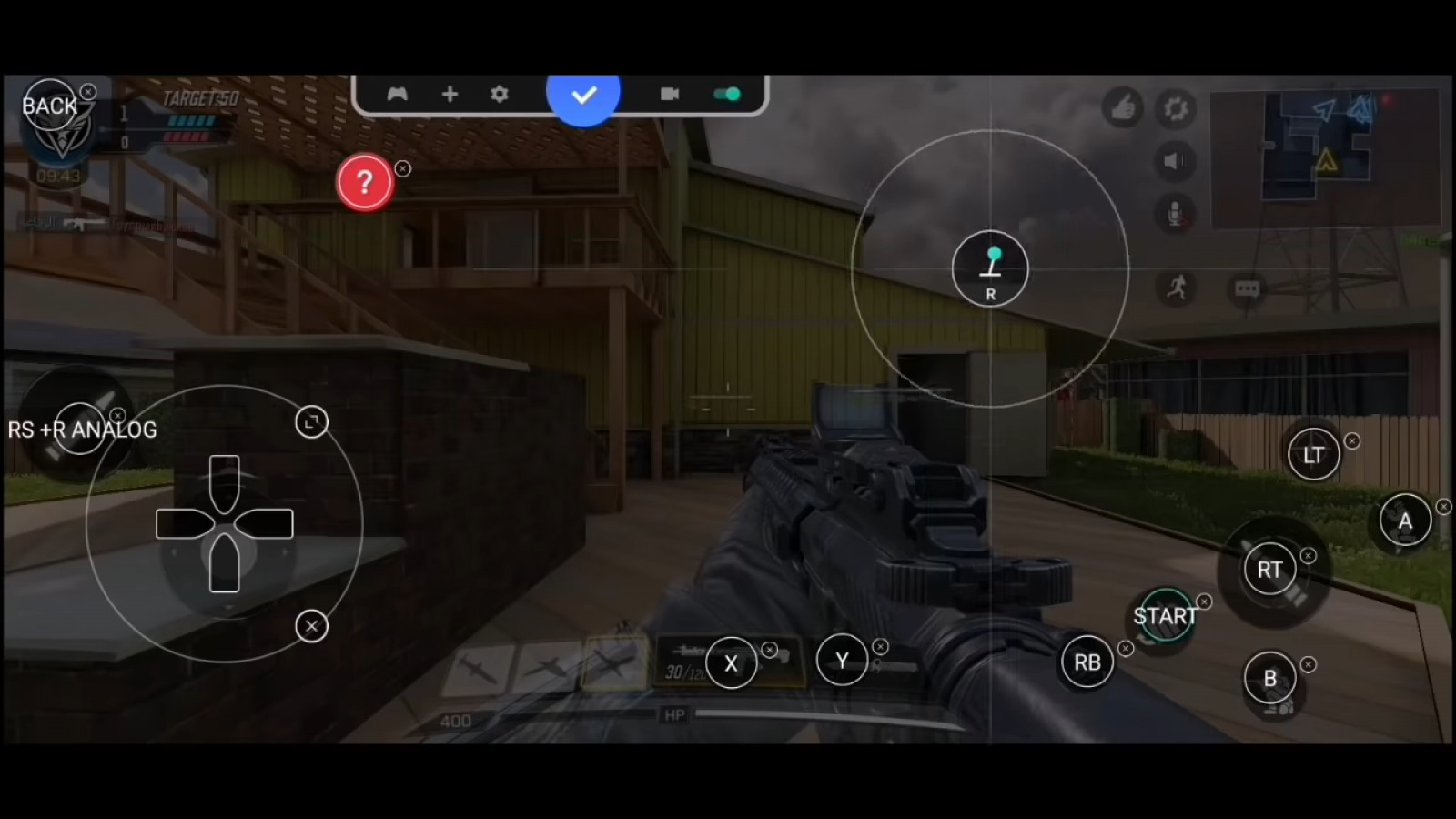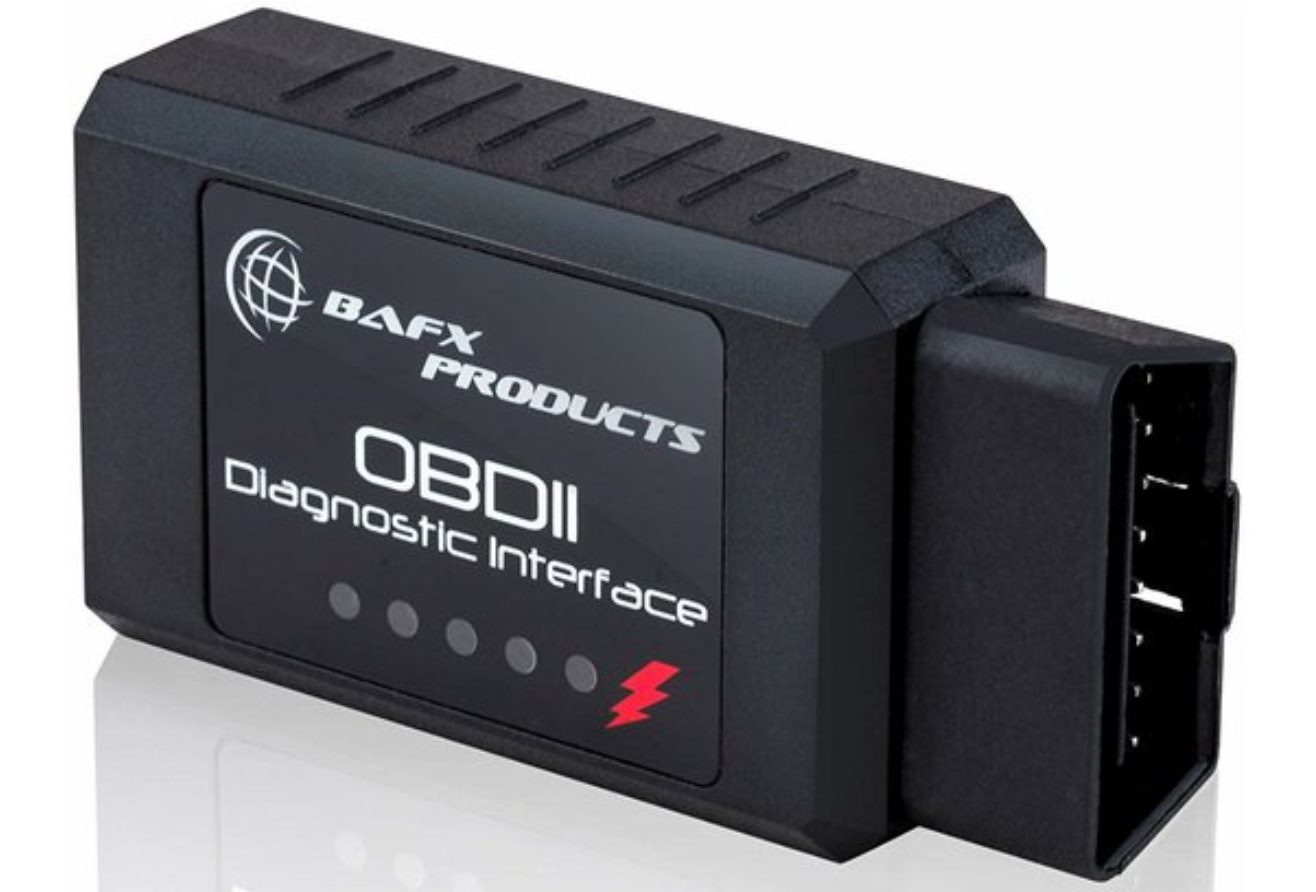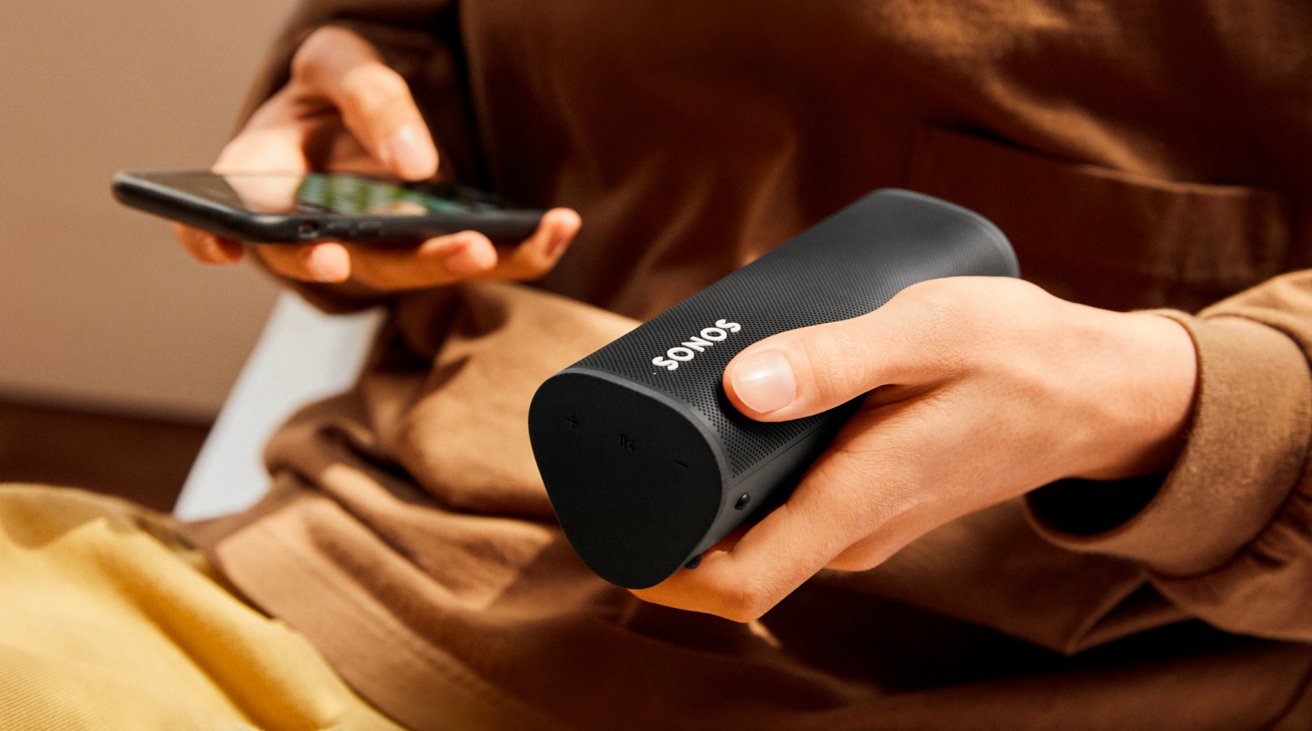
The core difference between portable and mobile is that portable means a device is easy to carry, while mobile means it is portable and has built-in wireless connectivity, typically cellular. In practice, official sources like Google's Android help pages define "mobile device" for phones and tablets, but do not define "portable device" as a separate technical category.
The difference between portable and mobile devices
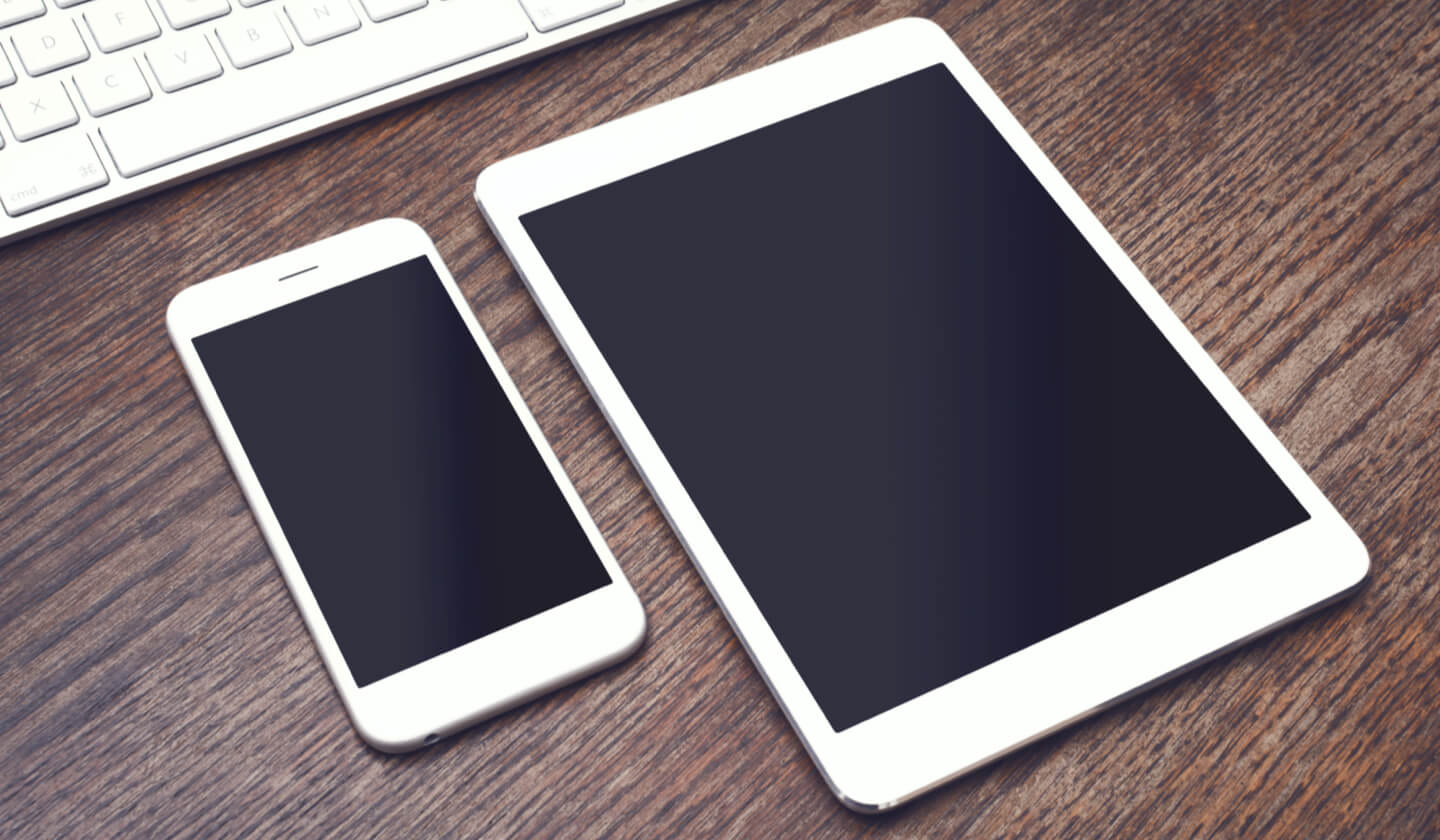
In everyday consumer electronics, a portable device is designed to be easily carried and used in different locations. Practical characteristics include being lightweight, compact, and battery-powered, allowing operation without a fixed power source. Portable devices often have rapid start-up times, ready for use within seconds. Portable devices may have expandable storage options such as microSD cards or cloud storage. Common examples are laptops, tablets, and handheld gaming consoles.
What makes a device 'mobile'?
According to Google's Android help pages, a mobile device is specifically an Android phone or tablet. Key traits that define a mobile device include cellular connectivity for calls and data, a mobile operating system (like Android or iOS), and always-on internet access through cellular networks. Mobile devices have location awareness with GPS capabilities for maps, navigation, and geolocation. Mobile devices support high-speed data transfer for browsing, downloading/uploading files, streaming media, and accessing cloud services. Typical examples are smartphones and cellular-enabled smartwatches. The official documentation consistently uses "mobile device" to refer to handheld devices with these capabilities.
Where the line gets blurry
Modern devices often blur the distinction. Smartphones and cellular tablets are both portable and mobile because they combine easy carry with built-in cellular connectivity. Devices that are portable but not mobile include Wi-Fi-only tablets, standalone digital cameras, and e-readers that lack cellular radios.
How to check your own Android device details
To find manufacturer information on an Android device, use the documented path: open Settings > About phone > Model & hardware. On some devices, the path is Settings > Google > Device & sharing. For quick access to device controls, swipe down from the top of the screen, then swipe down again to see all Quick Settings. Tap a setting name to adjust it, or tap Edit to change the menu.
Frequently Asked Questions
Are all mobile devices portable?
In common usage, mobile devices like phones and tablets are designed to be carried, but the term "portable" is not technically defined by Android or Apple support pages.
Are all portable devices mobile?
No. A Wi-Fi-only tablet or a standalone camera is portable because it is easy to carry, but it lacks the cellular connectivity that defines a mobile device in official Android documentation.
What settings path shows device info on Android?
The documented path is Settings > About phone > Model & hardware. This shows manufacturer and model details.
How do I access Quick Settings on Android?
You can tap a setting name to adjust it or tap Edit to customize the menu.
What are "mobile phone basics"?
Mobile Phone Basics and How They Work typically cover core functions like making calls, sending texts, and using cellular data. For Android devices, these basics are managed through the Settings app and Quick Settings, as documented in Google's help pages.
Can you use portable devices without an internet connection?
Yes, many portable devices have built-in storage for offline access to files, documents, and media.
Do all mobile devices have GPS capabilities?
Most modern mobile devices have GPS, but some older or budget-friendly models may rely on cellular network triangulation or Wi-Fi positioning instead.
Are all portable devices battery-powered?
Not all; some portable devices like laptops and tablets can be used while connected to a power source through an adapter or docking station.
Related reading: Is A Tablet A Mobile?.