Unlocking a phone number from Verizon means porting your number to a new carrier so you can keep using it with a different service provider. This is different from unlocking a device for use on another network; if you need to unlock a Verizon phone for a different SIM card, see our article on how to unlock a Verizon phone.
What it means to unlock a phone number from Verizon
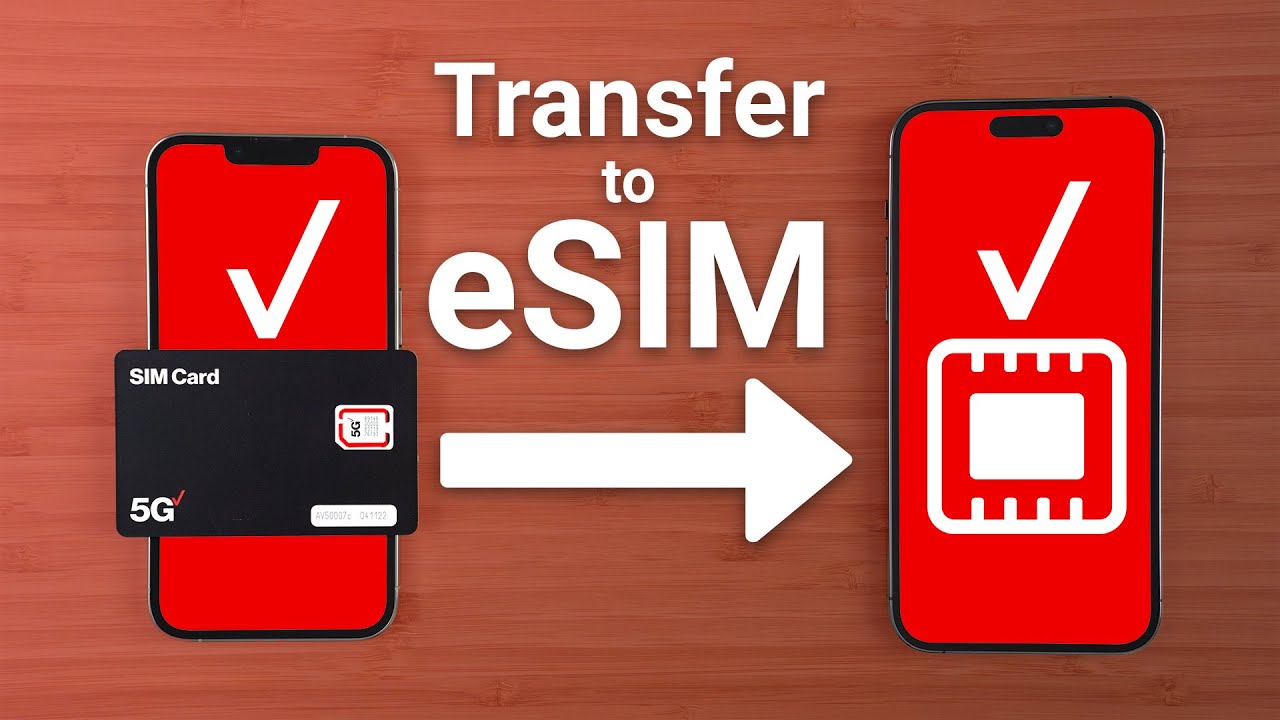
When people search for how to unlock a phone number from Verizon, they are usually looking to transfer their number to a new carrier. This process, called porting, moves your existing phone number from Verizon to another provider. It is not the same as unlocking your device. Device unlocking allows a Verizon phone to work with a different carrier's SIM card, while porting moves your phone number. For instructions on unlocking carrier phones, see our sibling article on unlocking carrier phones from Verizon, AT&T and T-Mobile.
Before you start: Disable Number Lock and check your account status
Before you can generate a Number Transfer PIN, you must disable Number Lock on the specific line you intend to port out. To disable Number Lock, sign in to My Verizon, navigate to Account > Account Settings > Security Settings, locate "Number Lock," select "Edit," toggle it off for the relevant number(s), and save the changes. If you are a Verizon Prepaid customer, you must wait 15 minutes after disabling Number Lock before you can generate a PIN. Your account must also be active and in good standing, and only the Account Owner or an Account Manager of a standard monthly account can generate a Number Transfer PIN. You can find the IMEI number by dialing *#06# on the phone's keypad. A phone may need to be active on the Verizon network for a certain period (typically 40 to 60 days) before it is eligible for unlocking. You may need to provide proof of purchase (sales receipt, invoice, or confirmation email) to validate ownership of the device.
How to generate your Number Transfer PIN
You can generate your Number Transfer PIN using one of two self-service methods:
- Via the My Verizon website: Log into your account, go to the "Create Your Number Transfer PIN" page, and select "Generate PIN."
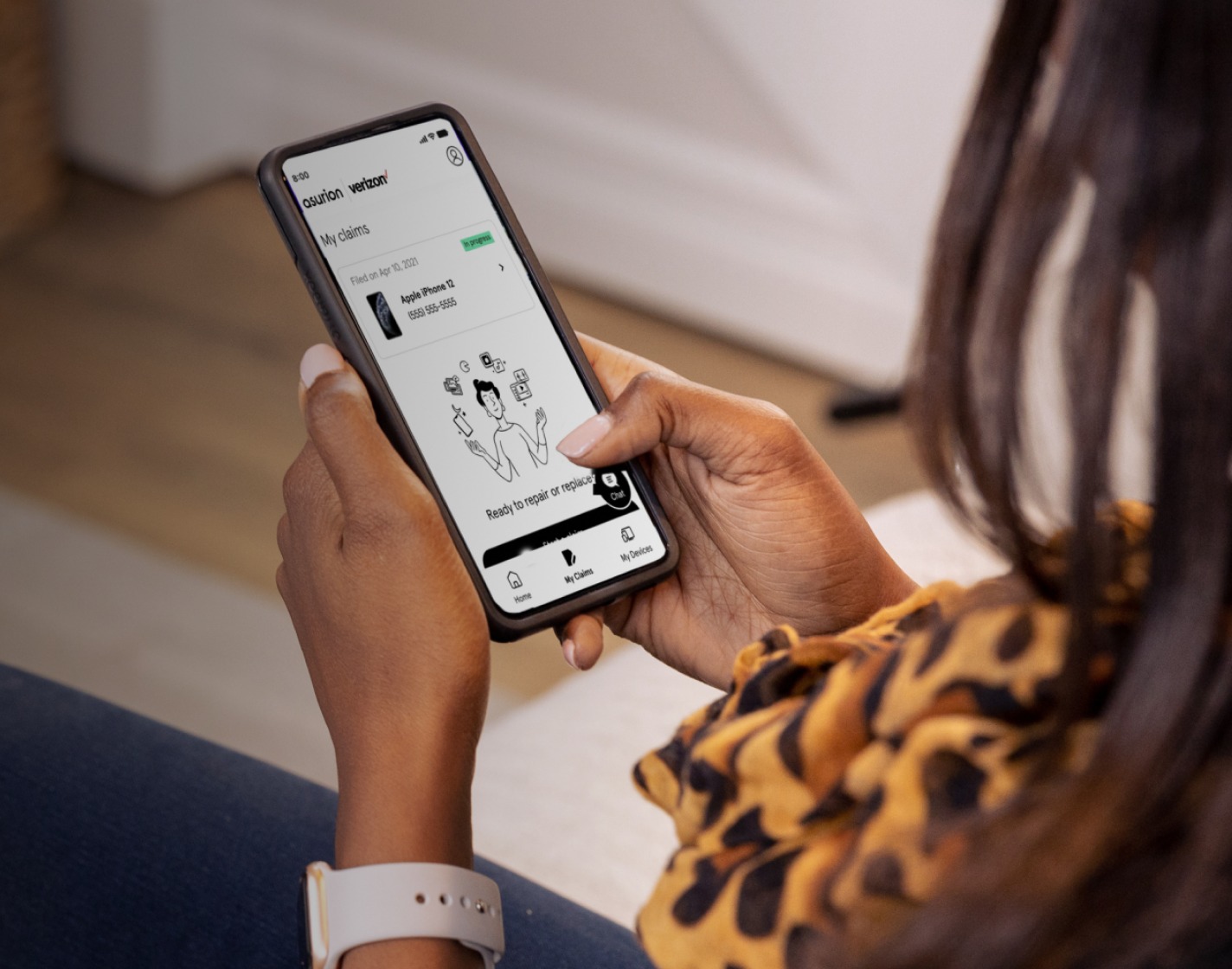
- Via your smartphone: Dial #PORT from the smartphone holding the number you wish to transfer, then open the text link sent to you to generate the PIN within the My Verizon app.
Each Number Transfer PIN is unique to the line it was generated for and is valid for 7 days.
Give your PIN and account number to your new carrier
Provide your new carrier with the Number Transfer PIN and your Verizon account number to authorize and initiate the porting process. You must keep your Verizon account open and the line active until the new carrier confirms that the number transfer is fully completed.
What happens after you port your number out
Once your number is successfully ported to the new carrier and becomes active on their network, Verizon service for that specific line will automatically cancel. You may receive a final bill from Verizon, which could include an Early Termination Fee if your contract term has not been completed, or any remaining device payment balance.
Special cases: Unauthorized ports and business accounts
If you receive a confirmation text for a number transfer that you did not authorize, immediately contact Verizon by dialing *611 or 1-800-922-0204. For business accounts with 10 or more lines, port-out requests require calling Verizon Customer Service at 1-800-922-0204 for support. Verizon offers special unlocking provisions for military deployment; you will need to provide deployment orders or military ID.
Frequently Asked Questions
Can I port my number if my phone is still under contract?
Yes, you can port your number even if you are still under contract, but you may be charged an Early Termination Fee as part of your final bill.
Will porting my number cancel my other Verizon lines?
No, porting out a single number only cancels service for that specific line. Other lines on your account will remain active.
How long does a number transfer usually take?
What is the difference between porting my number and unlocking my device?
Porting moves your phone number to a new carrier, while unlocking your device allows it to accept a SIM card from another carrier. You may need to do both when switching providers.
Can I generate a Number Transfer PIN for someone else's line on my account?
Only the Account Owner or an Account Manager can generate a Number Transfer PIN, and each PIN is unique to the specific line it was generated for.
Will unlocking my Verizon phone number affect my contract or service with Verizon?
Unlocking does not directly impact your existing contract, but outstanding terms remain in effect until fulfilled.