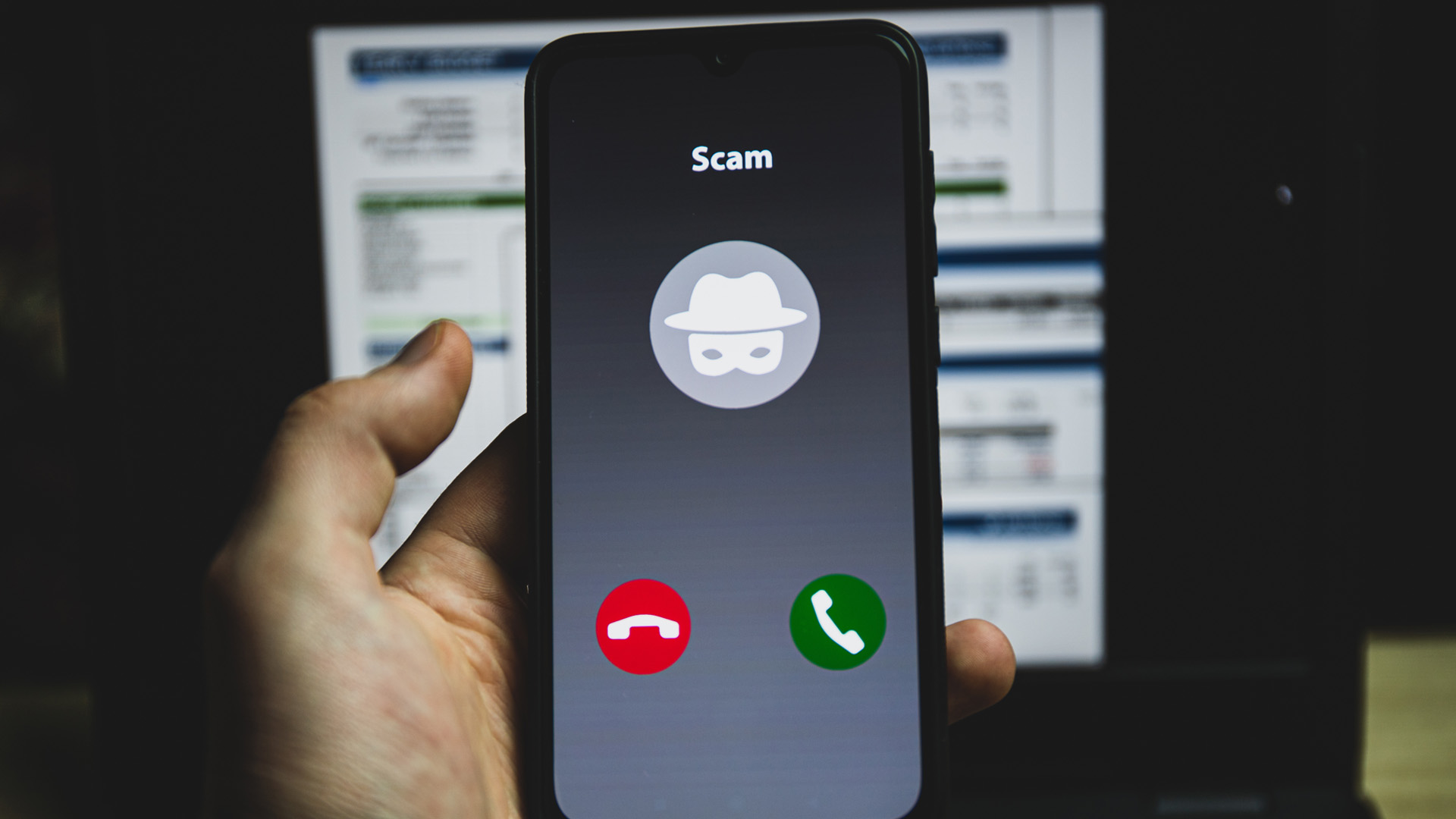
A phone number with all zeros on your caller ID, displayed as 000-000-0000, means the call was spoofed, originated from a VoIP service that did not send a valid number, or was deliberately blocked by the caller. It is not a real, assigned phone number, and scammers and telemarketers commonly use this display to hide their identity.
What a phone number with all zeros on caller ID actually means
When you see a caller ID showing all zeros, it directly answers your search intent: this is a spoofed, blocked, or VoIP-originated call, not a legitimate number. The caller’s carrier or software has manipulated the outgoing caller ID to display zeros instead of a real number. Telemarketers and scammers frequently use this tactic because it prevents you from identifying or tracing them. This display is not a feature documented by Apple or Google as a standard iPhone or Android setting, the official pages for both platforms describe only standard caller ID controls, not any “all zeros” number concept.
Why you cannot call back a 000-000-0000 number
An all-zeros number like 000-000-0000 is not assigned to any phone line and cannot receive incoming calls. Phone networks require valid, allocated numbers to route calls; an all-zeros sequence is not a valid endpoint. Even if you attempt to dial it, the call will fail because no carrier recognizes it as a reachable destination. This is why scammers use it, they can call you, but you have no way to call them back.
Is an all-zeros number a sign your phone is hacked?
No. Receiving a call from all zeros does not indicate your device is compromised. It is simply a caller ID manipulation performed on the caller’s side. Your phone is functioning normally; the display is a result of the caller’s network or software choice. Official documentation from Apple and Google confirms that no consumer feature on iPhones or Android phones generates an all-zeros number, so seeing one is not a sign of a hack or malware.
Can you block calls from numbers that show all zeros?
Most phones allow you to block a specific number, and you can block 000-000-0000 in your call-blocking settings. However, because the number is spoofed, blocking this exact string has limited effectiveness, scammers can easily use a different fake number on their next call. Carrier-level spam filters or third-party call-blocking apps are a better option, as they analyze call behavior rather than relying on a single spoofed number.
What if your own number shows as all zeros when you call someone?
If your own number appears as all zeros on the recipient’s caller ID, this is a carrier provisioning issue, not a device setting you can fix. iPhone and Android caller ID settings only toggle between showing your real number and displaying “Private” or “Blocked”, they cannot produce an all-zeros display. You should contact your mobile carrier, as the problem likely involves how your number is transmitted on their network.
Phone settings that control your caller ID
On iPhone, go to Settings > Apps > Phone > Show My Caller ID to turn your caller ID on or off; turning it off displays “Private” or “Blocked,” not all zeros. Apple documents that the caller ID setting affects outgoing calls, while FaceTime calls still display the phone number even if caller ID is turned off. Dial Assist (also under Settings > Apps > Phone) helps with international calls but does not affect the number displayed; Apple documents that Dial Assist is for GSM and that international calling rates and other charges may apply through the carrier. On iPhone dual SIM devices, Apple documents Settings app > Cellular or Mobile Service > tap the number > tap each option to change settings for a specific line. In the Phone app, touch and hold 0 until + appears for international prefix help. On Android, the path varies by device: Sony’s caller ID steps explicitly cover Android 9.0 or higher and also show variants by phone app layout and SIM/account selection, with the documented path being Phone app > menu icon > Settings > Calls > Caller ID or Additional settings > Caller ID > Hide number (for Android 9.0 or higher). Google’s Assistant phone number is managed via the Google Home app > Profile picture > Assistant settings > Communication > Call providers; Google documents verification by text code for adding or changing the number used by Assistant. An Android phone-number verification path is: Settings app > Google > All services > Phone number verification. None of these settings can create an all-zeros number. Understanding standard phone number formats and digits helps clarify that an all-zeros display is not a normal format. Knowing what an unallocated phone number mean reinforces that 000-000-0000 is simply not a working number. For legitimate numbers, looking up phone numbers through your carrier or official directories is the correct approach.
Frequently Asked Questions
Can a scammer call from 000-000-0000 more than once?
Yes. Scammers can repeatedly spoof the same all-zeros display because it is easy to generate. Blocking the number on your phone will not stop them from calling again from the same spoofed string.
Is 000-000-0000 ever used by legitimate businesses?
No. Legitimate businesses always display a valid, callable phone number. An all-zeros caller ID is not used by any official service, including emergency services, which use designated numbers like 911 (not all zeros).
Does an all-zeros call mean my number was leaked or sold?
Not necessarily. Spoofed calls are often random or targeted based on public lists. Seeing an all-zeros call does not prove your number was compromised, though it may indicate you are on a telemarketing or scam call list.
Can I report a call from 000-000-0000 to authorities?
Yes. You can report spoofed calls to the Federal Communications Commission (FCC) or your local regulatory body. However, because the number is fake, investigators cannot trace it directly; they rely on carrier records to find the actual source.
Will turning off my caller ID prevent all-zeros calls?
No. Turning off your caller ID only hides your own number when you make calls. It has no effect on incoming calls, including those displaying all zeros.
For the wider topic, see phone number formats and digits.