






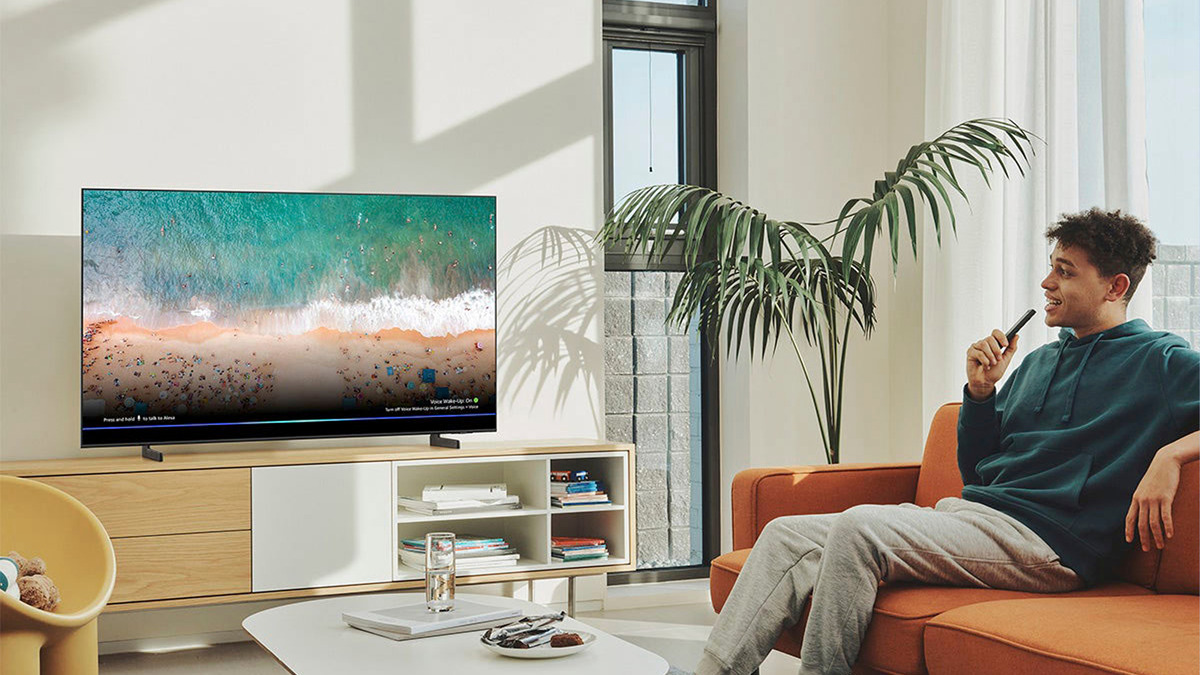
To connect a JBL speaker to a Samsung TV, the primary method is wirelessly via Bluetooth, provided both devices support the feature. This gives you wireless audio for your TV without needing any extra cables.
How to connect a JBL speaker to a Samsung TV via Bluetooth
First, check if your Samsung TV has Bluetooth. Navigate to Settings > Sound > Sound Output. If you see "Bluetooth Speaker List" as an option, your TV is Bluetooth compatible. The exact menu path depends on your TV's year of manufacture.
For Samsung TVs produced from 2016 to the present day, the steps are: Home > Settings > Sound > Sound Output > Bluetooth Speaker List. For Samsung TVs produced in 2015, go to: Settings > Sound > Speaker List > Bluetooth Audio. For Samsung TVs produced in 2014, go to: Settings > Sound > Speaker Settings > Turn "Add New Device" on > Samsung Audio Device List. For Samsung TVs produced in 2013, the menu path includes 'Soundshare Settings' before 'Add new device': Settings > Sound > Speaker Settings > Soundshare Settings > Add new device > Samsung Audio Device List.
Once you reach the Bluetooth device list on your TV, put your JBL speaker into pairing mode. Then, select your JBL speaker from the list on the TV and choose "Pair and connect." The TV will now route its audio through your JBL speaker.
What if my Samsung TV doesn't have Bluetooth?
If your Samsung TV does not have built-in Bluetooth, you can still connect wirelessly by using a Bluetooth audio adapter. Connect the adapter to your TV's 3.5mm audio port or RCA audio ports. Then, put the adapter into pairing mode and pair your JBL speaker with the adapter. This effectively adds Bluetooth capability to your TV.
Connecting with a wired cable for better audio quality
Samsung generally recommends wired connections like HDMI (ARC) or Optical Digital Audio Out over Bluetooth for better audio quality if available. If using HDMI, ensure your TV has an HDMI ARC (Audio Return Channel) port, as this enables two-way communication between the TV and the speaker. For an HDMI ARC connection, connect the TV's HDMI IN (eARC) port to the speaker's HDMI OUT (TV-ARC/eARC) port. For an optical connection, connect the TV's Optical Out port to the speaker's Digital Audio In (Optical) port. A 3.5mm audio cable can be used to connect the TV's headphone jack to the speaker's audio input if the speaker lacks an optical input. After connecting the cable, ensure the TV's Sound Output setting is changed from "TV Speakers" to the connected device.
Troubleshooting your JBL speaker and Samsung TV connection
Bluetooth connections can experience lip-sync errors or disconnections due to distance, obstructions, or electrical interference. Try moving your JBL speaker closer to the TV and removing any obstacles between them. If you experience disconnections, also check that no other Bluetooth devices are interfering.
Most Samsung TVs can only pair one Bluetooth audio device at a time, but models manufactured from 2022 onwards can connect to two. If you are having trouble pairing a new speaker, disconnect any other paired Bluetooth audio device first.
For wired connections, check that the cable is securely connected at both ends and that the TV's Sound Output setting is set to the correct source (HDMI ARC or Optical Out). Try switching the HDMI port on your Samsung TV if you experience issues, as specific ports may have compatibility problems. Check for firmware or software updates for both the JBL speaker and the Samsung TV to maintain compatibility and resolve known issues.
Frequently Asked Questions
Can I connect any JBL speaker to a Samsung TV?
Yes, you can connect any JBL speaker that supports Bluetooth or has an audio input (such as AUX, optical, or HDMI ARC) to a Samsung TV, as long as the TV has a matching output.
How do I switch the audio output back to my TV speakers?
Go to Settings > Sound > Sound Output on your Samsung TV and select "TV Speakers" from the list to stop using the external JBL speaker.
Why won't my Samsung TV find my JBL speaker?
Ensure your JBL speaker is in pairing mode and close to the TV. Also, check that your TV's Bluetooth is enabled by navigating to the Sound Output menu. If the TV has previously paired with other Bluetooth devices, unpair them first.
Can I use my JBL speaker and TV speakers at the same time?
Most Samsung TVs do not support simultaneous audio output from both the TV speakers and a Bluetooth speaker. The TV will typically output sound to only one device at a time.
Is there a delay between the picture and sound when using Bluetooth?
Yes, Bluetooth connections can sometimes cause a lip-sync error, where the sound is slightly delayed behind the picture. This is due to the nature of Bluetooth audio transmission and can vary by device.














