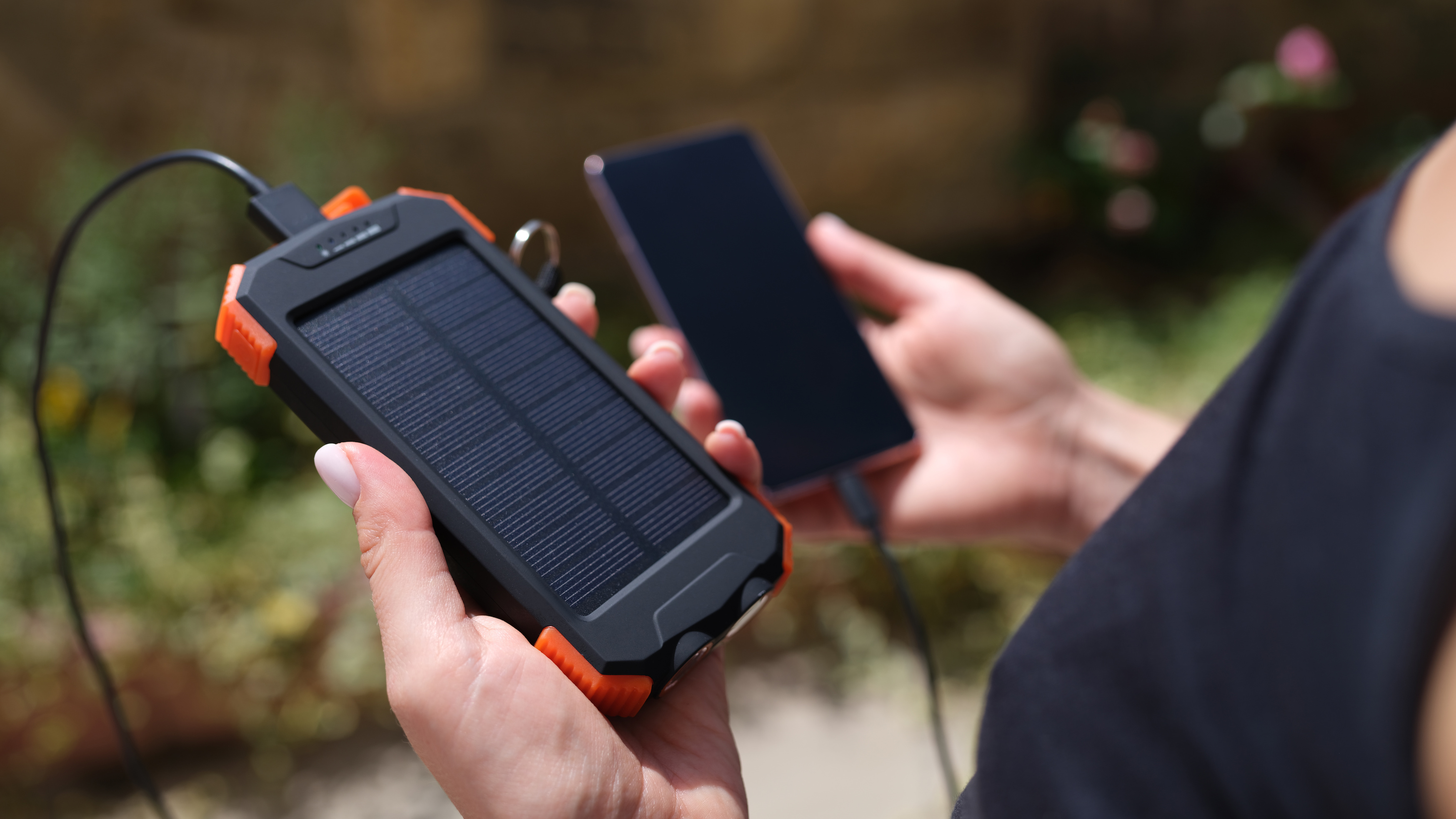
To charge a Blavor solar power bank, you have two methods: using a USB cable as your primary, reliable option, or using the built-in solar panel as an emergency or supplemental backup.
Charge your Blavor power bank via USB cable
USB cable charging is the fastest and most dependable way to recharge your Blavor power bank. The exact steps depend on which input your model uses, but the process is straightforward for all versions.
- Identify the charging input on your power bank. Models may have a USB-C input/output, a Micro USB input, a built-in USB-A input cable, or a dedicated iOS input port.
- Connect the appropriate cable from the power bank to a compatible wall adapter. For models that support it, using a QC3.0/PD wall adapter or an 18W PD charger provides the fastest recharge.
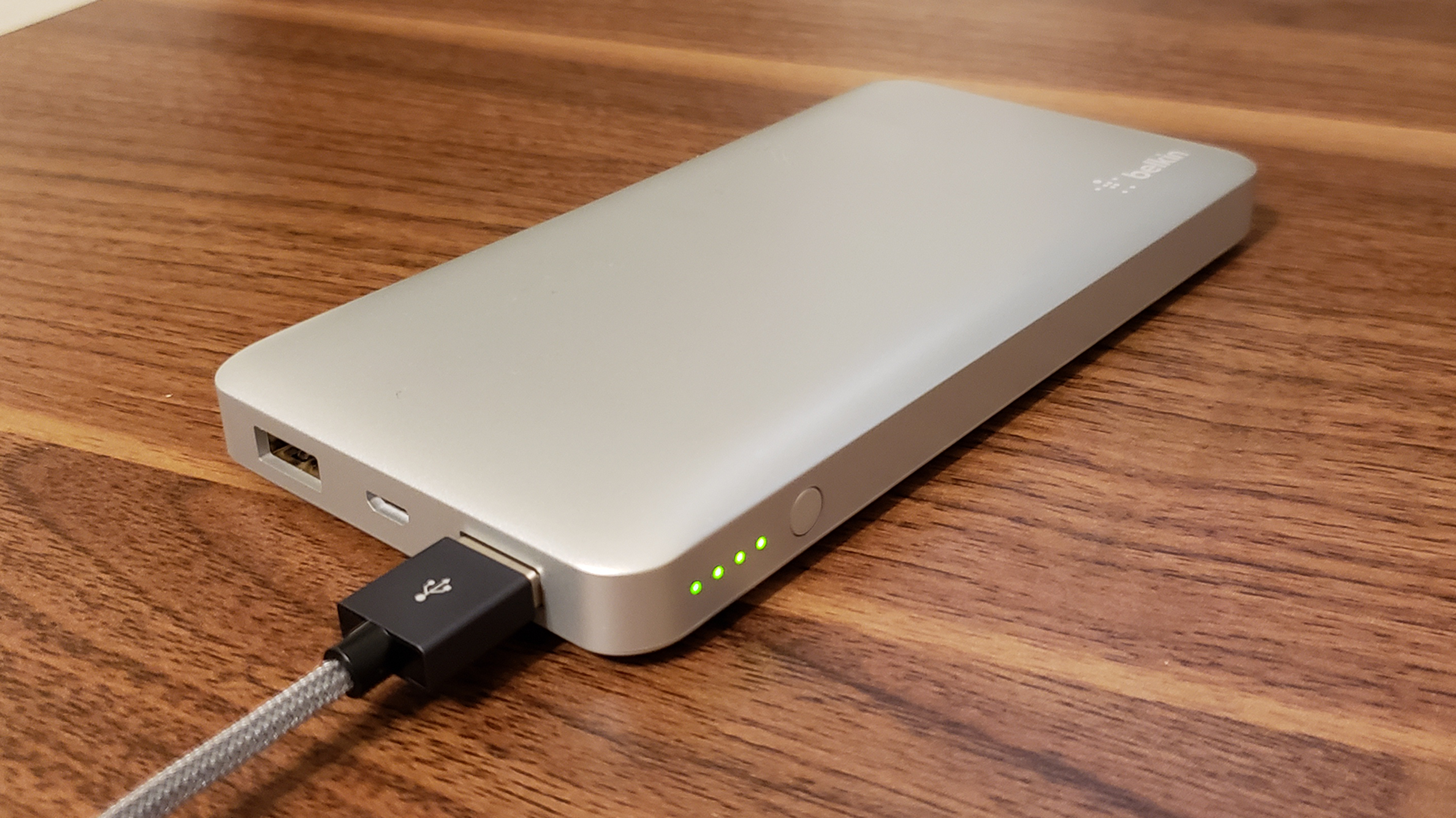
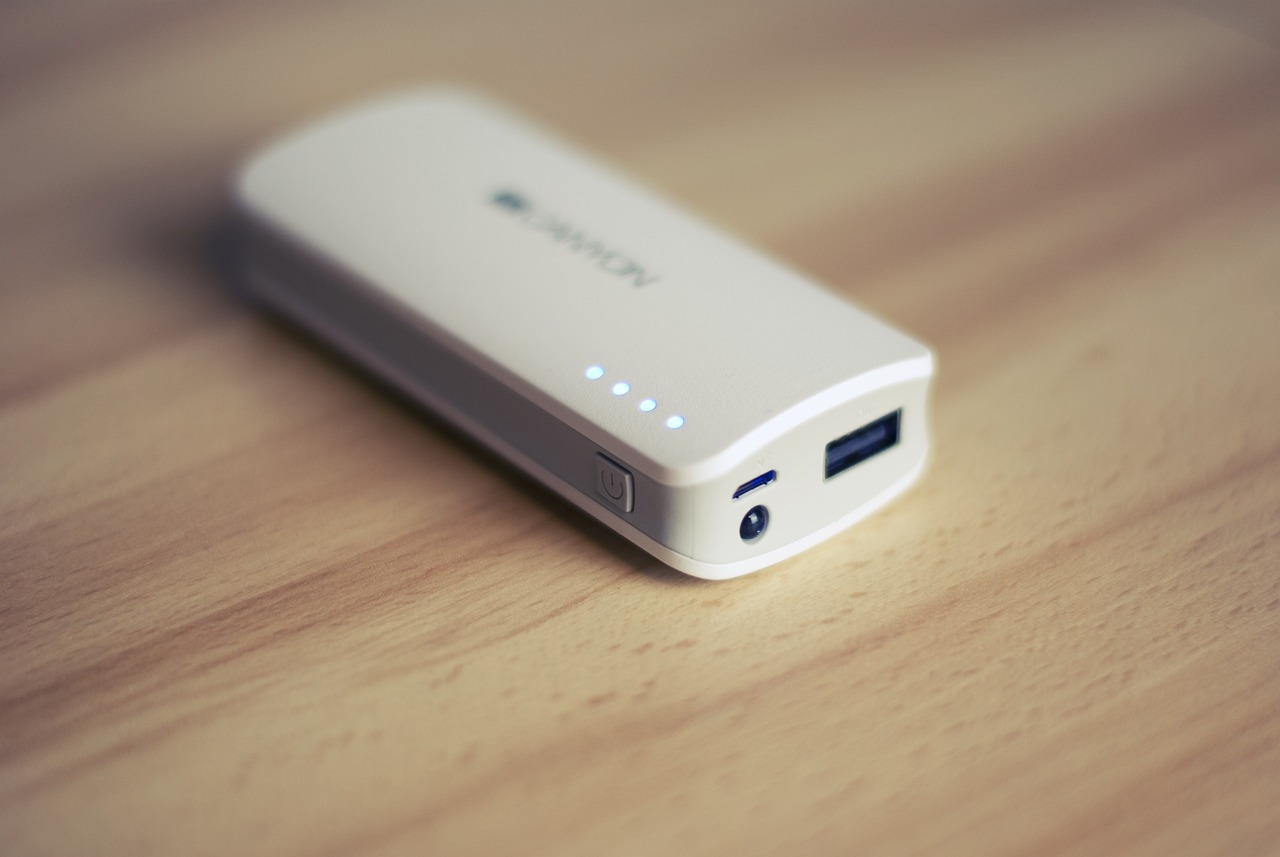
- Plug the wall adapter into a power outlet. The LED battery indicator will flash during charging to show it is active.
- When the power bank is fully charged, all LED indicators become solid (no longer flashing). Disconnect the cable at that point.
For models with a built-in USB-A cable or iOS input port, simply use that built-in cable or the dedicated port to connect directly to a wall or car adapter. This method works reliably indoors or anywhere you have access to a power outlet.
Charge your Blavor power bank via solar power
Solar charging is designed for situations where you have no access to a wall outlet. It is slower than USB charging and depends entirely on sunlight conditions, so treat it as an emergency or supplemental method only.
- For foldable-panel models, unfold the four solar panels before placing them in sunlight.
- Place the power bank with its solar panel facing direct sunlight. For foldable-panel models, unfold the four solar panels completely before positioning them.
- Ensure the panels are in direct sunlight, not in shade or behind glass, for the best results.
- The green LED illuminates when solar charging is active. On some models, the LED indicators will show charging activity.
- Leave the power bank in direct sunlight for as long as possible. Solar charging speed is affected by sunlight intensity and panel size, so it will not fully recharge the bank quickly.
BLAVOR documents solar charging as primarily for emergency use or supplemental charging. It is not intended to replace USB cable charging for regular daily use.
How to charge your devices from the power bank
Once your Blavor power bank has charge, you can power your devices using wired or wireless methods.
Wired output
- Connect your device’s charging cable to the power bank’s USB-A output or USB-C output/in-output port.
- Some models require pressing the power button once to start charging a device. If it does not start automatically, press the power button once to begin output.
Wireless charging
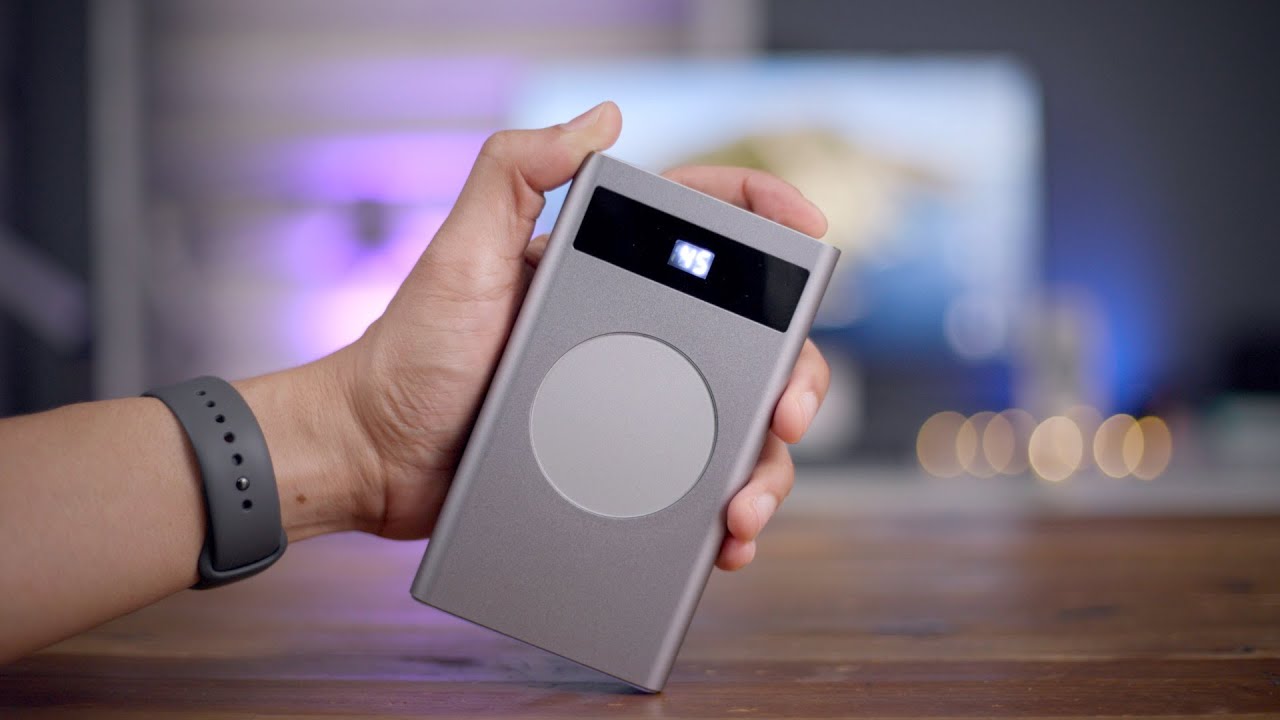
- Place a Qi-compatible device centered on the wireless charging pad of the power bank.
- Supported devices documented in the manuals include smartphones and earbuds that are Qi-compatible.
For the best experience in power bank usage and selection, always check your device’s compatibility with the output ports or wireless charging pad before relying on it.
Frequently Asked Questions
Can I charge the Blavor power bank using both USB and solar at the same time?
Yes, the Blavor power bank supports dual charging. You can connect a USB cable to a wall adapter while also placing the solar panel in direct sunlight. This can help top off the battery faster when sunlight is limited.
How long does solar charging take to fully charge the power bank?
The speed depends on sunlight intensity, panel size, and the current battery level. Solar charging is significantly slower than USB charging and is best used as an emergency backup, not a primary method.
What devices can I charge wirelessly with the Blavor power bank?
The power bank supports wireless charging for any Qi-compatible device. The manuals specifically list smartphones and earbuds as compatible targets. Devices that do not support Qi wireless charging will not work on the wireless pad.
Does the power bank work with iPhones or Android phones?
Yes, any smartphone that charges via USB-A, USB-C, or Qi wireless charging is compatible.
What should I do if the solar panel is not charging?
Ensure the solar panel is facing direct sunlight, not indirect light or shade. For foldable models, confirm all four panels are fully unfolded. Check that the green LED or LED indicators show activity. If they do not, the sunlight may be too weak, or the panel may need to be repositioned.
Is the Blavor power bank water-resistant?
The power bank has an IPX4 water-resistant rating, meaning it can withstand splashes and light rain but should not be submerged.
Does the power bank have a built-in flashlight?
The power bank features a built-in LED flashlight with multiple modes including steady beam, SOS signal, and strobe mode.
Related reading: Romoss Power Bank How To Charge and Anker Power Bank How To Charge.