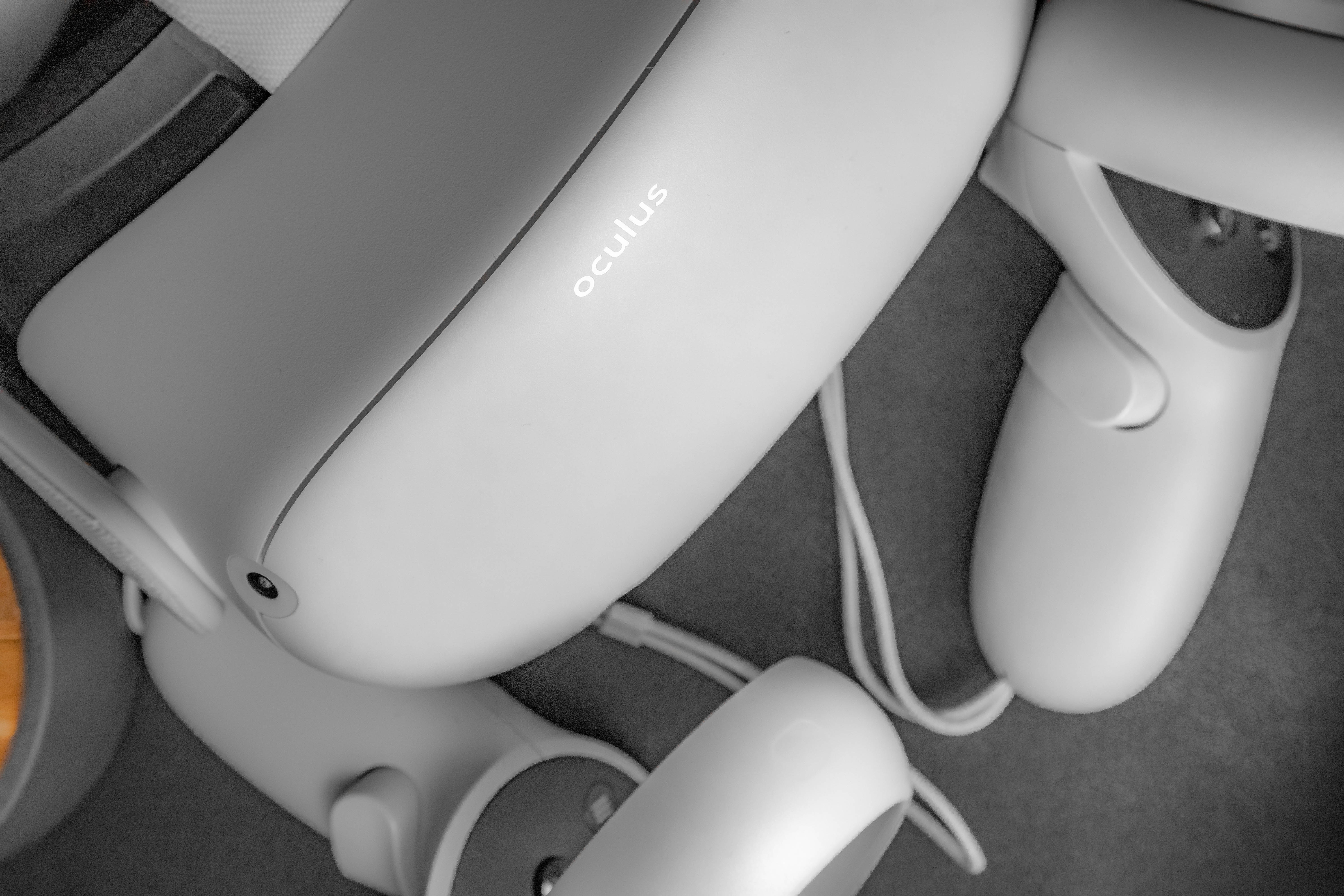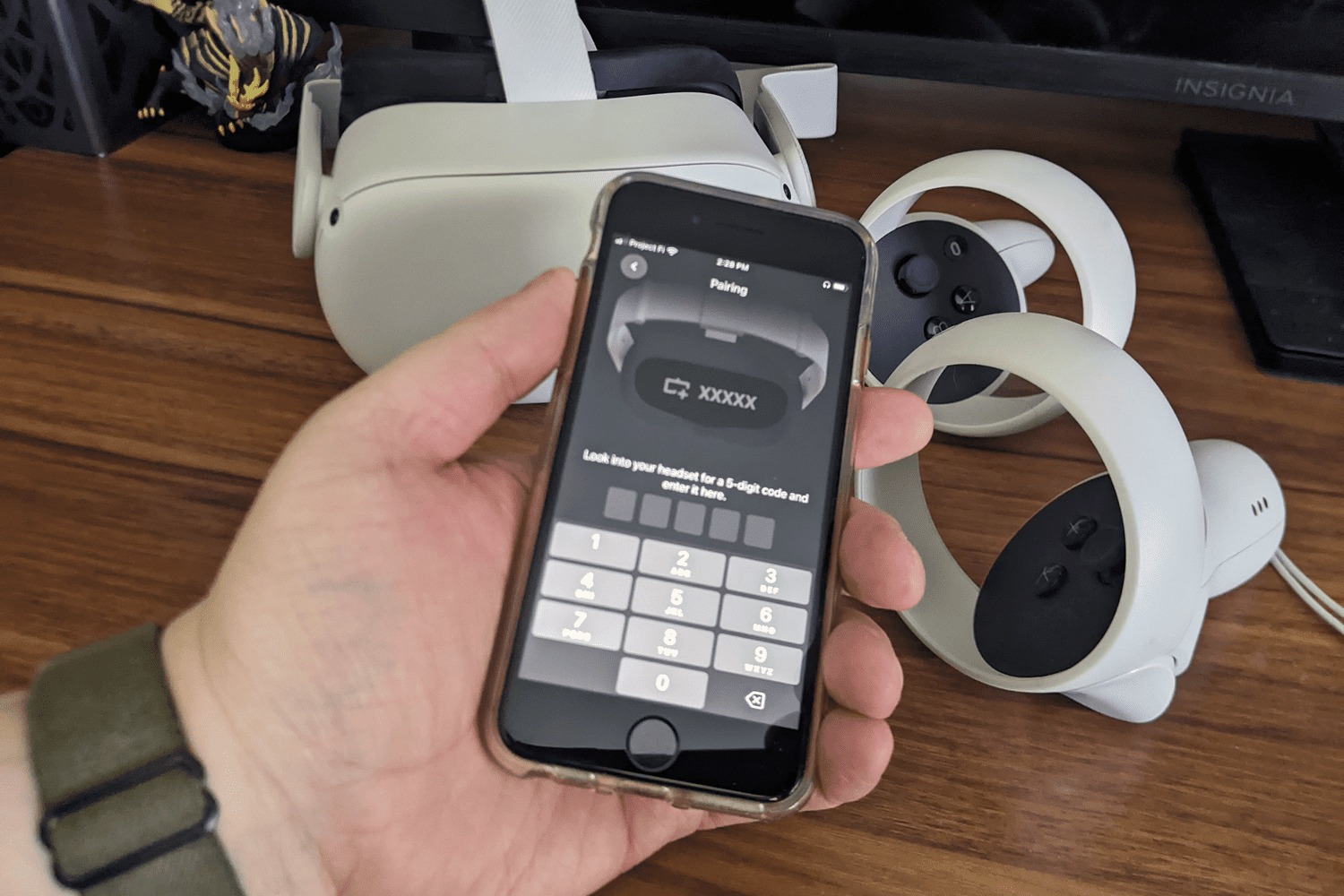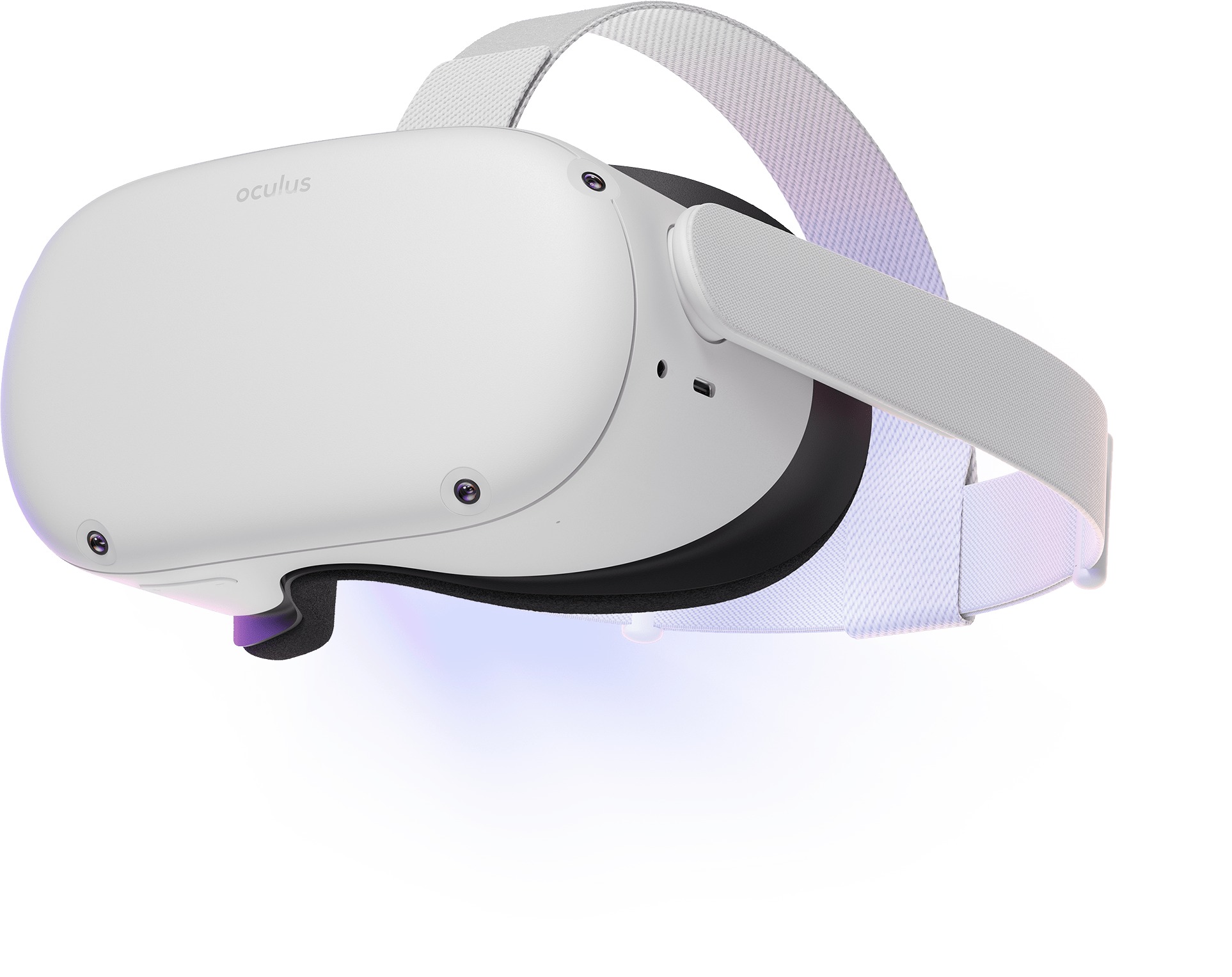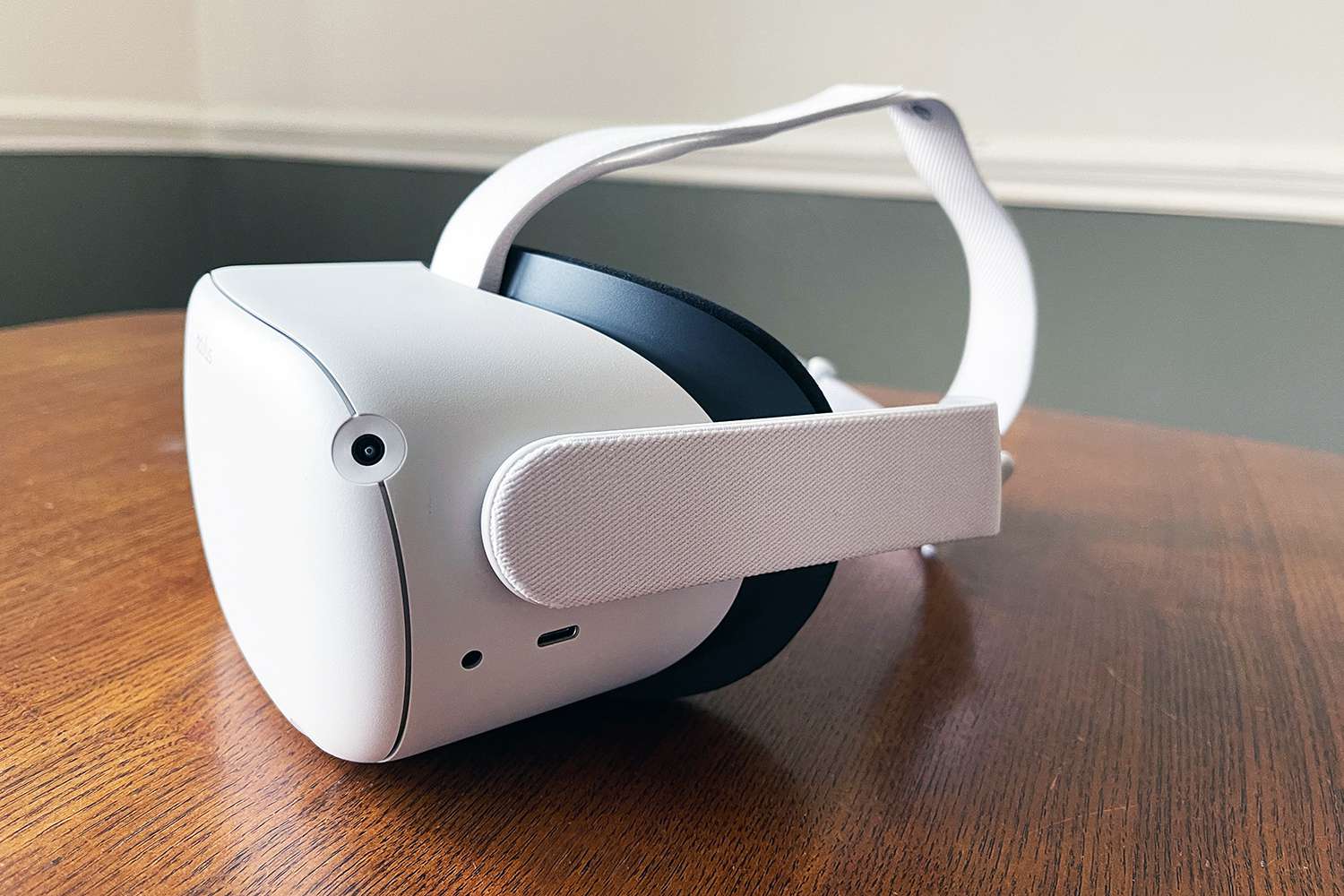
To fix joystick drift on Oculus Quest 2, start by recalibrating the controllers through the headset settings and adjusting the deadzone before attempting any cleaning or contacting support. This process directly addresses the core issue of unwanted on-screen movement by first ruling out software misalignment.
What causes joystick drift on Oculus Quest 2
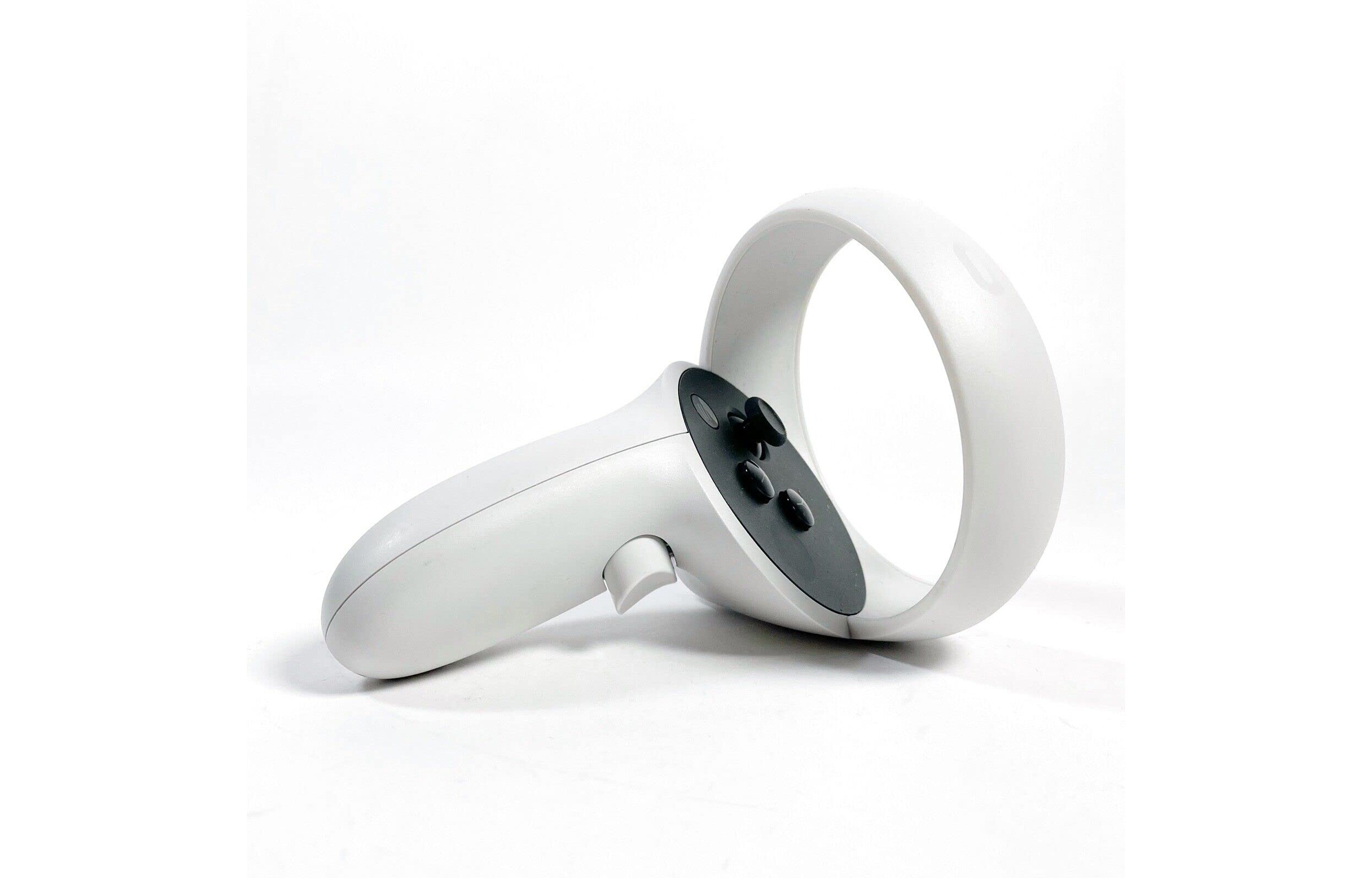
Joystick drift occurs when a controller's thumbstick no longer responds accurately to input or moves on-screen without being touched. The primary causes are normal mechanical wear of the internal potentiometers over time and the accumulation of dust or debris inside the thumbstick mechanism. This physical interference causes the controller to register movement even when you are not touching the stick, leading to frustrating in-game camera panning or character movement.
Recalibrate your controllers through the headset settings
The first troubleshooting step for controller drift is to recalibrate the controllers. This process resets the thumbstick's neutral position and can resolve minor calibration errors that mimic drift.
- From your headset, select Settings.
- Navigate to Devices.
- Select Controllers.
- Under Thumbstick range and deadzone, select the thumbstick experiencing the issue and follow the on-screen instructions.
If recalibration does not resolve the drift, try setting a larger deadzone within the same "Thumbstick range and deadzone" settings. This is essentially the same process you would use to fix your Xbox controller joystick, where a software threshold is widened to ignore minor physical misalignment.
Adjust the deadzone to reduce unwanted movement
Increasing the deadzone threshold compensates for minor drift by telling the controller to ignore small movements near the stick's resting position. Inside the "Thumbstick range and deadzone" menu, you can move the deadzone slider to a higher value. This is the most effective way to adjust deadzone joystick behavior without opening the hardware, and it mirrors the approach used to fix PS4 controller joystick issues. A larger deadzone will make the stick feel slightly less responsive at the edges but will eliminate phantom inputs caused by light wear.
Clean the thumbstick safely without voiding your warranty
There is a conflict between common cleaning methods and Meta's official policy. Reputable technology publications recommend spraying a rapid burst of electronic contact cleaner or isopropyl alcohol into the tiny gap at the base of the thumbstick ball, then clicking and rolling the joystick in wide circles for 30 seconds, and allowing it to dry completely for 5 minutes before reinserting the battery. However, Meta's official cleaning guidelines advise against using alcohol or chemical cleansers on Meta Quest devices generally. For general cleaning of your Meta Quest headset and controllers, Meta officially recommends using a dry microfiber cloth. To avoid voiding your warranty, stick to the dry cloth method for surface debris. If you choose the chemical method, understand it is not endorsed by Meta and carries risk. This is a common step when you need to fix a controller joystick that moves by itself, but proceed with caution regarding warranty implications.
When to contact Meta Store Support for a replacement
If controller drift persists after attempting recalibration, deadzone adjustment, and dry cleaning, contact Meta Store Support. They can determine if your product is eligible for warranty support, which may include a replacement. For devices not under warranty, Meta Store Support can check for available out-of-warranty service solutions, which might include purchasing certain products at a discounted price. Do not attempt to open the controller yourself, as this will void any remaining warranty. Also, remember that if you need to replace battery in Oculus controller, that is a normal maintenance step unrelated to drift, simply remove the battery cover and swap the AA battery.
How to prevent joystick drift in the future
Prevention focuses on reducing dust ingress and mechanical wear. Handle the controllers gently, avoiding excessive force or rough thumbstick movements during gameplay. Regularly wipe the thumbstick base with a dry microfiber cloth to remove dust before it can work its way inside. Store your controllers in a clean, dry place away from open windows or dusty areas when not in use. These simple habits can significantly extend the life of your thumbsticks and delay the onset of drift.
Frequently Asked Questions
Does recalibrating the controllers erase my saved game data?
No, recalibrating only resets the thumbstick's neutral position and deadzone settings. It does not affect game saves, profiles, or any other data stored on the headset.
Can I use compressed air to clean the thumbstick instead of alcohol?
Compressed air can blow surface dust away from the thumbstick gap, but it may also push debris deeper into the mechanism. Meta's official recommendation is a dry microfiber cloth only. If you use compressed air, do so briefly and from a safe distance.
Will a larger deadzone affect my aim in shooting games?
Yes, a larger deadzone can make fine aiming feel slightly less responsive because the stick must be moved further from center before registering input. It is a trade-off between eliminating drift and maintaining precision, so set it to the lowest value that stops the drift.
How long does the Oculus Quest 2 controller warranty last?
Standard warranty terms vary by region, but Meta typically covers manufacturing defects for a limited period from the original purchase date. Contact Meta Store Support with your serial number to check your specific eligibility.
Is joystick drift covered under the standard warranty?
Drift caused by normal wear and tear or dust accumulation is often not covered, but drift caused by a manufacturing defect may be. Meta Store Support will evaluate your case and determine if a replacement is possible under warranty terms.
Should I attempt to fix joystick drift if my Oculus Quest 2 is still under warranty?
No. Contact Meta Store Support first. Attempting repairs yourself, including using chemical cleaners, can void your warranty. Let them guide you through approved troubleshooting or initiate a replacement.