






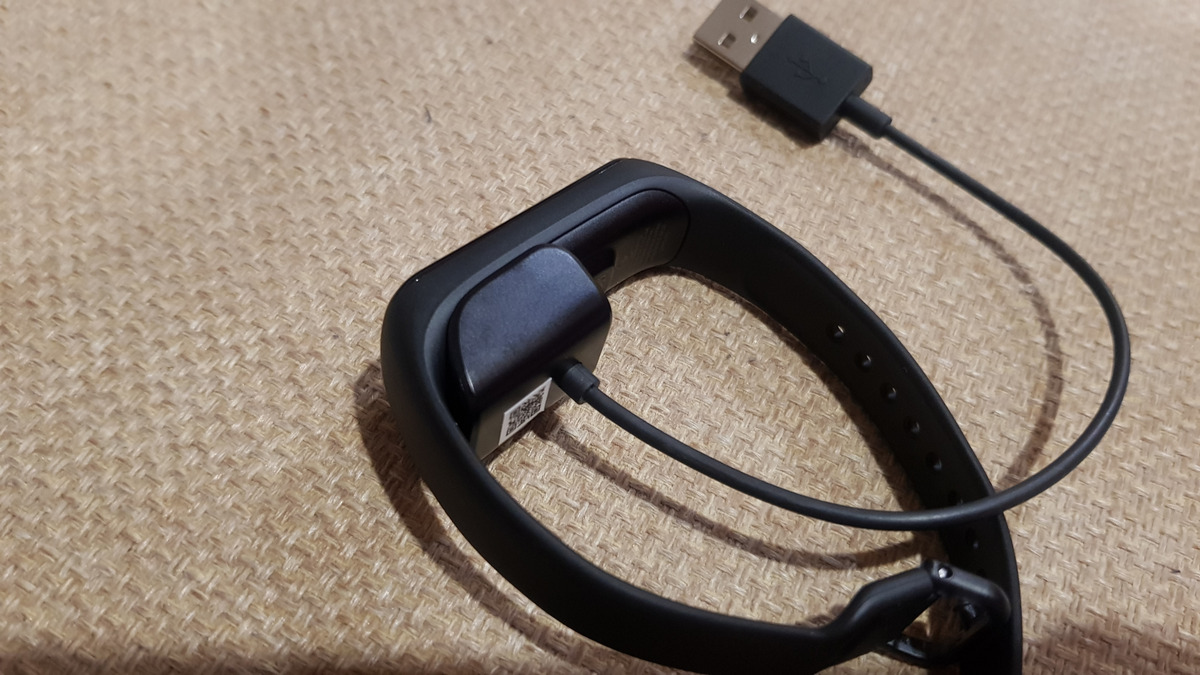
To charge a Fitbit, connect its unique charging cable to a UL-certified USB power source, then attach the cable to your device. This is the universal process for how to charge Fitbit models, whether you own a tracker or a smartwatch.
How to charge a Fitbit: the universal steps
Every Fitbit follows the same four-step process. First, identify the correct charging cable for your specific model. Second, plug that cable into a UL-certified USB wall charger, a computer's USB port, or another low-energy USB power source. Third, attach the cable to your Fitbit, ensuring the pins or magnets align with the contacts on the device. Fourth, check the on-screen battery indicator to confirm charging has begun.
Magnetic vs. clip chargers: which cable does your Fitbit use?
Modern Fitbit trackers use one of two cable types. The Charge 5, Charge 6, Luxe, Sense, Sense 2, Versa 3, and Versa 4 all use a magnetic charging cable that snaps into place on the back of the tracker. Models like the Ace 3 and Inspire 3 use a clip-style charger that secures over the port on the back, aligning gold contacts with pins. The Fitbit Inspire and Inspire HR have a built-in USB charger, allowing them to plug directly into a USB port without a separate cable. The Fitbit Ionic uses a unique charging dock that the watch sits on and connects to magnetically. These cables are not universally interchangeable; most are unique to a specific model or a small range of models. For example, the Charge 5, Charge 6, and Luxe share a cable, while the Sense, Versa 3, and Versa 4 use identical cables. Always use the cable that came with your device or an official replacement.
How long does a Fitbit take to charge?
Most Fitbits take approximately one to two hours to fully charge. While charging, you can check the battery level by double-tapping the screen or pressing a button to see a battery icon or percentage. A fully charged Fitbit will show a solid battery icon, sometimes with a smile, or a solid white status light. Some models, like the Sense 2, offer fast charging that provides a full day of battery life in about 12 minutes. Battery life varies by use; features like animated clock faces or an always-on display require more frequent charging. To manage your device's power, explore the Fitbit battery and power settings in the app.
Troubleshooting: why is my Fitbit not charging?
If your Fitbit is not charging, try these practical fixes. First, clean the charging contacts on both the device and the cable with a dry cloth to remove dirt or sweat. Second, ensure the cable is securely snapped or clipped into place; a loose connection will prevent charging. Third, restart your Fitbit to resolve minor software glitches. Fourth, avoid charging in extreme temperatures, as heat or cold can interfere with the battery. If these steps do not work, you may need to replace a Fitbit battery or contact support for a replacement cable or device.
Frequently Asked Questions
Can I charge my Fitbit with a power bank?
Yes, you can charge your Fitbit with a power bank. Simply connect the charging cable to the power bank and attach it to your device. Ensure the power bank has enough charge to effectively power your Fitbit.
Should I wait for my Fitbit battery to fully drain before charging?
No, you do not need to fully drain the battery before charging. Fitbit devices use lithium-ion batteries, which do not have memory effects. Charge your Fitbit whenever it is convenient.
Can I use a different charging cable for my Fitbit?
While possible, it is highly recommended to use the original cable or an official replacement. Third-party cables may charge slowly or damage your device, and most adapters are not interchangeable between models.
How often should I charge my Fitbit?
The frequency depends on your model and usage. Some Fitbits last several days on a single charge, while others need daily charging. Monitor the battery level in the Fitbit app to determine when to charge.
Can I charge my Fitbit overnight?
You can safely charge your Fitbit overnight; devices are designed with safety features to prevent overcharging.

















