The best Snapchat filters are a mix of interactive Lenses and static overlays that let you transform your selfies, add retro vibes, or test your trivia knowledge. Whether you want to look like an anime character, age yourself decades into the future, or layer a vintage color grade and a timestamp onto your snap, this curated list of 30 effects covers the funniest, trendiest, and most classic options for your stories and snaps.
What are the best Snapchat filters and lenses to try?
Snapchat offers two main types of effects: Filters and Lenses. Filters are static overlays you add after taking a snap by swiping left or right, while Lenses are interactive augmented reality effects you apply before capturing. Below are 30 of the best effects organized by style and use case, with tips on how to find each one.
Vintage and retro camera lenses
These lenses mimic old cameras for a nostalgic, grainy aesthetic perfect for vloggers and throwback content.
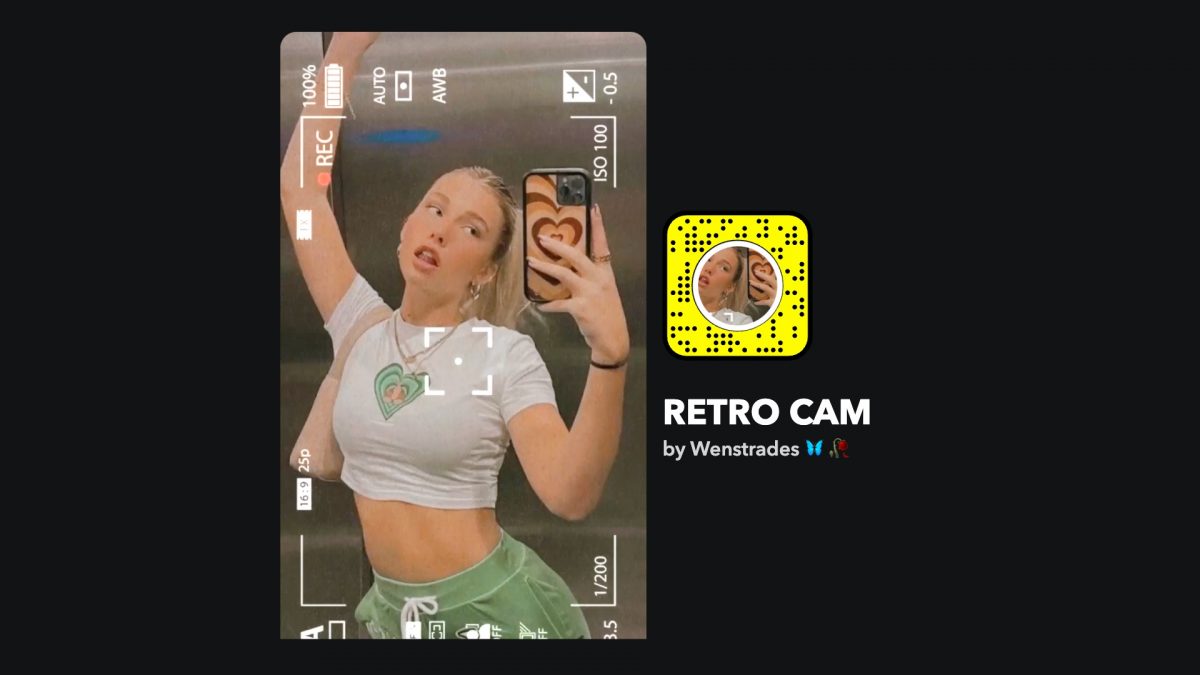
1. Retro Cam
Adds a disposable camera frame with grain and glitch effects, plus an 80s/90s gradient.
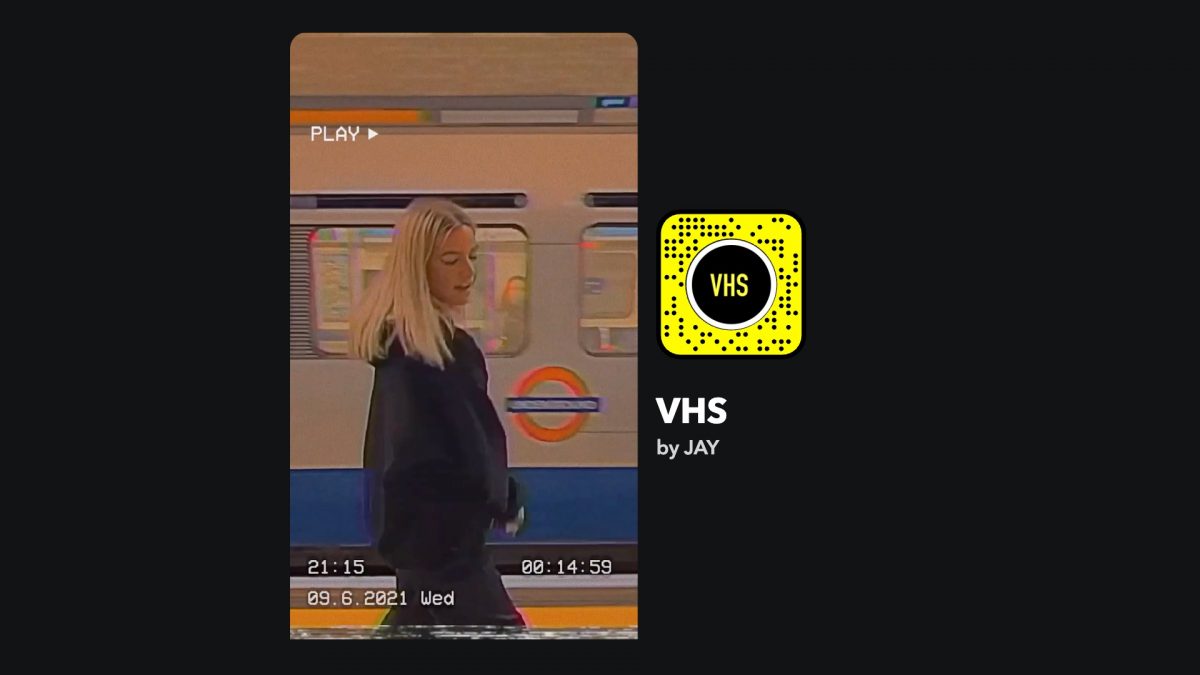
2. VHS Lens
Finishes your videos with glitches, timestamps, and date stamps for a retro vibe without being too busy.
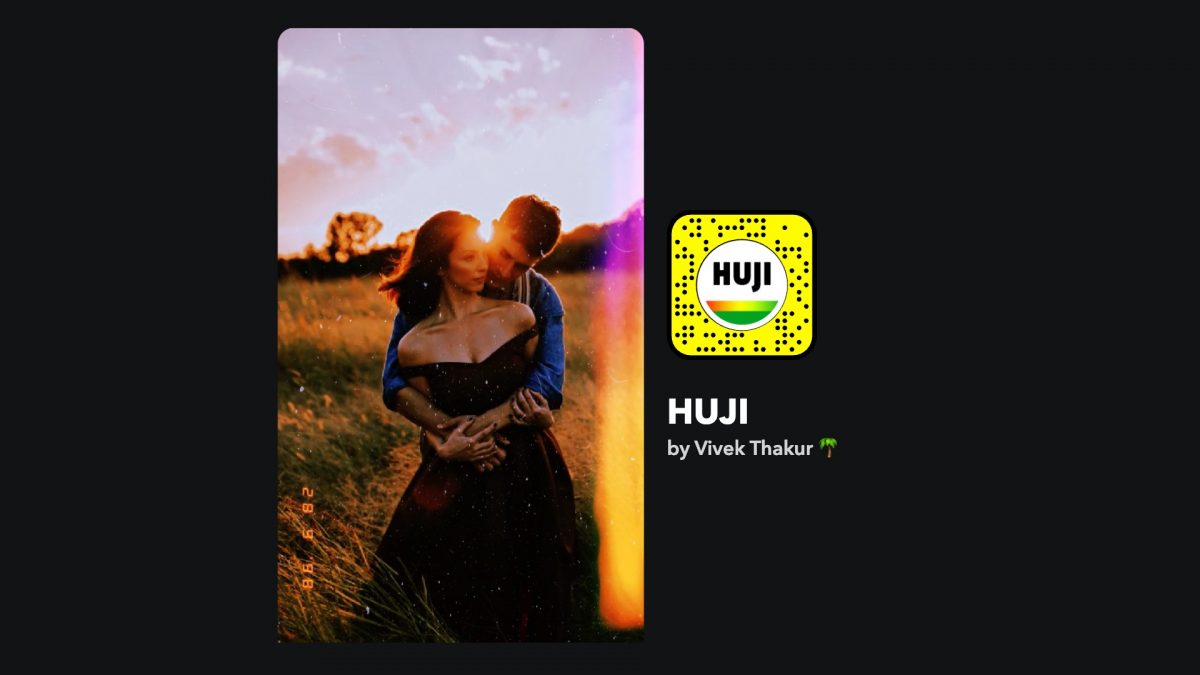
3. HUJI Cam Lens
Delivers disposable camera quality with sun flare, dust, and high-contrast reds and yellows.
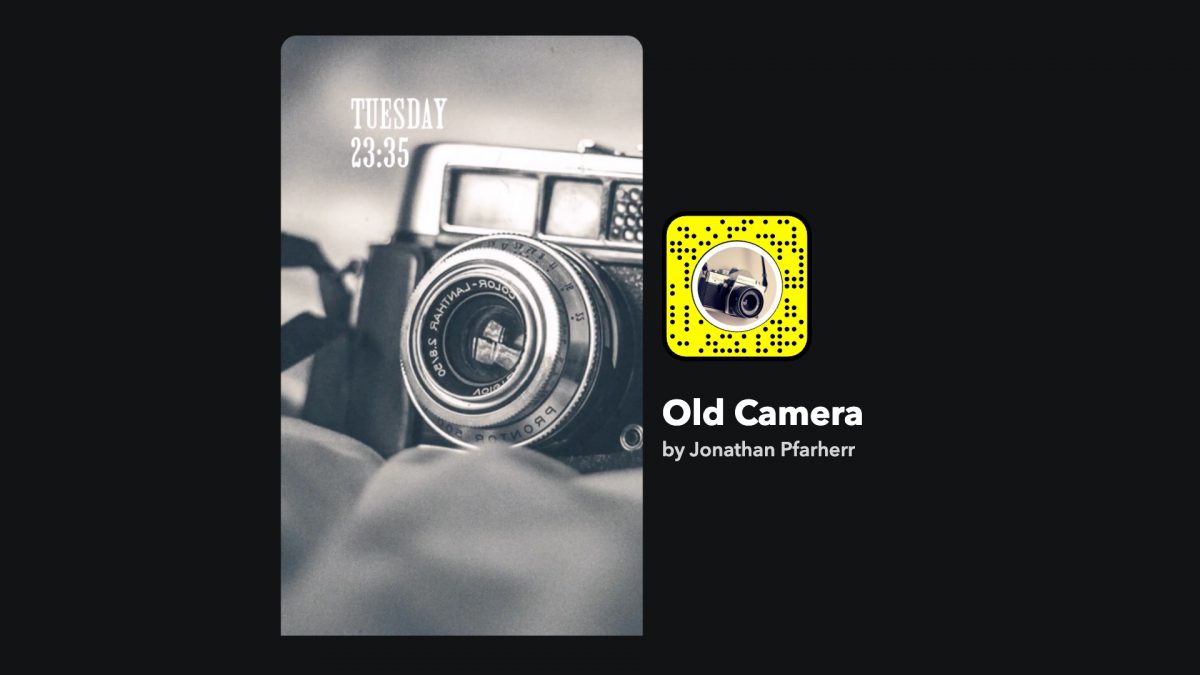
4. Old Camera Lens
Turns your snap black and white for a Charlie Chaplin silent film feel.
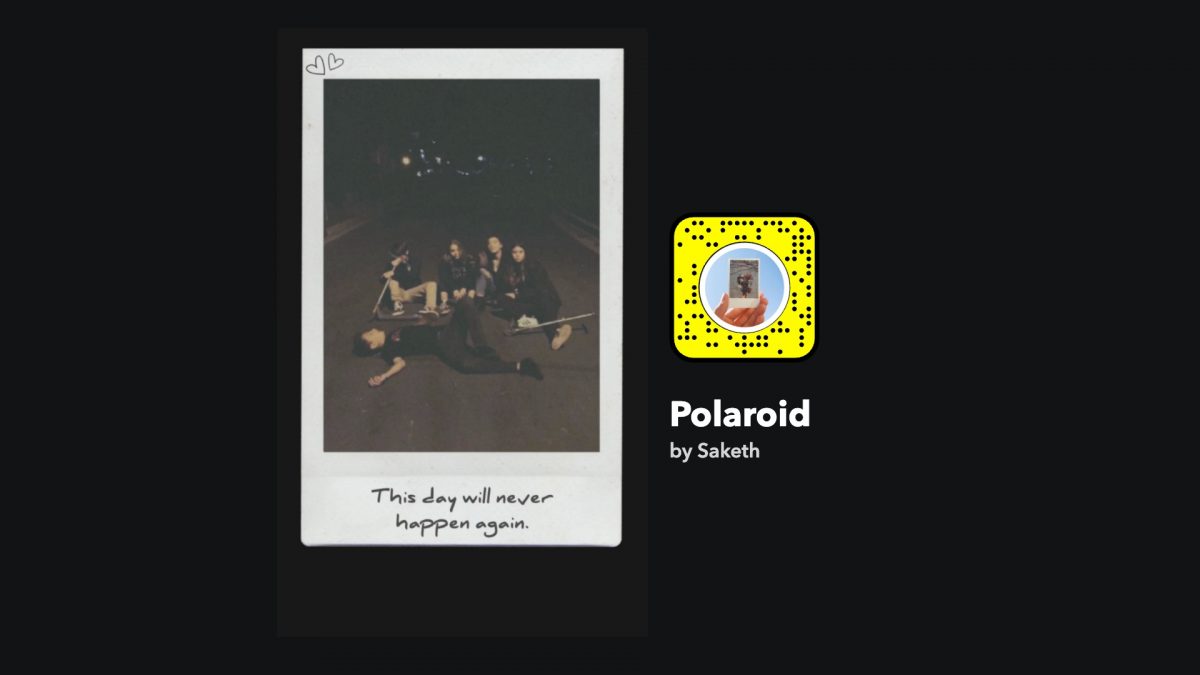
5. Polaroid Lens
Achieves a washed-out 90s polaroid look, reminiscent of classic instant photos.
6. Cloud Freckles
Gives off a vintage VHS overall touch to your video or photo.
Beauty and glam makeup lenses
These lenses add makeup or enhance your features for a share-worthy selfie.
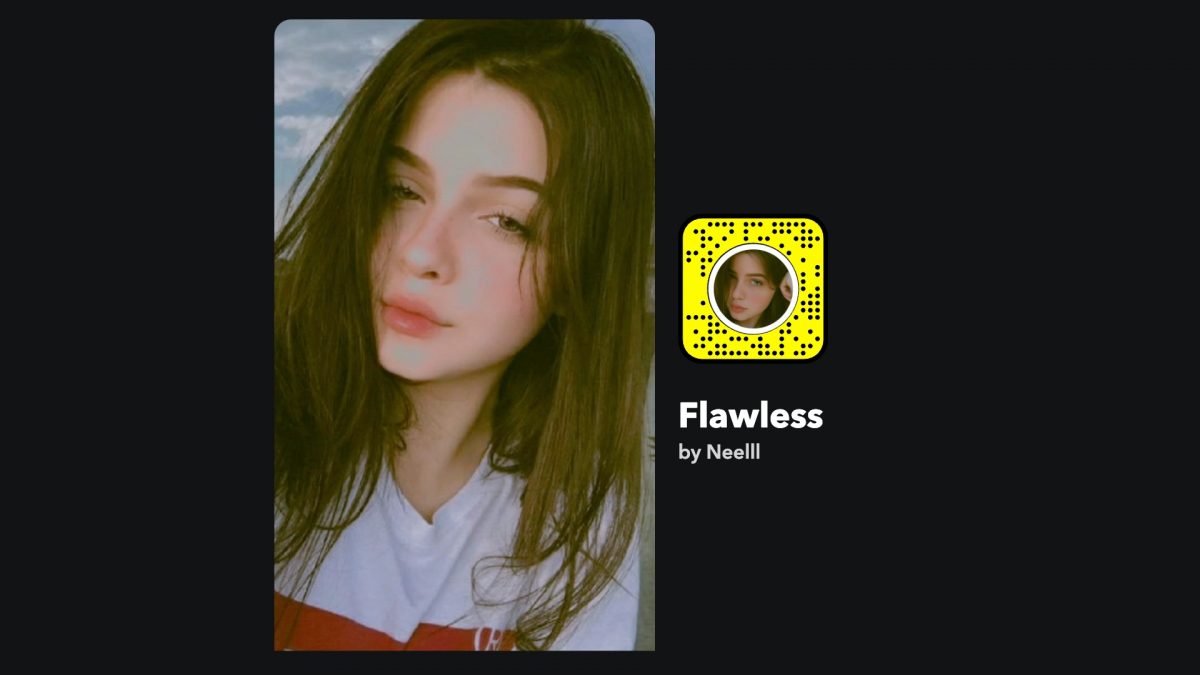
7. Flawless Lens
Removes blemishes and applies a sepia tone and dust particles to make the image vintage-like.
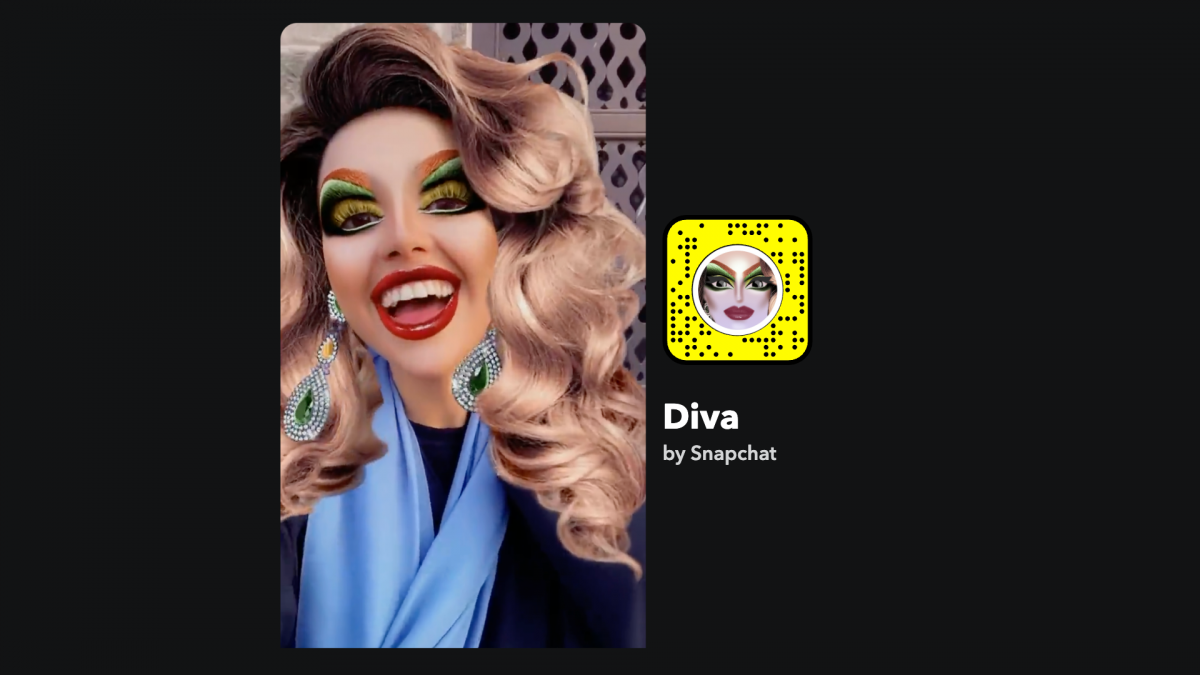
8. Diva Lens
Layers lavish eyeshadows, thick red lipstick, a big curly wig, and dangling earrings for a drag-inspired look.
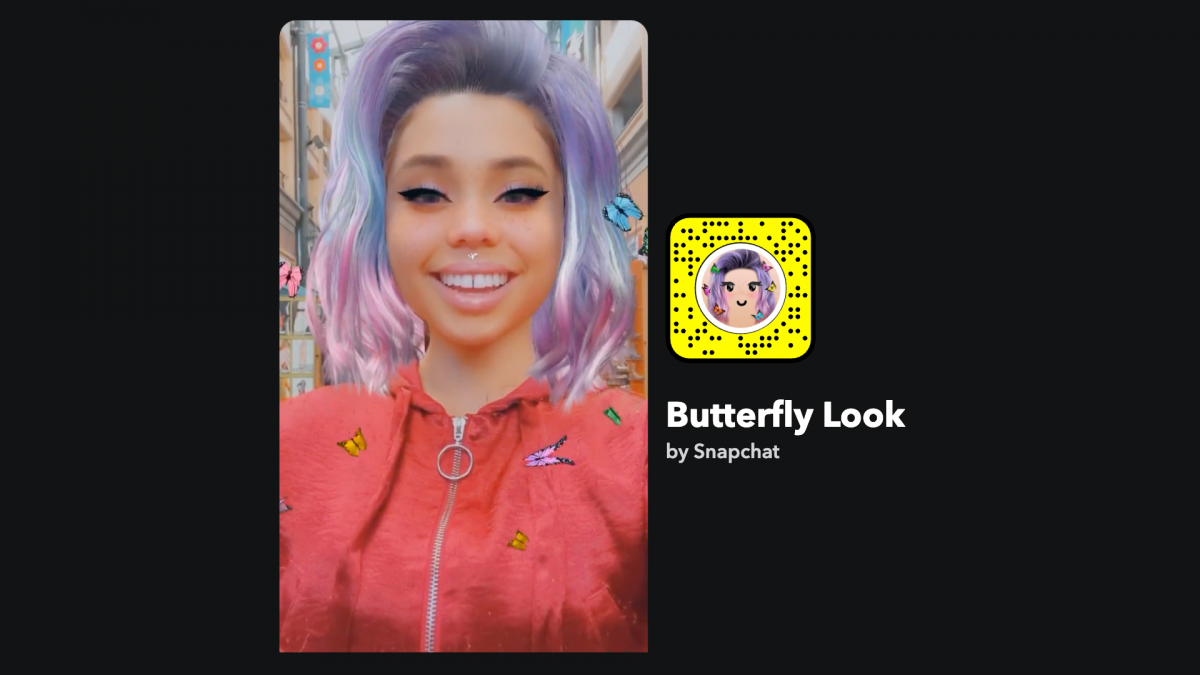
9. Butterfly Look Lens
A subtle effect with a big purple wig, cat-eye makeup, and floating butterflies.
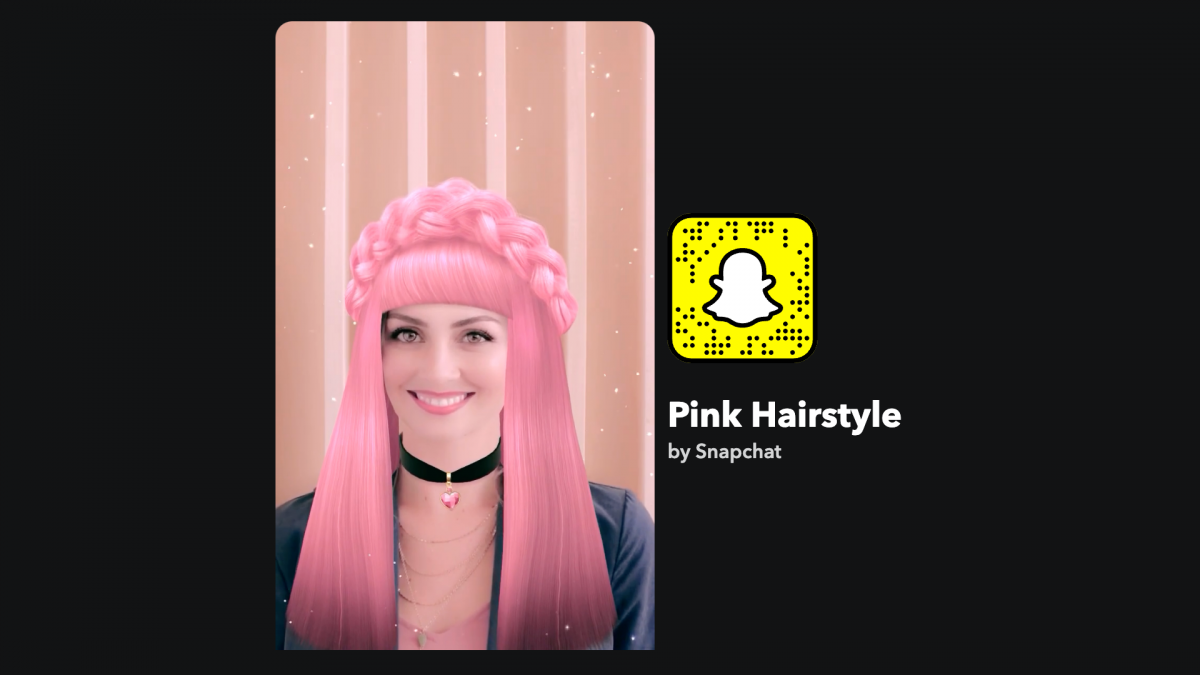
10. Pink Hairstyle Filter
Adds a big pink wig with braids, eye makeup, and a choker for a quirky anime-inspired style.
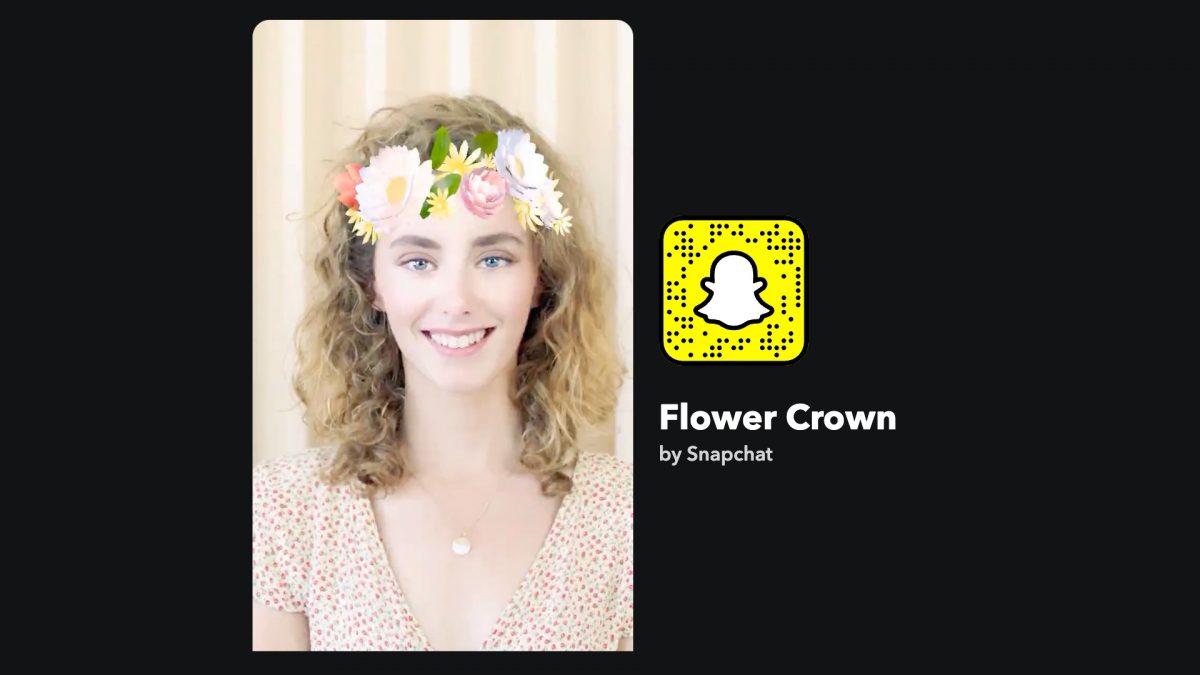
11. Floral Crown Lens
A classic Snapchat signature from 2015 that places a floral crown on your head.
Funny and playful face lenses
These lenses distort your face or add humorous effects for laughs and pranks.
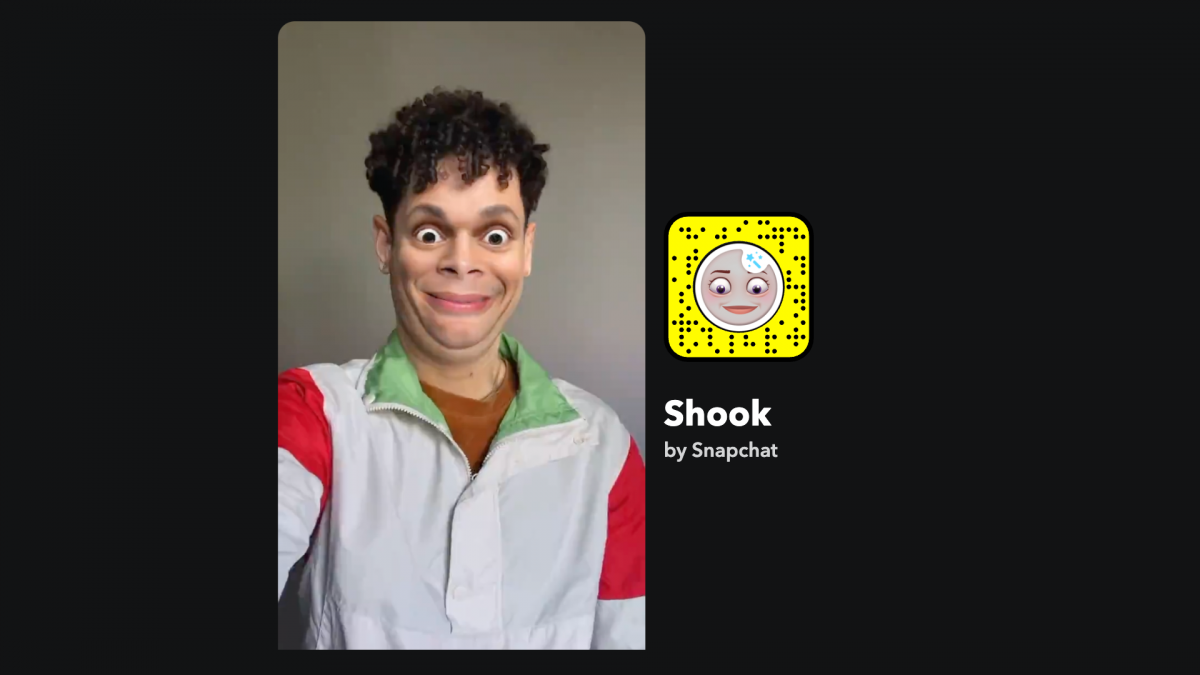
12. Shook
Transforms your expression into a gag-worthy shocked face, perfect for memes.
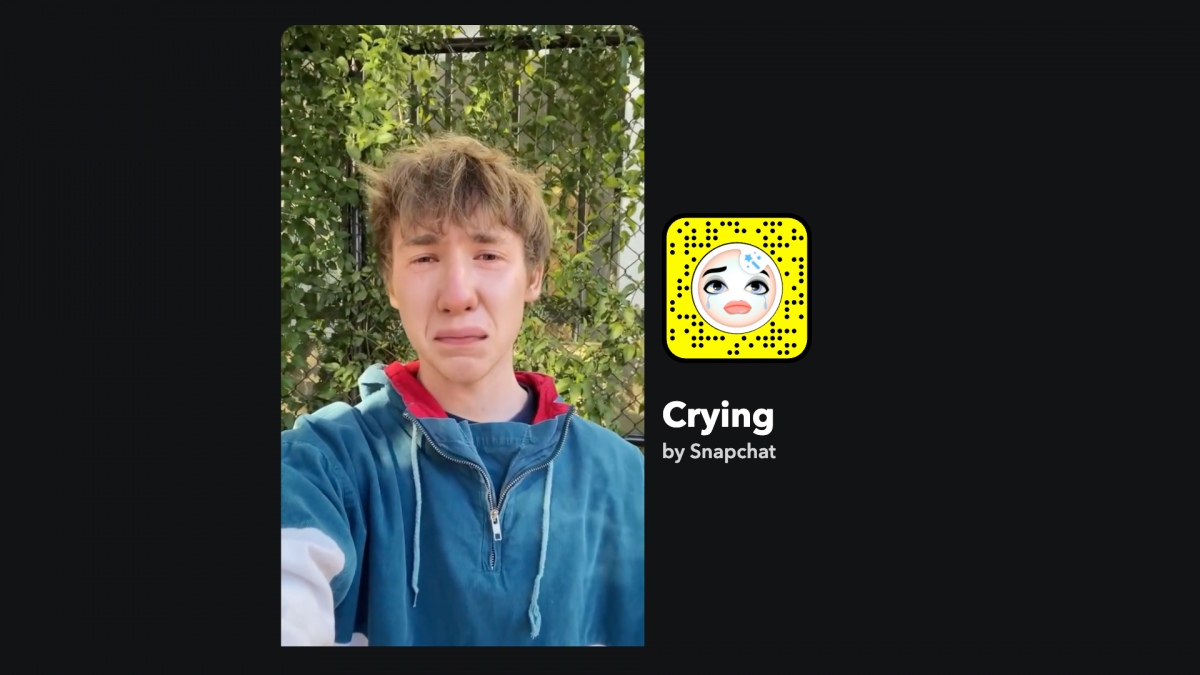
13. Crying
Makes your face look desolate with tears, popular for TikTok pranks asking "Are you OK?"
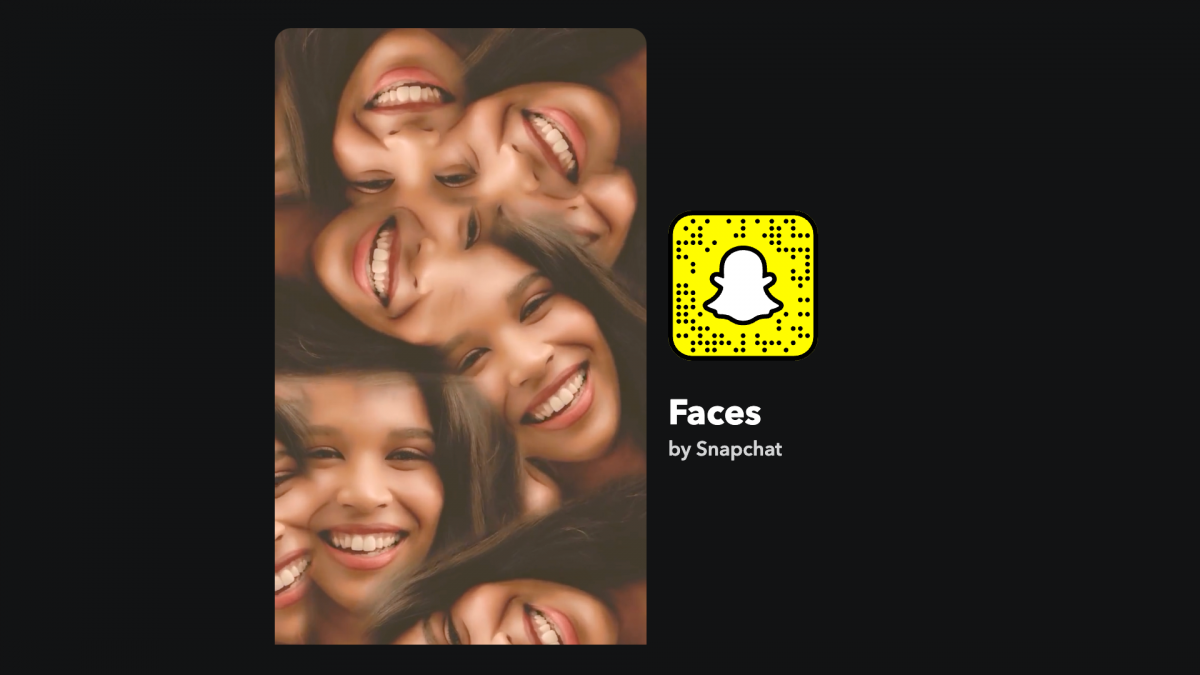
14. Faces
Distorts your face in funny ways, great for wallpapers or profile pictures.
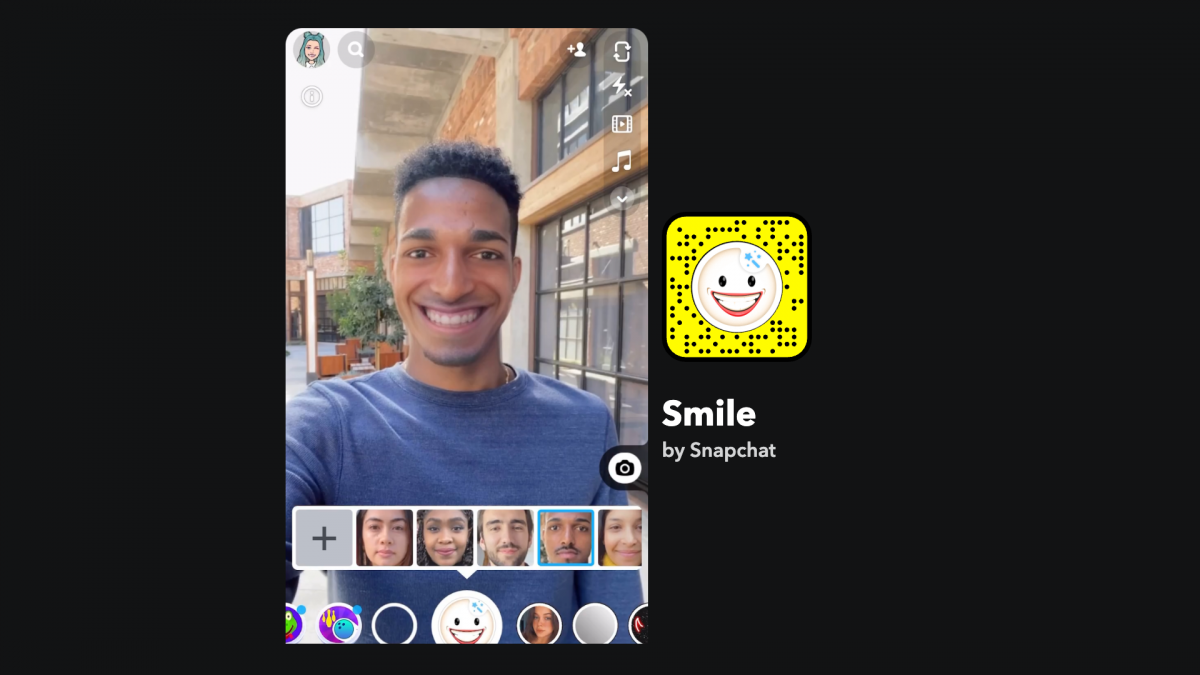
15. Smile Filter
Stretches your face into a grin or full smile to hide a grumpy mood.
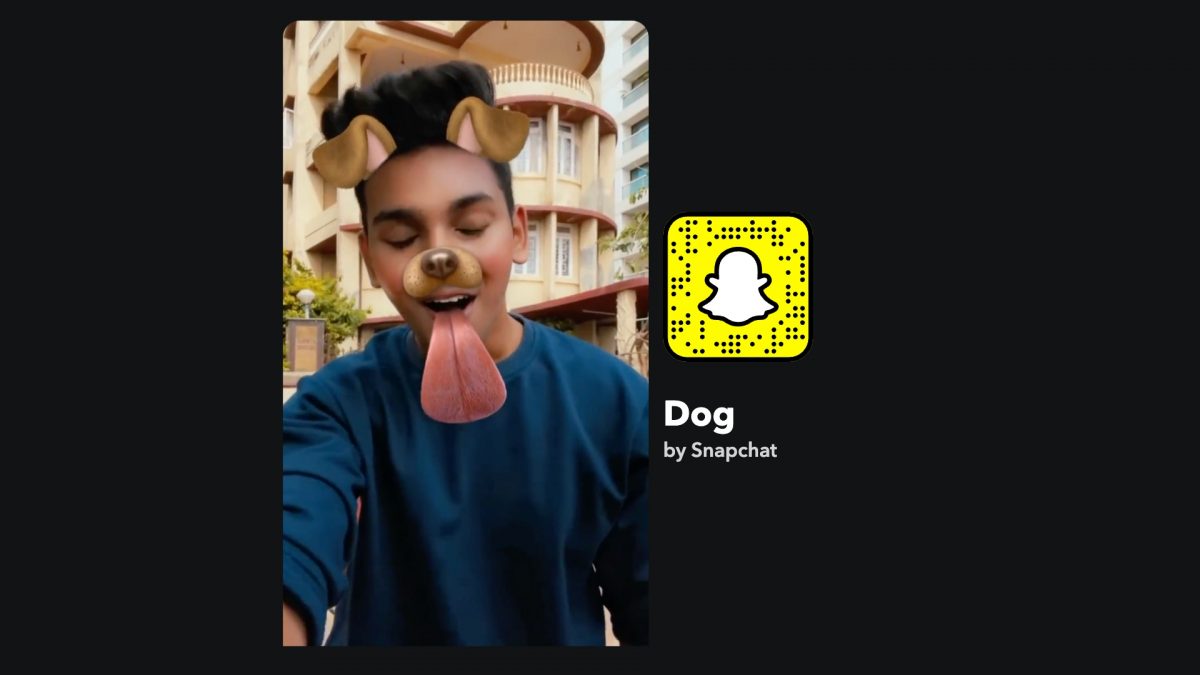
16. Dog Filter
An all-time favorite that adds cute dog ears and a nose, subtle and approachable.
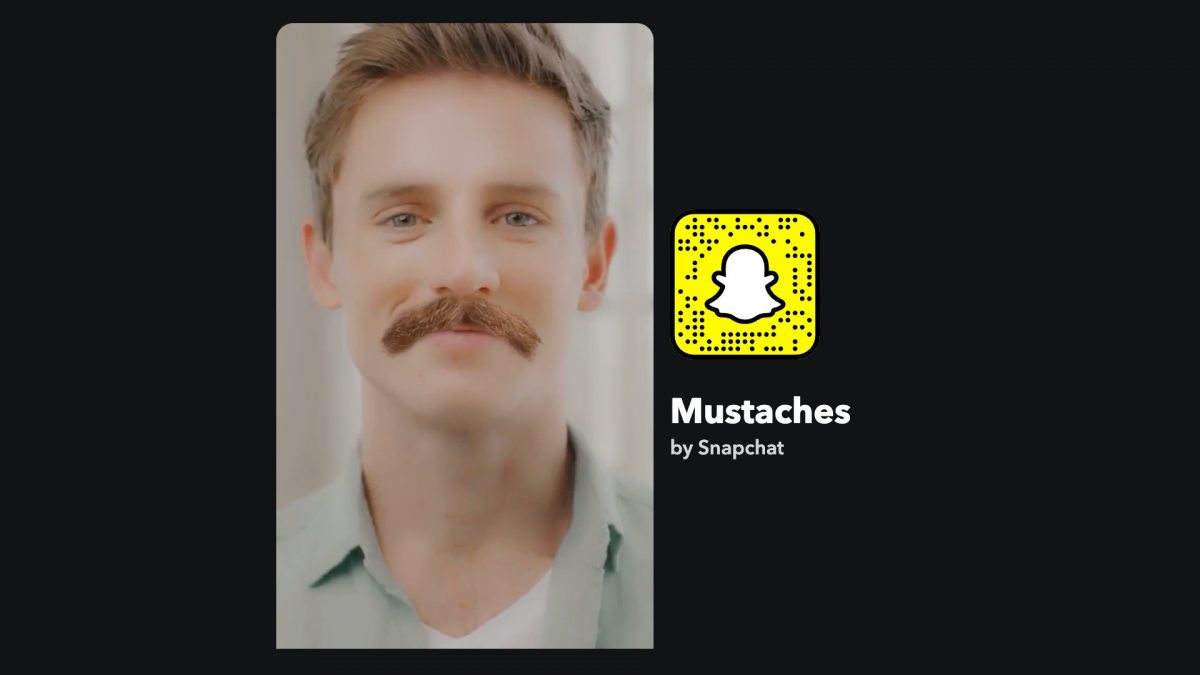
17. Mustache Lens
Lets you explore various mustache styles without needing a comb.
Transformation and style lenses
These lenses change your appearance entirely, from age to hair to overall look.
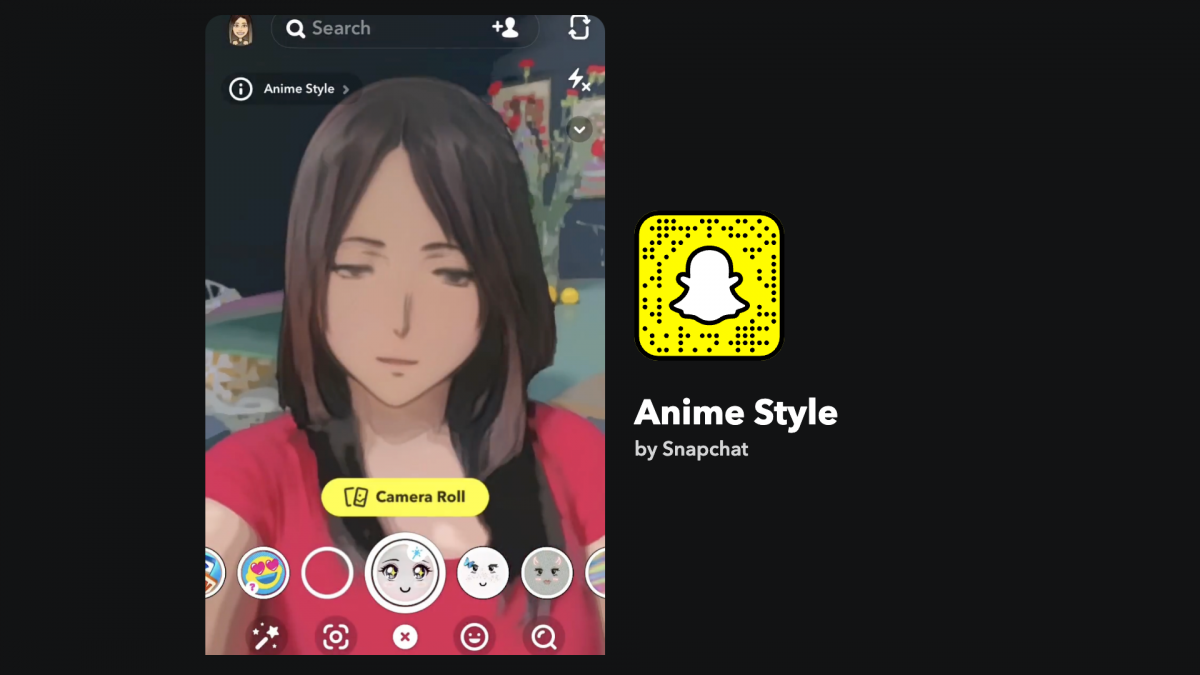
18. Anime Style
Transforms your selfie into an anime-style image, and you can use a photo from your camera roll.
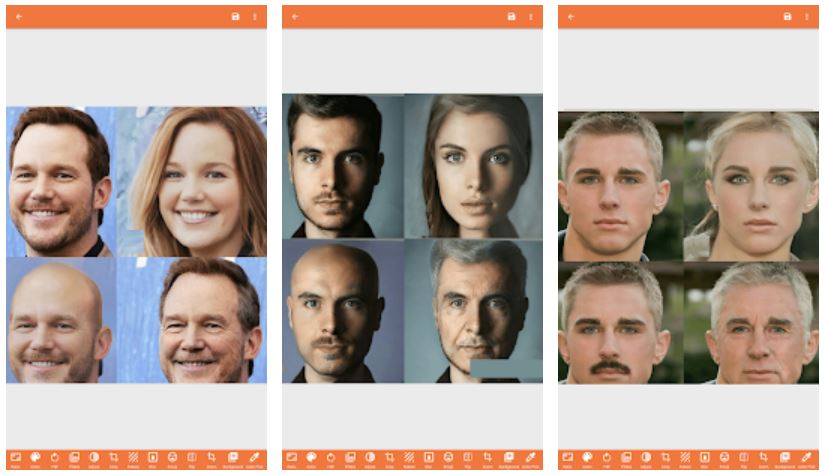
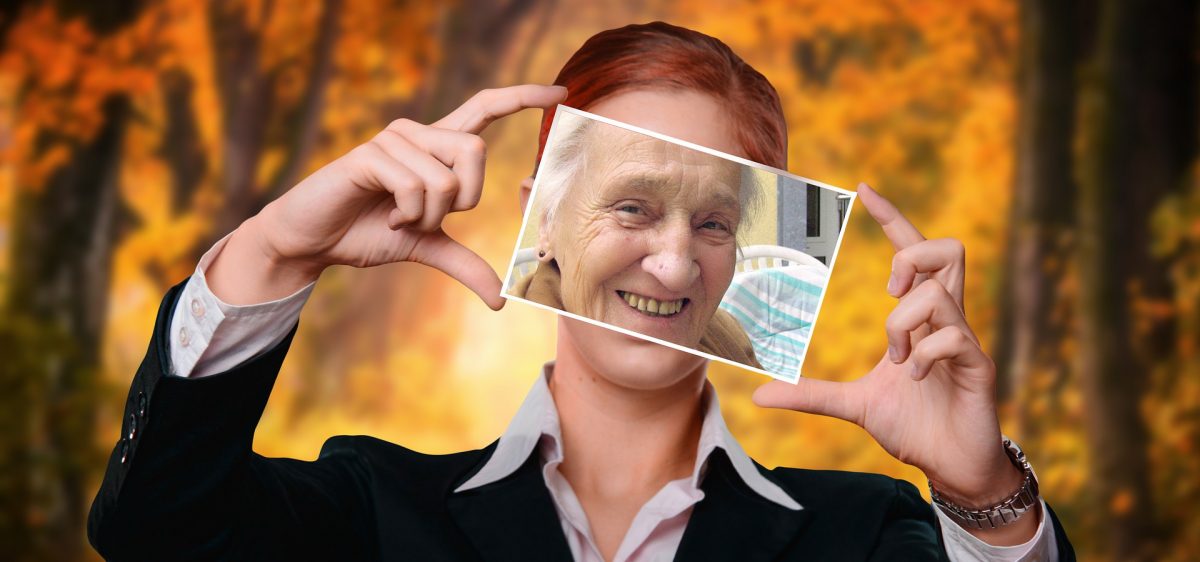
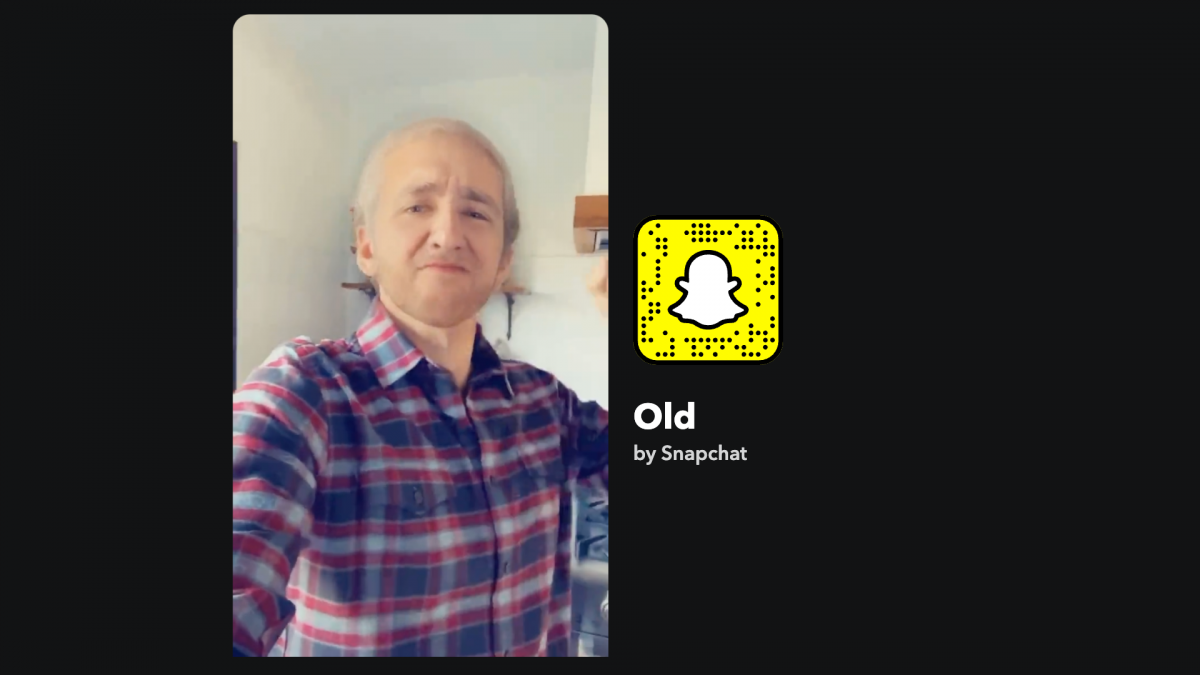
19. Old Age Lens
Turns your hair gray and adds wrinkles to show how you might look when older; works on front and rear cameras.
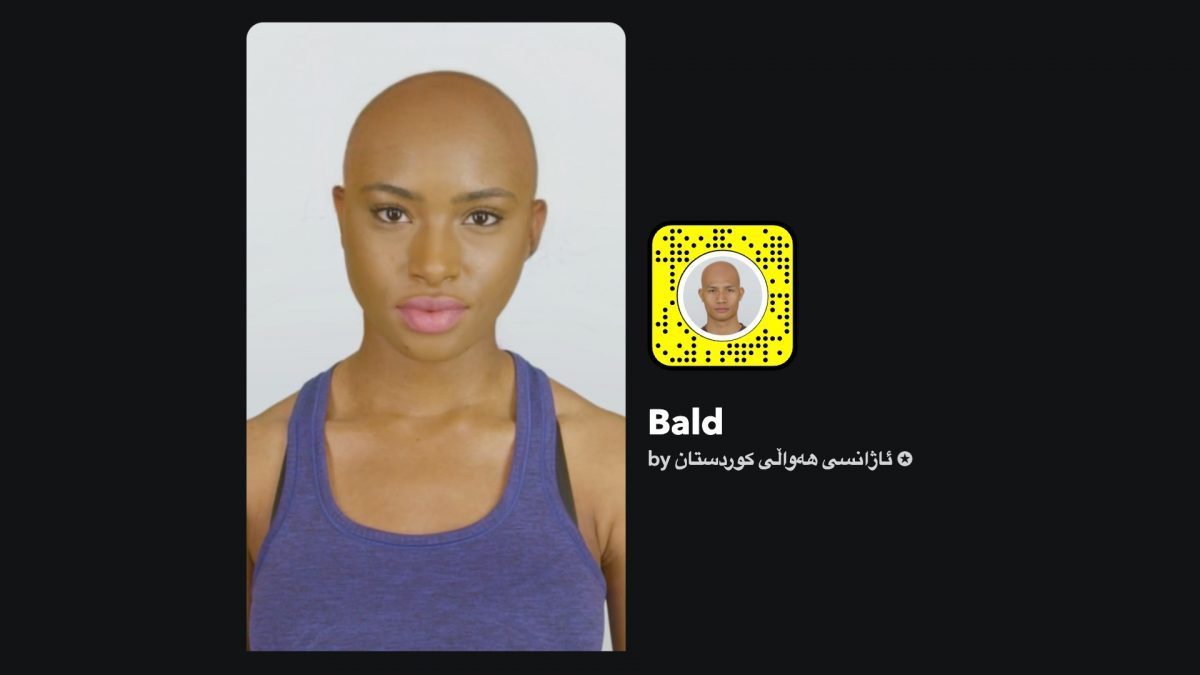
20. Bald Lens Filter
Gives you a bald head, useful for trying the look or raising hair loss awareness.
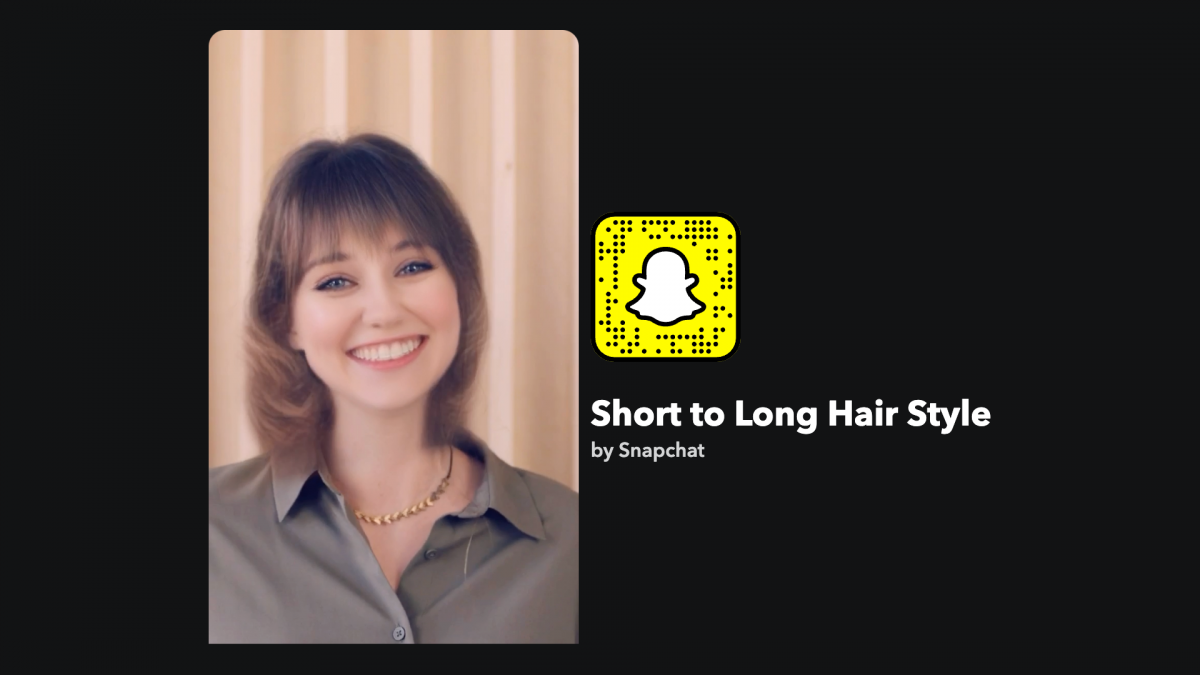
21. Short to Long Hair Filter
Lets you change your hair from short to long styles, popular for pranks.
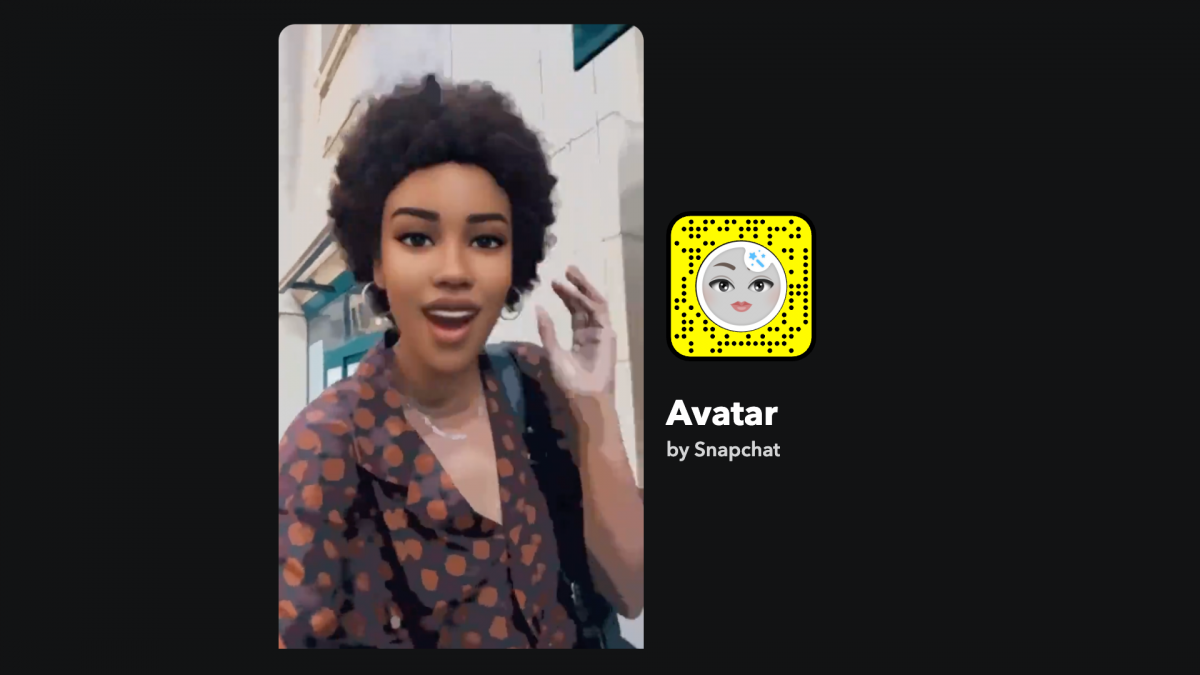
22. Avatar
Gives your selfie a washed-out cartoon finish similar to Anime Style but with clearer features.
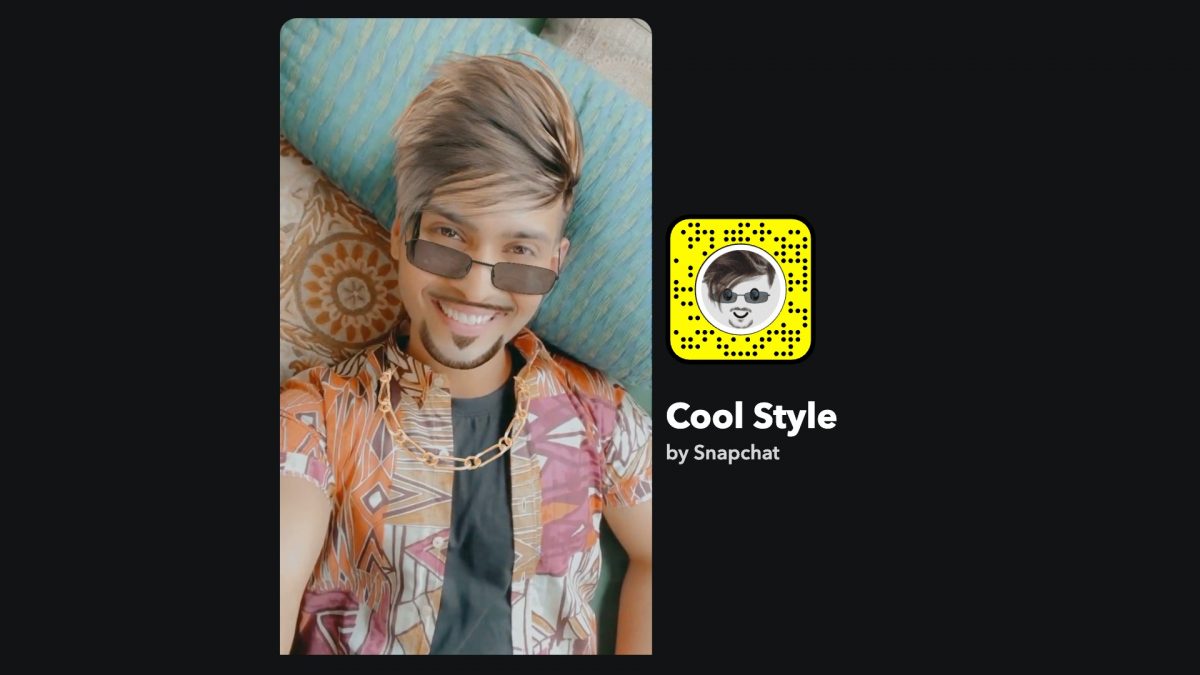
23. Cool Style
Adds sideways hair in ash brown/grey, shades, a bling necklace, and facial hair for an early 2000s punk look; you can tap the screen to get an option of removing the shades.
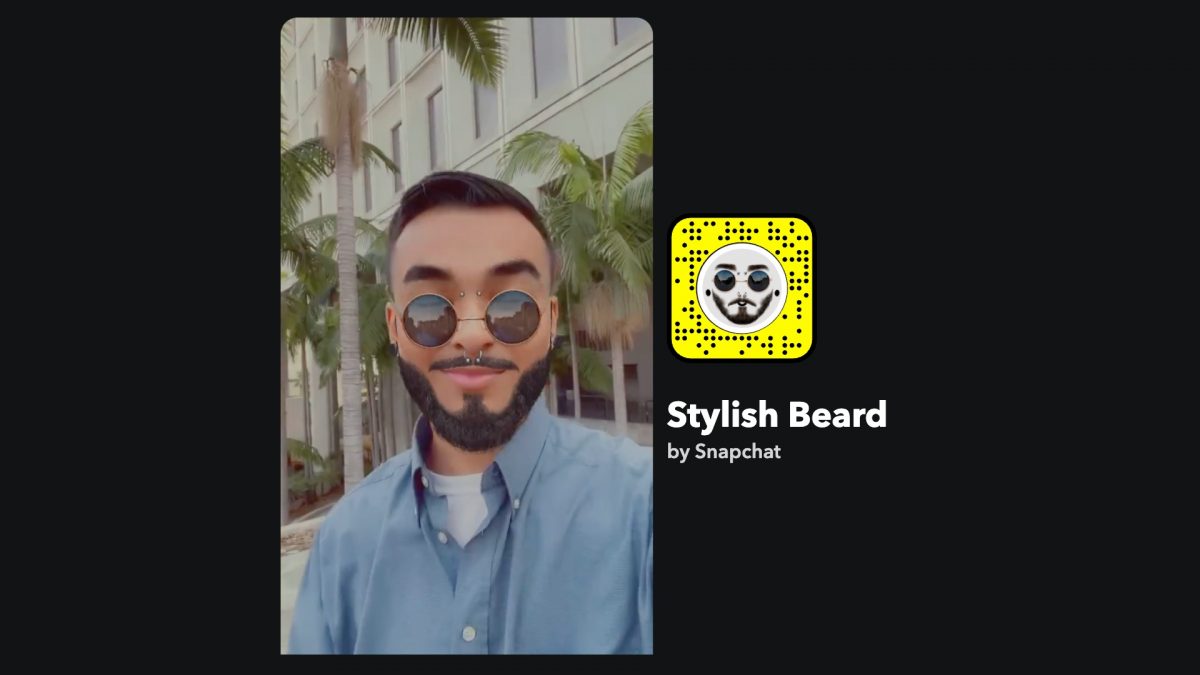
24. Stylish Beard
Adds facial hair, ear pierce, shades, and nose piercing for a hipster look.
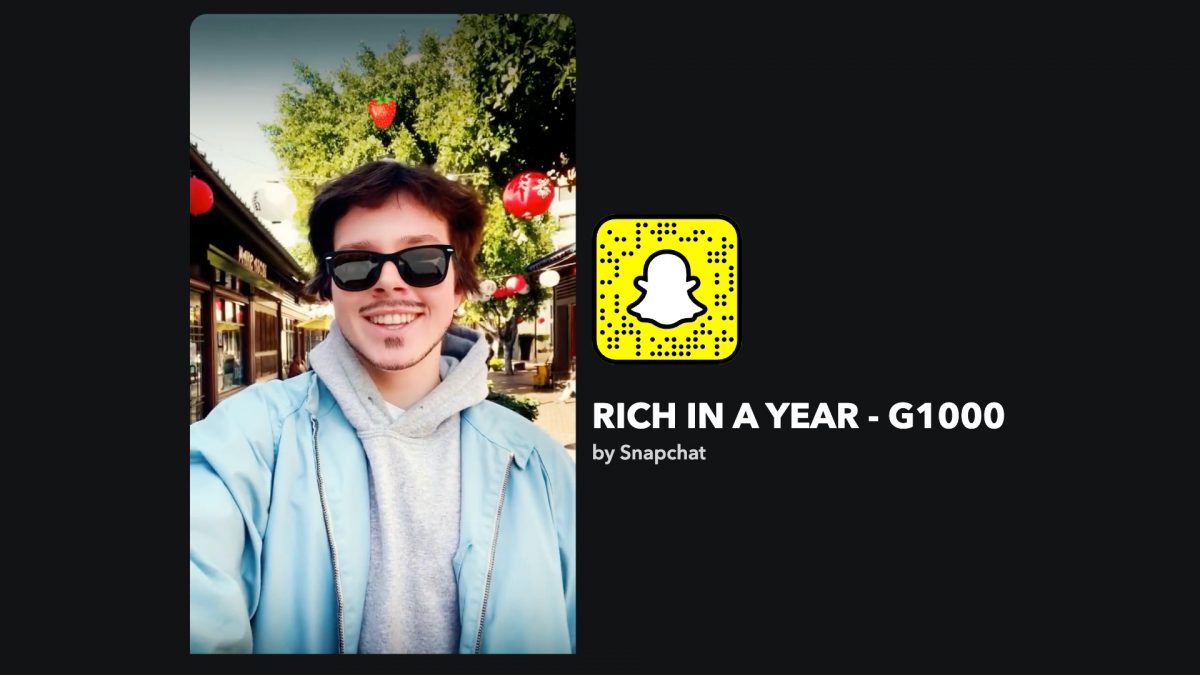
25. Rich in a Year Lens
Adds subtle facial hair and a vignette around the edges to focus on your face.
Quiz and trivia lenses
Interactive lenses that test your knowledge and are great for engaging your friends.
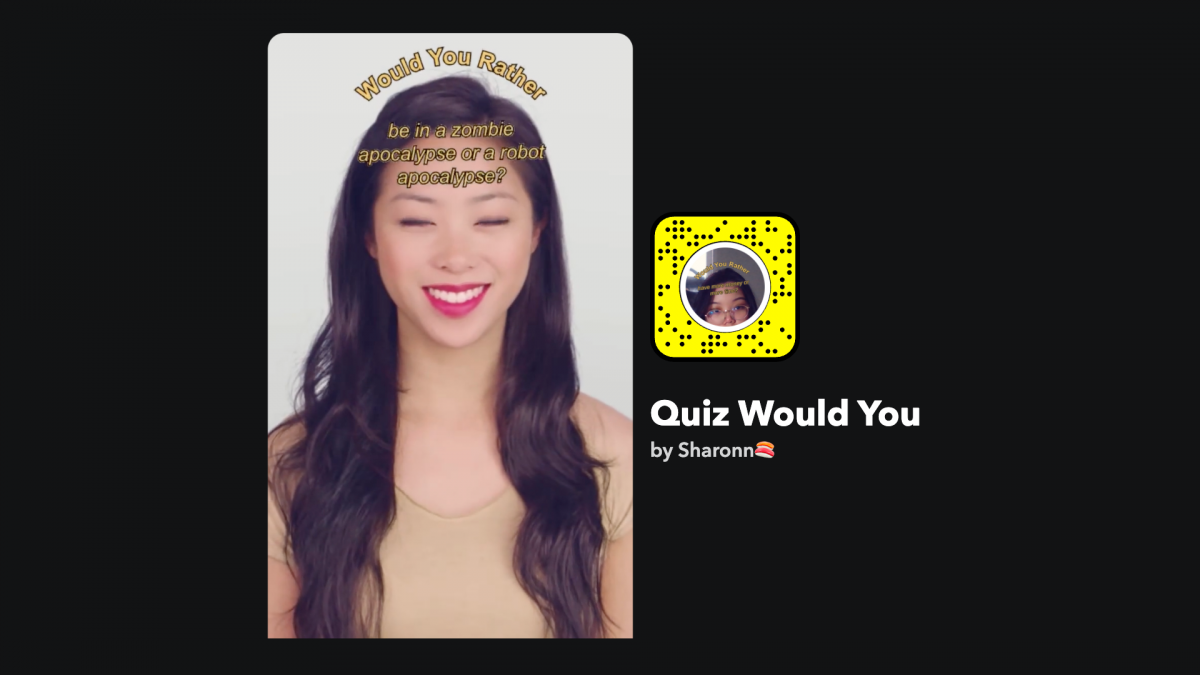
26. Quiz Would You
Generates random "Would You Rather" questions on general topics; tap the screen to select.
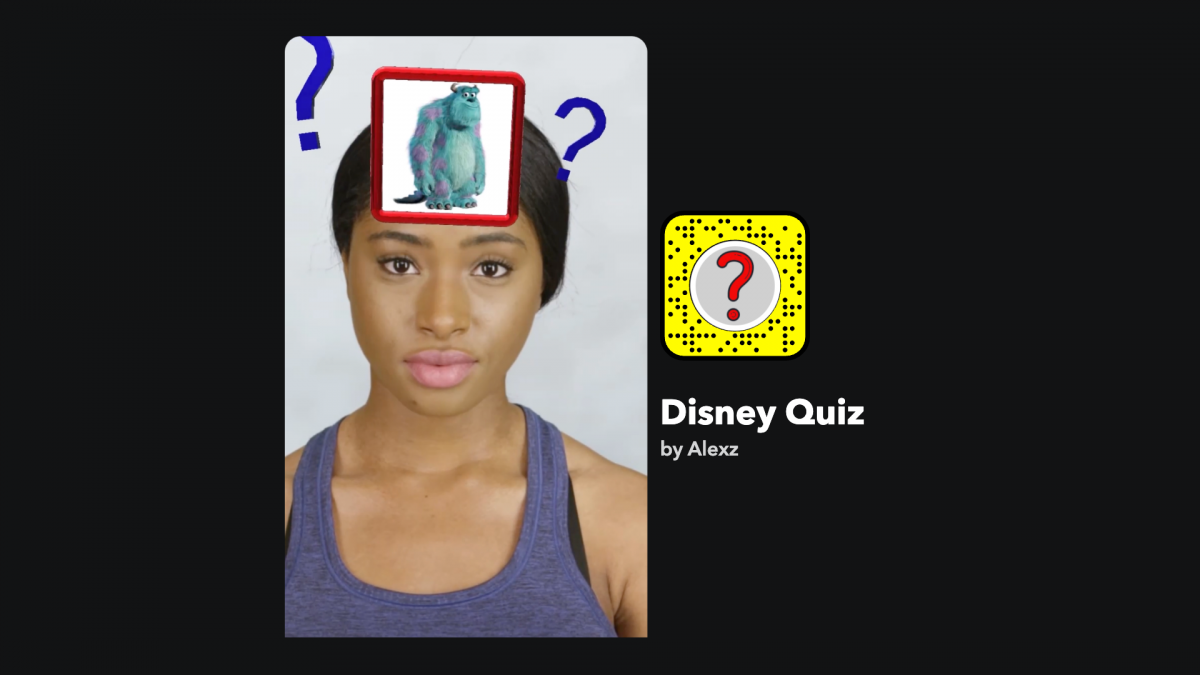
27. Disney Quiz
Tests your knowledge of Disney characters; you raise your eyebrows to select a character to name.
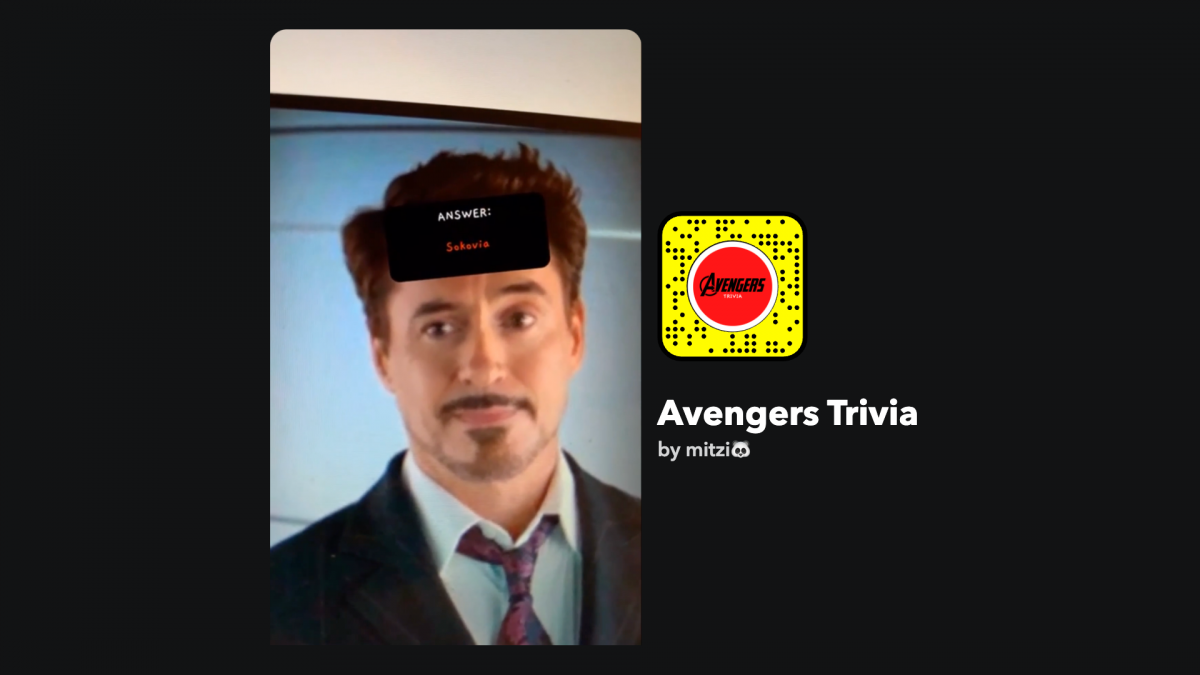
28. Avengers Trivia Lens
Quizzes you on Marvel Cinematic Universe facts.
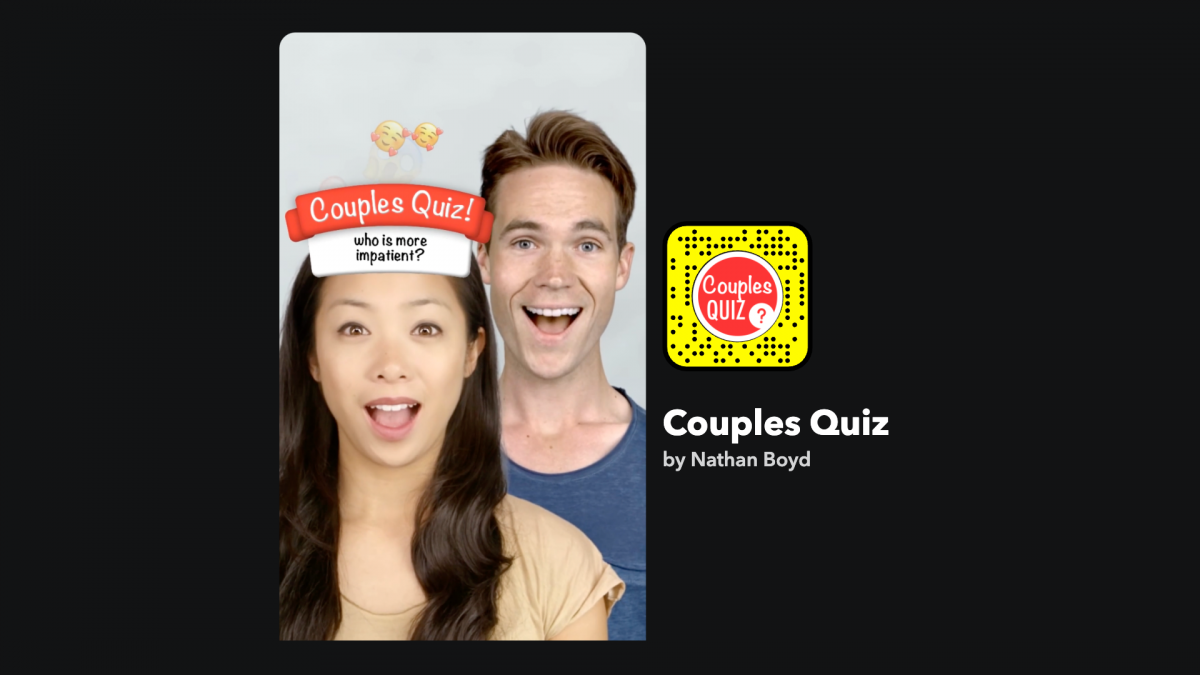
29. Couples Quiz
Asks you and your partner questions to see how well you know each other.
30. Trivia Lens
A pop-quiz style lens that tests general knowledge like "Who Wants to Be a Millionaire."

Snapchat filters vs. lenses: what's the difference?
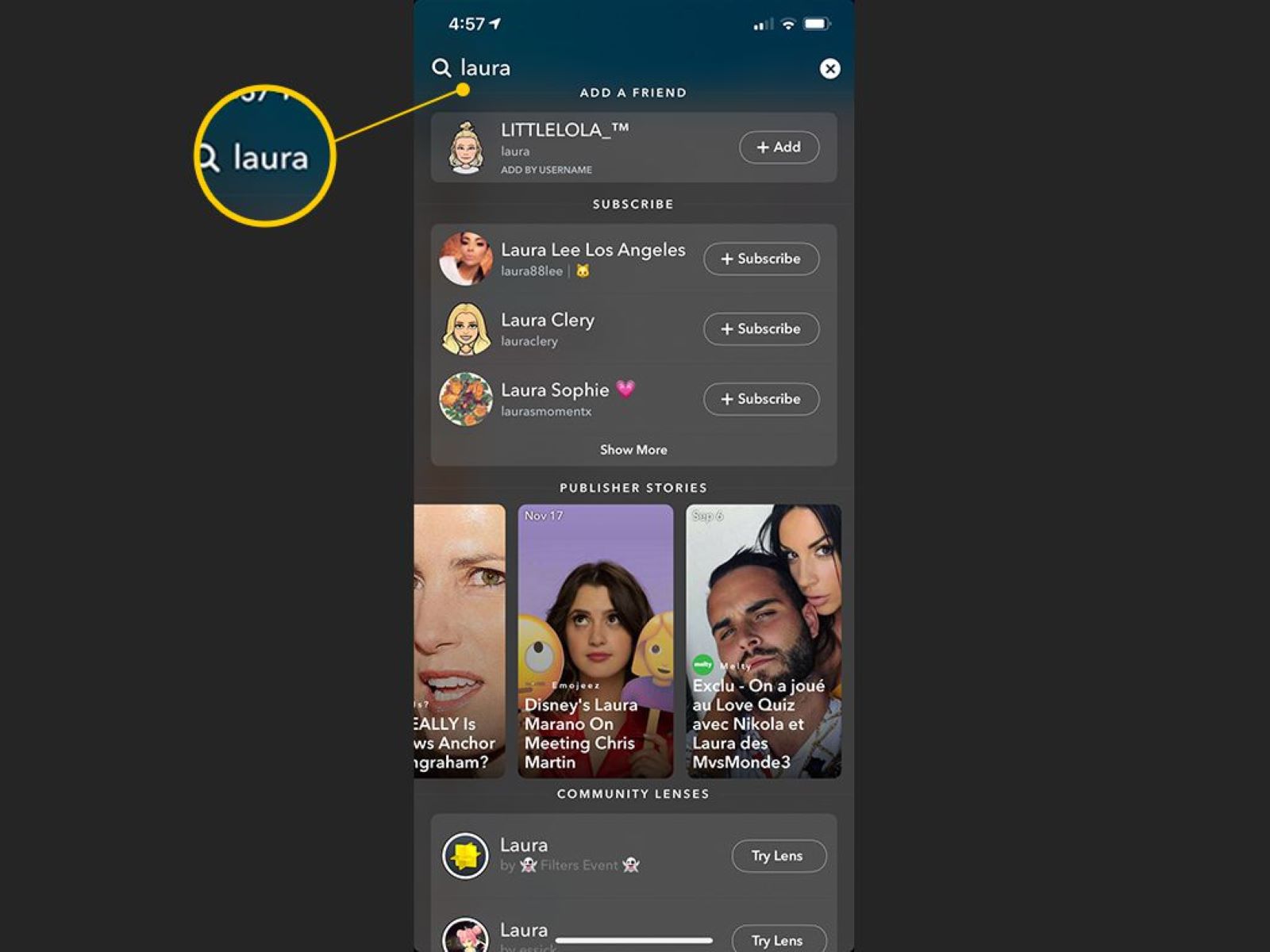
Filters are static overlays applied after taking a snap by swiping left or right on the captured image or video. They add effects like color grades, timestamps, temperature, speed, or location badges. Lenses are interactive AR effects applied before taking a snap via the Lens carousel. They use your face or environment to create real-time animations, distortions, or transformations.
How to use a Snapchat lens
- Open the Snapchat camera and point it at a face or environment.
- Tap and hold on the screen to bring up the Lens carousel.
- Swipe through the bubbles at the bottom of the screen.
- Tap an effect to select it before capturing your photo or video.
How to apply and layer Snapchat filters
- Capture a snap (photo or video) by pressing the capture button.
- Swipe left or right on the captured image to browse available filters.
- To layer multiple filters, apply one filter first.
- Tap the layer icon (often a stack of papers) and swipe again to add another filter.
Can you create your own Snapchat filters?
It is no longer possible to create custom Geofilters for personal events like weddings or birthday parties directly through Snapchat's "Create Your Own" tool. However, you can create custom Lenses using Lens Studio, a free desktop software for Windows 10 (64-bit) or macOS 10.10+. Your computer needs at least an Intel Core i3 2.5Ghz or AMD Phenom II 2.6Ghz with 4GB RAM and Intel HD Graphics 4000 / Nvidia GeForce 710 / AMD Radeon HD 6450 or better. For business or sponsored filters, files should be 1080px wide by 2340px high, under 300 KB, 72 DPI, and saved as a transparent .PNG file. If you need to access Snapchat data for troubleshooting or analytics, you can access Snapchat data through the app's settings menu under "My Data."
Frequently Asked Questions
How do I save a snap with a filter or lens?
This saves the snap to your camera roll with the effect intact.
Why can't I find a specific lens or filter anymore?
Snapchat rotates its Lens carousel frequently, adding new effects and removing older ones. If a lens is missing, try searching for it by name in the Lens carousel's search bar or check back later, as popular lenses often return.
Do Snapchat filters and lenses work on videos?
Yes, most filters and lenses work on both photos and videos. For filters, swipe after recording a video. For lenses, select the lens before holding down the capture button to record a video with the effect.
Can I use Snapchat filters on photos from my camera roll?
Yes, you can import a photo from your camera roll into Snapchat and then apply filters by swiping left or right. However, Lenses generally require a live face or environment to work, though some like Anime Style allow you to choose a stock photo.
How often does Snapchat add new filters and lenses?
Snapchat adds new Lenses and Filters regularly, often daily or weekly, with special releases tied to holidays, events, or partnerships. Check the Lens carousel and filter tray frequently for fresh options.
Related reading: What Is Snapchat: Everything You Need To Know.