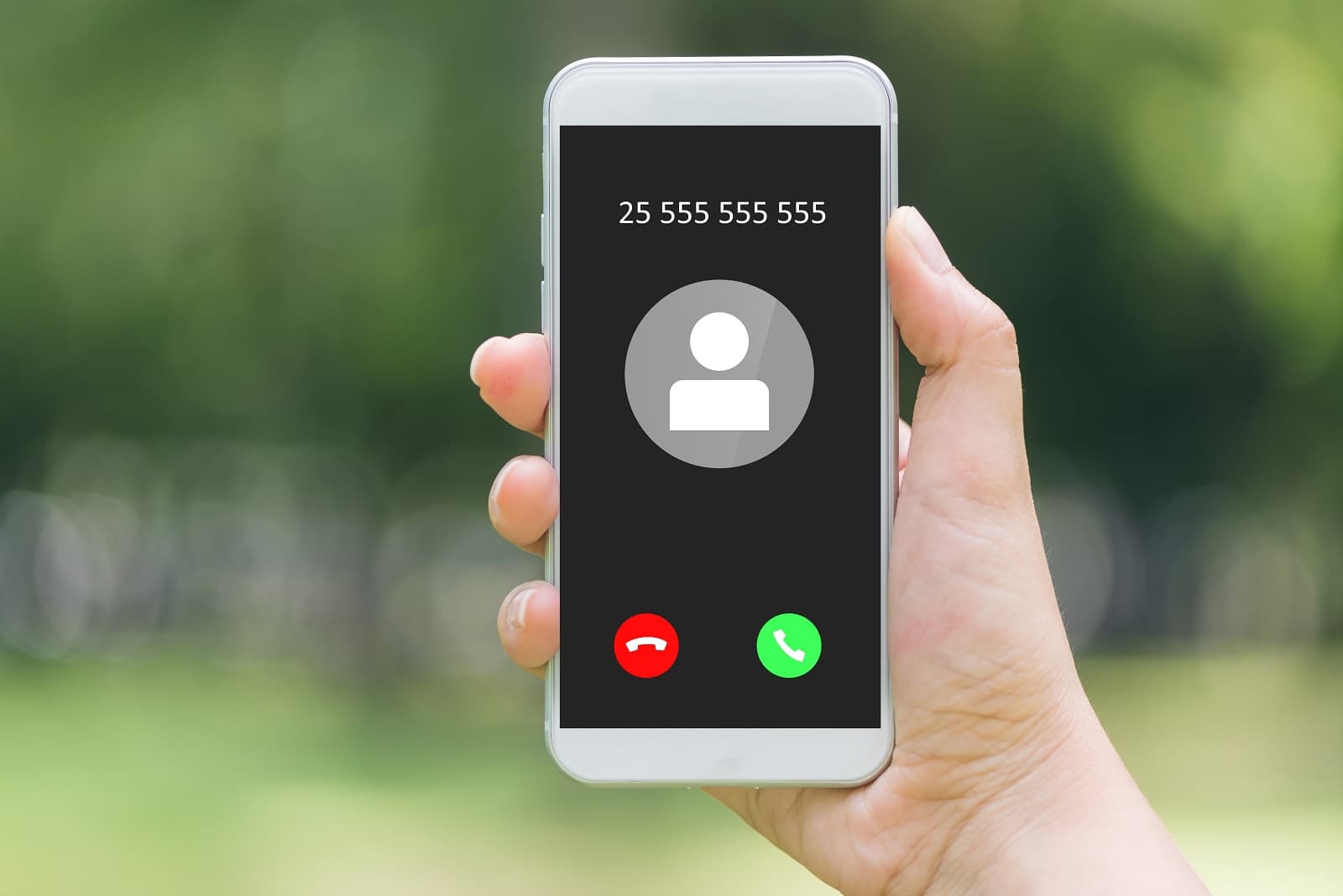
To find out private caller on a cell phone, you have several options, but it is important to set realistic expectations: a caller who has fully blocked their number is very difficult to identify. You can try immediate call return with *69, trace harassing calls with *57, or use a caller ID app, but each method has limitations.
Can you really find out a private caller?
Fully blocked numbers are hard to identify because the caller has intentionally hidden their Caller ID. While you cannot always force the number to appear, you can try immediate call return, document harassment for law enforcement, or use settings to manage these calls. Understanding what is possible helps you choose the right approach.
Use *69 to call back the last private number
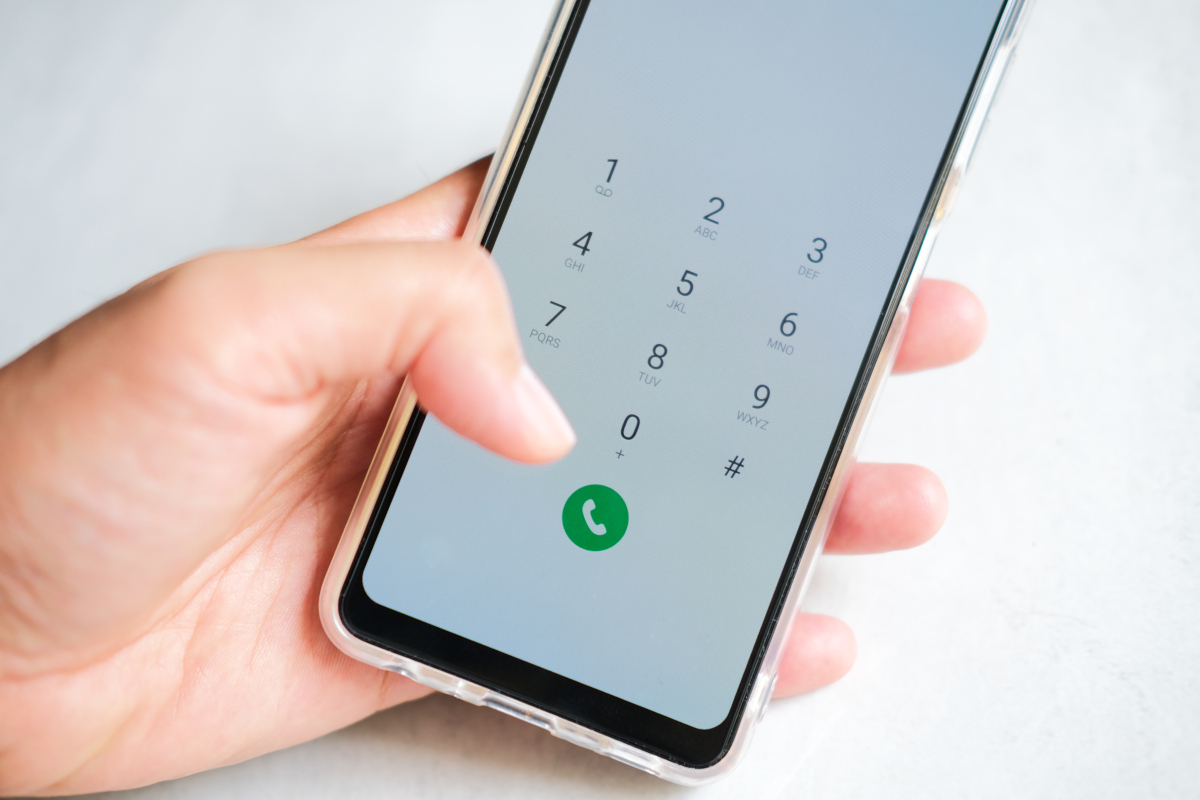
The most direct method to attempt to find out a private caller on a cell phone is by using the *69 (Call Return) service immediately after the missed call. Dial *69 on your keypad, and the service redials the last incoming call. In some cases, the caller's number may be revealed if they did not block their Caller ID with a service like *67. However, *69 typically redials the last incoming call, but it may not always reveal the number if the caller intentionally blocked their Caller ID using services like *67. The availability and functionality of *69 can vary by region and specific telephone service provider.
Trace harassing calls with *57
If you are receiving harassing or threatening calls, Call Trace (*57) is a service available through carriers for harassing or threatening calls, which logs the hidden number for law enforcement investigation, but does not reveal the number to the user. To use it, immediately after the call ends, dial *57. Your carrier logs the call details, including the hidden number, and makes that information available to police. You must then file a formal complaint with law enforcement so they can request the data from your carrier. This method is for documentation and legal action, not for satisfying curiosity.
Contact your service provider for help
When other methods fail, escalate to your carrier. Have the date and time of the call ready, along with any number that appeared on your screen. Customer service can access detailed call records and may be able to identify the source of a private call, though policies vary. Some providers charge a small fee for this service, while others offer it as part of customer support. In cases of harassment or threats, your provider may escalate the issue, block the caller, or involve law enforcement.
Try a caller ID app for unknown numbers
These apps work best when the number is not fully blocked but simply not in your contacts. They also provide spam alerts and community-based blocking. However, they have limitations with fully blocked calls, as a caller who deliberately hides their number using carrier-level blocking may still appear as private. Installing a caller ID app is straightforward: search for the app in your device's app store, install it, and follow the setup instructions to enable caller ID functionality. Specific options include Truecaller, Hiya, CallApp, Mr. Number, and Whoscall. Reverse phone lookup can be performed using online directories/websites or specialized apps, which may provide name, address, and social media profiles. Some reverse phone lookup services charge a fee for detailed information, while others offer basic details for free. Reverse phone lookup information accuracy can vary, so cross-checking from multiple sources is recommended. Caller ID apps may not be 100% accurate for all calls because some callers can spoof their numbers.
Silence unknown callers on iPhone and Android
If identification is not possible, you can manage private calls by sending them straight to voicemail. On an iPhone, you can silence unknown callers by going to Settings > Apps > Phone, then scrolling to "Screen Unknown Callers" and selecting "Silence." On Android phones, you can block unknown/private numbers by opening the Phone app, tapping "More options" (three vertical dots), then "Settings," "Block numbers," and toggling on "Block calls from unknown numbers." These settings send calls from unknown or private numbers directly to voicemail without ringing your phone. This is a management strategy, not an identification one, but it effectively reduces interruptions.
Frequently Asked Questions
Can a private caller be traced by the authorities?
Yes, in certain situations. If you file a formal complaint with law enforcement regarding harassing or threatening calls, they can work with your carrier to trace the caller using services like *57. This typically requires legal involvement and evidence of harassment.
Are there any free reverse phone lookup services that work for private numbers?
Most free reverse phone lookup services cannot identify fully private or blocked numbers because the number is not transmitted to your phone. Paid services may have access to larger databases, but success is not guaranteed for intentionally hidden numbers.
Can private callers use technology to hide their identity?
Yes, private callers can use techniques such as spoofing their Caller ID to display a different number or using internet-based calling services that offer anonymity. These methods make tracing more difficult, though law enforcement and telecom companies continue to improve countermeasures.
Will blocking private numbers also block legitimate calls?
Yes, enabling the setting to block or silence unknown callers may also block legitimate calls from businesses, doctors' offices, or other entities that call from private or unknown numbers. Use this feature with the understanding that some wanted calls may be missed.
What information should I have ready when contacting my service provider about a private call?
Have the date and time of the call, the number that appeared on your screen (even if it said "Private" or "Unknown"), and any details about the call's content. This helps the provider locate the specific call in their records.
How can I find out the identity of a private caller on my cell phone?
You can try activating a call tracing feature if available on your phone, which records the caller's information.
For the wider topic, see call back in 5 easy ways.