To fix ink on phone screen, first determine whether the mark is a surface stain you can wipe away or internal display damage that requires professional repair. Turn off the screen and examine the mark under bright light: if it sits on top of the glass and reflects light, it is surface residue; if it appears as a dark blotch or bleed that remains visible when the screen is off, it is likely a broken LCD.
Is the ink on your phone screen a stain or screen damage?
The critical first diagnostic step is to power off the display completely. Surface ink from a pen, marker, or spill will sit on the outer glass and may smudge or catch light at an angle. Ink can also transfer from documents onto fingertips and then onto the screen. Broken pen cartridges are another specific cause of ink on the screen. Internal damage, often called “ink bleed” or a dead-pixel cluster, appears as a dark, irregular patch that stays constant whether the screen is on or off. If the mark disappears when the screen is off, it is a stain; if it persists, it is physical damage to the LCD panel itself.
How to safely clean surface ink from your screen
Apple’s official guidance for cleaning an iPhone that has come into contact with ink is to use a soft, slightly damp, lint-free cloth. Do not get moisture into any openings, and do not use cleaning products, sprays, solvents, or abrasives on the display. This method is the only verified safe approach for removing surface ink without stripping the oleophobic coating or scratching the glass.
- Power off the phone and unplug any cables.
- Dampen a soft, lint-free cloth with plain water until it is just slightly moist, not wet enough to drip.
- Gently wipe the ink mark in one direction, applying light pressure only.
- Turn the cloth to a clean area and repeat if residue remains.
- Allow the screen to air-dry completely before turning the phone back on.
Avoid toothpaste, rubbing alcohol, vinegar, magic erasers, or any abrasive pad. These can permanently damage the screen’s protective coating or introduce moisture into the device. If plain water does not lift the stain, do not escalate to harsher chemicals, the mark may not be surface ink at all.
When the 'ink' is actually a broken screen
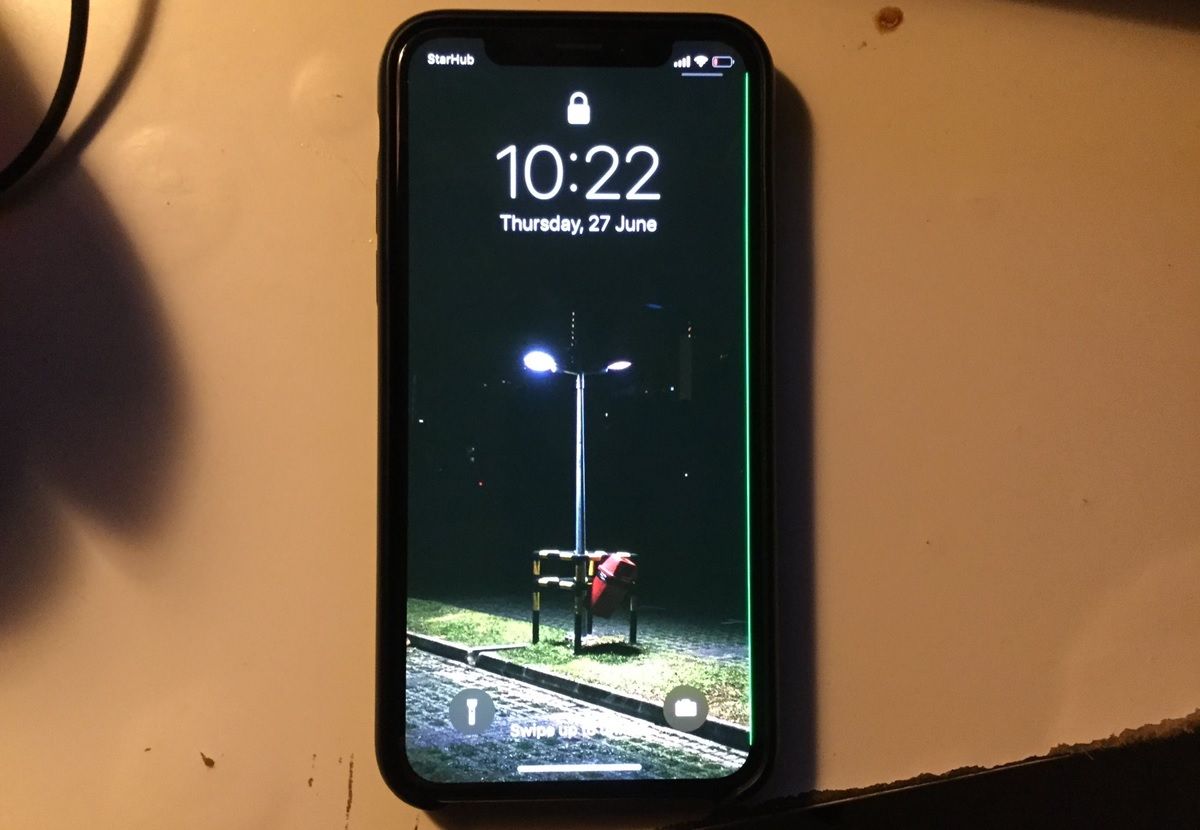
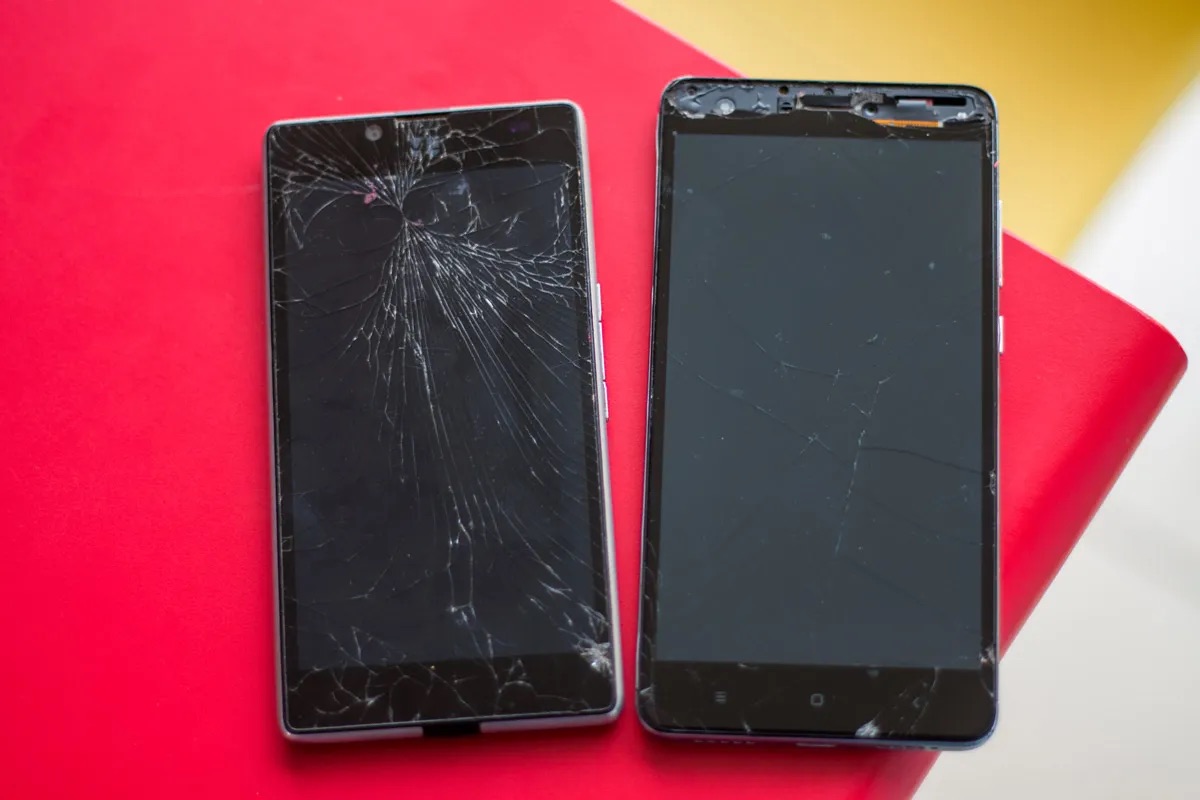
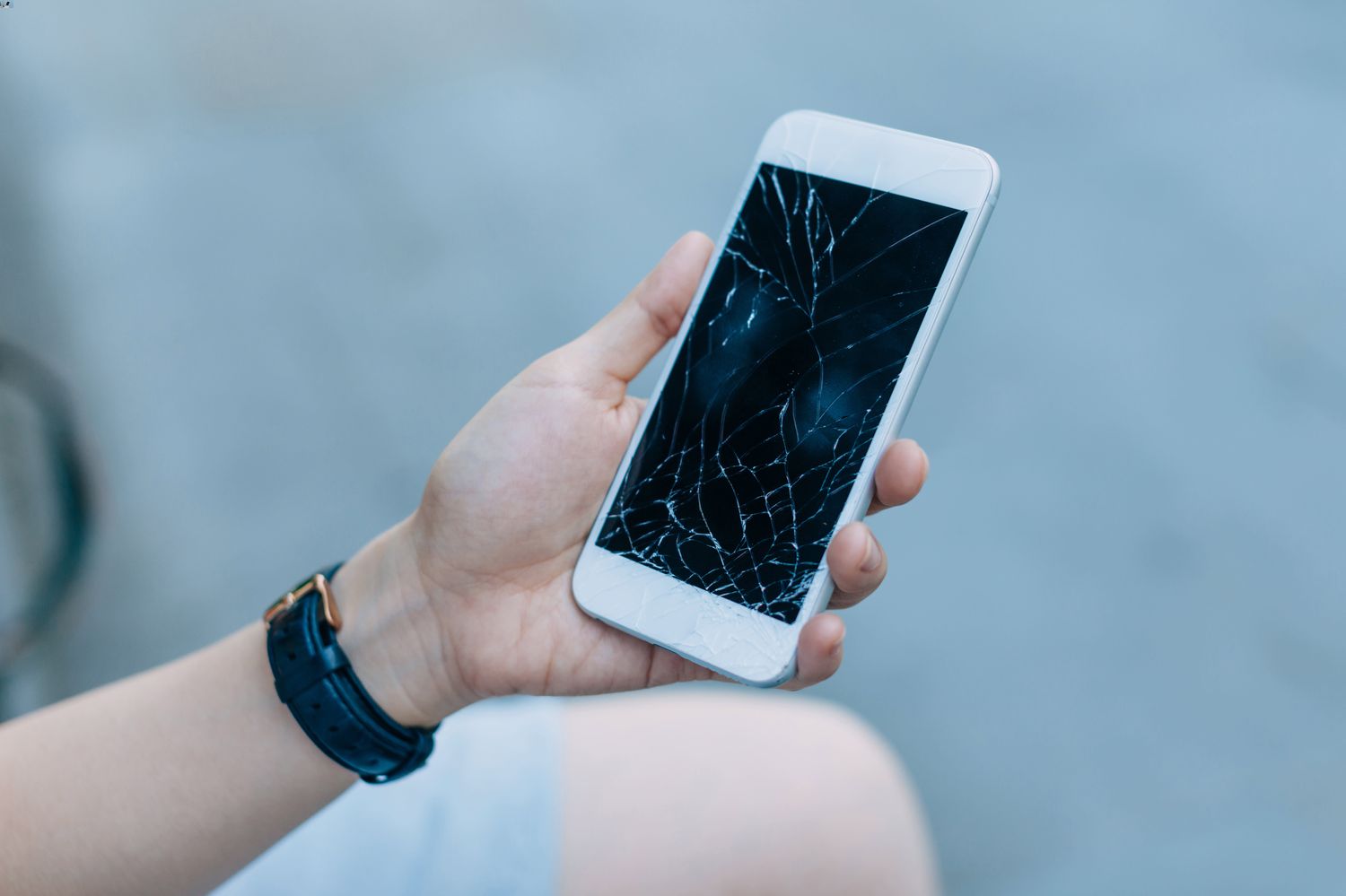
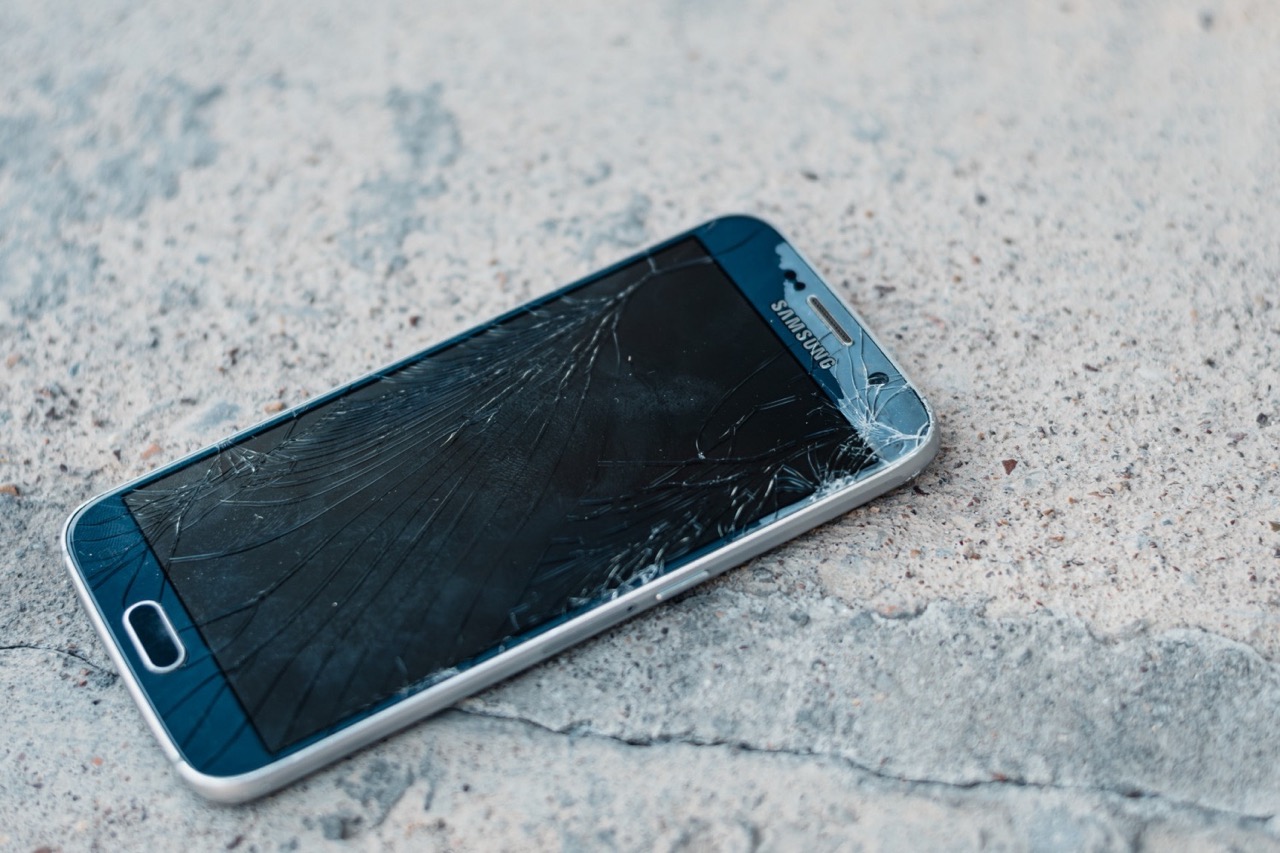
Black spots, dark patches, or “bleeding” that do not change when you wipe the glass are not stains, they are symptoms of a damaged LCD. This can happen after a drop, pressure on the screen, or a manufacturing defect. Apple’s support documentation does not describe any cleaning method for this condition; it only covers cleaning after external contact with ink. The official position is that display bleed or dead-pixel areas are damage, not contamination, and the only remedy is professional repair or screen replacement. No home cleaning technique will restore a cracked or bleeding panel.
How to protect your screen from future damage
A screen protector is the simplest way to guard against both surface ink stains and the physical impacts that cause LCD bleeding. A tempered glass protector takes the brunt of a pen leak or a drop, and it can be replaced cheaply if it gets marked. Keep pens and markers securely capped. Store writing instruments separately from your phone. Avoid placing pens or markers on top of your phone. Be mindful when handling ink-containing items like printers or art supplies near your phone. Clean hands before using your phone to avoid transferring ink. Store your phone in a safe and clean environment away from open pens or markers. Regularly clean your phone screen with a soft microfiber cloth to identify issues early. For detailed guidance on choosing and fitting a protector, see the screen protector application and repair hub page, which covers installation steps and troubleshooting for common fitting issues.
Frequently Asked Questions
Can I use hand sanitizer to remove ink from my phone screen?
No. Hand sanitizer contains alcohols and gels that can strip the screen’s oleophobic coating and leave a residue. Stick to a slightly damp lint-free cloth as recommended by Apple.
Will a screen protector hide an existing ink stain?
A screen protector will not remove a stain already on the glass. It can prevent new marks from reaching the screen, but any existing residue must be cleaned off before applying a new protector or it will be trapped underneath.
Is it safe to use a microfiber cloth with dry ink on it?
No. A cloth with dried ink particles can act like fine sandpaper and scratch the glass. Always use a fresh, clean section of a lint-free cloth for each wipe.
What if the ink stain is under the screen glass?
If the ink appears beneath the glass surface, it is not a stain, it is internal LCD damage. No cleaning method will reach it, and the phone requires professional disassembly and screen replacement.
Can ink damage my phone screen?
Surface ink will not damage the glass itself, but attempting to clean it with harsh chemicals or abrasive materials can permanently harm the oleophobic coating. Internal ink-like blotches indicate a broken LCD, which is physical damage requiring repair.
Is it necessary to replace the screen if ink cannot be removed?
If the mark is a surface stain that cannot be cleaned, a screen replacement is not strictly necessary for function, though it may be a cosmetic annoyance. If the mark is internal LCD damage, a screen replacement is the only way to restore the display.