






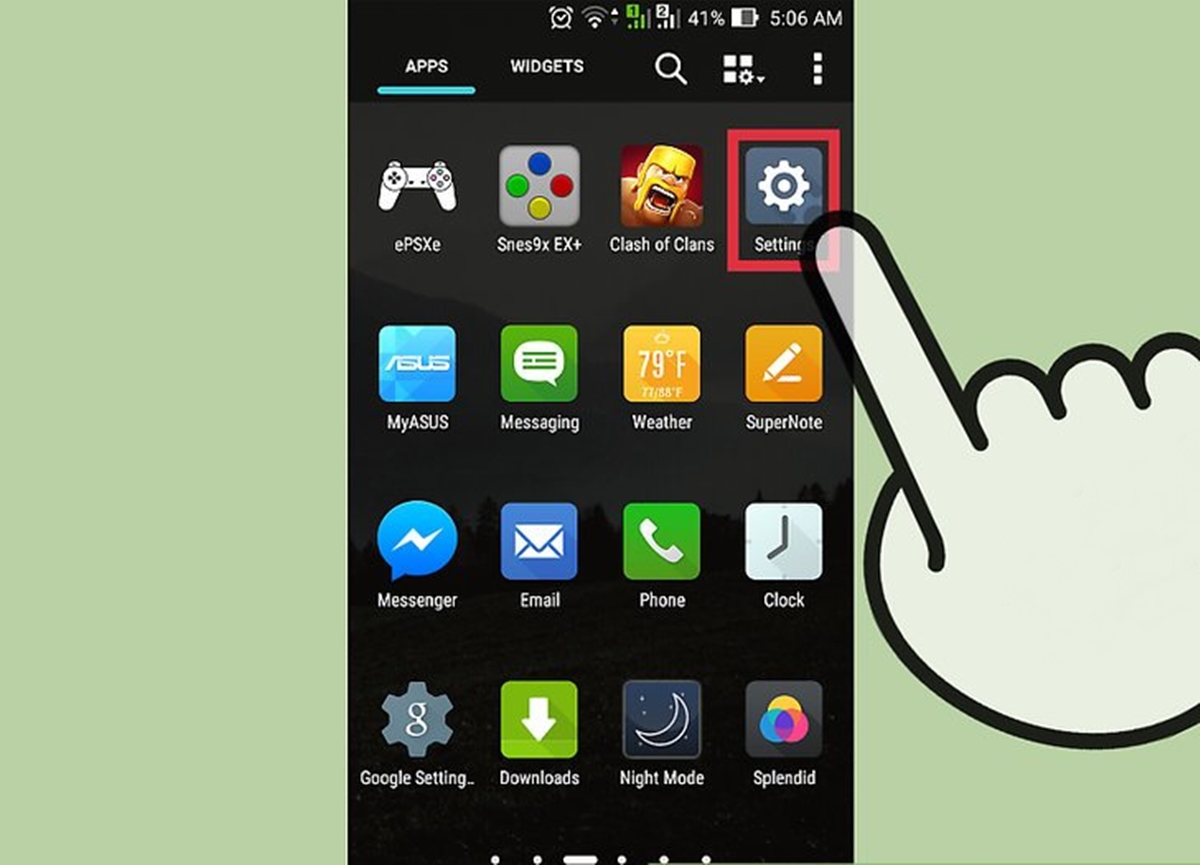
To find phone storage on Android, open the Settings app and tap Storage on most Google Android devices, or open Settings, tap Device care, then tap Storage on Samsung Galaxy phones. This immediately shows your total and available space, along with a breakdown of what is using it.
Find storage in the Settings app
On standard Android devices, the official Google path is Settings > Storage. Once you tap Storage, you see categories such as Apps, Images, Videos, and System. Tap any category to see exactly which files or apps are taking up space. This is the primary method for checking memory and storage capacity on your device.
Find storage on a Samsung Galaxy phone
Samsung Galaxy phones and tablets use a different path because Samsung adds its own device care layer. Open Settings, tap Device care (or Device maintenance on some models), then tap Storage. This screen shows the same type of usage breakdown as stock Android. Samsung's UK support page says if Device maintenance appears instead of Device care, use Settings > Device maintenance > Storage.
Check storage with the Files by Google app
Google’s official Files by Google app offers a quick visual overview. Open the app, tap Menu, then tap Clean. The top of the screen shows your used and available storage. If your phone has an SD card, its storage space is shown there too. This method is useful when you want a file-manager-style view without digging through system settings.
What to do after you find your storage
Once you see the breakdown, tap any category to manage the space inside it. For example, tapping Apps lets you uninstall unused apps or clear their cache. Clearing cache for individual apps frees up temporary data. Uninstalling apps you no longer use is the fastest way to reclaim significant space. You can also use the Files by Google app’s Clean tab to remove junk files and old downloads.
Frequently Asked Questions
Why don’t some phones show “Storage” directly in Settings?
Some manufacturers, especially Samsung, place storage under Device care or Device maintenance instead of a top-level Storage option. This is a design choice that groups storage with battery and memory management. If you see Device care or Device maintenance in your Settings, tap it, then tap Storage.
Does the storage screen include everything on my phone?
On Android, the storage screen generally accounts for all files and apps. However, cached data and temporary files may not always appear in the totals. Apple says cached data and temporary data might not count as usage on the iPhone storage screen, but no matching exception is documented for Android in the official help pages.
Can I check SD card storage from the Settings app?
Yes. On Samsung Galaxy devices, the path Settings > Device care > Storage also shows whether an SD card is recognized. On other Android phones, the Files by Google app displays SD card storage at Menu > Clean if your phone has an SD card inserted.
How do I check phone GB on a Samsung device?
To check phone GB on a Samsung Galaxy phone, open Settings, tap Device care, then tap Storage. The screen shows your total capacity and how many gigabytes are used and available.
How do I check phone memory on iPhone for comparison?
To check phone memory on iPhone, open Settings, tap General, then tap [device] Storage. This screen lists every app and the storage each one uses, similar to the Android storage view. You can tap any app for more details about its data.

















