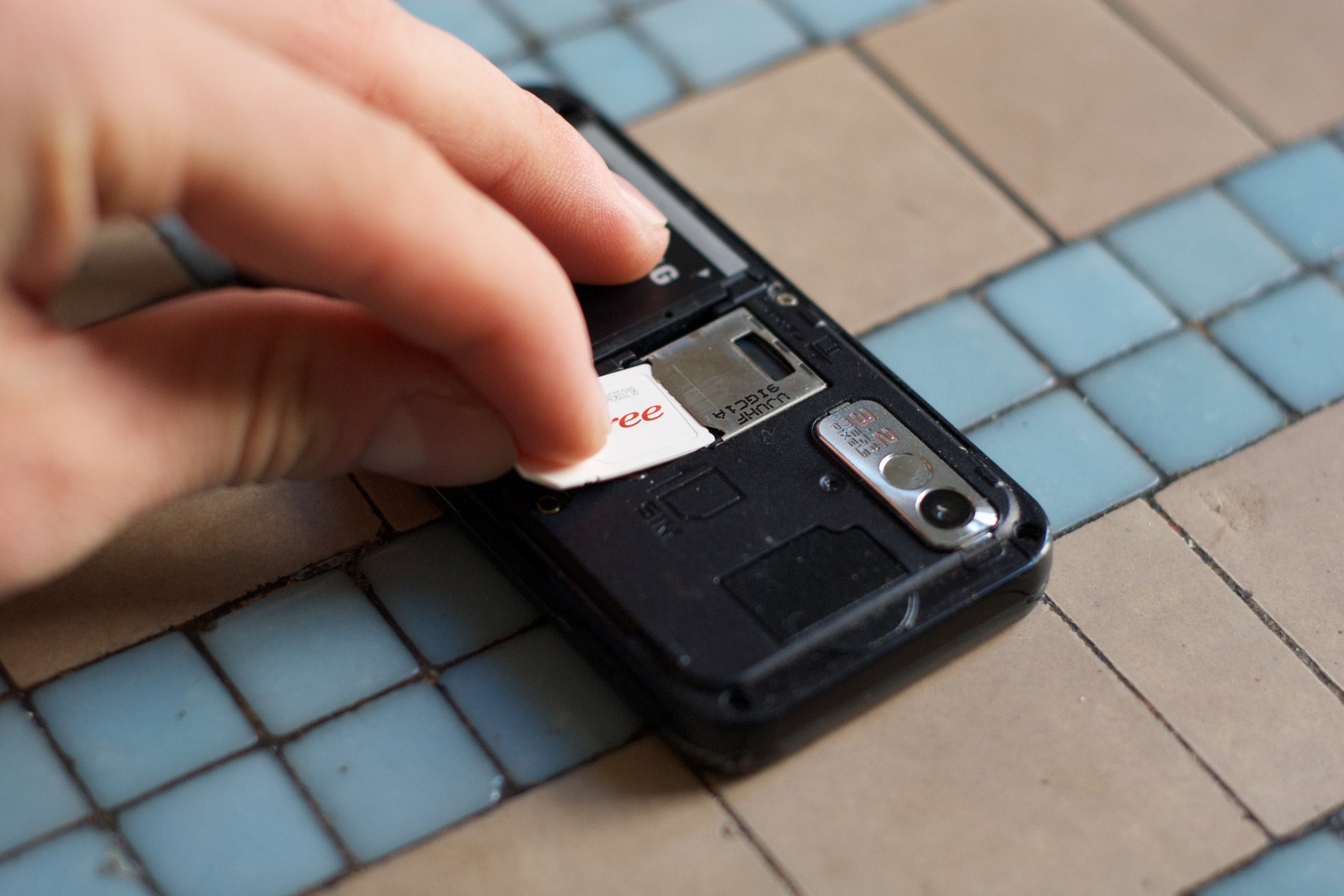
To transfer phone number ownership, you need to work through your mobile carrier, not a marketplace. Phone numbers are not consumer property you can sell directly; the documented process is a carrier-mediated ownership change that both the current and new account holders must authorize.
What it really means to transfer phone number ownership
Phone numbers are not assets you can sell like a collectible. Instead, carriers control the assignment and transfer of numbers. When you see advice about selling a phone number, what is actually documented is a process to change ownership of the line on a carrier account. This requires both the current account holder and the new account holder to contact the carrier and authorize the change. No iPhone or Android setting allows you to sell a number; the only supported path is a carrier ownership transfer.
How carrier ownership transfers work
Carriers require both the current account owner and the new account owner to initiate and authorize the change. The process varies by provider but always involves verification of identity and account status. Below are the specific requirements for T-Mobile and Bell Mobility.
T-Mobile ownership change requirements
Both the existing account owner and the new account owner must call T-Mobile to authorize the change of account ownership. For business accounts with 21 lines or fewer, T-Mobile requires a printed and signed Business Change of Responsibility form submitted by email or fax.
Bell Mobility ownership change requirements
The current subscriber must have an active Bell Mobility account for at least six months with the balance up to date. The new subscriber must confirm the current owner has authorized the change. If the new subscriber does not already have a Bell account, Bell will perform a credit check and require two pieces of ID from the listed set.
Transferring your number to a new iPhone
Apple’s eSIM Quick Transfer works only when both devices run iOS 16 or later. On the new iPhone, open Settings > Cellular > Set Up Cellular or Add eSIM, then tap Transfer From Nearby iPhone or choose a number, and follow the prompts on the previous iPhone. If the previous phone is not an iPhone, contact your carrier to transfer the phone number. Alternative paths include using a QR code (Settings > Cellular > Set Up Cellular or Add eSIM > Use QR Code, possibly tapping Other Options first) or manual entry (Settings > Cellular or Mobile Data > Add Cellular Plan > Enter Details Manually). When the cellular plan activates on the new iPhone, it deactivates the previous SIM.
What happens after the transfer
Once the transfer completes, the number activates on the new device, and the previous SIM is deactivated. Both parties should confirm they have working service by making a test call or sending a text. The carrier may take some time to finalize the change, so verify service before assuming the transfer is complete.
Frequently Asked Questions
Can I sell my phone number for profit?
No consumer-facing feature in iPhone or Android settings allows selling a number. Carriers do not support a sales marketplace; the only documented process is transferring ownership through the carrier.
How long does a carrier ownership transfer take?
Timing varies by carrier and the specific transfer process. Some carriers complete the change within minutes, while others may take several business days, especially if paperwork or credit checks are required.
Are there fees for transferring phone number ownership?
Some carriers charge a transfer or administration fee. Contact your carrier directly to confirm any costs before initiating the transfer.
What if the transfer fails?
If the transfer does not complete, both parties should contact the carrier’s support team to troubleshoot. Common issues include incorrect account information, outstanding balances, or eligibility requirements not met.
Can I transfer a number that is part of a family or business plan?
Yes, but the account owner or authorized representative must initiate the change. The carrier may require the new owner to establish their own account or plan.
For the wider topic, see porting and releasing phone numbers.
Related reading: Changing Your Phone Number on Accounts.