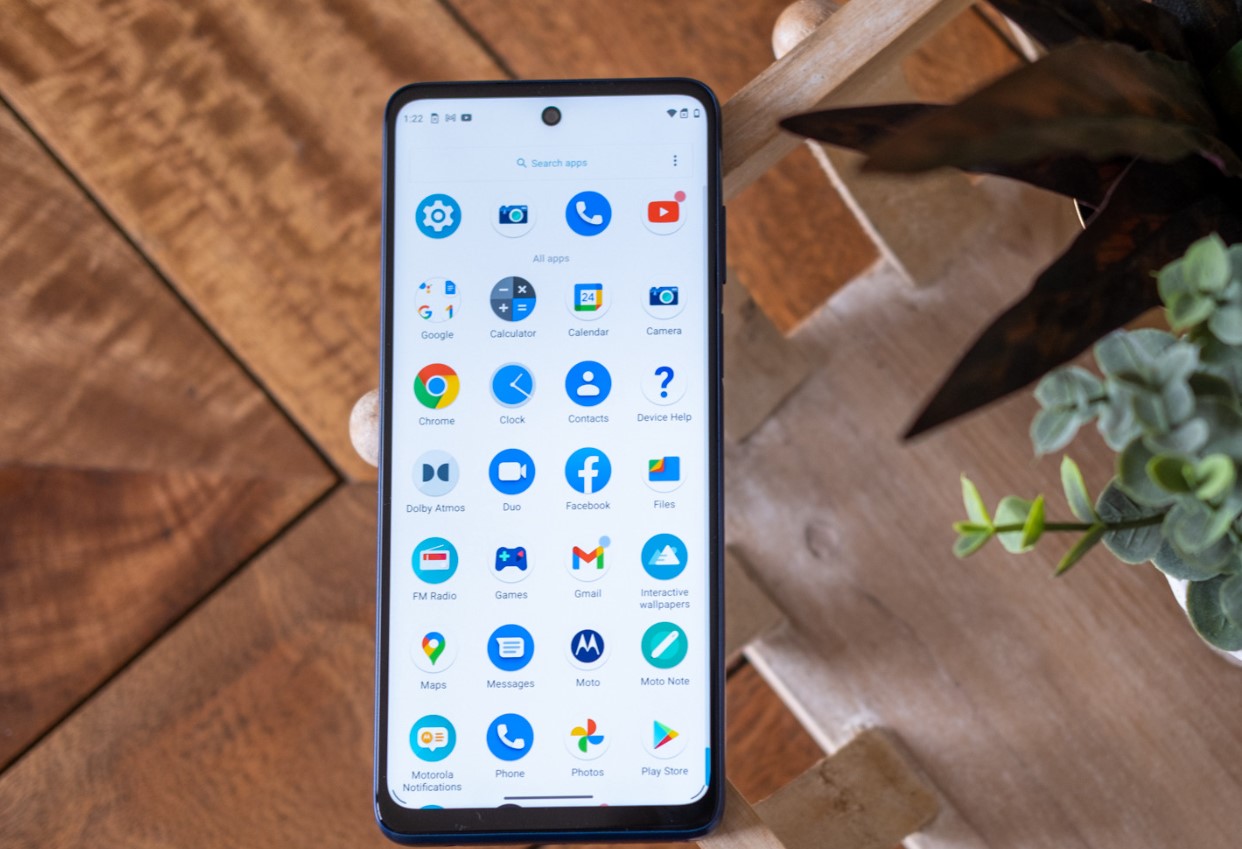
Find your iPhone volume controls and physical buttons
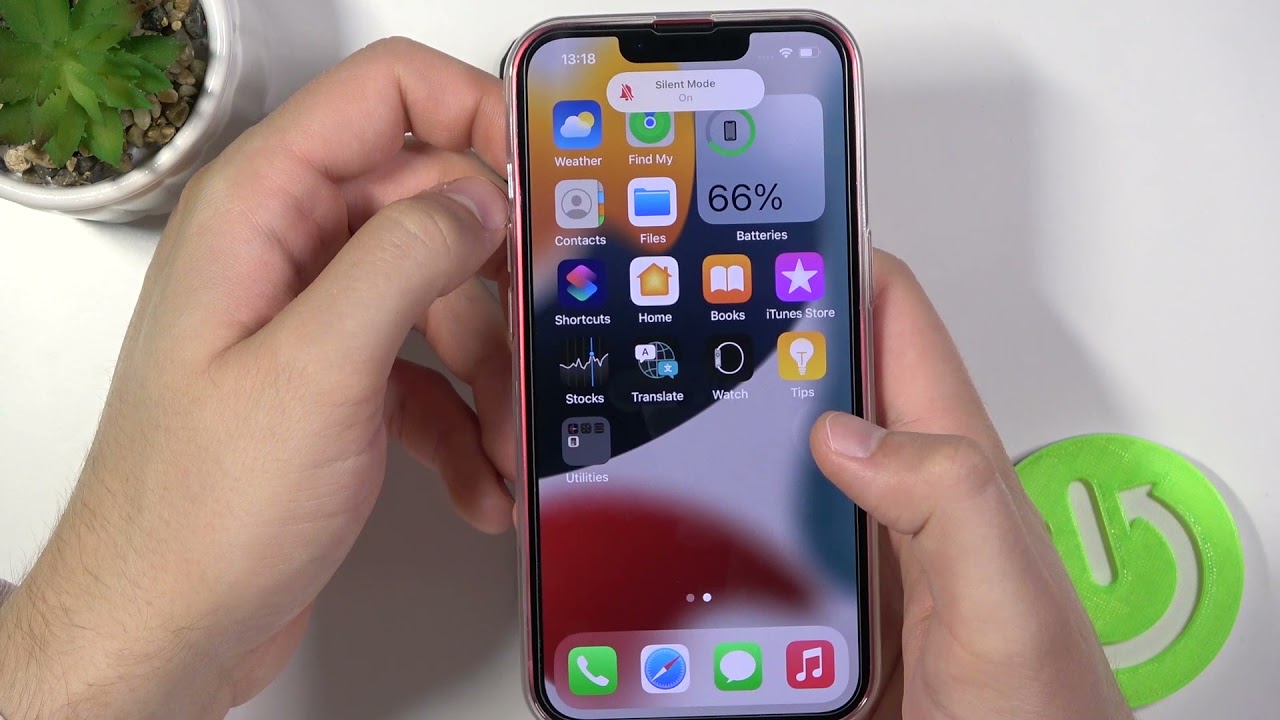
Mastering your iPhone volume controls starts before you even touch the screen—turn the phone in your hand and look at its edges. On many iPhones you will find a small hardware switch above the volume buttons that Apple calls the Ring/Silent switch, though newer models replace it with an Action button. Flipping it toward the back of the device engages silent mode. If you are holding an iPhone 11, the mute button on iPhone 11 is that same physical switch, not a software toggle buried in a screen. When you are on an active call, you can also tap the on-screen Mute icon to cut your microphone without ending the conversation.
Sound output is equally physical, and a surprising number of volume complaints start with pocket lint packed into the speaker holes. If you cannot find the speaker located on my phone during media playback, check whether your hand or a case is covering the speaker port. During a call, the speaker icon on an iPhone lets you switch between the earpiece and speakerphone, and the speaker icon on an Android phone serves the same purpose.
Silence your phone or turn off the ringer
When you need quiet but the phone must stay on, the fastest route is often a physical control. You can silence a Samsung phone by pressing a volume button and tapping the sound icon above the slider until it shows Vibrate or Mute, though this method comes from community posts and is not confirmed by an official Samsung support page. The exact button label can vary. On the Apple side, the dedicated hardware switch remains the primary tool for most models. To turn ringer off iPhone 13, flip the small switch above the volume buttons toward the back of the device so you see the orange indicator. This stops rings and alert sounds but may still allow vibration for calls. The same physical action lets you turn off ringer on iPhone 14. Both models fall under Apple’s “other models” category that relies on this switch rather than the Action button found on newer Pro tiers. If the phone is already silent and you need sound back, the reversal is just as straightforward. To turn off mute on Samsung phone, press a volume button and tap the sound icon above the slider until it returns to the ring setting, based on community posts without an official support page to confirm the current interface. Remember that Silent mode on any iPhone is designed to quiet rings and alerts, not necessarily to stop haptic feedback, so a muted phone might still buzz against a desk.
Unmute and restore sound
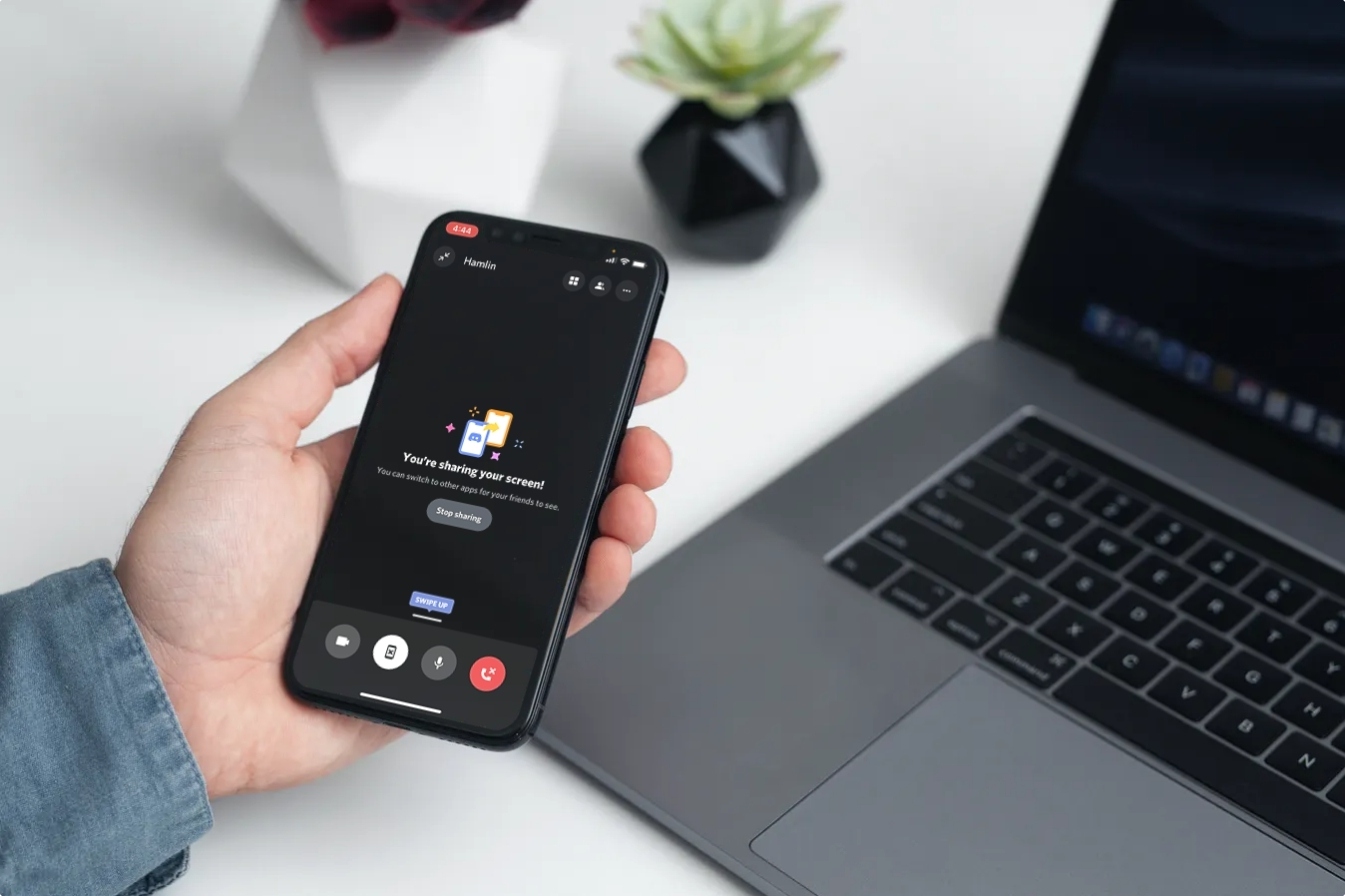
When your phone stubbornly refuses to ring, the path back to sound runs through a handful of controls that are easy to overlook. On most iPhones, look for the small hardware switch above the volume buttons. Flip it toward the front of the device. That single motion will unmute a phone entirely, restoring ringtones and alerts. If you are holding an iPhone 11 or 12, the same switch applies. The process to unmute my iPhone 11 or unmute my iPhone 12 is identical. Both models rely on this physical control rather than the Action button found on newer handsets. When Silent mode is off, the device plays all sounds again. It may still vibrate if you have haptics enabled. Android users can press a volume button and tap the icon above the slider. Then they can switch from Mute or Vibrate back to Ring. During video calls, the command to unmute on phone Zoom is a tap of the microphone icon on the screen, which mutes or unmutes audio. On the desktop app, the spacebar works as a temporary hold-to-unmute shortcut. If your home handset has gone quiet and you need to unmute ringer on Panasonic cordless phone. The exact steps vary by model.
Fix volume that changes by itself or sounds too low
When the volume slider seems to have a mind of its own, the culprit is often a setting rather than a hardware fault. If you are dealing with an iPhone 11 volume decreasing automatically during everyday use, a setting may lower alert sounds as soon as you look at the screen. Disabling an option that lets physical side buttons change the ringtone level can prevent accidental adjustments while you are adjusting media in a different app.
A persistent low phone speaker volume can usually be traced to a single slider that people rarely check until something goes wrong. Check that the ringtone and alert volume is set high enough, as this control may operate independently from the media volume you adjust while watching videos. On the playback side, a sound normalization feature can make tracks play at inconsistent levels, and disabling any equalizer preset prevents the phone from applying a setting that might suppress certain frequencies.
To make volume louder on Android, press a volume button while a video or song is actively playing to bring up the media slider specifically. When your audio setup extends to the car, the desire to make Bluetooth FM transmitter louder may involve checking the phone's own media volume.
Adjust specific sound settings
When your ringtone seems too quiet, the fix often lives in a separate menu from the media controls you use for videos. If you need to make ringer louder on iPhone 13, open Settings and tap Sounds & Haptics, then drag the Ringer and Alert Volume slider independently of the side buttons. Apple also lets you disable Change with Buttons on this screen, ensuring physical key presses never accidentally lower your ringtone again. The quickest way to make my phone alarm louder is to adjust the alarm volume separately from the ringer level in Settings > Sounds & Haptics, as iOS 27 decouples these controls.
Headphone output has its own safeguards that can cap loudness without you realizing it. To turn up headset volume on an iPhone, check Settings > Sounds & Haptics > Headphone Safety and look for Reduce Loud Audio; if that toggle is on, the slider beneath it acts as a hard limit. On the Android side, the process to turn volume up on Samsung phone for different audio types starts in Settings > Sounds > Volume, where individual sliders for Ringer, Earpiece, Headset, and Speakerphone each operate independently.
- access phone audio settings on Moto G play
- turn volume up on Samsung phone
- make ringer louder on iPhone 13
- make my phone alarm louder
- turn up headset volume
Test, measure, and enable advanced audio features
Before you run any software diagnostics, take a moment to test my phone's speaker with a simple call or a voice memo playback. A completely silent earpiece or bottom grille is often just a piece of pocket lint that a soft brush can remove. If you want to quantify exactly how loud your environment or your ringtone really is, you can measure decibels on iPhone using a third-party app from the App Store. Keep in mind that Apple does not include a built-in meter.
Once you have confirmed the hardware is physically clear and the output is audible, turning your attention to call-specific routing helps. If you need to enable speaker mode on an iPhone 13 during a conversation, simply tap the Speaker button on the call screen. The option may appear as Audio if a Bluetooth device is already connected. For a clearer voice connection that goes beyond basic volume, you can enable VoLTE in iPhone 11 by checking that your carrier supports it. Apple restricts this high-definition calling feature to iPhone 6 and later models.
Frequently Asked Questions
How do I turn off vibrate on iPhone 13 when Silent mode is on?
Open Settings and tap Sounds & Haptics, then turn off Vibrate on Silent. Apple notes that Silent mode stops rings and alerts but the phone may still vibrate, so this toggle controls whether haptic feedback continues when the switch is flipped.
What is the Zoom keyboard shortcut to mute everyone except the host?
Press Command+Control+M to mute audio for everyone except the host, and Command+Control+U to unmute them. Zoom documents that these shortcuts are available only to the meeting host, not to regular participants.
How do I adjust earpiece call volume separately on a Samsung phone?
Open Settings > Sounds > Volume and select Earpiece or Voice depending on your model, then raise that slider independently. Samsung separates call volume from media and ringtone levels, so each must be adjusted on its own.
Does iPhone 11 Attention Aware Features lower the ringer volume automatically?
Yes, the setting can lower alert sounds when you look at the screen. Check Settings > Face ID & Passcode > Attention Aware Features and disable it if you want the ringer to stay at a consistent level regardless of whether you are looking at the phone.