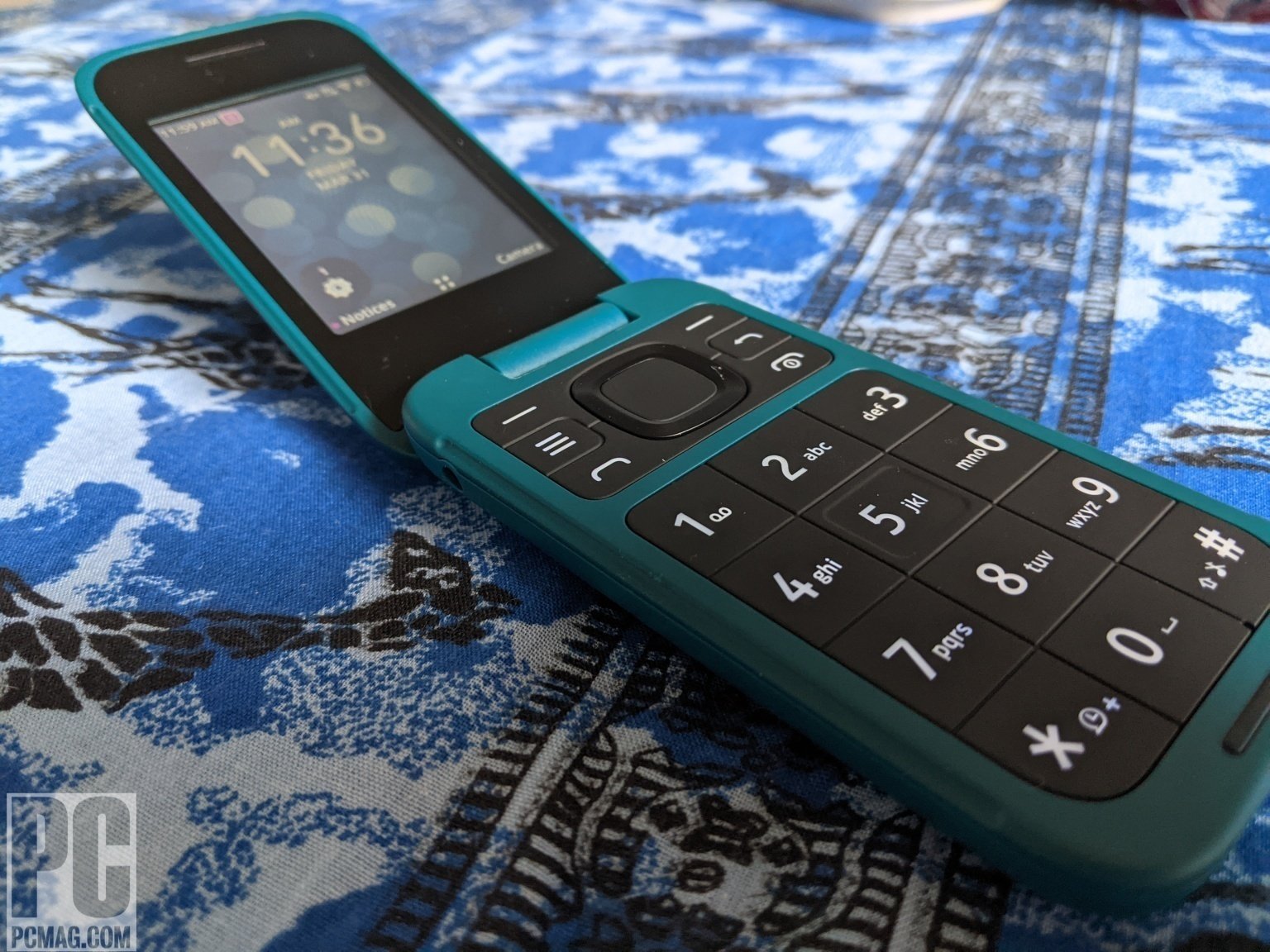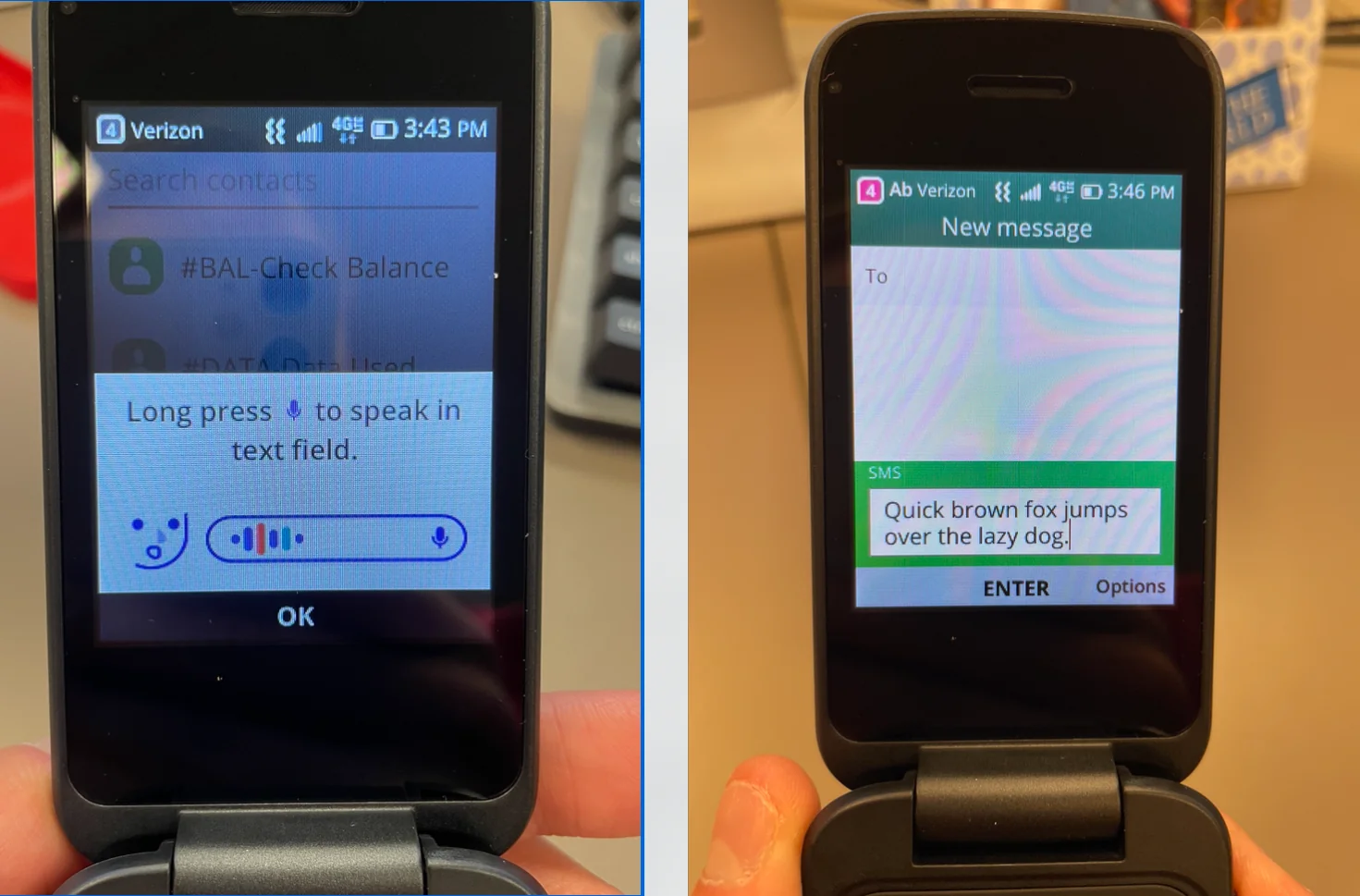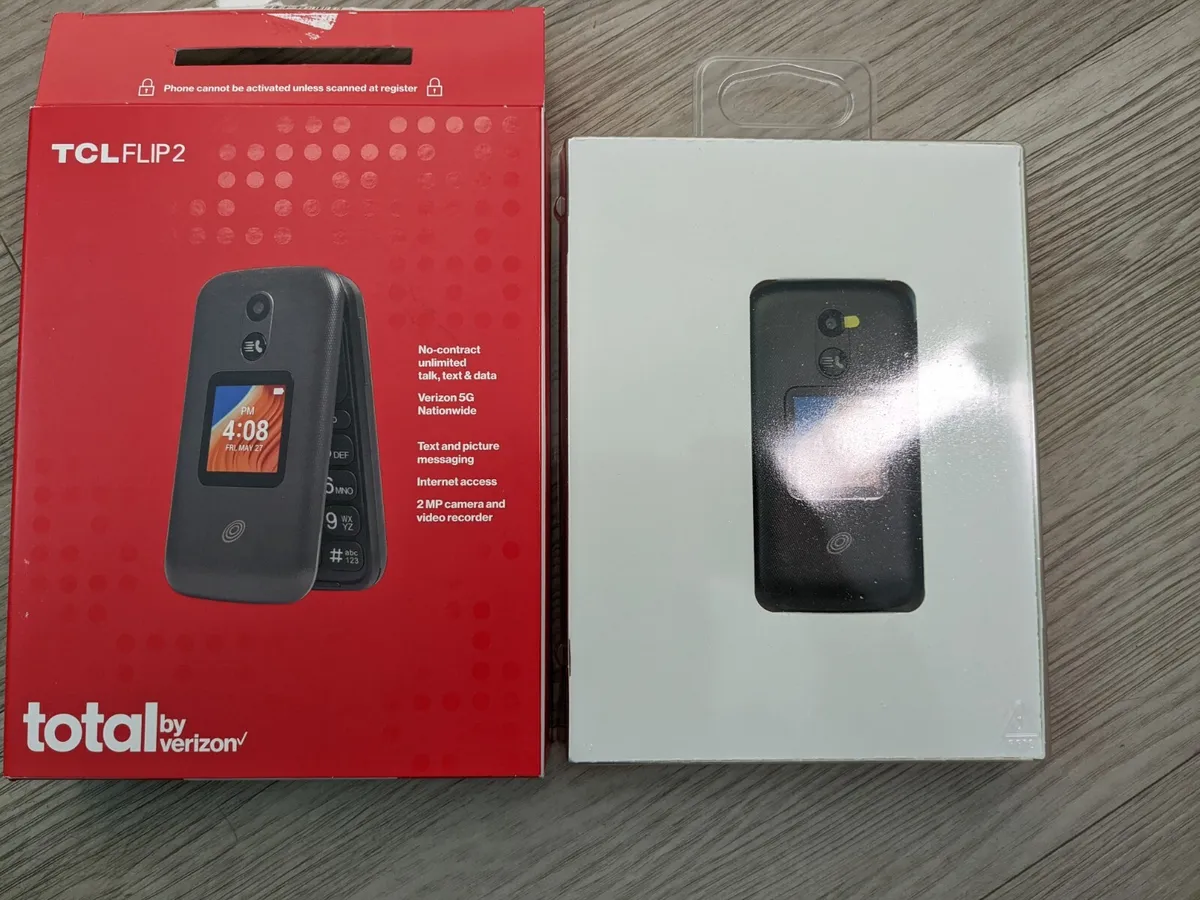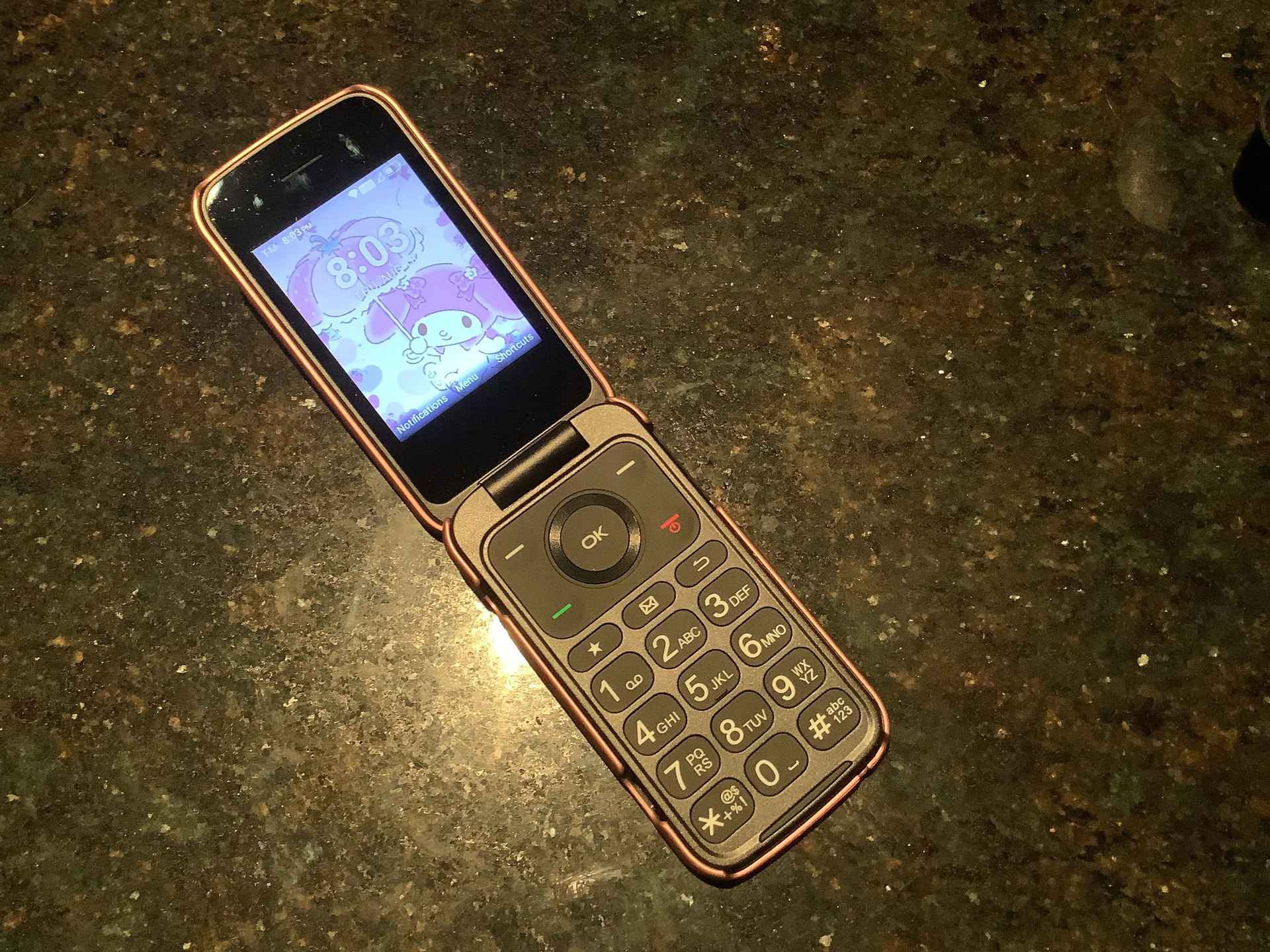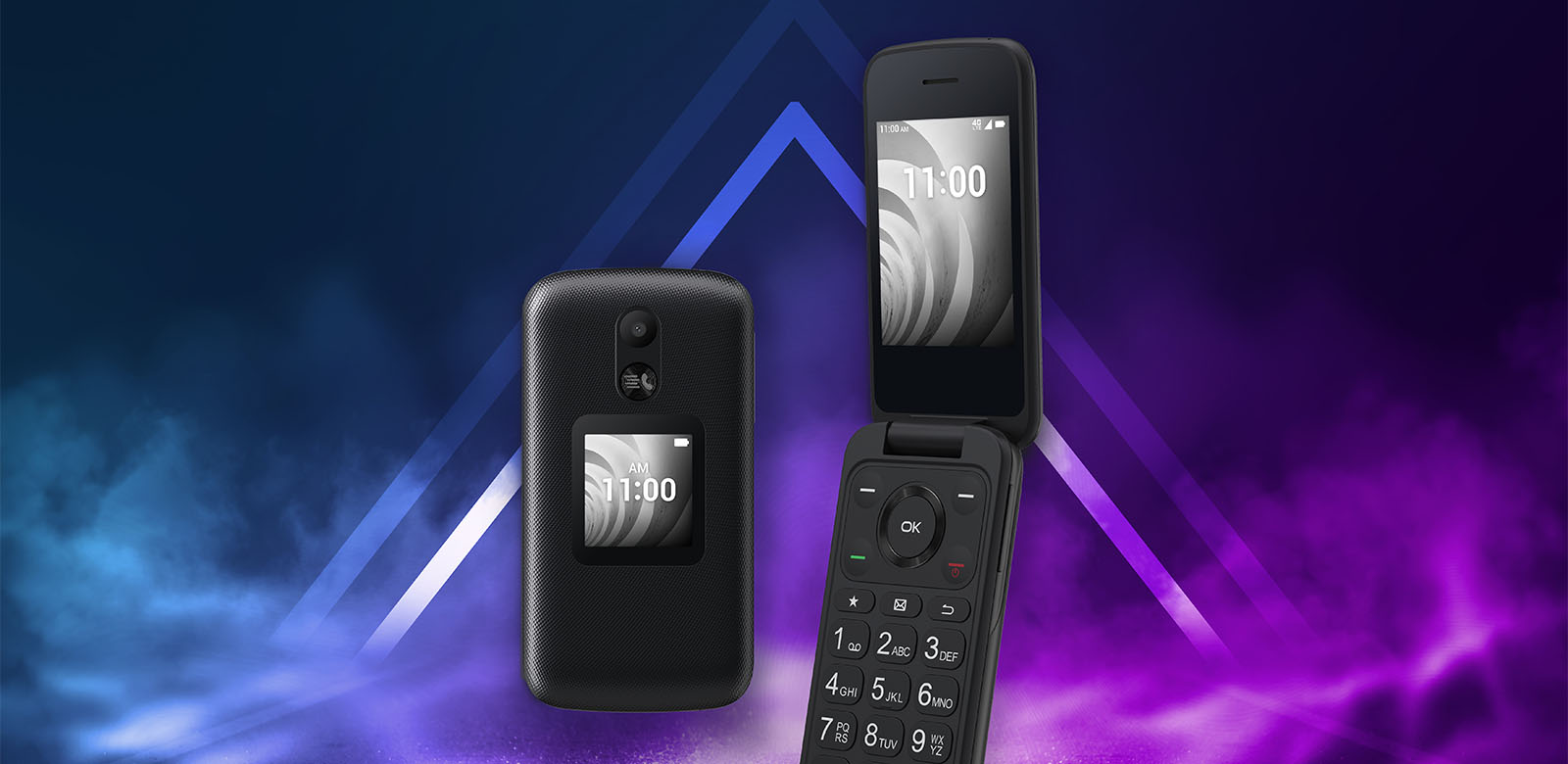
Speed dial on a TCL flip phone lets you call a contact instantly by long-pressing a single number key (2-9) from the home screen. This feature saves you from scrolling through your contact list every time you need to reach a frequent caller, making it essential for anyone who values efficiency when using basic flip phones.
What is speed dial on a TCL flip phone?
Speed dial is a shortcut that assigns a phone number to a number key on your keypad. Once set up, you simply press and hold that key from the home screen to dial the contact directly. It is a core convenience feature on TCL flip phones, turning a multi-step process into a single action. Speed dial is an accessibility feature for users with limited dexterity or impaired vision, reducing the need to navigate menus and the chance of misdialing.
How to set up speed dial on a TCL flip phone
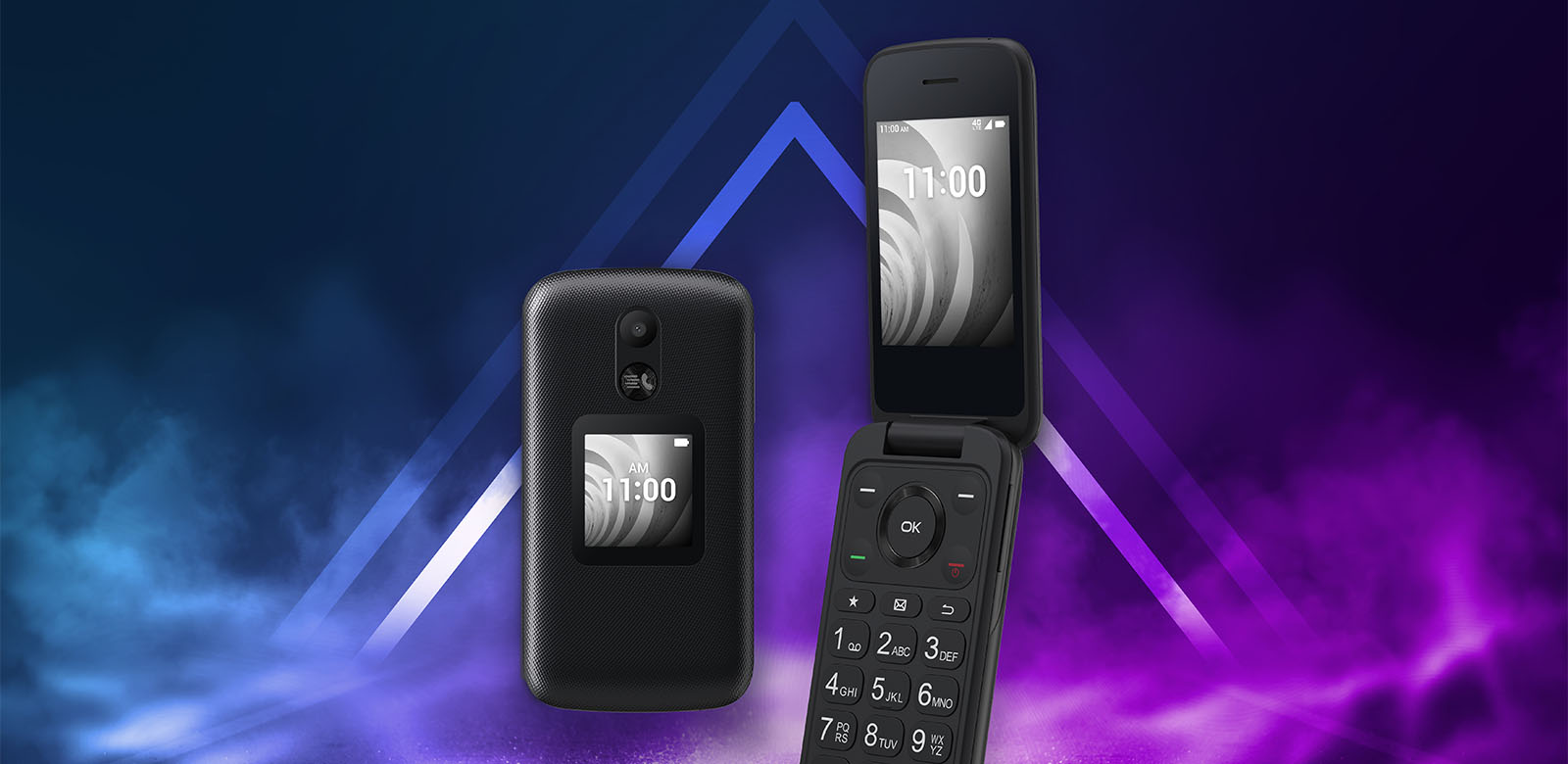
This is the primary, verified method for models like the TCL FLIP Pro, FLIP 3, FLIP 2, and FLIP GO. Start from the main screen.
- Press the OK button (or Center Soft Key).
- Select Contacts.
- Press the Right soft key to choose Options (or Settings on some models).
- Select Settings if it appears as a separate option.
- Choose Set speed dial contacts.
- Select an empty speed dial number from the available keys (2-9).
- Press Assign (or the OK button / Center Soft Key).
- Highlight the desired contact or phone number and press the OK button (or Center Soft Key) to Select (or confirm).
Alternative speed dial setup method
Some TCL flip phone models offer a second path through the main settings menu.
- Go to Menu > Settings > Call settings > Speed dial.
- Turn the Status on.
- Select Set numbers and then Edit to assign a contact to a key.
How to use speed dial on a TCL flip phone
From the home screen, simply long-press the assigned number key (2-9). The phone will immediately dial the contact you assigned to that key. No menu navigation is required.
How to remove a speed dial contact
- Press the OK button and select Contacts.
- Press the Right soft key to choose Options.
- Select Settings, then Set speed dial contacts. To remove a speed dial number, you must first navigate back to 'Set speed dial contacts'.
- Highlight the contact assigned to the speed dial number you wish to remove.
- Select Remove from speed dial.
Frequently Asked Questions
How many speed dial slots are available on a TCL flip phone?
You can assign contacts to keys 2 through 9, giving you a total of eight speed dial slots. Key 1 is typically reserved for voicemail.
Does speed dial work when the phone is locked?
In most cases, yes. Long-pressing a speed dial key from the locked home screen will still initiate the call. However, this can depend on your specific model and security settings; it is best to test it on your phone.
Can I assign a speed dial number to a contact that has multiple phone numbers?
Yes. When you select a contact during setup, you will be prompted to choose which specific phone number (e.g., Mobile, Home, Work) you want to assign to that speed dial key.
Will removing a speed dial contact delete the contact from my phonebook?
No. Removing a contact from speed dial only clears the shortcut assignment. The contact remains saved in your Contacts list and can be accessed normally.
Related reading: How To Add Contacts To A TCL Flip Phone.