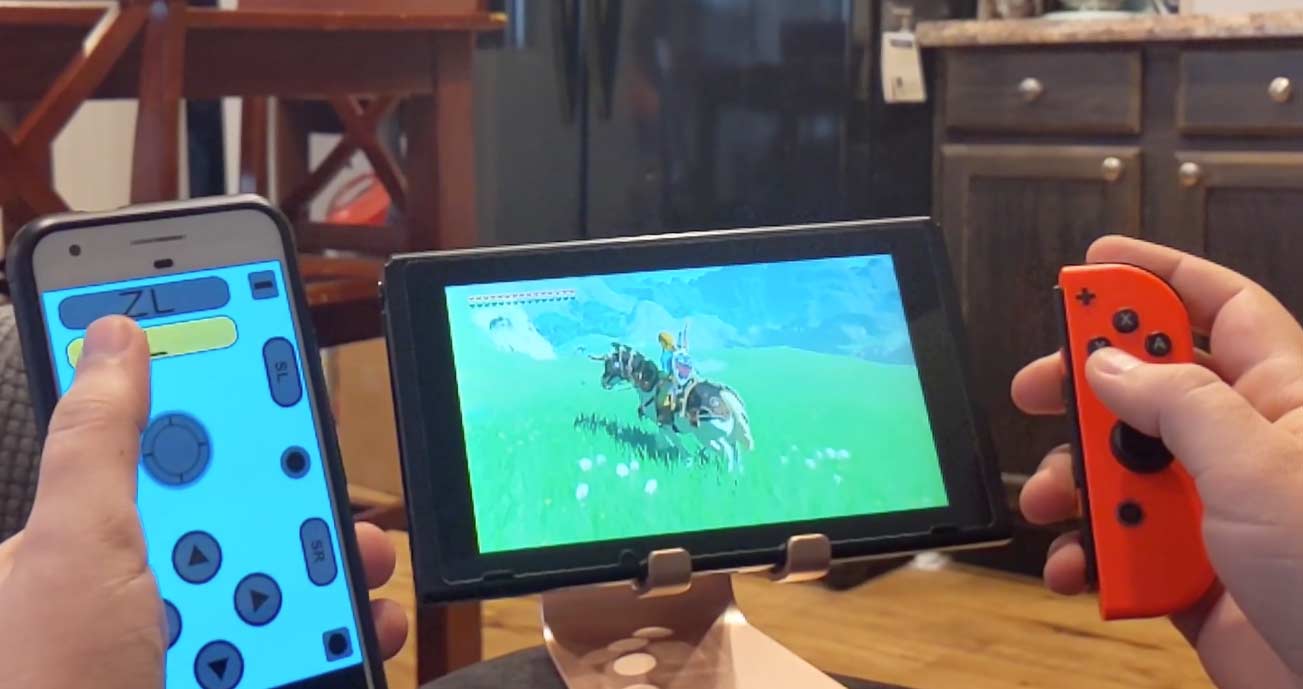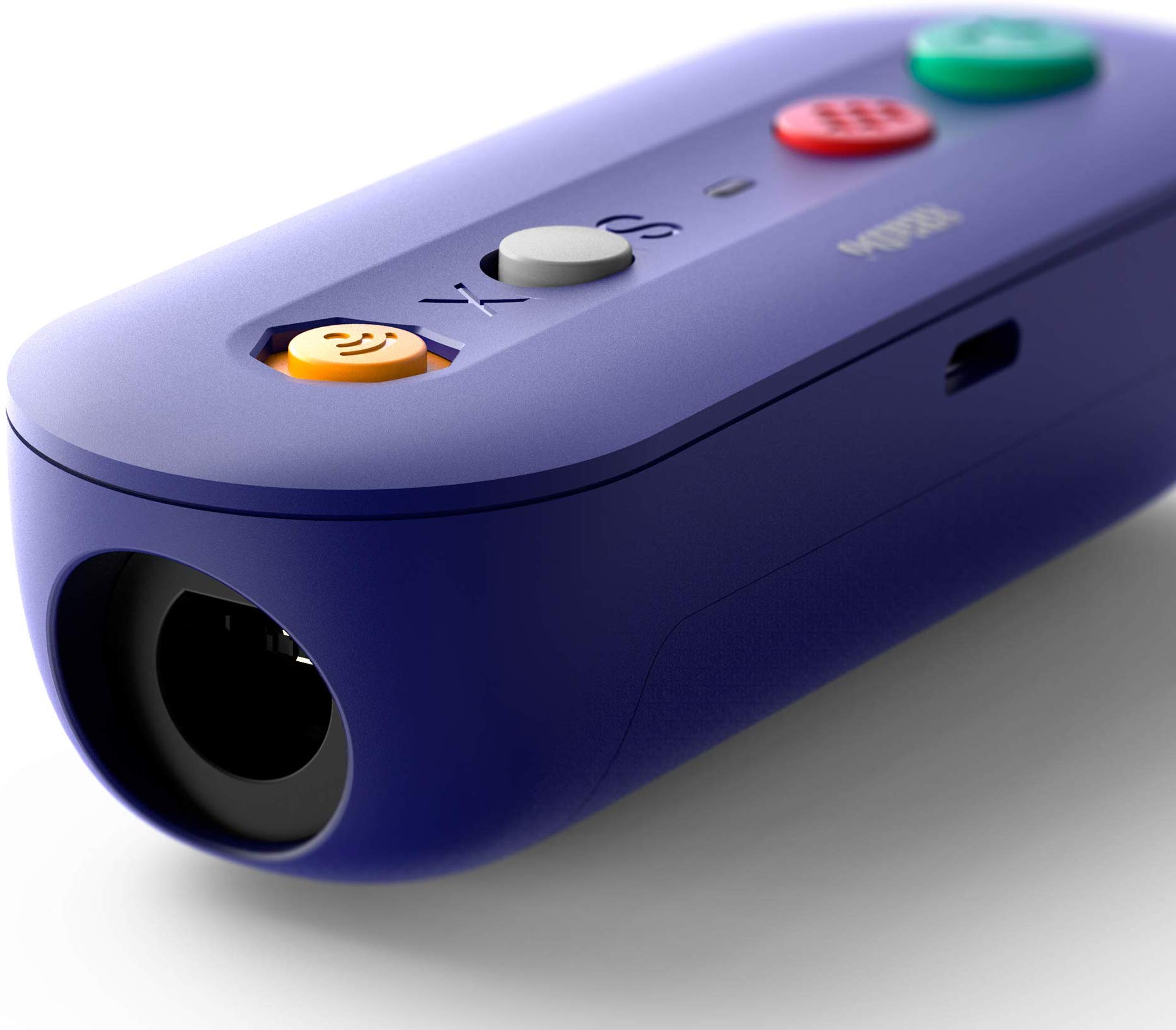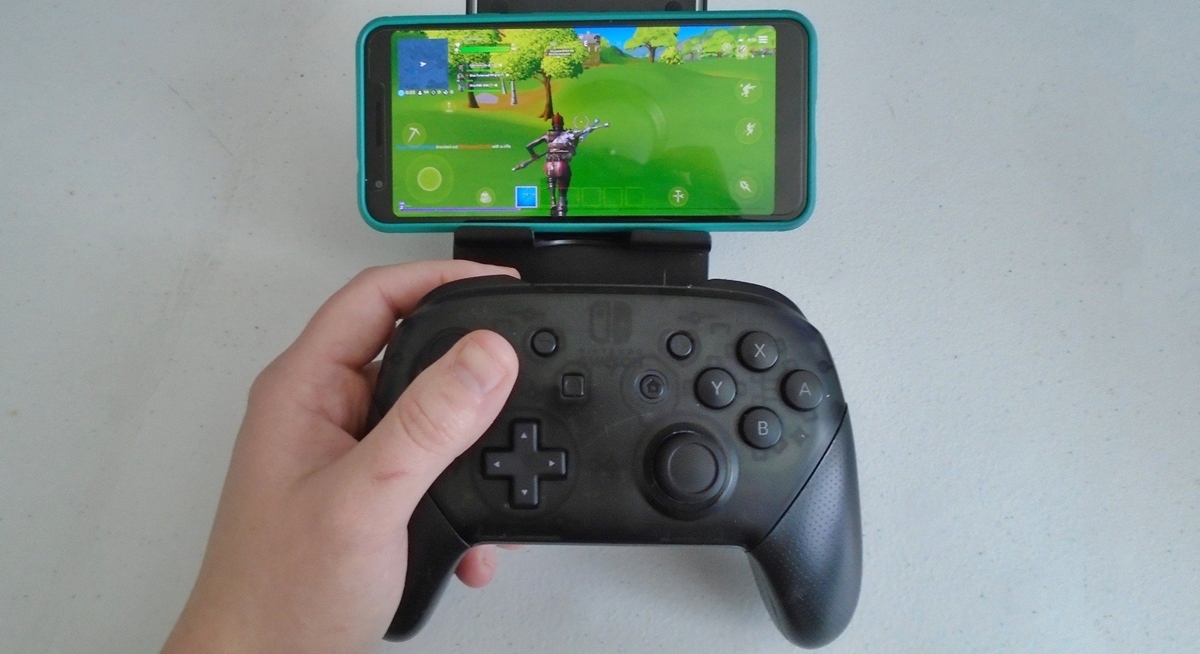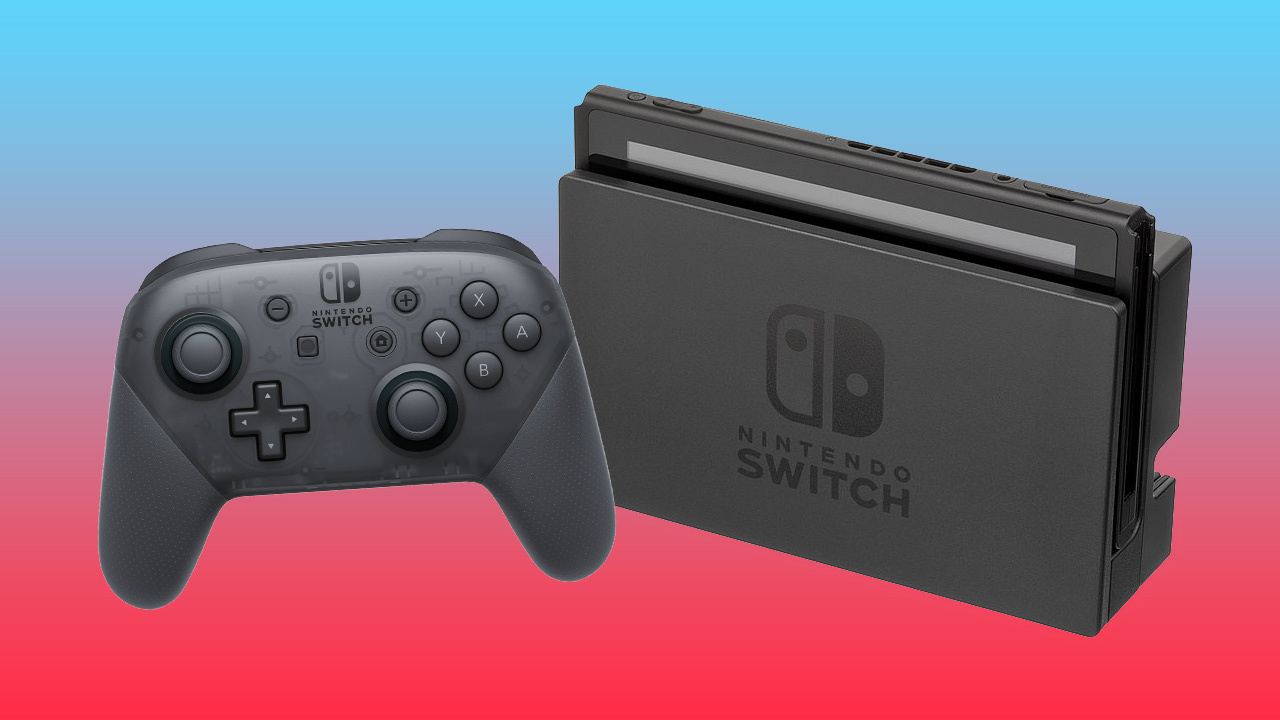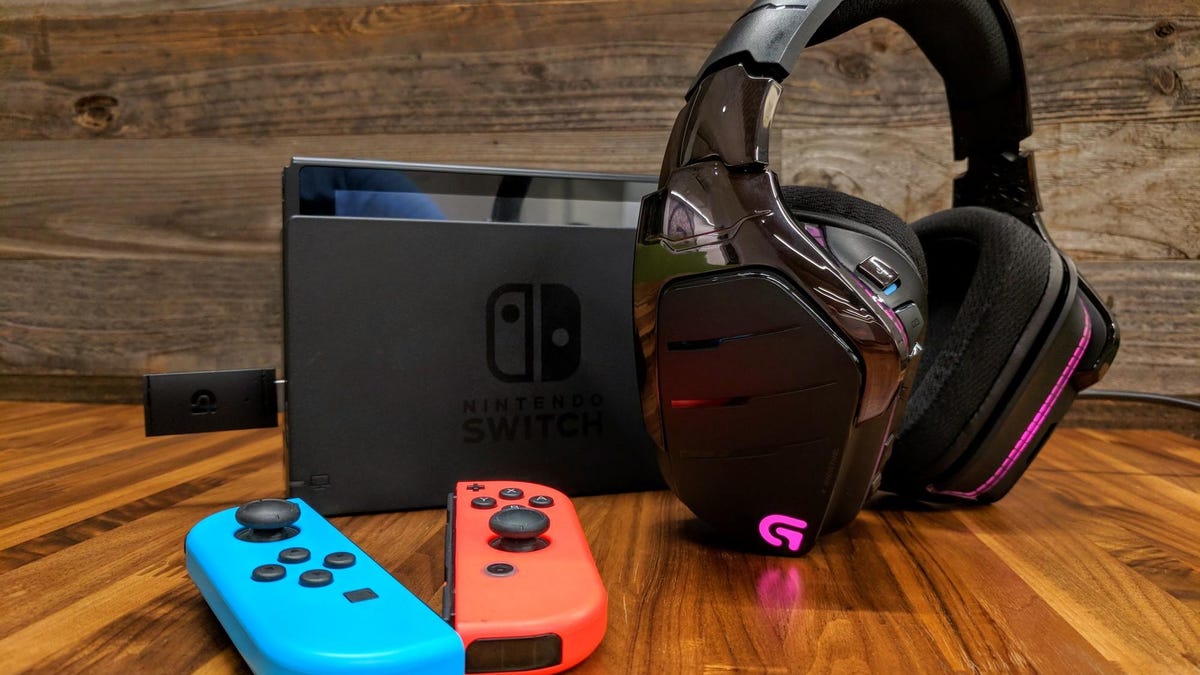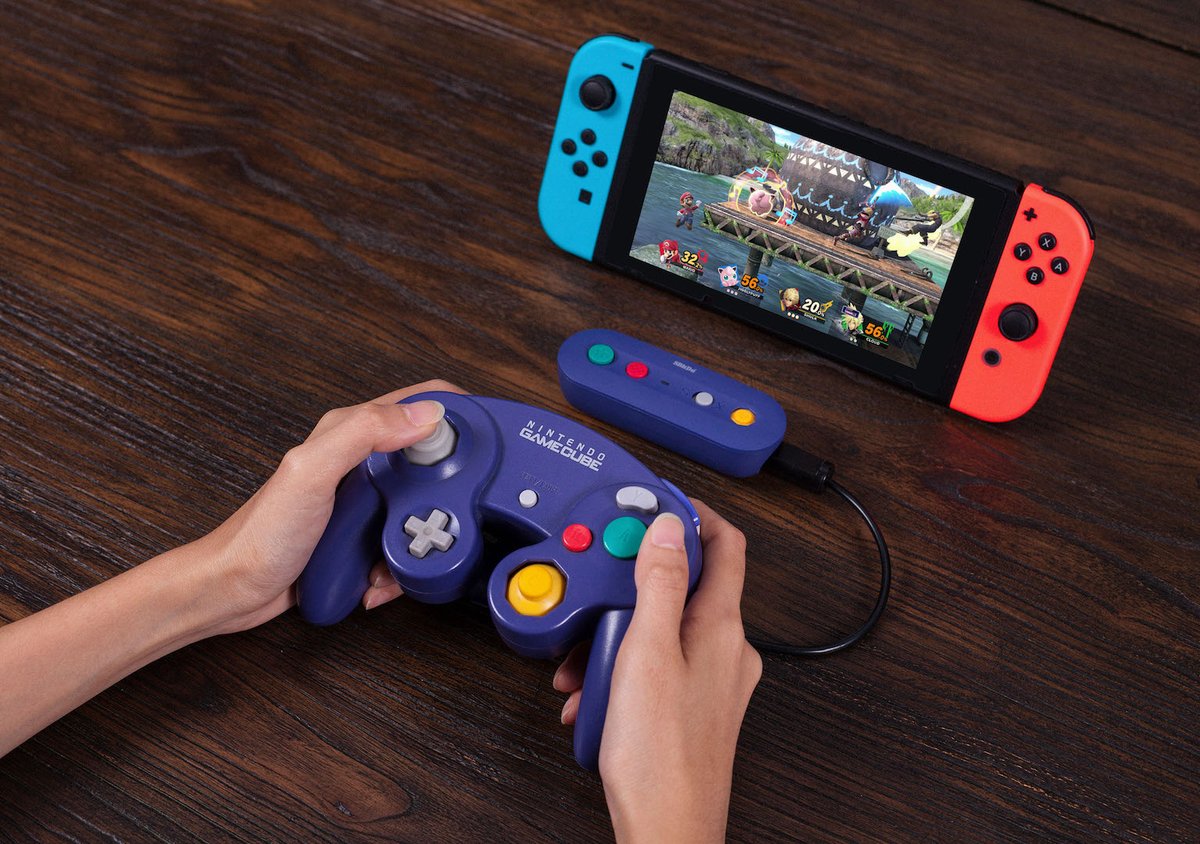
The only way to make wired switch controller wireless is to use a third-party wireless adapter; internal conversion is a myth. This external adapter handles the wireless signal, letting you use your existing wired controller without a cable.
The only way to make a wired switch controller wireless
There is no method to modify the internal hardware of a wired Nintendo Switch controller to add wireless capabilities. The sole solution is an external wireless adapter that plugs into the controller and communicates with the console.
Understanding your controller's wired mode
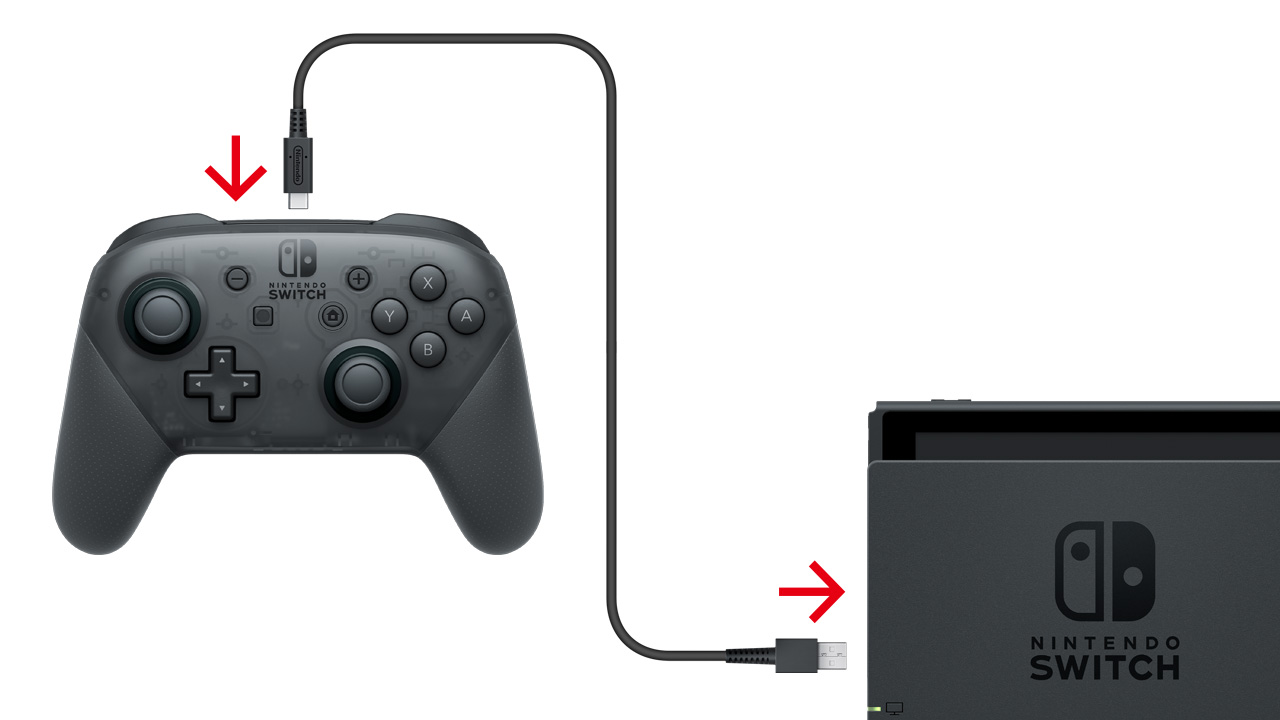
Nintendo documents a wired mode specifically for the Nintendo Switch Pro Controller. To enable it, go to the HOME Menu, select System Settings → Controllers and Sensors or Controllers and Accessories, then turn on Pro Controller Wired Communication. This mode requires the controller to be connected to the Switch dock with a USB charging cable. While operating as a wired controller, NFC cannot be used. This setting does not convert a wired controller to wireless; it simply allows the Pro Controller to function over USB instead of Bluetooth.
Choosing a compatible wireless adapter
Compatibility varies by brand and model, and the adapter maker’s own setup instructions are the only documented source for supported controllers, pairing steps, and limits. When selecting an adapter, you must check the manufacturer’s compatibility list for your specific controller model. The adapter will connect to your controller via USB and communicate with the Switch wirelessly.
How to connect and pair your controller wirelessly
The exact pairing method depends on the adapter brand and model, but the general process follows these steps:
- Plug your wired controller into the USB port on the wireless adapter.
- Put the adapter into pairing mode, typically by pressing a sync button until an LED flashes.
- To pair, press and hold the sync button on the wireless adapter while also pressing and holding the sync button on the Nintendo Switch console.
- On the Switch HOME Menu, go to Controllers → Change Grip/Order.
- The Switch will search for available controllers. When it detects the adapter, select it to complete the connection.
The wireless adapter's LED light will stop flashing and remain lit when pairing is successful. Once paired, your wired controller operates wirelessly through the adapter. This method works because the adapter acts as a bridge, translating the controller’s wired signal into a wireless one the Switch can recognize.
What to expect and known limitations
Nintendo Switch, Nintendo Switch, OLED Model, and Nintendo Switch Lite support 2.4 GHz and 5 GHz Wi‑Fi with 802.11b/g/n/ac, but this is separate from controller pairing. Using a wireless adapter introduces potential latency and range issues compared to a direct wired connection. Features like NFC and HD Rumble may not work, as Nintendo documents that NFC cannot be used while the Pro Controller is operating as a wired controller, and adapters often cannot replicate these features. The wireless connection may also have a shorter range than dedicated wireless gaming controllers. These limitations are based on general adapter capabilities and Nintendo’s documented wired mode restrictions.
Frequently Asked Questions
Will any wired controller work with a wireless adapter?
No. Compatibility varies by adapter brand and model. You must check the adapter maker’s supported controller list before purchasing.
Does the Pro Controller Wired Communication setting need to be on?
No. That setting is only for using the Pro Controller over USB with the dock. When using a wireless adapter, you do not need to enable it.
Can I use the adapter with a third-party wired controller?
Possibly, but only if the adapter manufacturer lists that specific third-party controller as compatible.
Will the adapter work with a Switch Lite?
It depends on the adapter. The Switch Lite supports Bluetooth controllers and has a USB port for charging, but the adapter must be designed to work with the Switch Lite’s hardware. Check the adapter’s specifications.
Does the adapter add input lag?
Some latency is possible, as the wireless adapter introduces an extra step between your button press and the console. The amount varies by adapter quality and your environment.
Can I use multiple wired controllers wirelessly at the same time?
This depends on the adapter. Some adapters support multiple controllers, while others only pair one. Check the adapter’s documentation for its maximum supported connections.
Are there any recommended wireless adapters or Bluetooth receivers?
Some popular options include the 8Bitdo Wireless Adapter, Mayflash Magic-NS Wireless Adapter, and the PowerA Wireless GameCube Controller Adapter.
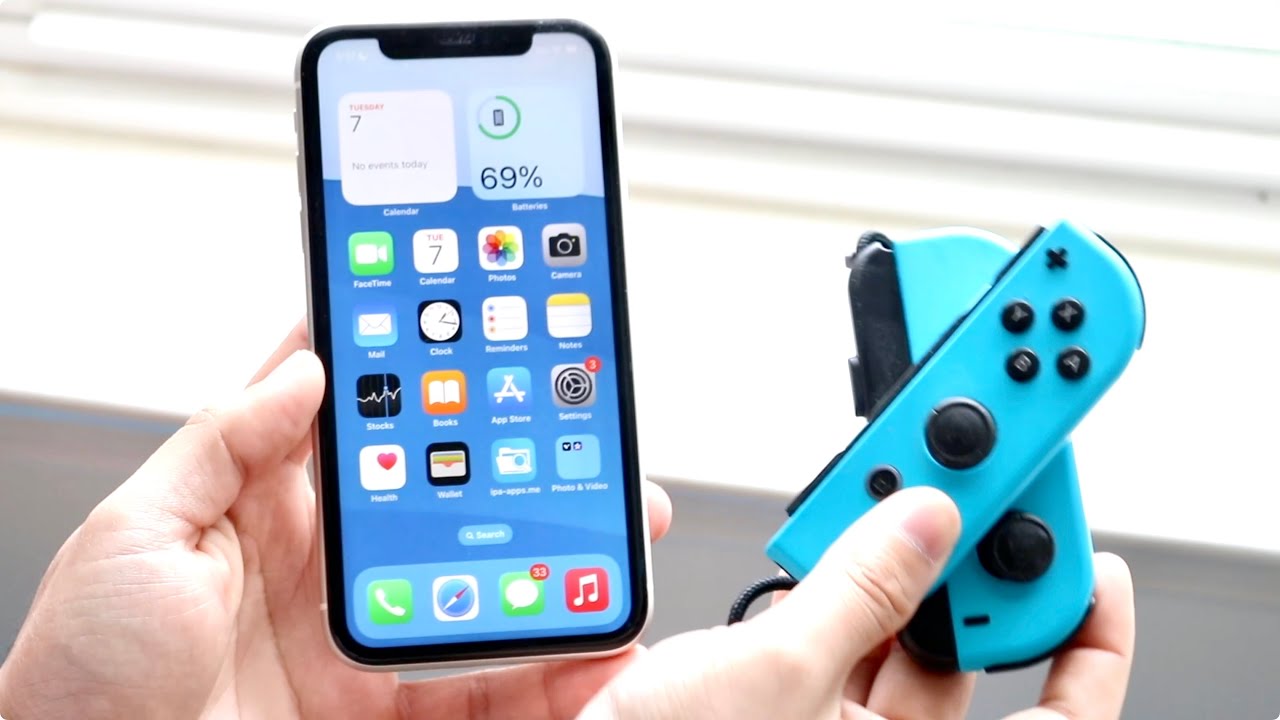
Related reading: How To Use Your Phone As A Nintendo Switch Controller.