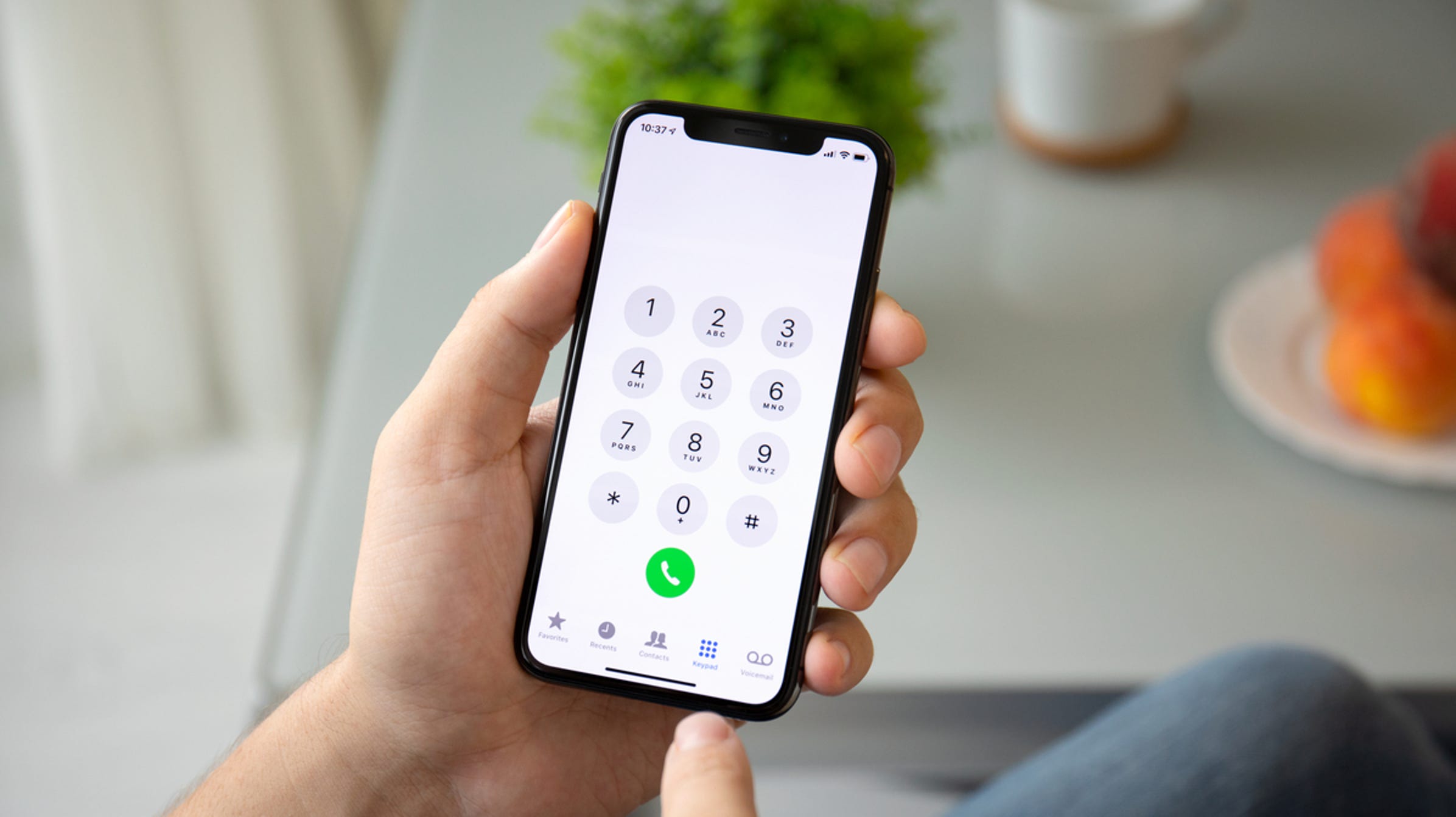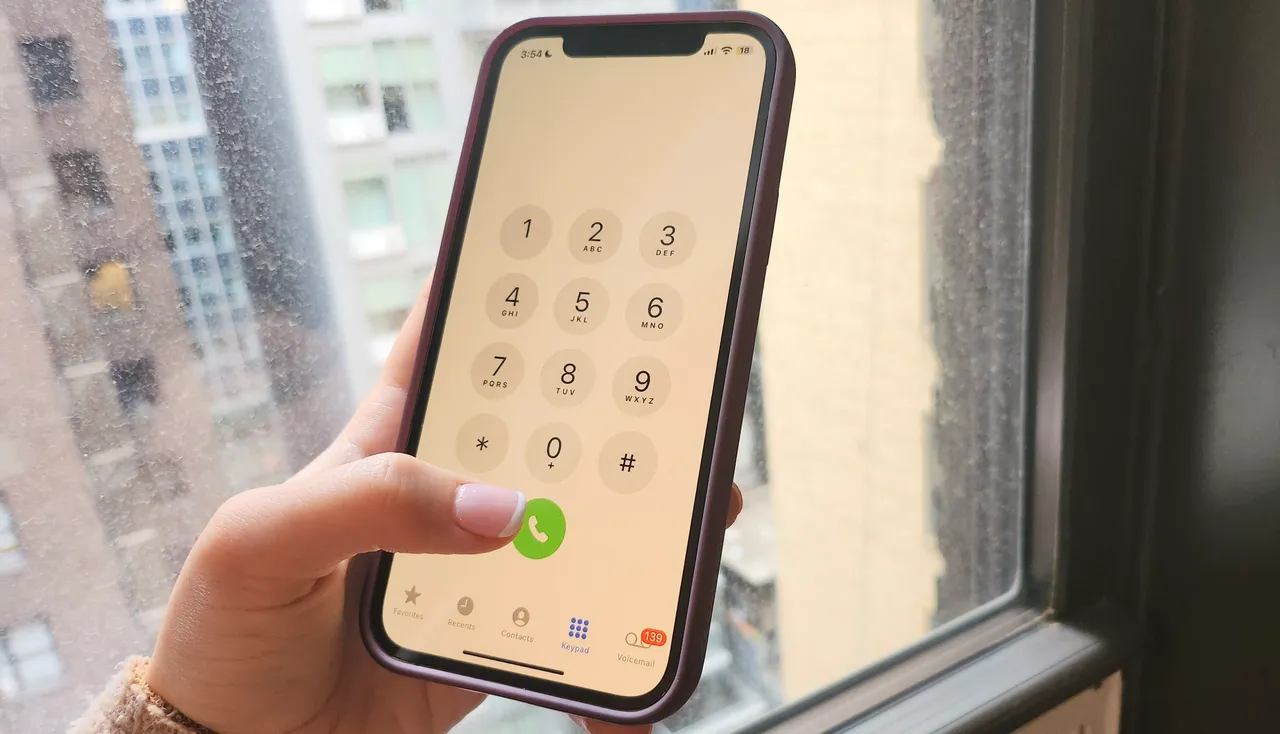
To make international calls on T-Mobile, open your phone dialer, enter the plus sign (+) by pressing and holding the '0' key, then dial the country code and phone number.
How to make international calls on T-Mobile: the quick dialing guide
You can use either of two standard formats to place an international call from your T-Mobile phone. The first is to dial the plus sign (+) by pressing and holding the '0' key, followed by the country code and the phone number. The second is to dial 011 (the international exit code), then the country code and phone number. The second dialing format uses '00' (double zero) instead of 011 or +. This dialing format applies whether you are calling from the U.S. or while roaming internationally.
Step 1: Check your T-Mobile international calling plan
Before making calls, verify that your plan supports international calling. For frequent calls from the U.S., T-Mobile offers the "Stateside International Talk" add-on for $15/month. This add-on provides unlimited calls from the U.S., Canada, or Mexico to landlines in over 70 countries and mobile lines in over 30 countries, plus discounted rates to other destinations. To add it, open the T-Life app or My T-Mobile account, navigate to "Account," then "Add-ons," then "Manage Data & Add-ons," and select "Stateside International Talk." Qualifying postpaid plans are required; prepaid plans costing $40/month or higher can also add this service. This is a key option among T-Mobile's international calling and plans offerings.
Step 2: Dial the international number correctly
To dial correctly, you need the country code for your destination. For example, the country code for the United Kingdom is +44, for Japan it is +81. After the country code, enter the area code (if required) and then the local phone number. To simplify future calls, save international contacts in your phone's address book with the plus sign (+) and country code already included. This eliminates the need to manually enter the exit code each time.
Step 3: Use Wi-Fi Calling to save money while abroad
Wi-Fi Calling can be used to make international calls while abroad. When using Wi-Fi Calling while abroad, calls to U.S., Canada, or Mexico numbers are free. However, Wi-Fi calls placed to other international numbers while abroad are subject to standard international rates. To enable Wi-Fi Calling on an iPhone, go to Settings > Cellular > Wi-Fi Calling and toggle "Wi-Fi Calling on This iPhone" to on. On an Android, go to Settings > Connections or Network & Internet, then look for "Wi-Fi Calling" and toggle it on. Ensure the Wi-Fi Calling icon appears in your phone's status bar to confirm it is active before making calls to avoid unexpected charges.
Understanding international roaming call charges
When traveling abroad, most T-Mobile qualifying plans include calling at $0.50 per minute in 215+ countries and destinations. To avoid these per-minute charges, you can purchase an International Pass for unlimited calling and high-speed data. Pass options include a 1-day for $10, 10-day for $50, or 30-day for $75 pass. To activate T-Mobile international pass, use the T-Life app or T-Mobile website by going to "See Plans," then "Manage Add-Ons," selecting a pass, and confirming. Only one International Pass can be active at a time; activating a new pass will end the benefits of any prior pass.
Important restrictions and blocked numbers
T-Mobile blocks calls to 700, +800 (international toll-free), 900, and 976 numbers, and may block calls to certain countries to prevent fraud. Additionally, U.S. toll-free numbers (1-800, 1-888) may not work when calling from abroad.
Frequently Asked Questions
Are there any additional charges for making international calls on T-Mobile?
Yes, charges depend on your plan. Calls at the standard $0.50/minute rate apply in 215+ countries unless you have an add-on like Stateside International Talk or an active International Pass. Always check your plan details before calling.
Can I use my T-Mobile phone to make international calls while traveling abroad?
Yes, T-Mobile offers international roaming services that allow you to use your phone abroad. You can use Wi-Fi Calling for free calls to the U.S., Canada, or Mexico, or purchase an International Pass for unlimited calling and data.
How can I manage and monitor my international calling usage on T-Mobile?
Use the T-Life app or log in to your My T-Mobile account online to track your international calling usage and view any associated charges. The app also allows you to manage add-ons and monitor your remaining International Pass days.
Related reading: How To Make International Calls On My Verizon Cell Phone.