To make international calls on Mint Mobile, you need to add credit to your Mint Mobile wallet unless you are calling one of the three free countries included on all plans. This step-by-step guide covers everything from free destinations to paid calls, dialing formats, and troubleshooting so you can make international calls mint mobile with confidence.
Which countries can you call for free with Mint Mobile?
Calls to Mexico, Canada, and the United Kingdom are included free on all Mint Mobile plans. This means you can dial these destinations without adding any international calling credit to your wallet. For any other country, you will need to purchase credit and pay per minute.
How to add international calling credit to your Mint Mobile wallet
International calls are billed per minute from your Mint Mobile wallet.
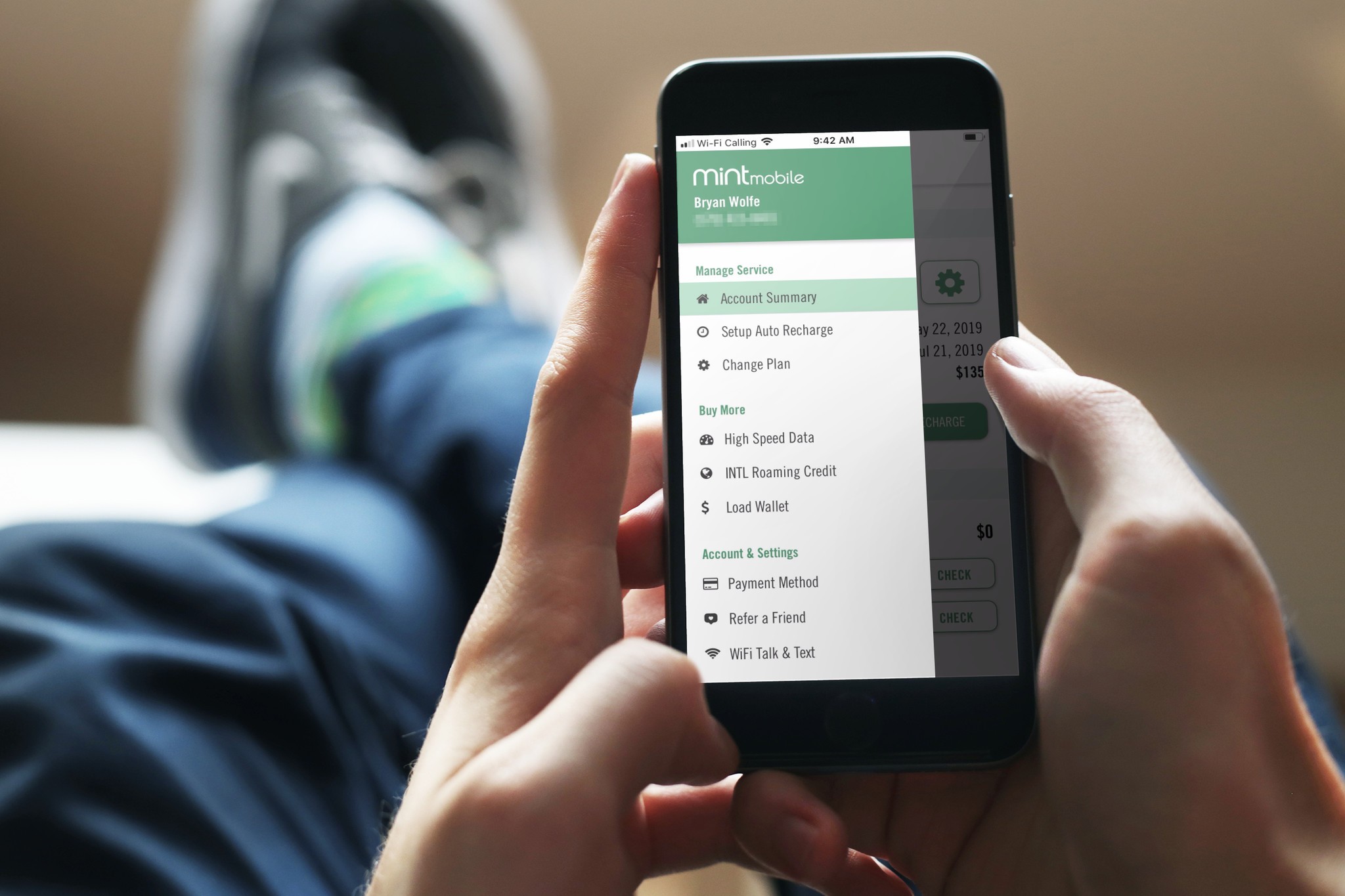
- Log in to your Mint Mobile account on the website or app.
- Click or tap Load Wallet.
- Select Add Credit to fund your wallet with the amount you want.
To purchase international calling credit, log in to your Mint Mobile account, click "Load Wallet," and then "Add Credit." Once the credit is added, you can make per-minute calls to any country that is not included for free. International calling rates vary by country and can be looked up on the Mint Mobile website before you dial.
How to dial an international number from the US
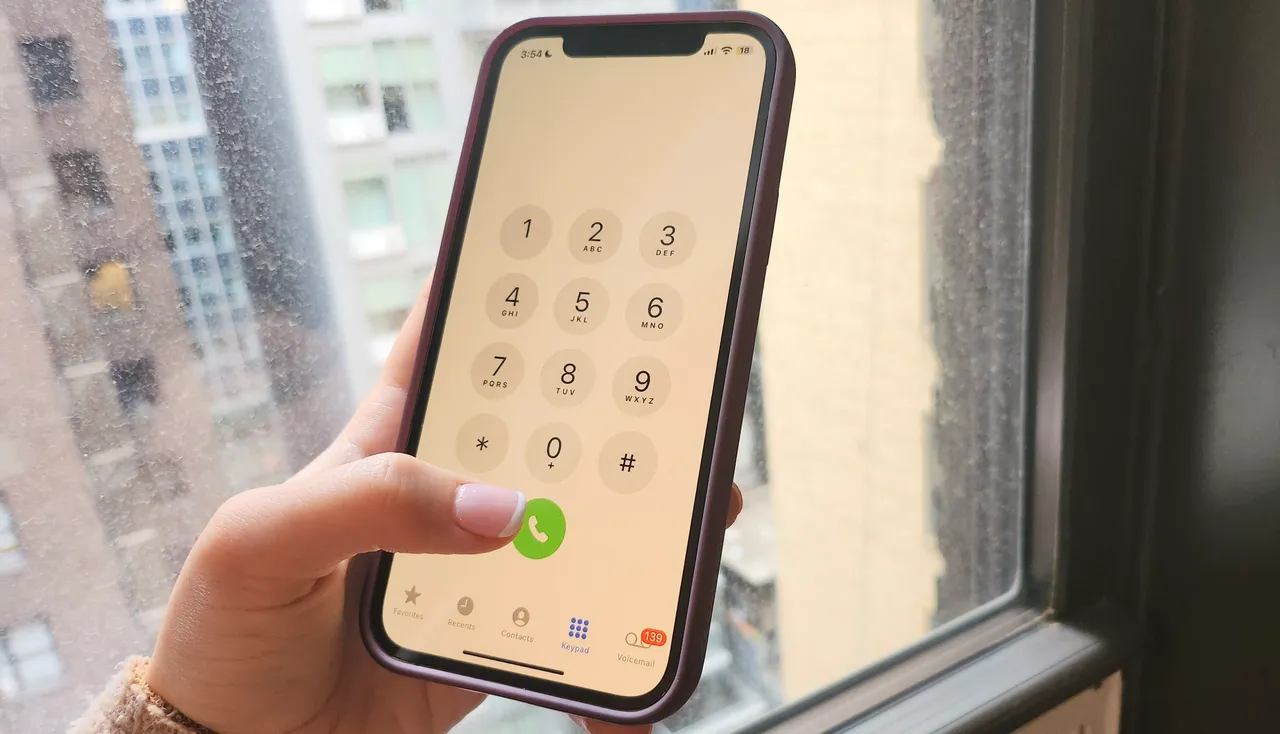
The correct dialing format uses the exit code 011 or the + symbol, followed by the country code and the recipient’s phone number. For example, to call a number in the UK, you would dial 011 44 or +44 before the area code and local number. This is the standard method for understanding international calling codes and dialing on any carrier.
How to check your Mint Mobile wallet balance and call history
You have three ways to check your remaining credit:
- Open the Mint Mobile app and look at your wallet balance.
- Log in to the Mint Mobile website.
- Text BALANCE to 6700 from your Mint Mobile phone.
To see charges for international calls, open the Mint Mobile app, log in, tap Menu, and scroll down to INTL call history. This shows a detailed list of your international calls and how much each one cost from your wallet.
Troubleshooting: why your international call won't connect
If your call fails, the most common causes are not having enough credit in your Mint Wallet or using an incorrect dialing format. Double-check that you have sufficient funds and that you are dialing 011 or + before the country code. If you are still unable to connect, review the best fixes for cellular network not available for voice calls, which include ensuring your phone has a strong signal and that Airplane Mode is off.
Saving money on international calls: Wi-Fi and apps
Wi-Fi Calling allows you to make and receive calls and texts to the US at no extra cost when connected to Wi-Fi, even while abroad. This avoids international roaming charges entirely. For calls to other countries, you can use apps like WhatsApp, Skype, or FaceTime, which make internet-based calls for free or very low cost. These apps are especially useful when both parties have the same app installed.
International calling vs. Minternational Passes
Minternational Passes are for international roaming while traveling outside the US, providing talk, text, and data in a foreign country. They are separate from international calling from the US, which uses your wallet credit for per-minute calls. Minternational Passes can be purchased within your Mint Mobile account and are available in various durations (e.g., 1-day, 3-day, 10-day, 30-day talk and text pass). If you are traveling, a Minternational Pass is the right choice; if you are calling a number outside the US from home, use your wallet credit. For a full comparison of options, review the international calling and plans available on the Mint Mobile website.
Frequently Asked Questions
Can I make international calls to any country with Mint Mobile?
Yes, you can call virtually any country. Free calls are limited to Mexico, Canada, and the UK; all other destinations require wallet credit. You can check the specific rate for any country on the Mint Mobile website before calling.
How do I send an international text with Mint Mobile?
For numbers in North America, dial the standard 10-digit number. For numbers outside North America, type 011 or + followed by the country code and the recipient’s phone number. International texting is billed from your wallet at the same per-minute rates as voice calls.
Does Wi-Fi Calling use my international calling credit?
No. Wi-Fi Calling to the US is free, even when you are abroad. Calls to countries outside the US made over Wi-Fi will still use your wallet credit unless you are calling Mexico, Canada, or the UK, which remain free.
What happens if I run out of wallet credit during a call?
The call will be disconnected. You will be charged for the minutes used up to that point. You can add more credit to your wallet and redial.
Can I use a Minternational Pass to call from the US?
No. Minternational Passes are only for use while traveling abroad. To call international numbers from the US, you must use your wallet credit or the free included countries.
For the wider topic, see international calling and plans.