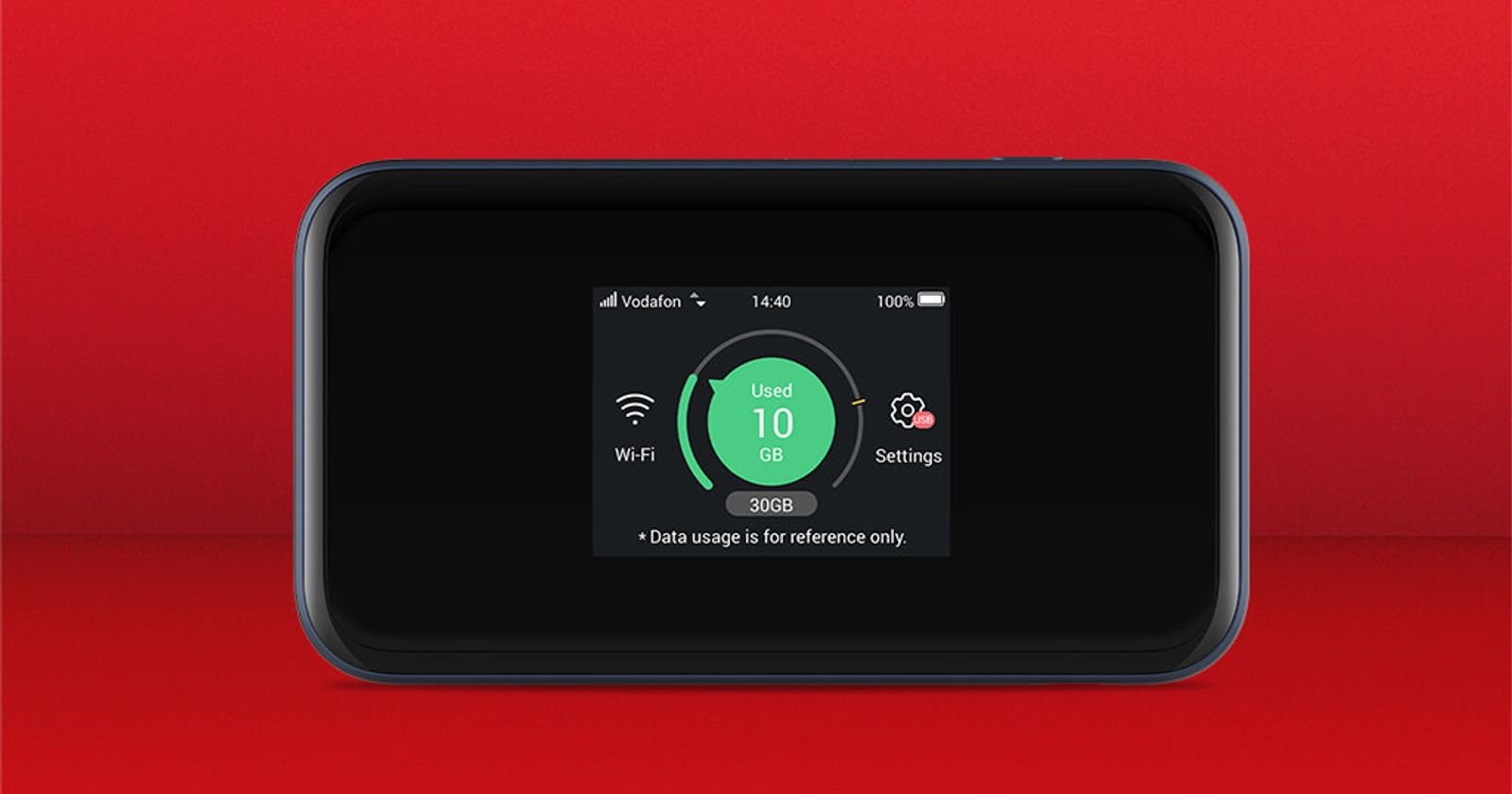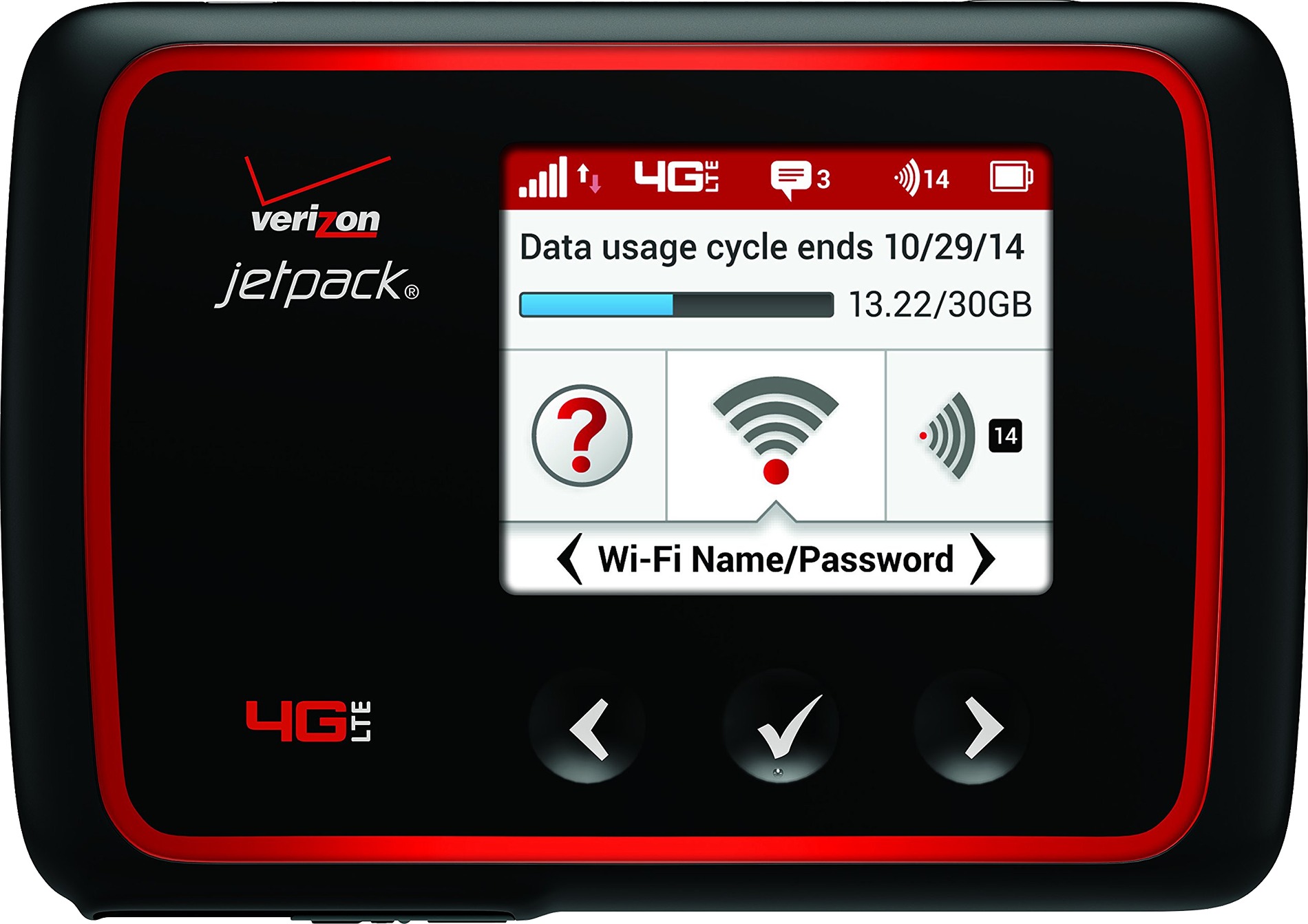
How long will 30GB hotspot last depends entirely on what you do with it, not on a fixed number of hours. 30GB is a data cap, not a time limit, and no official source gives a single hour estimate because duration varies with activity like video quality, file downloads, background updates, and how many devices are connected.
Factors that determine how fast you use 30GB
Video streaming uses the most data, especially at higher resolutions. Web browsing, email, and messaging use much less. Multiple connected devices share the same 30GB allowance, so each one reduces how long the hotspot lasts. Background sync, app updates, and cloud backups can consume data without any obvious on-screen activity. None of the official pages provide a single fixed conversion from 30GB to hours.
How to set up a personal hotspot on iPhone
- On the iPhone providing the hotspot, open Settings > Personal Hotspot.
- If Personal Hotspot is not shown, open Settings > Cellular > Personal Hotspot.
- Turn on Allow Others to Join.
- To change the hotspot password, tap Wi‑Fi Password and enter at least 8 characters.
- If Personal Hotspot is dimmed or unavailable, open Settings > Cellular and make sure Cellular Data is turned on.
Apple also documents Settings > Wi‑Fi > Auto‑Join Hotspot with the choices Ask to Join or Automatic. Apple says the carrier plan must include Personal Hotspot service for the feature to work.
How to set up a Wi-Fi hotspot on Android
- Swipe down from the top of the screen and tap Hotspot.
- If Hotspot is missing, tap Edit in Quick Settings and drag Hotspot into the panel.
- For Pixel phones, open Settings > Network & internet > Hotspot & tethering > Wi‑Fi hotspot.
- Turn on the Wi‑Fi hotspot switch.
- Google documents Security and lets you set None if you do not want a password.
- On carrier support pages for Pixel devices, hotspot configuration is under Network & internet > Hotspot & tethering > Wi-Fi hotspot, and the editable fields are Hotspot name, Security, and Hotspot password.
Supported devices and carrier requirements
Apple documents Personal Hotspot on iPhone and iPad (Wi‑Fi + Cellular) with an activated carrier plan that includes Personal Hotspot service. Carrier plans must include hotspot service, but no official page documents a 30GB limit.
How to make a 30GB hotspot last longer
- Lower streaming quality: Choose standard definition instead of high definition to cut data use significantly.
- Disable auto-updates: Turn off automatic app updates and cloud backups while on the hotspot.
- Limit connected devices: Fewer devices sharing the 30GB means each one uses less of the allowance.
- Monitor background data: Check which apps are syncing in the background and restrict them when not needed.
Frequently Asked Questions
How do I turn on hotspot on iPhone? Open Settings >
What happens when I exceed my 30GB hotspot limit?
When you exceed your 30GB hotspot limit, your internet speed may be throttled or slowed down by your service provider. This means you may experience slower browsing, streaming, and downloading speeds until your next billing cycle.
Is there a way to track my hotspot data usage?
Most mobile service providers offer tools or apps that allow you to track your hotspot data usage in real time. You can also check your hotspot data usage through your device’s settings.
Can I connect multiple devices to a 30GB hotspot?
Yes, you can connect multiple devices to a 30GB hotspot. However, each connected device consumes data, so the more devices connected, the faster your data will be used up.
Can I increase my hotspot data limit?
Some mobile service providers offer options to increase your hotspot data limit. This may involve upgrading your plan or purchasing additional data packages. Check with your service provider for available options.
For the wider topic, see hotspot data allowances.
Related reading: How Long Will 20Gb Of Hotspot Last.