The quickest way to identify my smartwatch model is to check the device's settings or its companion app.
How to identify my smartwatch model: A brief introduction
Knowing your exact smartwatch model is essential for finding compatible bands and chargers, checking software update eligibility, and getting accurate troubleshooting support. The steps differ by brand, but the most reliable methods involve the watch's own settings menu or the paired phone app.
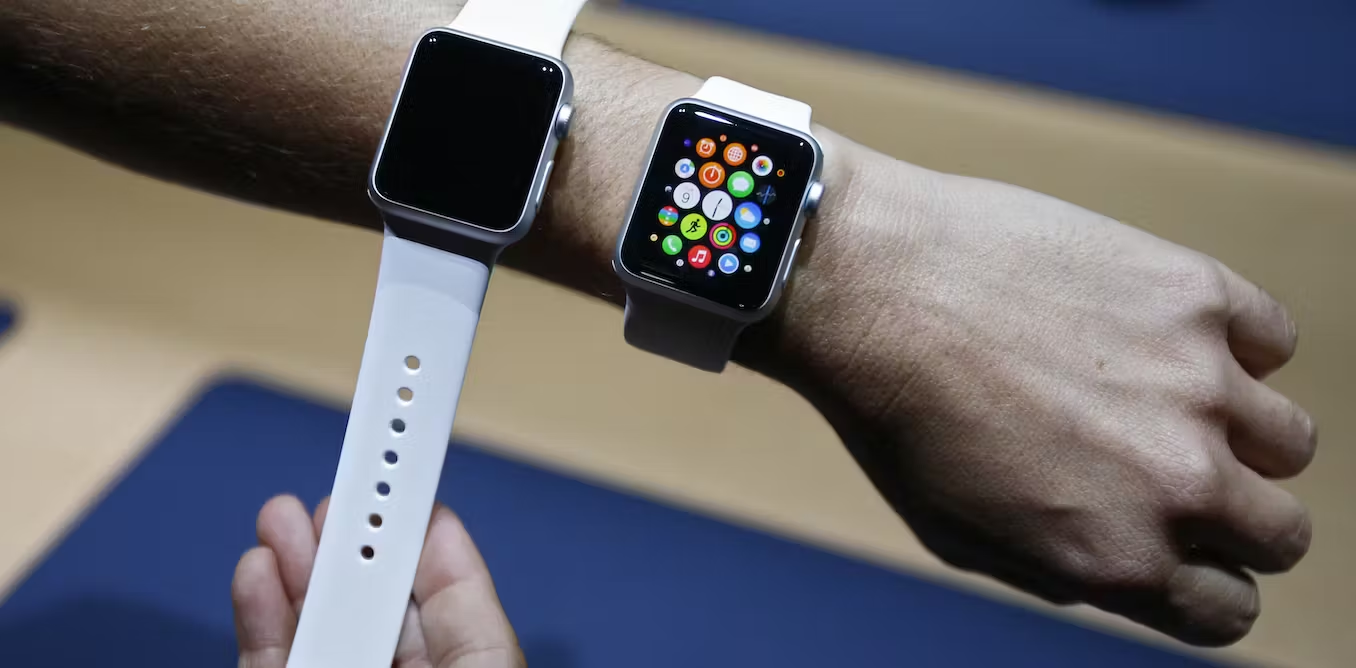
Identify your Apple Watch model
Apple's documented steps apply specifically to Apple Watch paired with iPhone through the Apple Watch app.
- Open the Apple Watch app on your paired iPhone.
- Tap My Watch, then tap General, then tap About.
- Look for the Model Number field. It will show a part number first (e.g., a string starting with "M").
- Tap the Model Number field. The text will change to reveal the five-digit A-number model identifier (e.g., A2775).
This A-number is the official model identifier Apple uses for compatibility and support. The same number is also listed on Apple's support page for your watch.
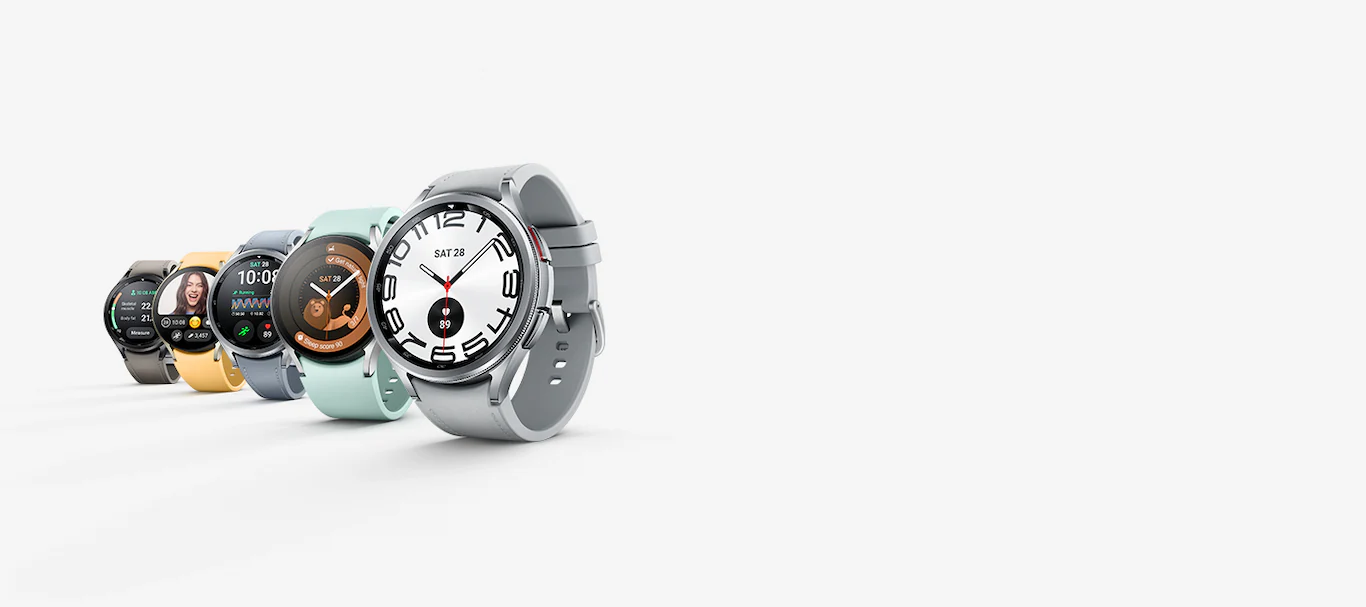
Identify your Samsung Galaxy Watch model
Samsung's documented steps apply to Galaxy Watch in Settings on the watch and in the Galaxy Wearable app on a paired phone. Samsung provides three documented ways to find the model number. The exact menu label on the watch may say "About watch" or "About device" depending on the specific model.
Method 1: Check the watch settings
- On your Galaxy Watch, open the Settings app.
- Tap About watch (or About device on some models). Samsung explicitly states that 'About watch' or 'About device' label depends on the watch model.
- The model number and serial number are displayed on this screen.
Method 2: Use the Galaxy Wearable app on your phone
- Open the Galaxy Wearable app on your paired phone.
- Tap Watch settings.
- Tap About Watch. The model number and serial number are shown here.
For Samsung watches connected to a phone, you can also check Bluetooth device details on the phone, though no universal path is documented beyond Galaxy Wearable.
Method 3: Check the underside of the watch
Samsung support explicitly says the model number and serial number are on the underside of the watch's back casing. Flip the watch over and look for a small, printed or engraved string of letters and numbers.
Why knowing your model number matters
Your model number is the key to finding compatible accessories like charging cables, screen protectors, and watch bands. It also determines which software updates your device is eligible for, as features and firmware vary by watch family and by LTE or non-LTE variant. When troubleshooting issues, support teams and community resources rely on the model number to provide accurate, device-specific advice. If you are researching options before buying, knowing your model helps you make informed smartwatch and tracker comparisons.
Frequently Asked Questions
How can I identify my smartwatch model?
For an Apple Watch, use the Apple Watch app on your paired iPhone and tap the Model Number in General > About to reveal the A-number. For a Samsung Galaxy Watch, check Settings > About watch on the device, or use the Galaxy Wearable app > Watch settings > About Watch. The model number is also engraved on the underside of the watch case for many brands.
How can I find suitable accessories for my smartwatch?
Once you have the exact model number (like the A-number for Apple or the SM-xxx number for Samsung), search for accessories using that specific number. This ensures the charging dock, band, or screen protector is designed for your watch's dimensions and connector type. Manufacturer websites and third-party sellers often list compatible models in the product description.
What if my smartwatch is not an Apple or Samsung model?
Start by checking the watch's Settings menu for an "About" or "System Information" section. Look for a model name or number. If that fails, examine the back casing for engraved text. You can also search the manufacturer's support website using any visible numbers or the watch's appearance.
Can I identify my smartwatch model from the Bluetooth name?
The Bluetooth name shown on your phone is often a generic device name (e.g., "Galaxy Watch") and does not reveal the specific model number. While it can hint at the brand, you need the settings menu or physical engraving to get the exact model identifier needed for accessories and updates.
Related reading: Which Smartwatch Can I Use Without A Phone and How To Remove Water From Smartwatch.