Your hotspot data resets on your carrier’s monthly billing cycle date, not a fixed calendar day, because hotspot usage draws from your main cellular data allowance. Knowing when does your hotspot data reset helps you avoid overage fees or throttling by timing your heavy usage to the start of a fresh cycle.
When does your hotspot data reset?
Hotspot data resets at the beginning of your carrier’s billing cycle. Since hotspot usage is part of your cellular data plan, the reset date is the same as your plan’s monthly renewal date. This is not a universal calendar day, it depends on when you activated your plan or your carrier’s cycle structure.
Hotspot data is part of your cellular plan, not a separate bucket
Apple documentation confirms that Personal Hotspot uses the iPhone’s cellular data connection; there is no separate hotspot data counter on the device itself. The hotspot simply shares the cellular internet from your iPhone or iPad, and it cannot share a Wi‑Fi connection. Because of this, the reset is tied to the carrier cycle, not to any device-based counter. Understanding that hotspot data allowances are part of your main plan helps you track usage without looking for a separate hotspot bucket.
How to find your reset date
Check your carrier bill, online account, or carrier app for the billing cycle end date, that is when your hotspot data allowance resets. If you cannot find it, contact your carrier’s customer service and ask for your cycle’s end date. Setting up data usage alerts on your device or through your carrier can notify you when approaching your data limit.
How to check hotspot data usage on iPhone
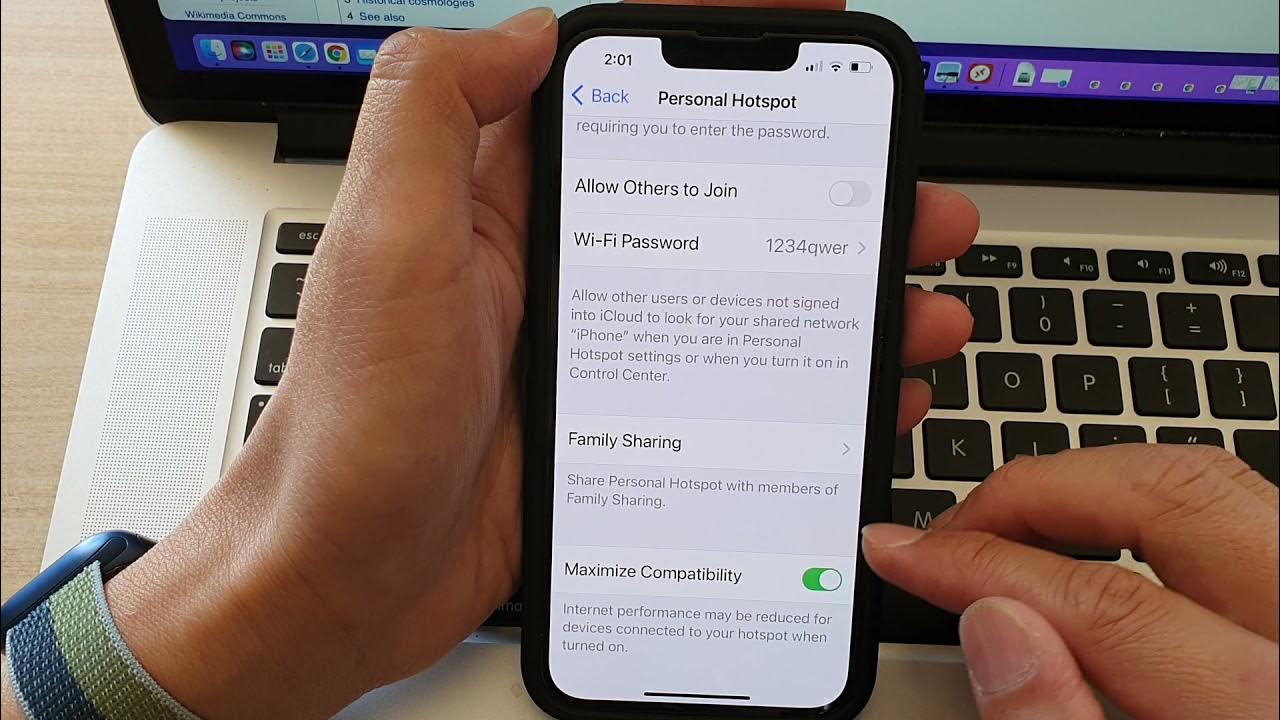
- Open Settings > Personal Hotspot.
- If you are running iOS 26.4 or later and have used the hotspot recently, tap Data Usage to see per-device hotspot data.
- To reset these numbers, go to Settings > Cellular and reset the overall cellular statistics. This resets the device’s usage counter, not the carrier’s allowance.
The per-device Data Usage view appears only after recent hotspot activity.
How to check hotspot data usage on Android
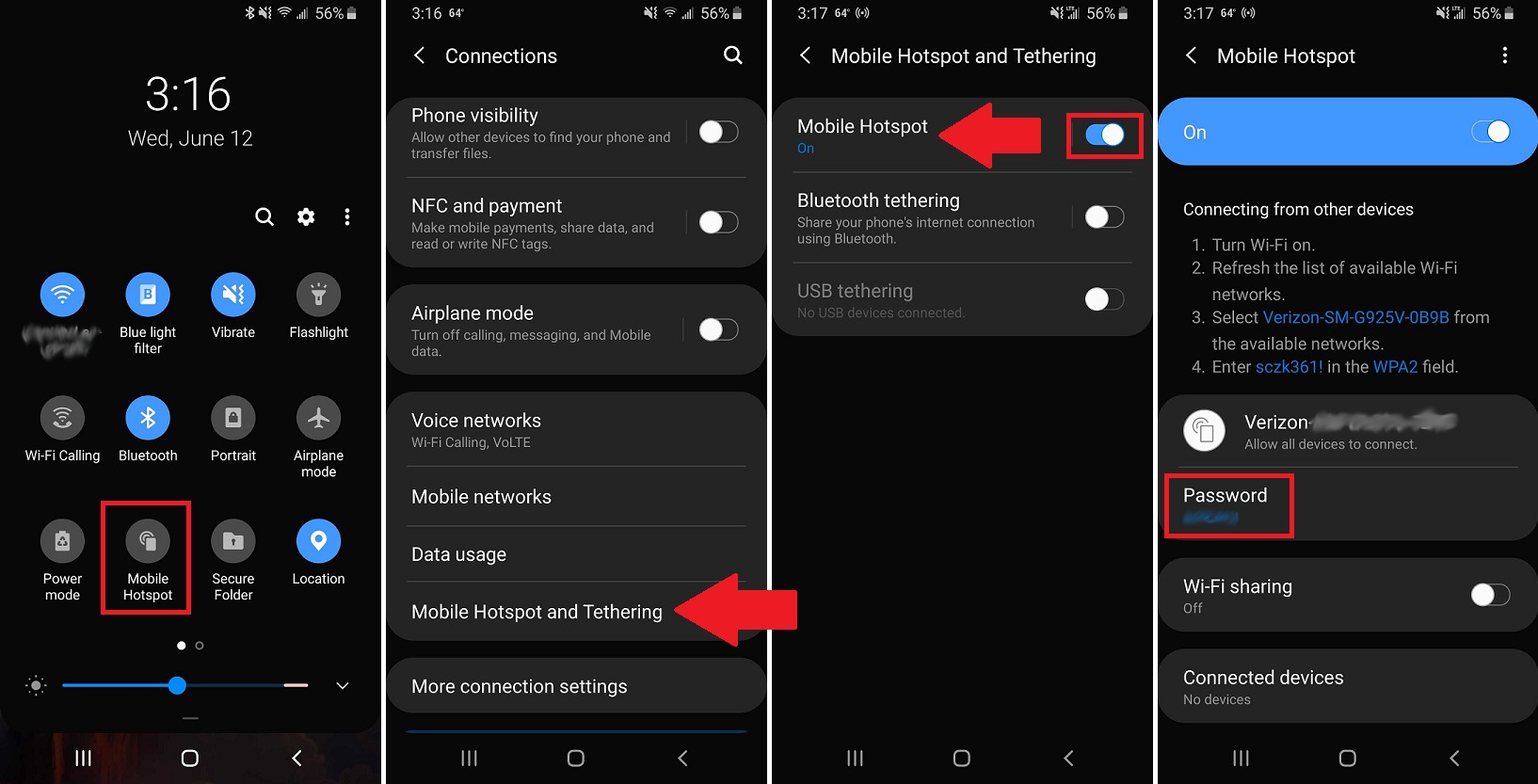
No universal path exists due to manufacturer and carrier variations. Check Settings > Connections > Data Usage or your carrier app. Reset options vary by device and carrier; some Android phones let you reset data usage statistics in the Data Usage menu, but this resets the device counter, not the carrier allowance. For exact steps, consult your device’s user guide or carrier support.
Can you manually reset your hotspot data?
No carrier or device source documents a manual reset button for the data allowance itself. The only resets are the billing cycle (which resets your carrier’s allowance) or the device’s usage statistics counter (which resets the numbers you see on your phone, not what the carrier counts). If you need to start a fresh allowance before your cycle ends, you must contact your carrier to discuss a plan change or data top-up. Restarting your hotspot device can clear temporary cached data and refresh the connection, which may resolve data usage issues.
What happens if you exceed your hotspot limit
Carriers typically throttle speeds or charge overage fees when you exceed your hotspot limit. Throttling reduces your connection speed, making streaming and large downloads slow. Overage fees add extra charges to your bill. For plan-specific details, check your carrier’s policy or a sibling page on exceeding Verizon hotspot limits. Practicing good habits like managing cellular data settings can help you stay within your limit and avoid these penalties. Clearing app cache and restricting background data for certain apps can prevent them from consuming hotspot data without your knowledge. Signal strength affects hotspot data usage; a weak cellular signal can cause devices to use more data while attempting to maintain a connection.
Frequently Asked Questions
Does my hotspot data reset at the same time every month?
Yes, it resets on the same day of your billing cycle each month. If your cycle starts on the 15th, your hotspot data resets on the 15th every month.
Can I see my hotspot data usage in my carrier’s app?
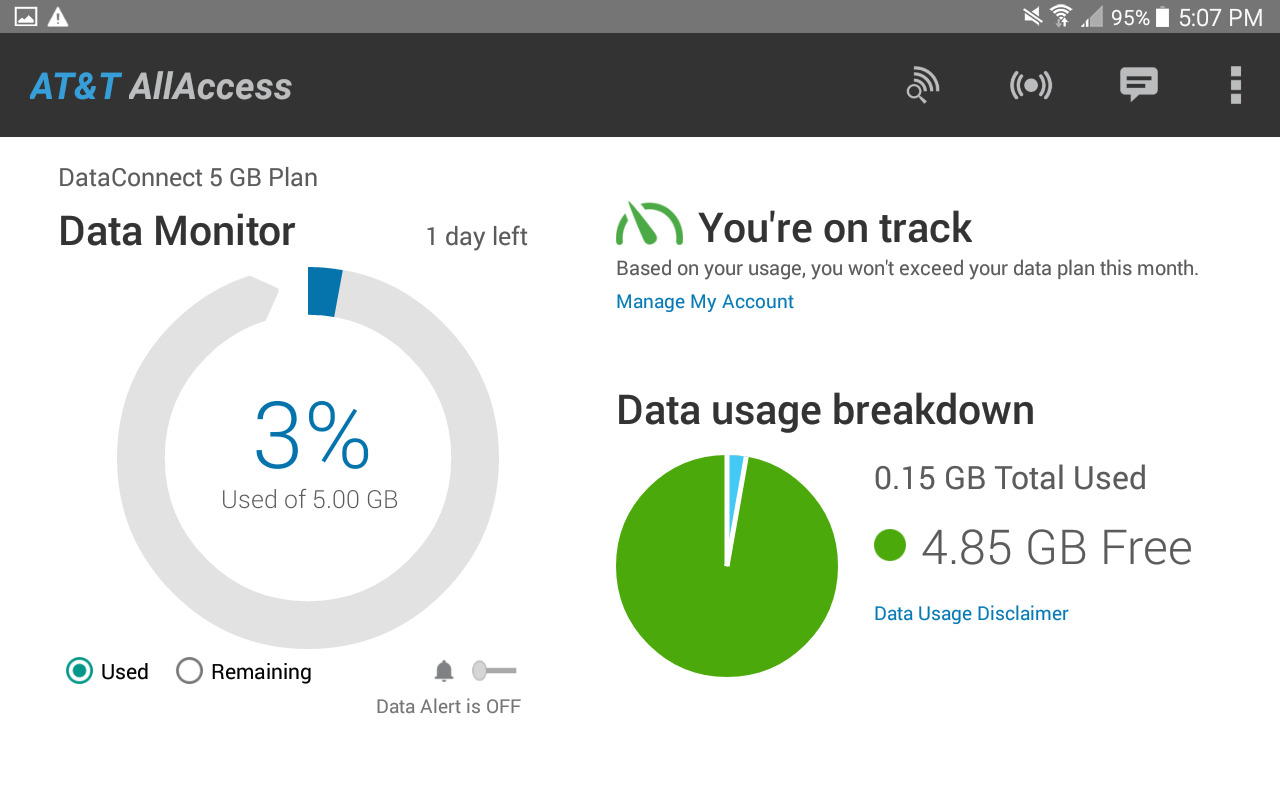
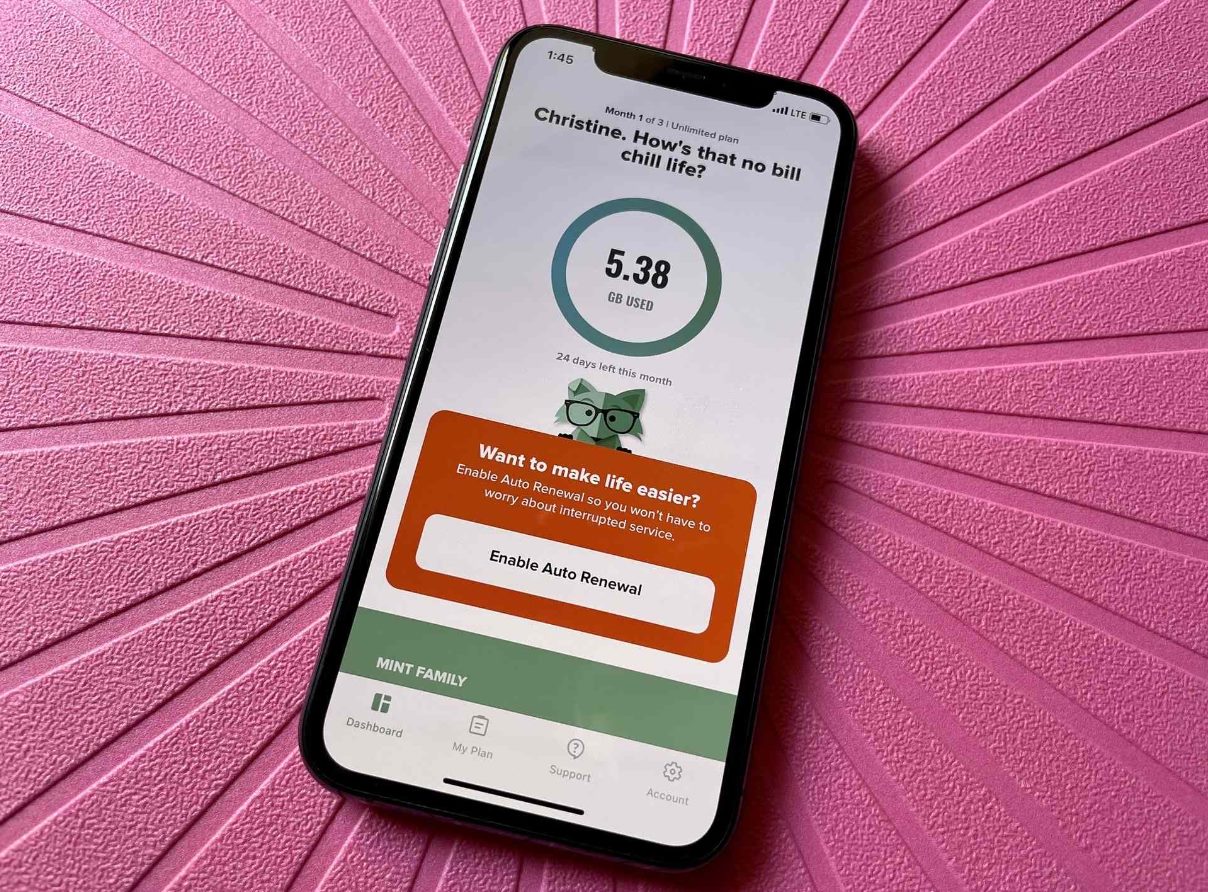
Most carrier apps show total data usage, which includes hotspot data.
What if I change my plan mid-cycle, does my hotspot data reset?
Changing plans mid-cycle may reset your data allowance immediately or prorate it. Contact your carrier to confirm how a plan change affects your current cycle’s hotspot data.
Why does my phone show different hotspot usage than my carrier?
Your phone tracks device-side statistics, which may not match the carrier’s billing counter. The carrier’s number is the official one for overage and throttling purposes.
Will turning my hotspot off and on reset my data allowance?
No. Turning the hotspot off and on only disconnects devices; it does not change your carrier’s data counter or reset your allowance.
Can I share my hotspot data with others?
Yes, but usage by connected devices counts toward your data limit.