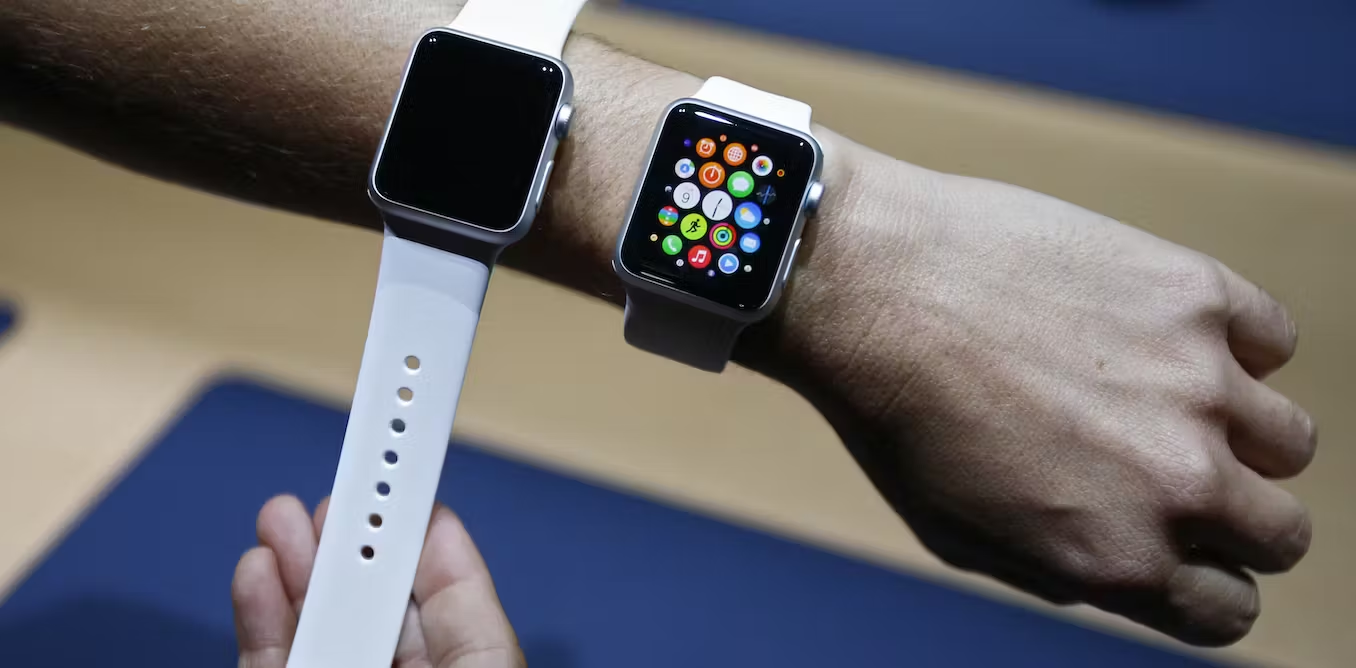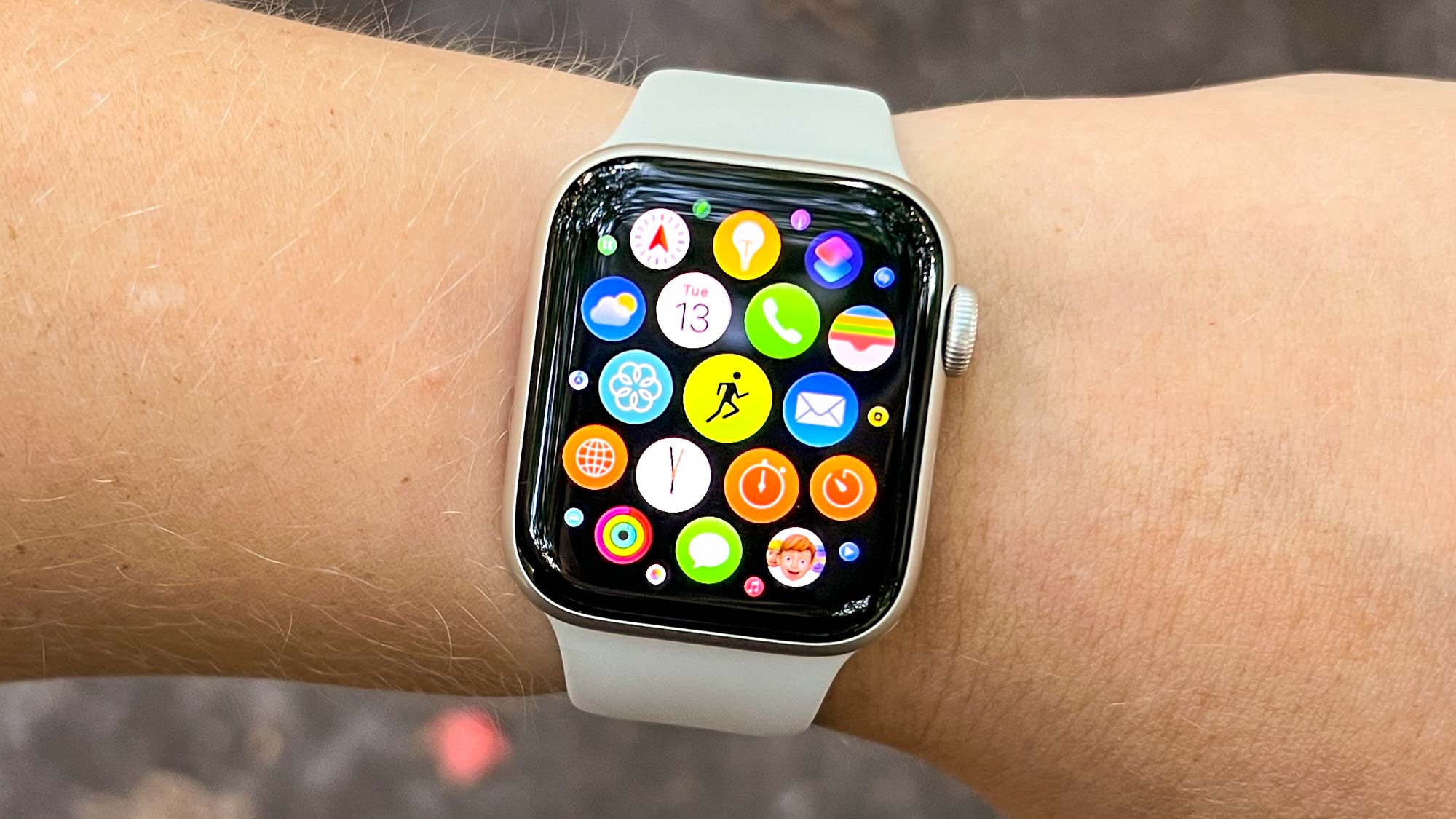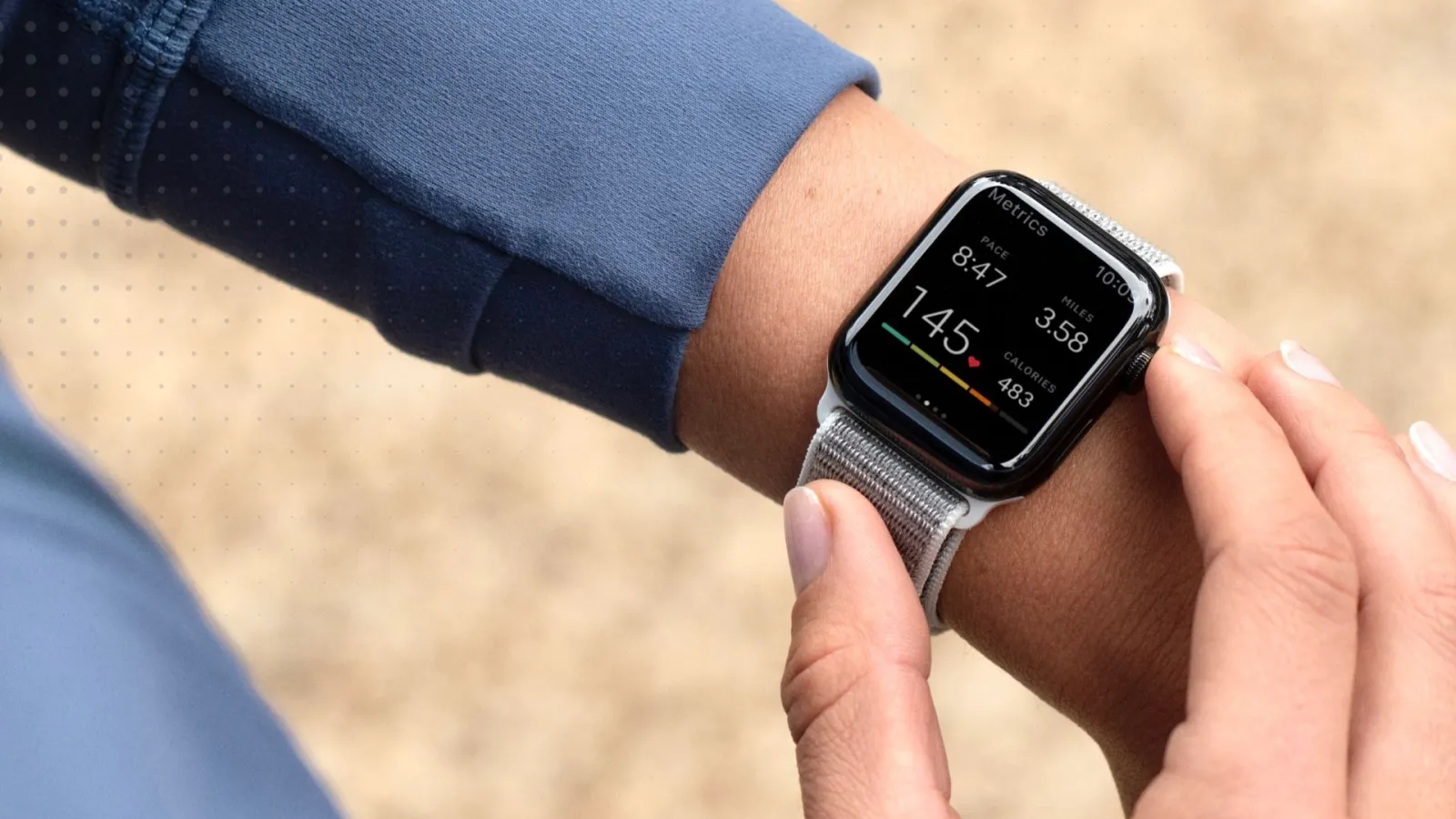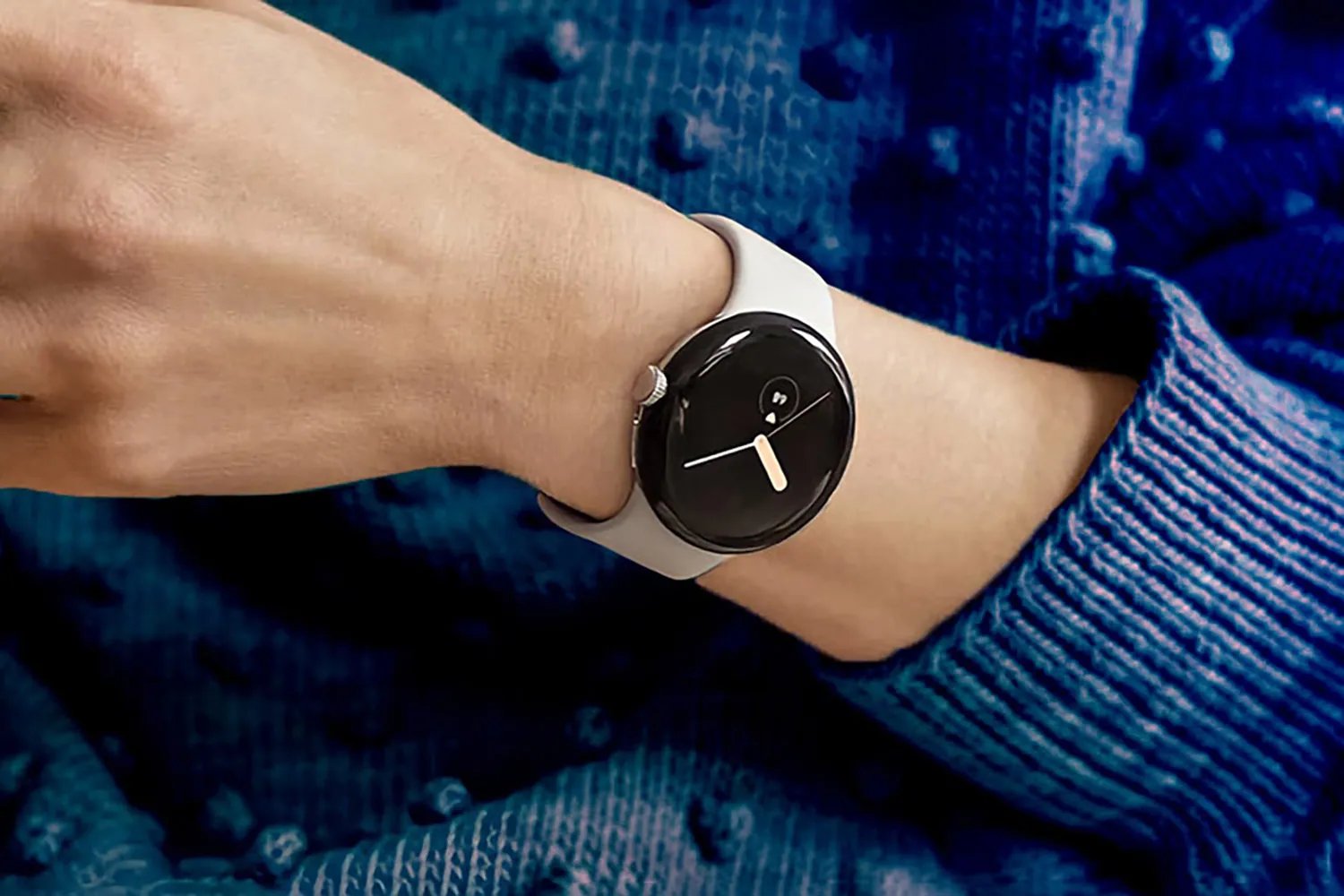
If you're looking for smartwatches with fall detection, the feature is currently available on select models from Apple, Samsung, Google, and Garmin. These devices use built-in sensors to detect hard falls and can automatically alert emergency contacts or services, making them a critical safety tool for seniors or anyone concerned about a sudden accident.
Smartwatches with fall detection at a glance
Before diving into the details, here is a quick overview of every verified brand that currently offers fall detection in its smartwatches. Apple includes fall detection on the Apple Watch Series 4 and later, Apple Watch SE, and Apple Watch Ultra. Samsung supports it on the Galaxy Watch Active2, Galaxy Watch3, and all newer Wear OS Galaxy Watches. Google offers fall detection on every generation of the Pixel Watch, from Pixel Watch 1 through Pixel Watch 4. Garmin provides fall detection exclusively on the Garmin Venu 4. No other major brand, including Fitbit or Huawei, currently offers a verified fall detection feature on its smartwatches. This landscape is essential for shoppers making smartwatch and tracker comparisons, as the feature set varies significantly between brands in terms of setup, alert sequence, and emergency response.
Apple Watch fall detection: Series 4, SE, and Ultra
Apple Watch models that include fall detection are Series 4 and later, all Apple Watch SE models, and all Apple Watch Ultra models. To enable the feature, open the Settings app on your watch, tap SOS, then Fall Detection, and turn it on. You can choose "Always on" or "Only on during workouts." Alternatively, use the Watch app on your iPhone, tap My Watch, then Emergency SOS, and turn on Fall Detection.
When a hard fall is detected, the watch taps your wrist, sounds an alarm, and displays an alert. If you are unresponsive for about one minute, it begins a 30-second countdown with a louder alert. If there is still no response, the watch automatically calls emergency services and sends your location to your emergency contacts. Emergency contacts must be set up in your Medical ID for this to work, and wrist detection must be turned on for the automatic call to proceed. Note that Apple Watch cannot detect all falls, and high-impact activities such as running or boxing might trigger false alerts.
Samsung Galaxy Watch fall detection: Active2, Watch3, and newer
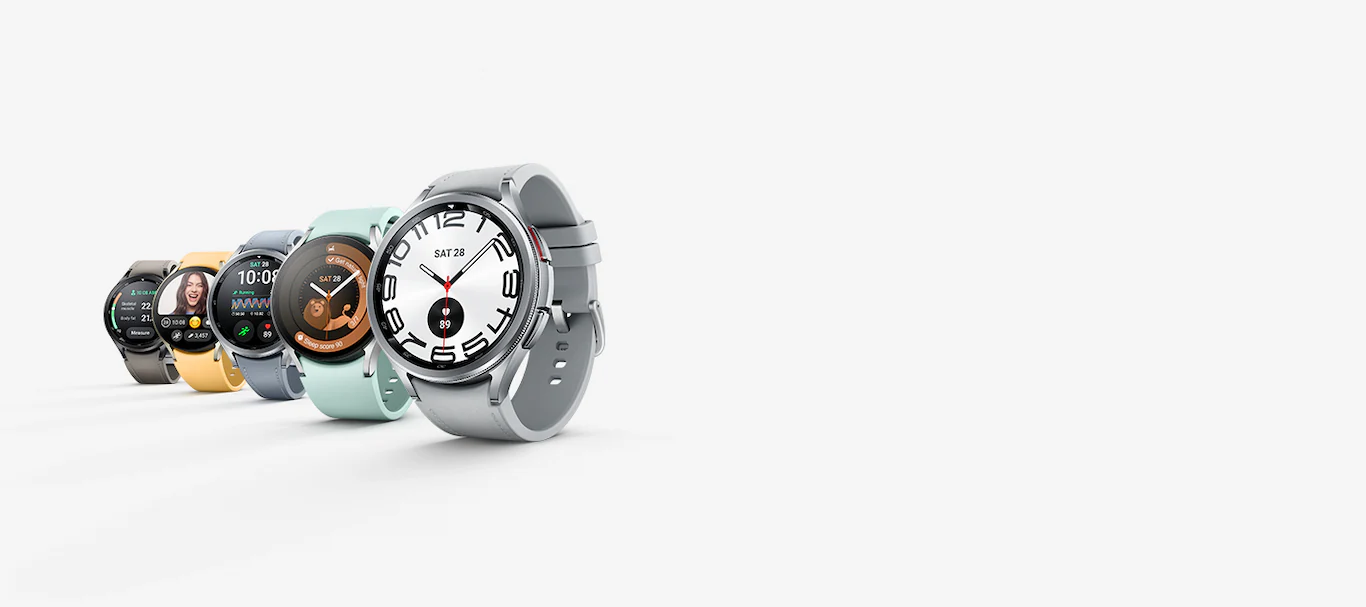
Samsung supports hard fall detection on the Galaxy Watch Active2, Galaxy Watch3, and all Wear OS models, including newer Galaxy Watches. To configure fall detection, open the Galaxy Wearable app on your smartphone, select your Galaxy Watch, go to "Safety & Emergency," and enable "Fall Detection." You can choose to activate it "Always," "During Physical Activity," or "Only During Workouts."
After a fall is detected, the watch alerts you for 60 seconds with a popup, sound, and vibration. If you do not respond, an SOS message with your location is sent to your emergency contacts. Samsung's fall detection requires the watch to be paired with a compatible smartphone, location services enabled, and a network connection for SOS messages and calls.
Google Pixel Watch fall detection: all generations
Google Pixel Watch 1, Pixel Watch 2, Pixel Watch 3, and Pixel Watch 4 all support fall detection. To enable it, press the crown, tap the Personal Safety icon, then Fall Detection, and follow the on-screen instructions. Alternatively, open the Google Pixel Watch app on your phone, tap Settings, then Safety & emergency, and turn on Fall detection.
A critical distinction exists between connectivity options. For Wi-Fi-only Pixel Watch models, the paired phone must be nearby and connected via Bluetooth to make emergency calls. LTE models can call emergency services independently as long as they have an active LTE connection.
Garmin Venu 4 fall detection and how it differs
Fall Detection is only available on the Garmin Venu 4 smartwatch. When triggered, it sends an automated message, a LiveTrack™ link, and GPS location to your designated assistance contacts via the Garmin Connect app. The important caveat is that Garmin devices and the Connect app generally do not contact emergency services on your behalf. The exception is Venu watches with voice functionality, which can dial emergency services if an emergency service number is set.
What to know before relying on fall detection
No smartwatch detects all falls, and false alerts can occur during high-impact activities. Emergency contacts must be configured in advance, Apple requires setup in Medical ID, Samsung requires emergency contacts in the Galaxy Wearable app, and Garmin requires assistance contacts in the Garmin Connect app. Connectivity requirements vary by model: Apple Watch can call emergency services independently on cellular models, Samsung requires a paired smartphone, Google Pixel Watch Wi-Fi models need a nearby phone, and LTE models need an active LTE connection. Understanding these limitations is essential before relying on the feature for safety.
Frequently Asked Questions
How accurate is fall detection on smartwatches?
Accuracy varies by brand and activity. Apple, Samsung, Google, and Garmin all use accelerometers and gyroscopes combined with algorithms to distinguish falls from everyday movements, but no device can detect every fall, and vigorous exercise can sometimes trigger false alerts.
Does fall detection work without a phone nearby?
It depends on the model. Apple Watch with cellular can call emergency services independently. Samsung Galaxy Watch requires a paired smartphone. Google Pixel Watch Wi-Fi models need the phone nearby via Bluetooth, while LTE models can work independently with an active cellular connection. Garmin Venu 4 sends alerts through the Garmin Connect app, which requires a paired phone.
Which smartwatch is best for seniors?
The best choice depends on the senior's existing smartphone ecosystem. Apple Watch offers the most seamless integration for iPhone users, with automatic emergency calling and Medical ID. Samsung Galaxy Watch works well with Android phones. Google Pixel Watch is a strong option for Pixel phone users. Garmin Venu 4 is suitable for those who prefer not to involve emergency services directly, as it notifies personal contacts instead.
Can I turn off fall detection to avoid false alarms?
Yes, all brands allow you to disable fall detection or adjust its sensitivity. Apple Watch lets you choose "Only on during workouts" to reduce false triggers. Samsung offers "During Physical Activity" or "Only During Workouts" modes. You can also turn the feature off entirely in the settings of any of these watches.
Does fall detection work when swimming or in the shower?
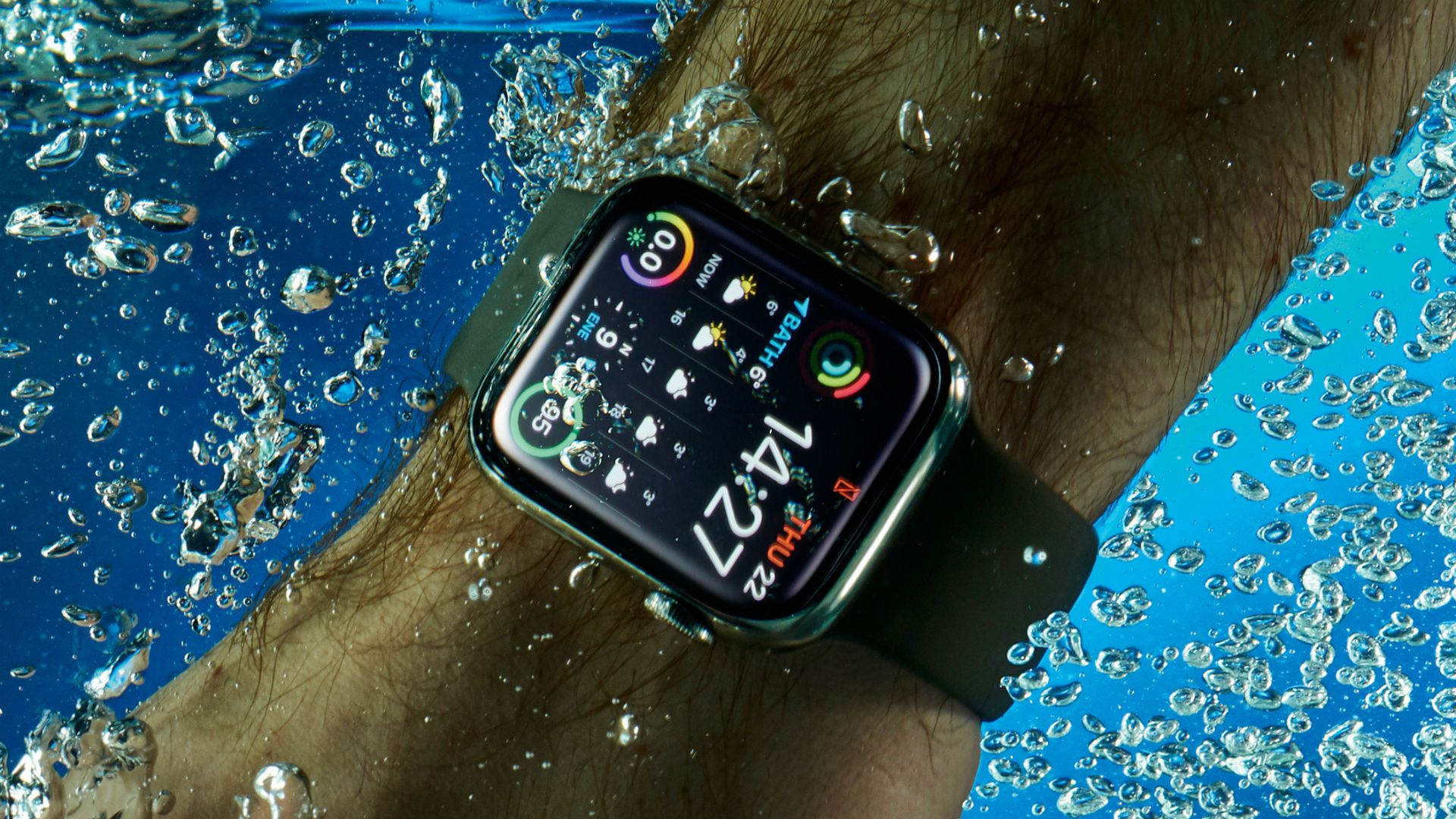
Fall detection is designed to detect hard falls on land, not impacts in water. While many of these watches are water-resistant, the feature may not trigger correctly during swimming or showering due to the different motion and impact dynamics in water.
Can I customize fall detection settings on smartwatches?
Yes, customization options vary by brand. For example, on the Samsung Galaxy Watch Active2 you can adjust the sensitivity level to suit high-impact activities or everyday wear, helping to balance detection accuracy against false alerts.
Are there any limitations to fall detection on smartwatches?
Yes, limitations exist across all brands. For instance, fall detection may not detect falls if the watch is not being worn properly, and no device can guarantee detection of every fall.