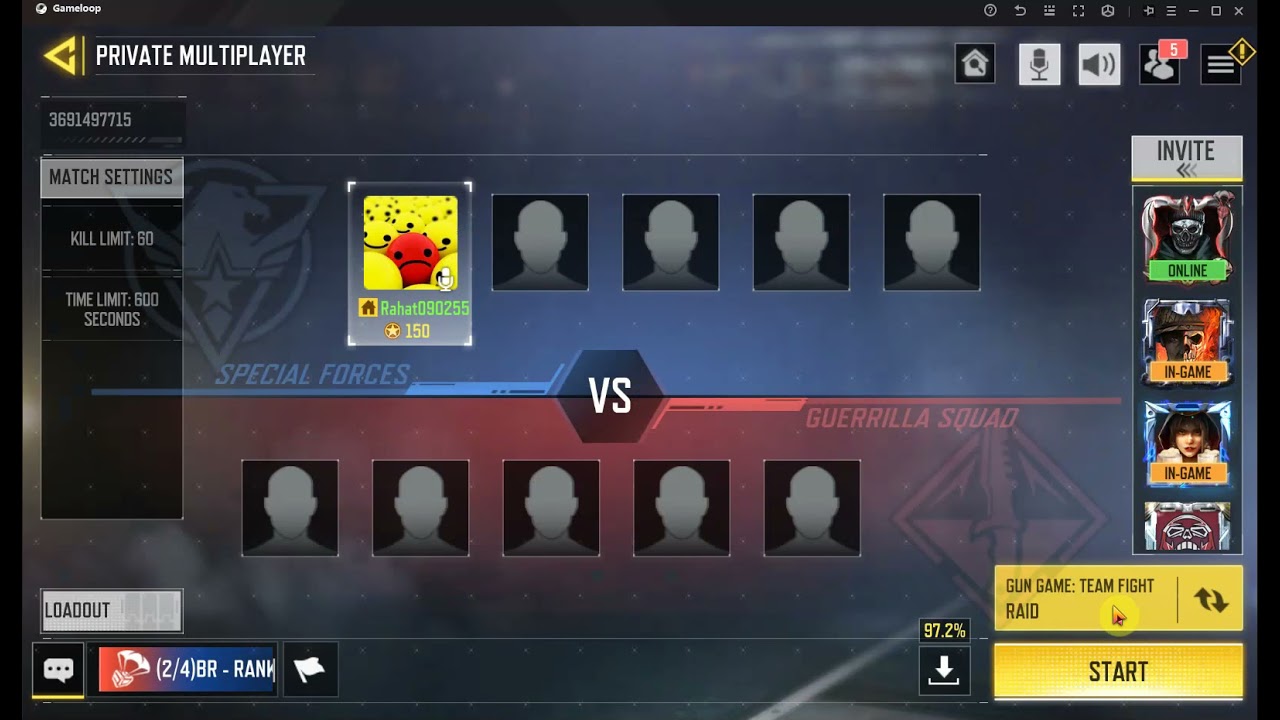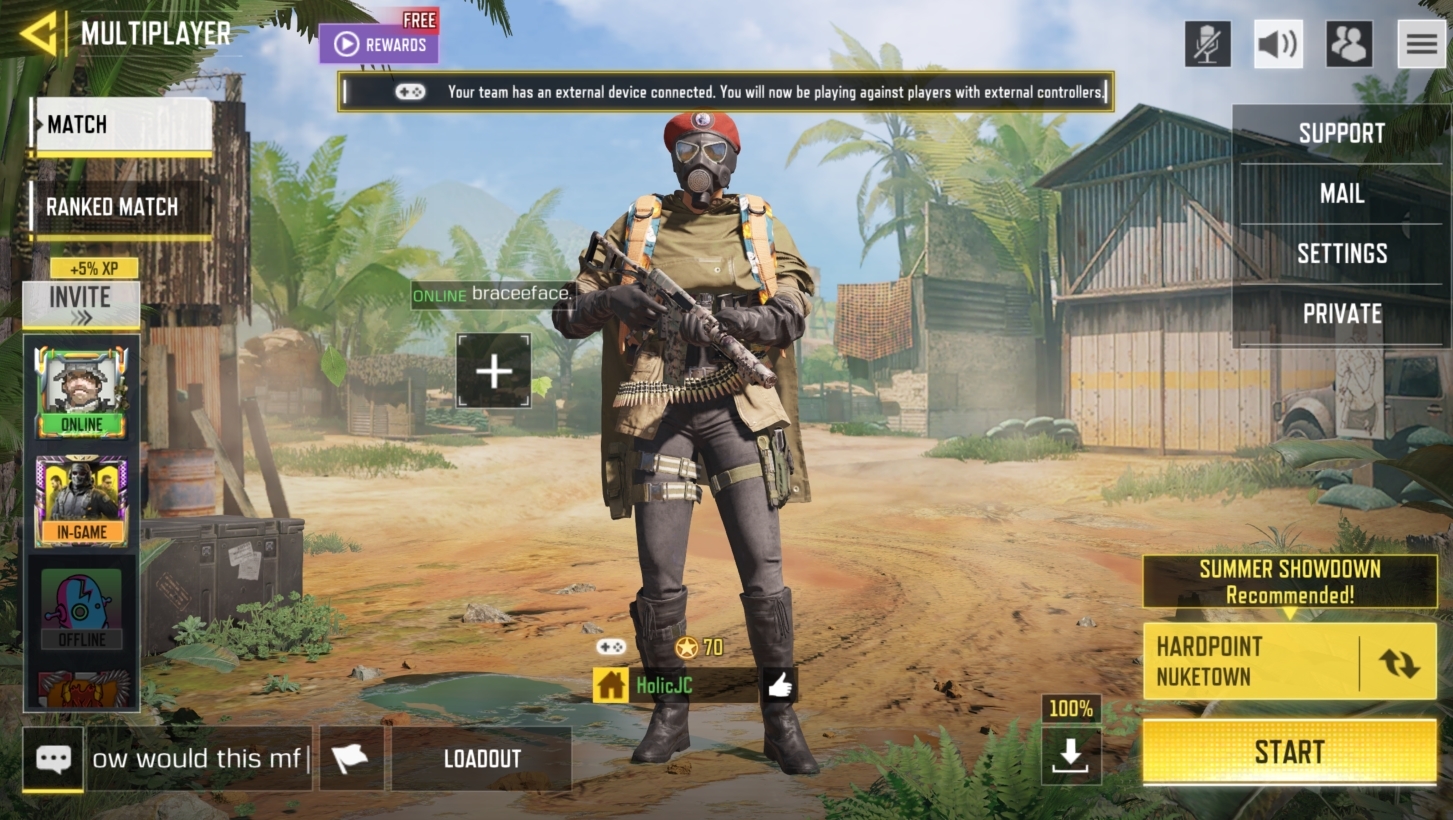
To set up a 1v1 on COD Mobile, go to Multiplayer, select Private, create a room, invite your friend, and start the match. This is the complete process for how to 1v1 on cod mobile against a friend in a private duel.
How to 1v1 on cod mobile multiplayer lobby
Open the Call of Duty: Mobile app and navigate to the main Multiplayer screen. This is the confirmed starting point for all matches, including private 1v1 battles.
Step 2: Create your private room
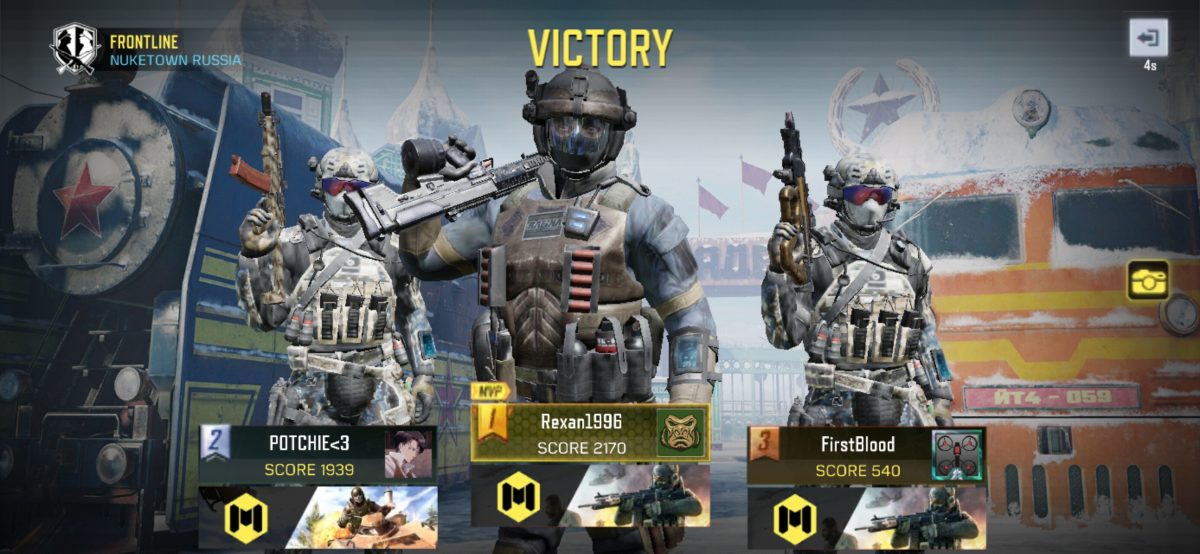
From the multiplayer menu, tap the "Private" option. You will be presented with a list of available maps; choose one suitable for 1v1, such as Nuketown or Standoff. Before creating the room, set a room password to ensure only you and your invited friend can join the match. Once the password is set, tap "Create Room" to proceed to the lobby.
Step 3: Invite your friend to the duel
Open the friends list or social menu from the lobby. Find your friend's username, if they are online, their status will be visible. Select their name and choose the option to invite them to your private room. If they are not in your friends list, you can send an invitation using their in-game username or ID by searching for their profile. If you are unable to find your friend in the friends list, you can send an invitation by using their in-game username or ID via a search box. Once your friend accepts the invitation, they will be connected to your private room and ready for the match.
Step 4: Customize the match rules
Before launching the game, set the match rules to your preferences. Select a game mode like Free-for-All, then agree with your friend on the score limit, time limit, and any weapon restrictions. Gunfight mode starts everyone with the same loadout, providing an even playing field. You can also customize your loadout, including attachments and perks, to suit your playstyle, and you can customize special abilities and scorestreaks for the match. For those looking to experiment with different gear, this is a great time to test COD Mobile weapon unlocks (COD Mobile Weapons and Loadouts) to find the perfect setup for the duel. Save and apply all settings before proceeding.
Step 5: Start the 1v1 match
Confirm that both you and your friend are ready. The host, typically the player who created the room, should navigate to the lobby screen and press the "Start Match" button. The game will load, and both players will be transported into the selected map to begin the one-on-one showdown.
Frequently Asked Questions
Is there a dedicated 1v1 mode in COD Mobile?
Call of Duty: Mobile does not have a permanent, dedicated 1v1 mode in the standard playlist. However, the Duel game mode is specifically designed for head-to-head matches, and you can also use Gunfight or adapt other modes in a private room for a similar experience. Duel is a game mode specifically designed for 1V1 battles, providing a pure head-to-head experience with no distractions from other players or objectives.
Which maps are best for 1v1 matches?
Popular maps for 1v1 battles include Nuketown, Standoff, and Crash. These maps offer close-quarters combat and balanced sightlines, making them ideal for intense one-on-one encounters.
How can I improve at 1v1 encounters in COD Mobile?
Practice is key to improving your 1v1 skills. Play more matches against skilled opponents, analyze your gameplay to identify weak points, and experiment with different loadouts and movement techniques. Use slide and jump movements to make yourself a difficult target to hit. Use tactical equipment such as flashbangs, grenades, or smoke bombs to disrupt your opponent's vision. Call in scorestreaks like UAVs and Counter UAVs for information, or lethal ones like the Predator Missile to eliminate the opponent. Watching experienced players can also help you learn new strategies.
For the wider topic, see COD Mobile weapon unlocks.
Related reading: How To 1V1 In 2K Mobile.