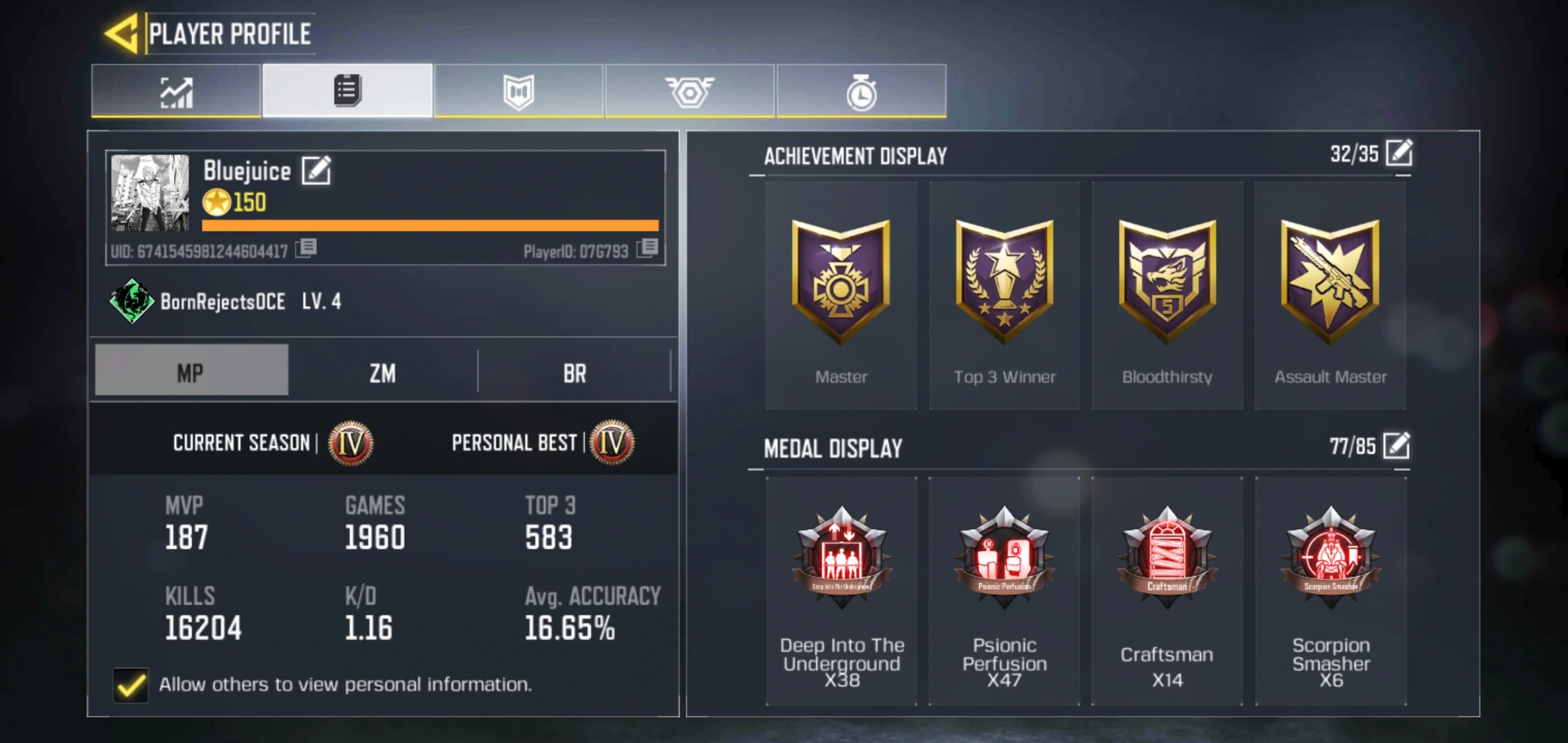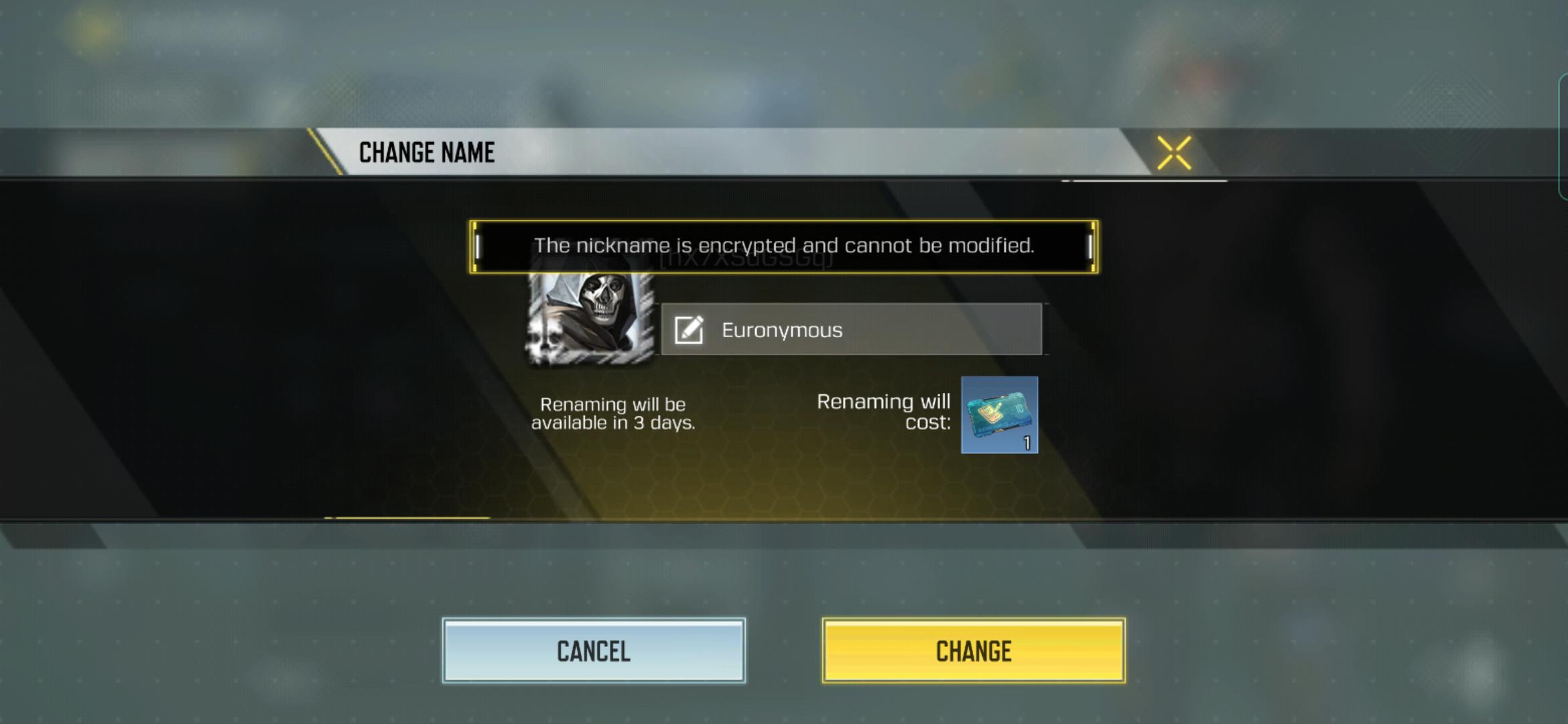
To change username cod mobile, tap your name at the top of the main screen, open the Player Profile tab, tap the Edit icon at the end of your current name, enter a new name, and tap Change. This is the official in-game rename flow on both iPhone and Android, and a Name Changing Card/Rename Card is required if you do not already have one.
How to change your username in COD mobile
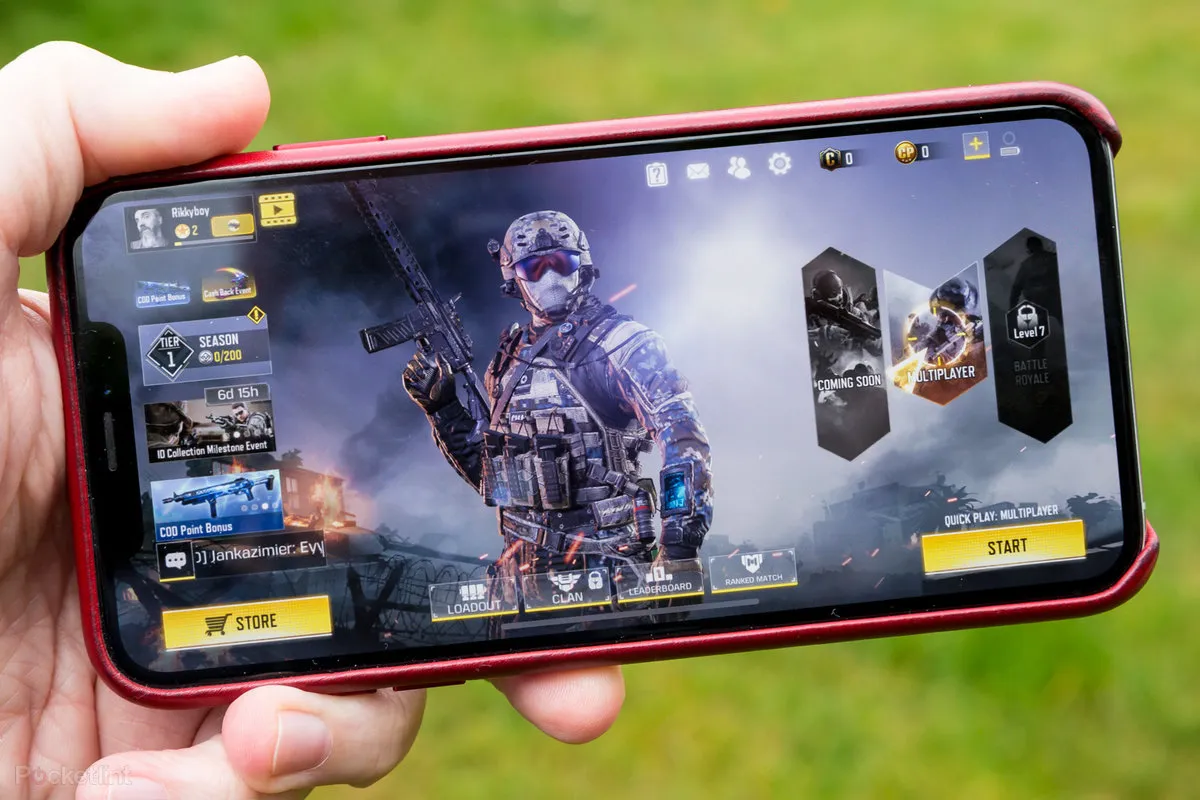
- Open Call of Duty Mobile and go to the main screen.
- Tap your name displayed at the top of the screen.
- Tap the second tab to open the Player Profile.
- Tap the Edit icon at the end of your current name.
- Type your new name and tap Change.
- If you do not have a Name Changing Card/Rename Card, follow the in-game prompt to obtain one.
What you need before you start
A Name Changing Card/Rename Card is required to complete the rename. If you do not already have one in your inventory, the game prompts you to buy one during the rename flow. No other item, setting, or account change is needed before you begin.
What the official help page does not say
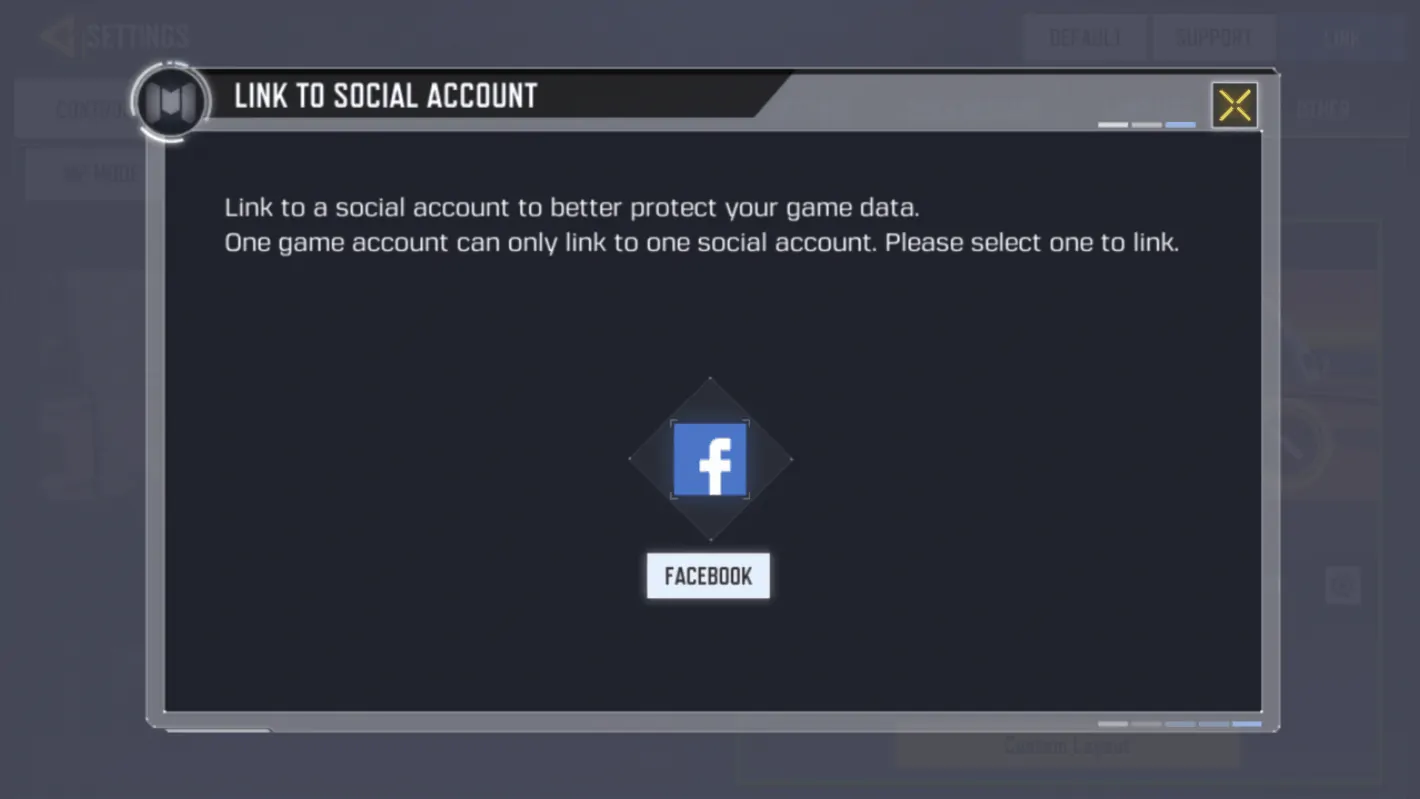
It also does not explain why a player would change a username; it only documents the steps to do it. You can only change your username once every three days. If you need help with COD Mobile account linking, see the COD Mobile Account and Settings Help section in the game.
Frequently Asked Questions
How do I change my username in COD Mobile?
The same steps work on iPhone and Android.
Do I need a Rename Card to change my name?
The game will prompt you to obtain one during the rename flow if your inventory does not have one.
Is there an official iPhone or Android-only method?
No. The official support page shows the same in-game steps for the mobile app on both iPhone and Android. No device-specific method is documented.
What are the supported devices and versions for name changes?
Can I change my name without losing my progress?
Yes. Changing your username does not affect your game progress, achievements, or unlocked items. All your stats and purchases remain tied to your account.
What if my desired username is already taken?
If you receive an error message stating that your desired username is already taken, try adding a unique identifier or modifying your username slightly.
Why was my chosen username rejected?
If your chosen username violates the profanity guidelines, it will be rejected.
I didn't receive the verification code. What should I do?
If you do not receive the verification code via email or SMS, check your spam or junk folders.
Related reading: How To Change FOV In COD Mobile and How To Change Region In COD Mobile.