Registering your phone on a network is almost always an automatic process that happens the moment you insert an active SIM card or set up an eSIM, not a manual step you need to perform. The phrase "register my phone on a network" often leads people to believe they must complete a special sign-up procedure, but in reality, your phone registers itself with the carrier as soon as the SIM or eSIM is active, the device is unlocked, and cellular data is turned on.
What 'register my phone on a network' really means
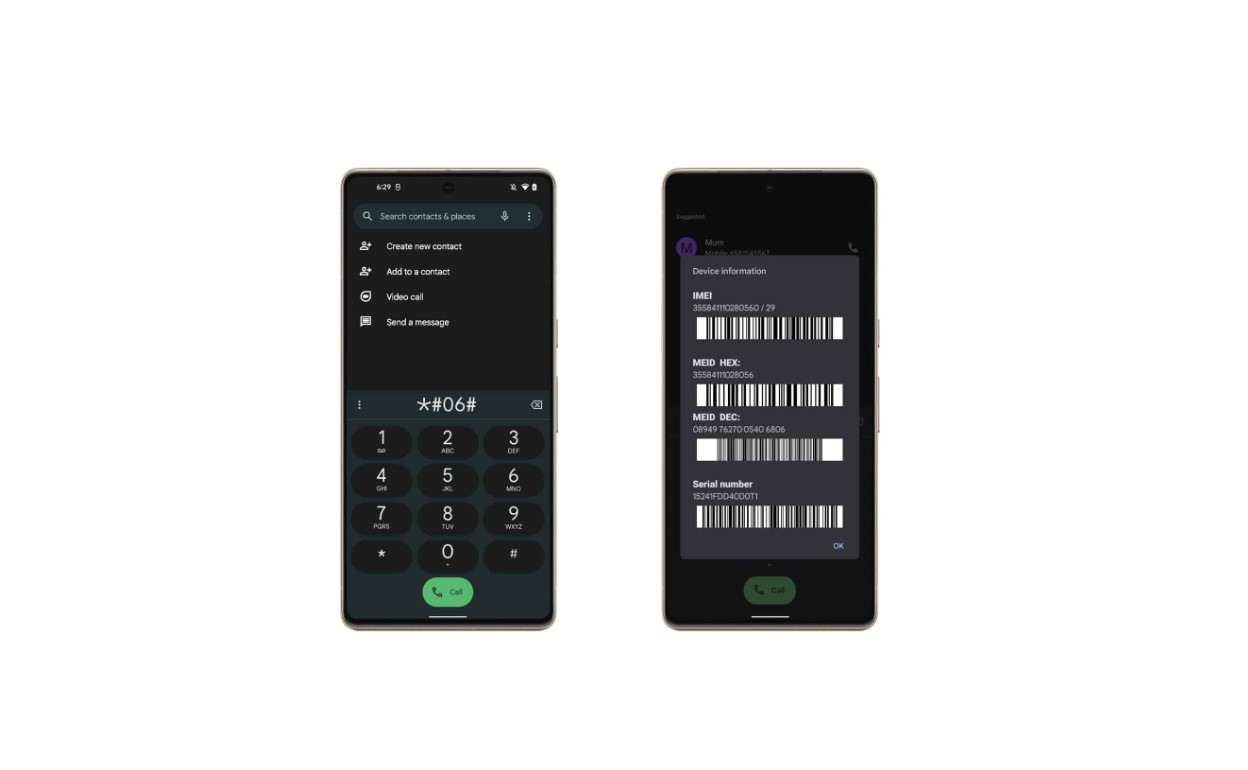
Network registration is the automatic process where your phone identifies itself to the carrier's network using the SIM or eSIM. You do not need to dial a code, fill out a form, or visit a website to make this happen. When you insert a working SIM card into an unlocked phone, the device sends its unique identifiers to the network, and the carrier grants access for calls, texts, and data. The IMEI number acts as a digital fingerprint for your device, allowing the network provider to authenticate and grant access. The only exception is if you are activating a new line or switching carriers, which involves activating phones and SIM cards on any carrier, but that activation is a separate step handled by the carrier, not a manual registration you perform on the phone itself.
First, make sure your phone is ready
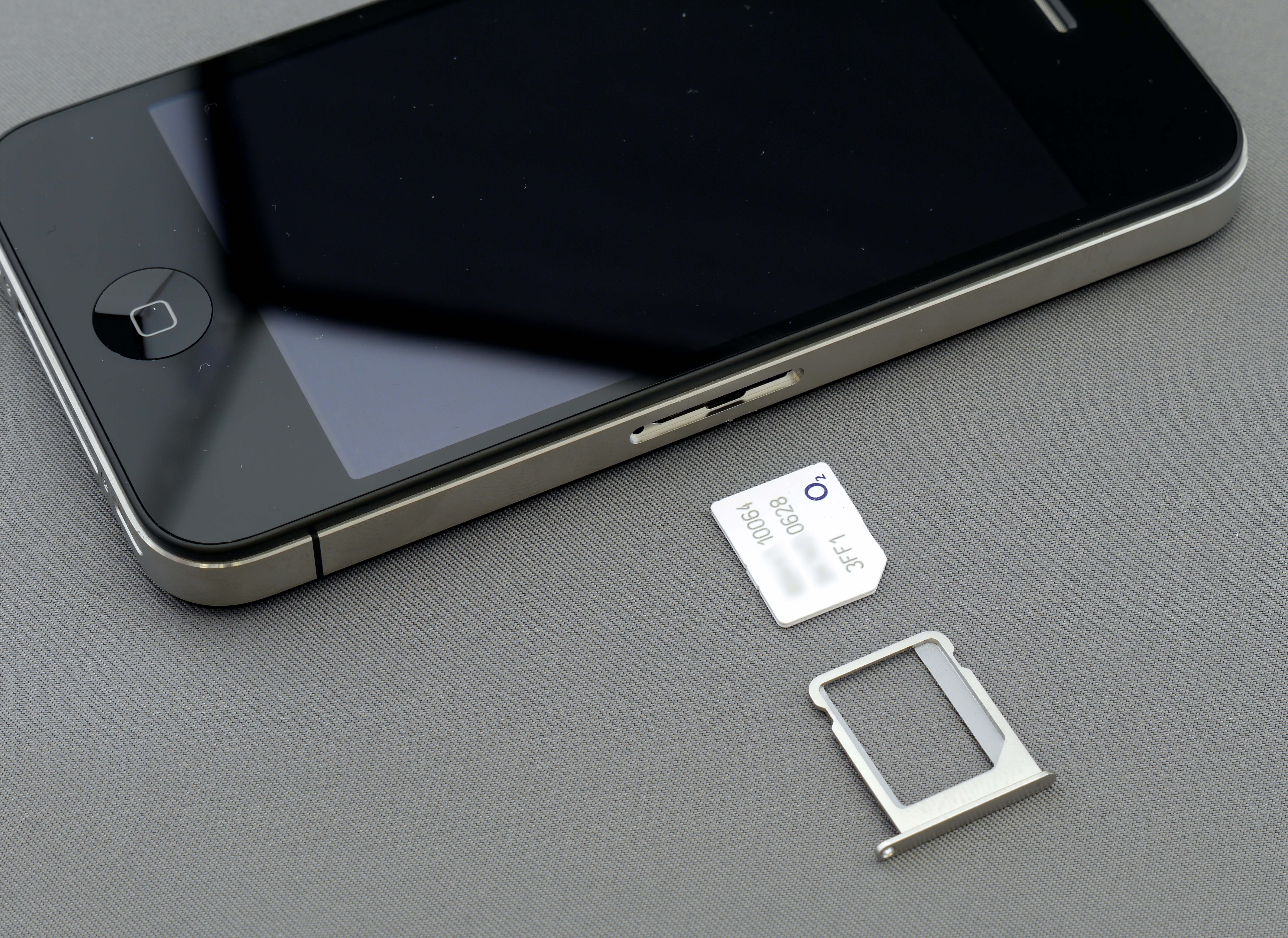
Before your phone can register on the network, two prerequisites must be met. First, the phone must be unlocked, meaning it is not restricted to a single carrier. If your phone is locked to a specific network, you will need to request an unlock code from that carrier before it can register on another network. Second, the SIM card or eSIM must be active and properly inserted or set up. A brand-new SIM often requires activation through the carrier's website or customer service before it will work. Once those conditions are satisfied, registration happens automatically when you turn on the phone.
How to check registration on an iPhone
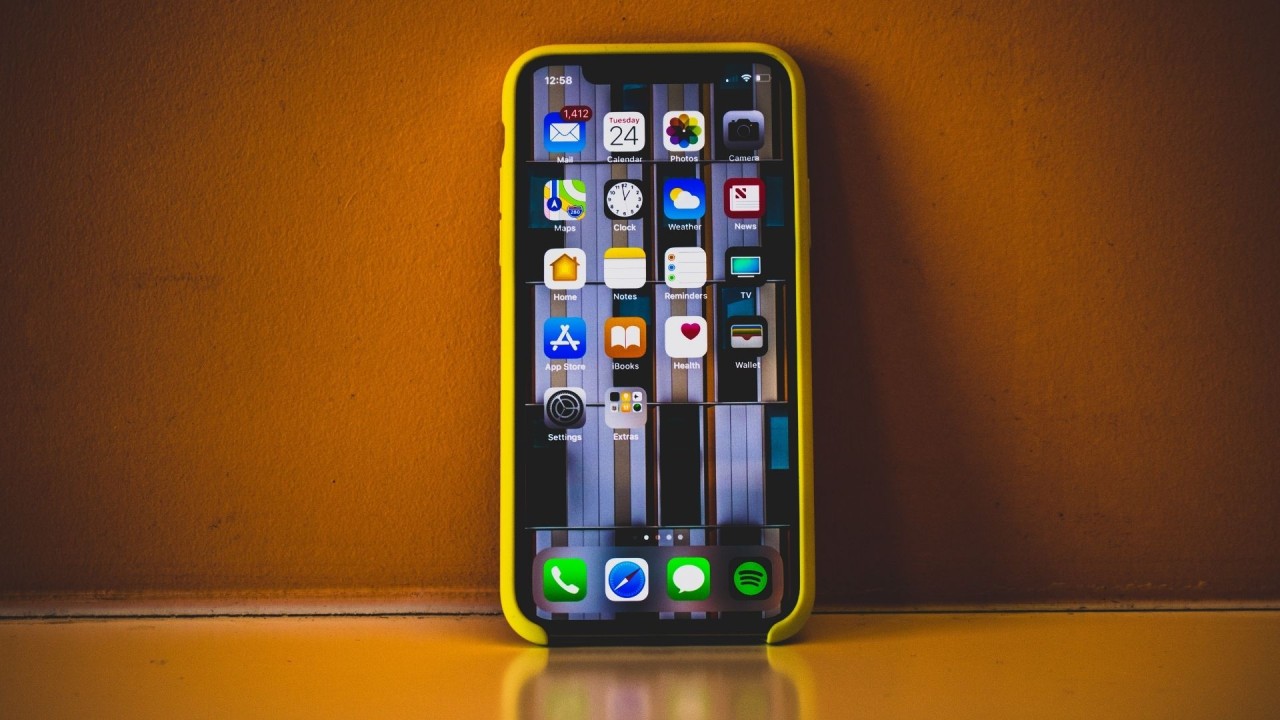
On an iPhone, you do not register manually, but you can verify that the device is connected to the carrier's network. Apple's documented steps focus on ensuring cellular data is enabled. Follow these steps to confirm registration:
- Insert an active SIM or set up an eSIM.
- Open Settings.
- Tap Cellular.
- Turn Cellular Data on.
- If you use Dual SIM, tap Cellular Data and confirm the correct line is selected.
- If a line is off, tap that line and choose Turn On This Line.
If you see SOS, No Service, or Searching in the status bar, open Settings > General > About to check for a carrier settings update. If carrier APN settings are required and the menu at Settings > Cellular > Cellular Data Network does not appear, contact the carrier directly.
How registration works on Android phones
Android handles network registration automatically through carrier configuration and device firmware. There is no universal "register on network" menu because the process is managed by the SIM, the device, and the network itself. The official Android documentation describes IMS single registration as a carrier feature, not a user setting. For Android 12 and later, a single registration model is used; Android 11 and lower use a dual registration model. Carrier support may need to be enabled through carrier configuration, and carriers may require provisioning. As a user, the only action you can take is to confirm that the phone is powered on, the SIM or eSIM is active, and the device is allowed by the carrier to register. If the phone shows an error or fails to connect, the issue is typically with the SIM activation, device lock status, or carrier provisioning, not a missing user setting.
Troubleshooting when your phone won't connect
If your phone does not register on the network, try these verified fixes:
- On iPhone: Go to Settings > Cellular and confirm Cellular Data is on. For Dual SIM iPhones, verify the correct line is selected under Cellular Data and that the line itself is turned on. If you see SOS, No Service, or Searching, open Settings > General > About and look for a carrier settings update. If the phone still does not connect, verify the SIM is activated and unlocked. If APN settings are missing and the menu at Settings > Cellular > Cellular Data Network is not visible, contact the carrier.
- On Android: Confirm the SIM is active and the phone is unlocked. If the phone still fails to register, the problem may be carrier provisioning or IMS single registration support, which is handled by the carrier and device configuration rather than a visible user control. Contact the carrier to verify your line is provisioned correctly.
- Check SIM card for visible damage or dirt, clean gently with a soft cloth and reinsert.
- Move to a different location to check if you're in a weak signal area.
- Check for network outages or maintenance work in your area with your network provider.
- Switch between different network modes in settings to resolve registration issue.
Frequently Asked Questions
Do I need to register my phone on a network manually?
No. In nearly all cases, registration is automatic when you insert an active SIM or set up an eSIM in an unlocked phone. Manual registration is only required if you need to activate a new SIM card with the carrier, which is a separate step.
What if my phone is locked to a specific network?
A locked phone will only register on the carrier it is locked to. To use a different network, you must request an unlock code from your current carrier. Once unlocked, the phone will automatically register on any compatible network when you insert an active SIM.
Why does my phone show 'No Service' or 'Searching'?
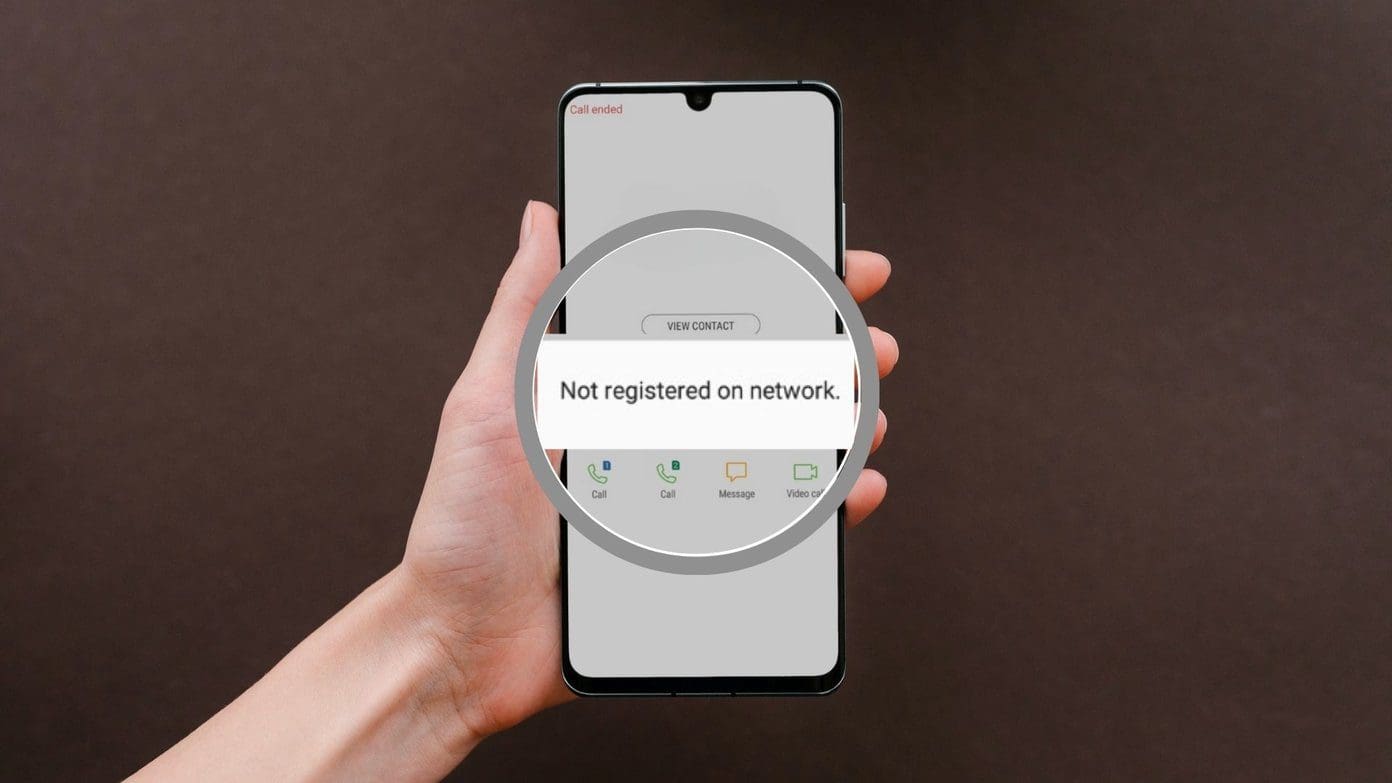
This usually means the SIM is not activated, the phone is locked to another carrier, or you are in an area with no coverage. On iPhone, also check for a carrier settings update under Settings > General > About.
Can I register my phone on any network?
If your phone is unlocked and compatible with the carrier's technology (GSM or CDMA), yes. However, some carriers may have specific restrictions or require provisioning for certain features like VoLTE or Wi-Fi calling.
What are APN settings and do I need to set them?
APN settings tell your phone how to connect to the carrier's data network. They are usually set automatically when the SIM is inserted. If data does not work, you may need to enter them manually, but only if your carrier requires it. On iPhone, go to Settings > Cellular > Cellular Data Network; if that menu is missing, contact the carrier.
What are the advantages of registering my phone on a network?
Registration gives you access to carrier services, mobile plans, carrier-specific features like VoLTE or Wi-Fi calling, customer support, and loyalty programs.
Readers comparing a separate eSIM can browse uPhone eSIM plans and verify destination coverage, data allowance, and validity before buying.
More eSIM resources: Browse our eSIM guides and troubleshooting resources for compatibility, setup, travel-data and account-safety advice.
Related reading: How To Activate Xfinity Phone and How To Activate New Phone Verizon.