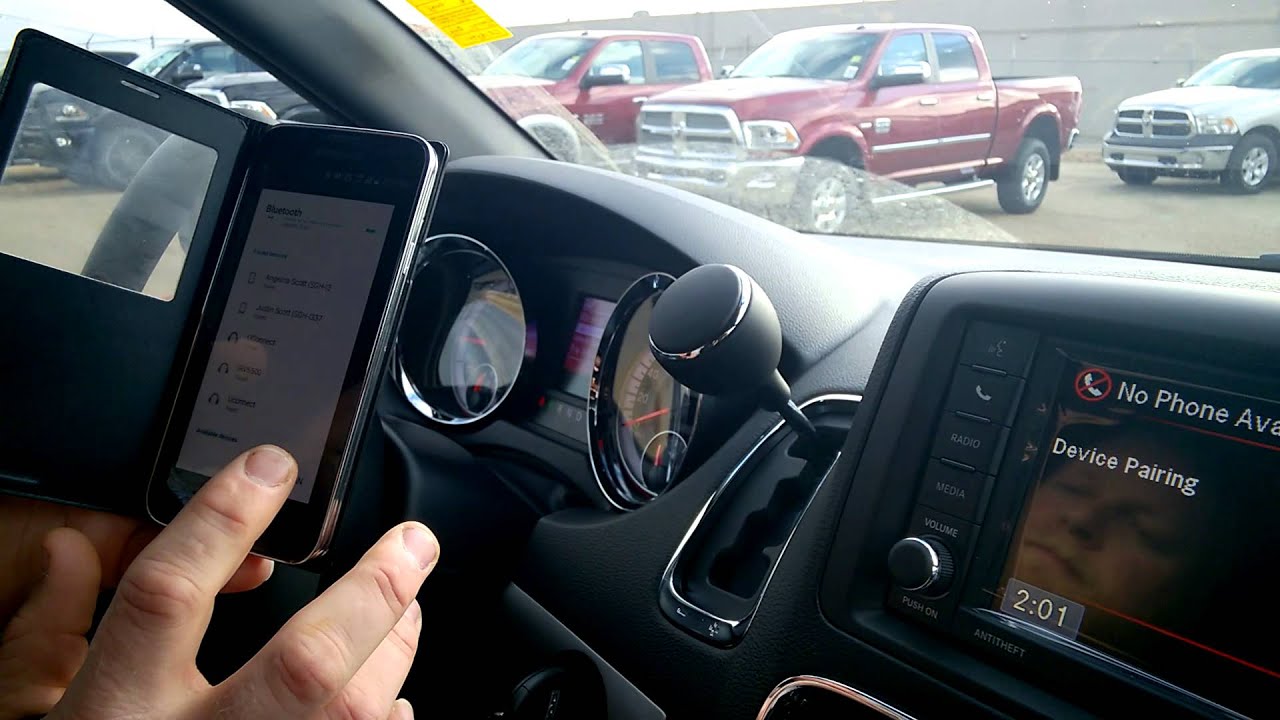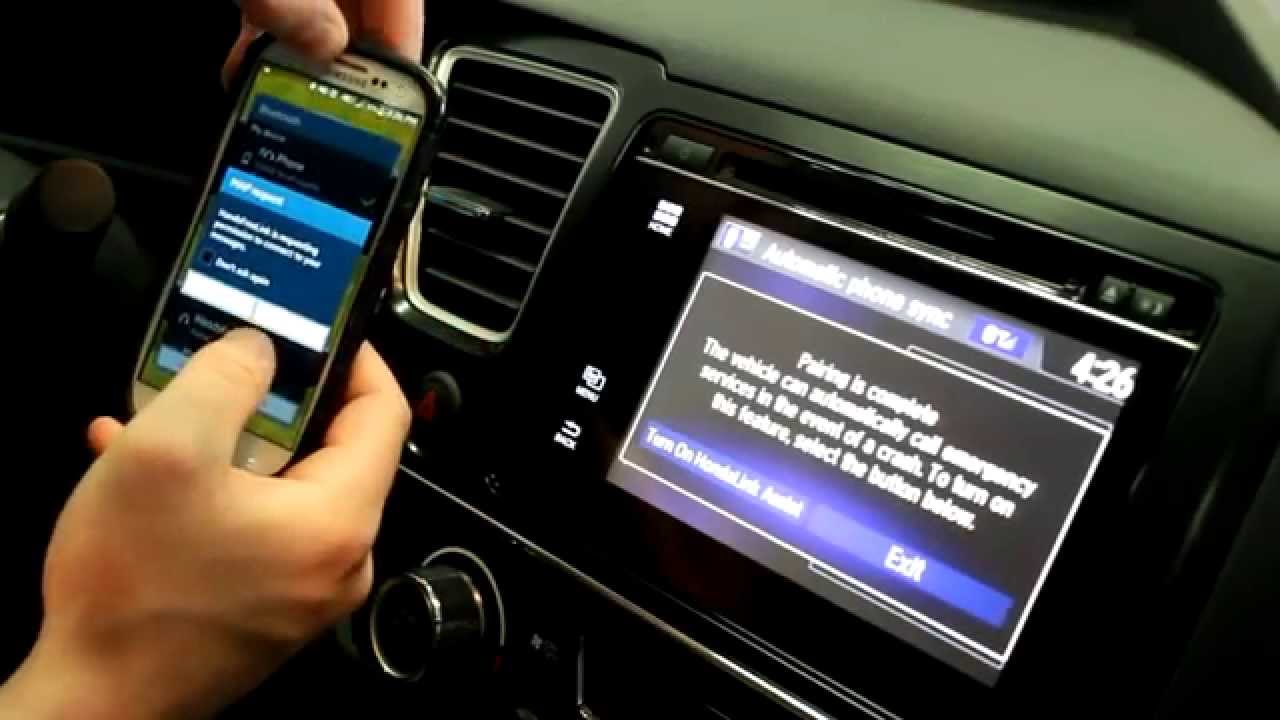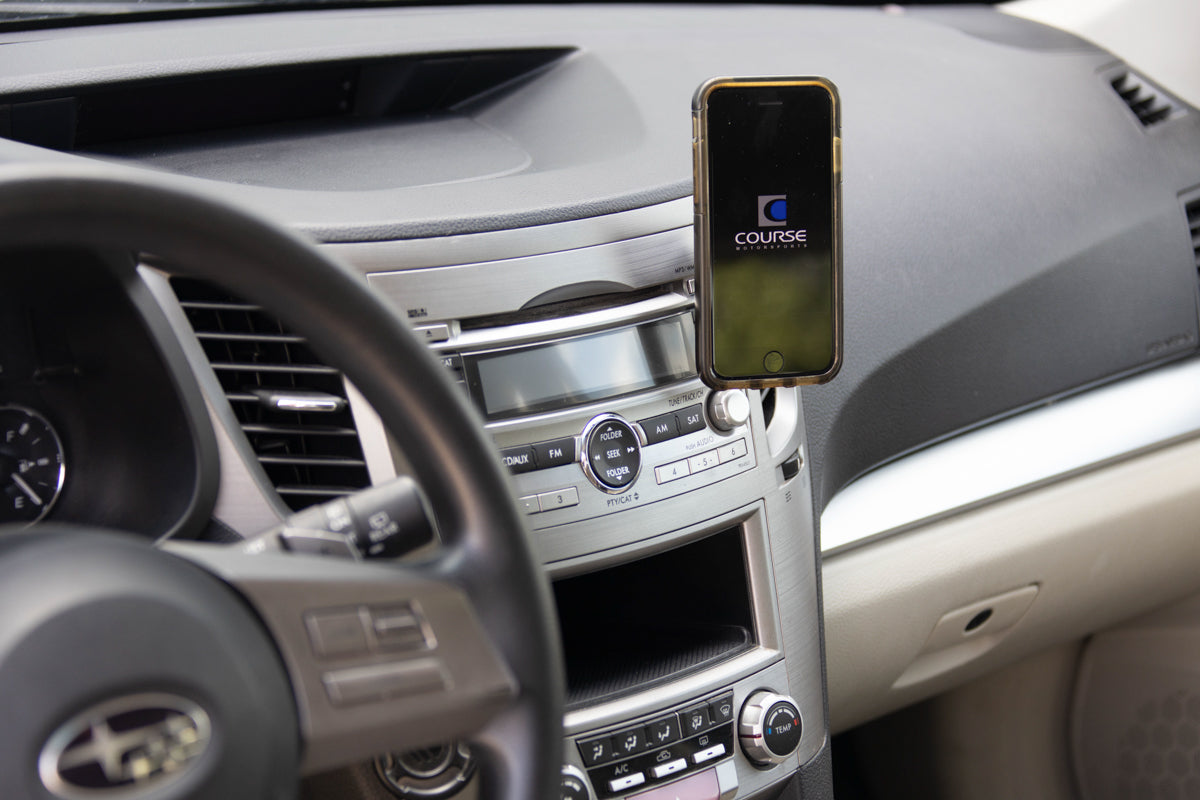
To connect your phone to Subaru, you pair it via Bluetooth or connect it with a USB cable to access hands-free calling, music streaming, and Apple CarPlay or Android Auto. Since 2019, every new Subaru has come standard with Apple CarPlay and Android Auto, and some enabled models can also link to CarPlay or the MySubaru Connected Services system over Bluetooth for wireless functionality.
How to connect phone to Subaru: what you need to know
Subaru phone connectivity has been standardized since 2019, with Apple CarPlay and Android Auto included on all new models. Support and connection methods vary by specific model and multimedia system, so check your owner’s manual for exact details. iPhone devices supporting CarPlay require iOS 13.3 or later per Subaru’s current manual, while older Subaru STARLINK systems supported iOS 7.1.2 or later and Android 4.0 or later. iPhone: iOS 8.4.1 or later (iPhone 5s or later) for certain Subaru systems. Some enabled models offer wireless CarPlay, but wireless functionality is model-dependent.
Preparing your phone for Subaru connection
Verified steps from Subaru ensure a smooth pairing process. Check phone compatibility on Subaru website or owner's manual before attempting connection. Clear paired devices list on phone before connecting to prevent conflicts. Start by updating your phone’s software to the latest version for compatibility. For iPhone, Subaru’s wireless CarPlay setup guide tells drivers to go to Settings > Bluetooth on the iPhone and enable Bluetooth. For Android, enable Bluetooth from your phone’s settings menu. Ensure your phone is charged or connected to power during pairing, and consider removing any phone case that might interfere with the Bluetooth signal.
Connecting your phone via Bluetooth
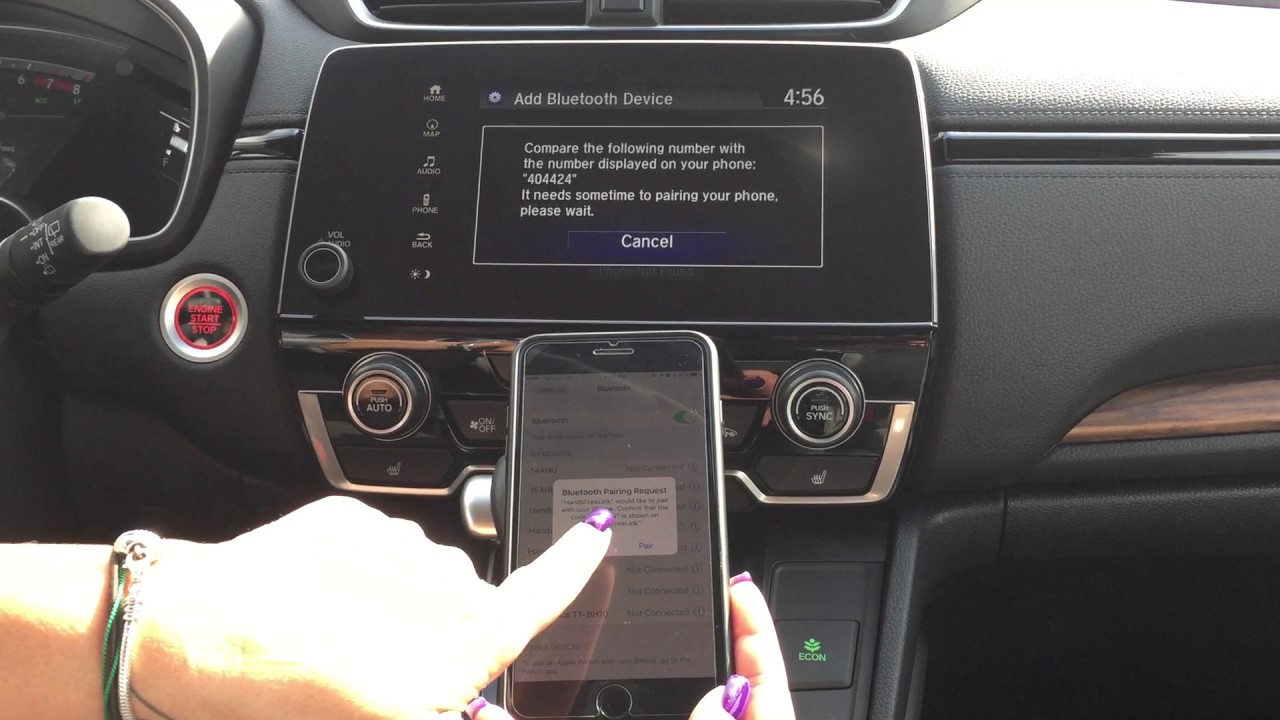
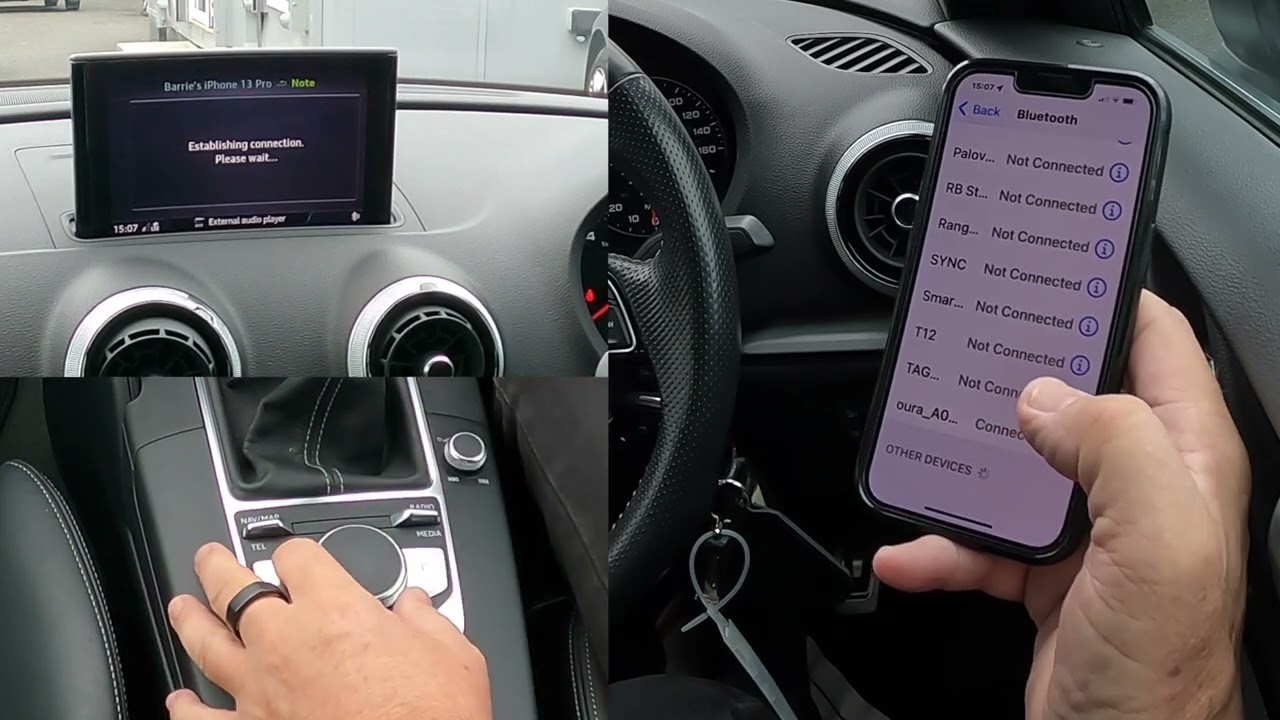
Follow these step-by-step instructions for iPhone Bluetooth pairing using Subaru’s official path:
- On your iPhone, go to Settings > Bluetooth and enable Bluetooth.
- On your Subaru’s infotainment system, enable Bluetooth and select the option to add a new device.
- On your iPhone, select “Subaru BT” or the vehicle’s displayed Bluetooth name from the list of available devices.
- Tap Pair on your iPhone.
- Enter the passcode provided by Subaru's infotainment system to complete Bluetooth pairing on some models.
- Grant necessary permissions on phone when prompted during Bluetooth pairing.
- When prompted, allow Contacts and Favorites to sync.
Android pairing is available, but vehicle menus differ by system, and Subaru’s official pages do not provide a single universal step list for Android. Follow your Subaru’s on-screen prompts after enabling Bluetooth on your Android phone.
Connecting your phone via USB
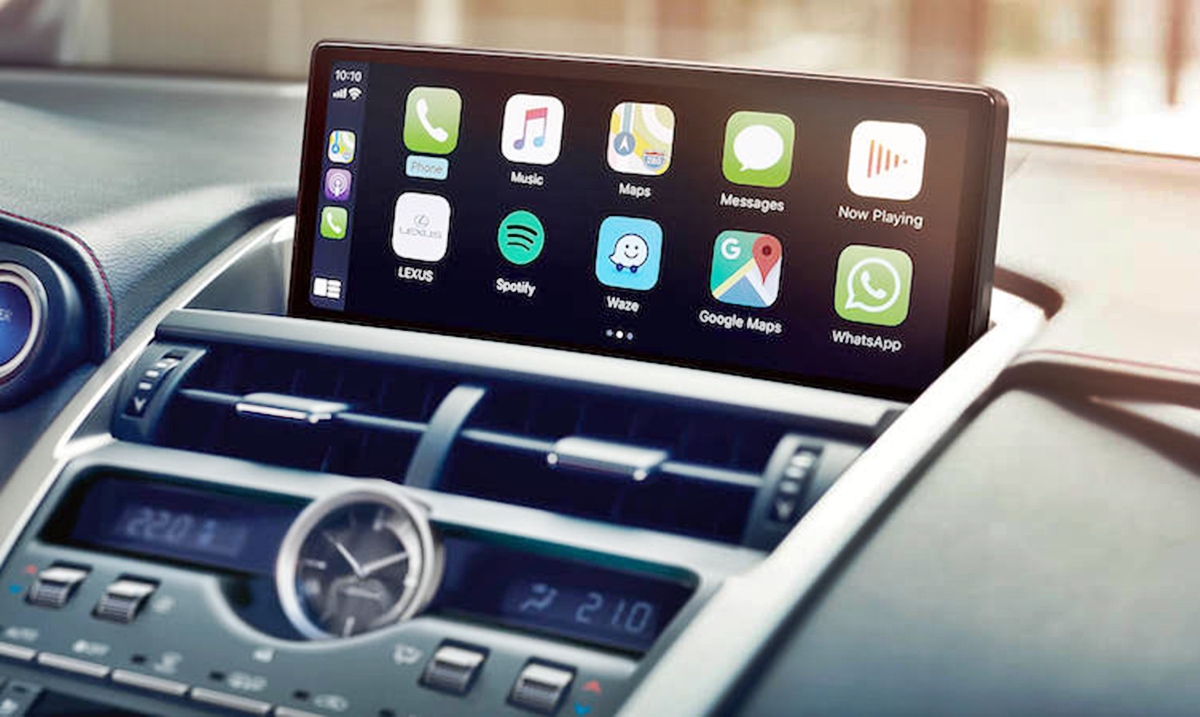
USB connection is the primary method for iPhone CarPlay. Use a high-quality USB cable that supports data transfer. Connect one end to your iPhone and the other to your Subaru’s USB port, typically located in the center console or dashboard. Your phone will begin charging, and the infotainment system will recognize it. Select the USB input option on the Subaru screen to access CarPlay features. For Subaru STARLINK, verified facts confirm that iPhone can connect via USB or Bluetooth, while Android was documented as Bluetooth only for that system. For Subaru STARLINK, Wi‑Fi connection isn't available for either smartphone. No universal USB path exists for Android across all Subaru models, so check your specific model’s manual.
Troubleshooting Subaru phone connection issues
If pairing fails, Subaru’s verified troubleshooting steps include checking that Bluetooth is enabled on your phone, confirming your phone is discoverable, and restarting both your phone and the Subaru infotainment system. If the issue persists, remove your phone from the paired devices list on both devices and re-pair from the beginning. Try a different USB port in your Subaru if connection fails, as some ports may have different capabilities. Check phone's USB connection settings are properly configured (Settings > Connections > USB on phone). Clearing your phone’s Bluetooth cache can also help. For persistent problems, consult your Subaru owner’s manual for model-specific guidance. Contact Subaru customer support if all troubleshooting steps fail.
Frequently Asked Questions
How do I connect my iPhone to my Subaru?
For iPhone, use Bluetooth pairing by going to Settings > Bluetooth, selecting “Subaru BT,” and tapping Pair. You can also connect via USB cable for Apple CarPlay. Ensure your iPhone runs iOS 13.3 or later for CarPlay support.
What are the Android requirements for connecting to a Subaru?
Android phones need Bluetooth capability and Android 4.0 or later for older STARLINK systems, or Android 4.2.1 or later for other Subaru systems. Android Auto is supported on 2019 and newer models, but connection via USB is not universally documented for Android across all models.
Can I connect multiple phones to my Subaru?
Yes, you can pair multiple phones, but only one can be actively connected for calls or streaming at a time. Switch between connected phones in the Bluetooth settings of your Subaru’s infotainment system. The maximum number of paired devices varies by model.
What if my Subaru lacks Bluetooth?
If your Subaru does not have built-in Bluetooth, you can use an aftermarket Bluetooth adapter that plugs into the auxiliary input or cigarette lighter port. You can also connect your phone via an auxiliary cable or USB cable to play music and use certain phone features.
Does Ford Sync and car Bluetooth pairing work the same way as Subaru?
Ford Sync and car Bluetooth pairing follow similar principles, but Subaru’s specific menu paths, device names, and supported features differ. Always refer to your Subaru owner’s manual for model-specific steps rather than assuming compatibility with other automotive systems.