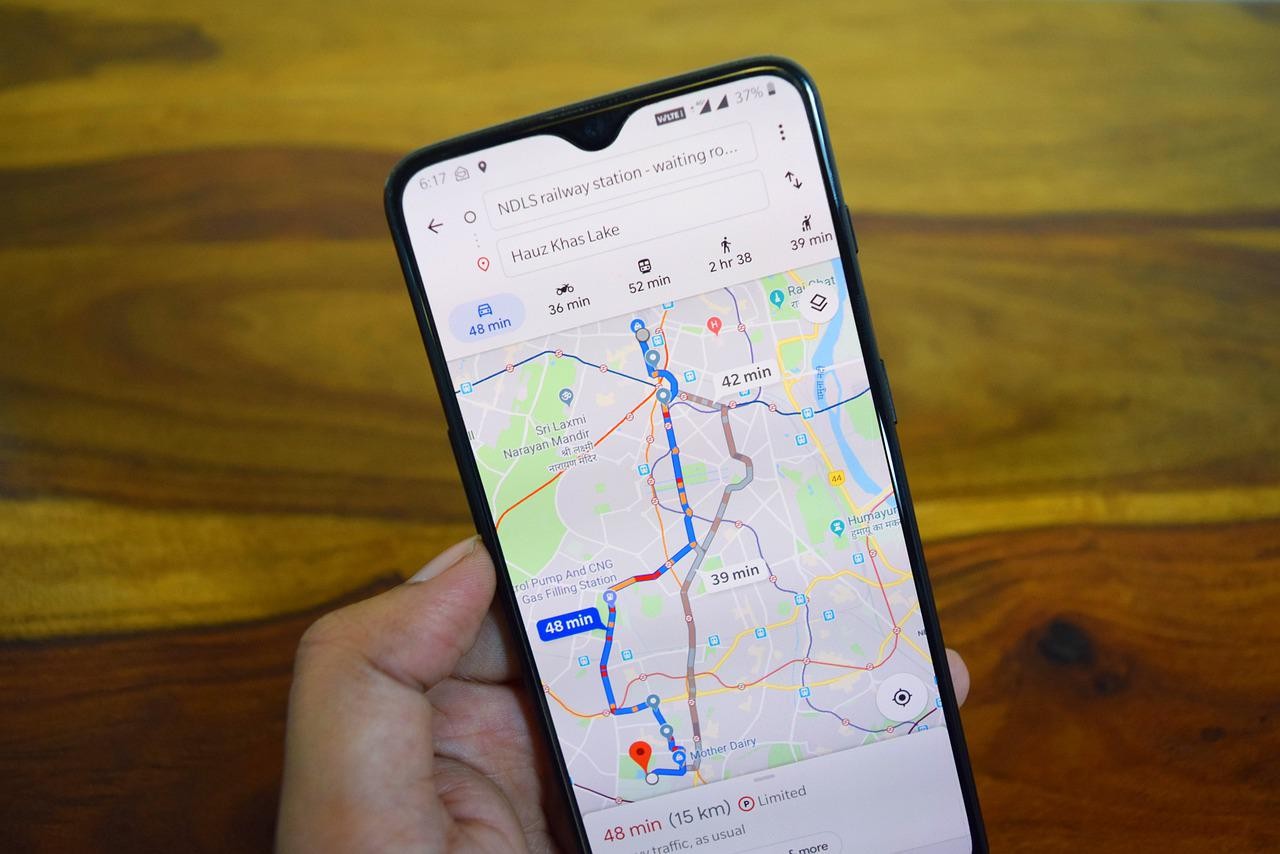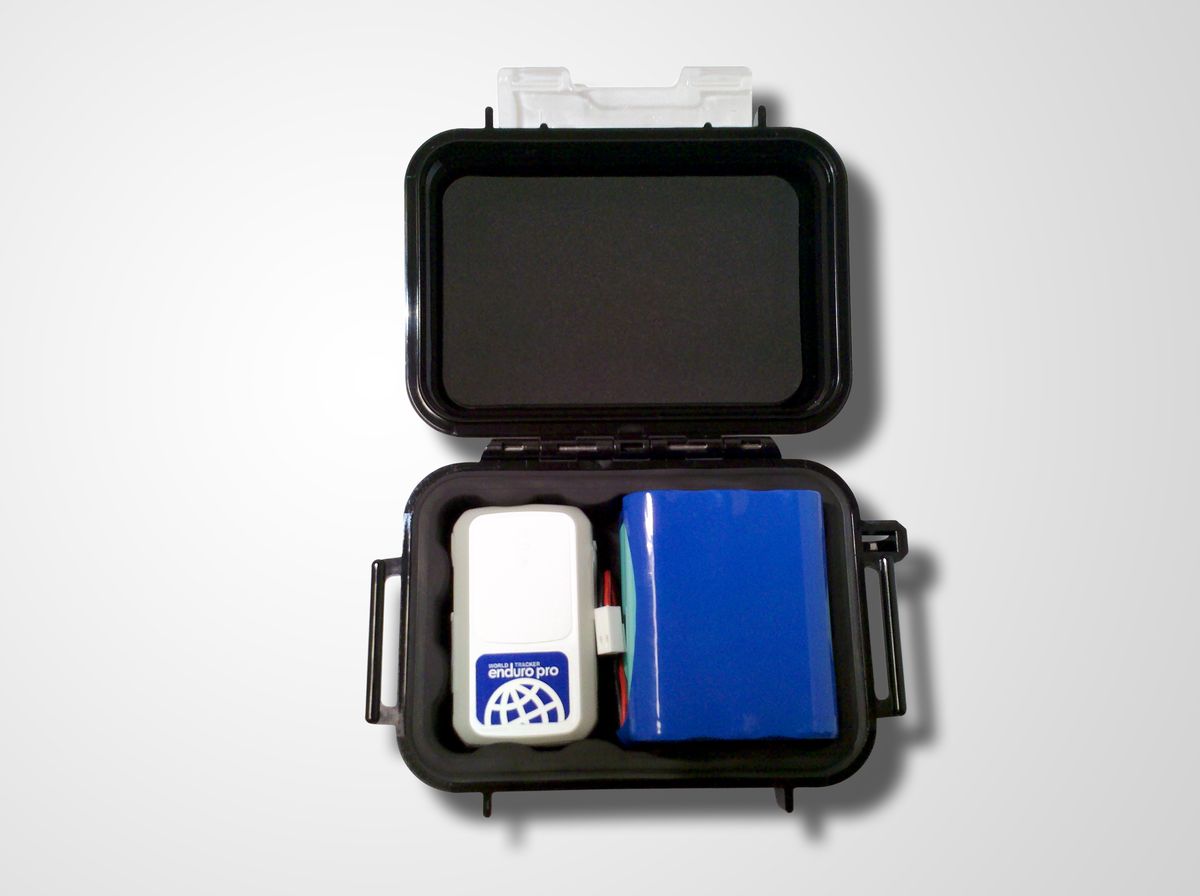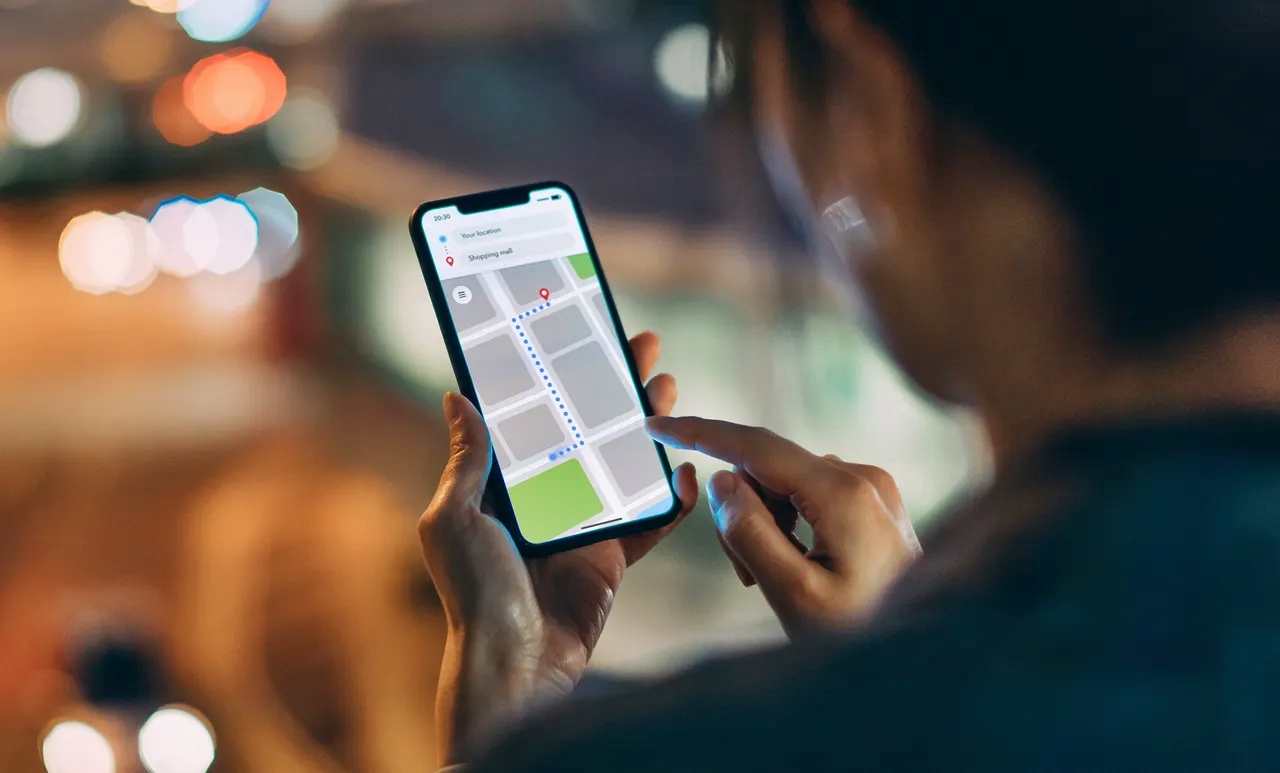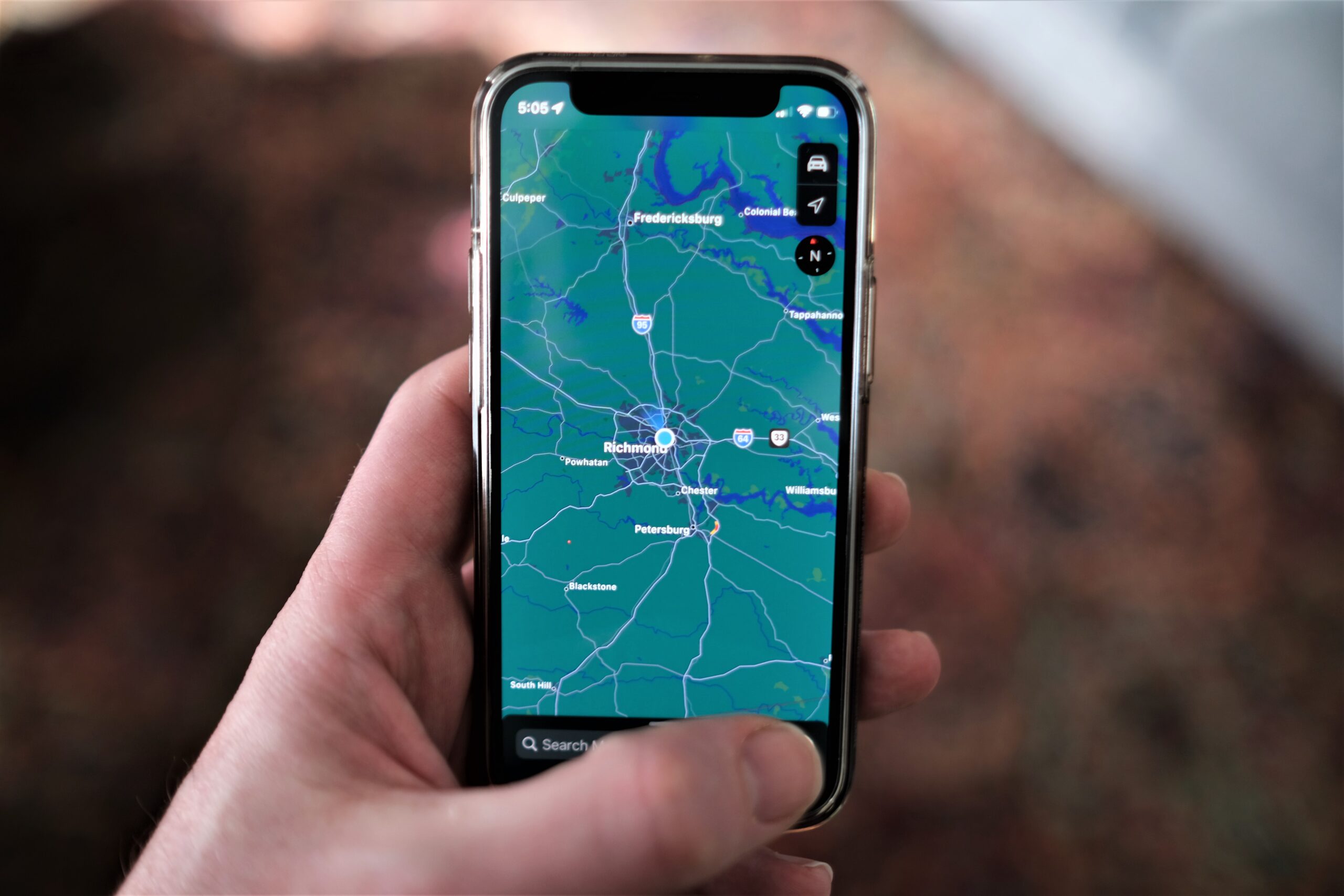
You cannot track a cellphone number location using Google Earth.
Can you track a cellphone number location using Google Earth?
No. The official Google Earth help page describes how to let the app access your own device location and how to use the My Location button. There is no documented method for entering a phone number to find someone else’s device. Any claim that Google Earth can track a phone number is incorrect.
What Google Earth's location feature actually does
Google Earth can show where you are right now, but only after you give it permission to access your device’s location. Most smartphones today come equipped with built-in GPS technology, which allows Google Earth to track the device's location accurately. The first step is to ensure that you have Google Earth installed on your device. Whether you're using a computer or a mobile device, you can download and install Google Earth from the official website or app store. To start tracking a cell phone number using Google Earth, you need to ensure that the device you wish to track has location services enabled. This setting can usually be found in the device's settings menu. The steps below work on Android devices.
- Open Settings on your Android phone.
- Go to Location > App location permissions.
- Find Google Earth in the list and tap it.
- Choose Allow only while using the app.
- Optionally turn on Use precise location. If you leave it off, Google Earth uses approximate location instead.
- Open the Google Earth app.
- Tap Explore Earth to see the map.
- Tap My Location in the bottom right corner. A blue dot appears where you are.
That is the full extent of Google Earth’s location capability. It cannot find a lost phone, a friend’s phone, or any device tied to a phone number.
How to locate a lost Apple device the official way
If you lose an iPhone, iPad, or Mac, use Apple’s built-in Find My service. This tool locates a device signed into your Apple ID, not a phone number. There are numerous tracking apps available on both Android and iOS platforms that can help you locate a cell phone number. These apps use GPS technology to pinpoint the exact location of the device. Some popular options include Find My iPhone, Find My Device, and Life360.
- On the device, go to Settings > [your name] > Find My > Find My [device] and turn it on.
- Open the Find My app on another Apple device, or go to iCloud.com and open Find Devices.
- Tap Devices and select the lost device. If it can be located, it appears on a map.
- If the device cannot be located, Apple shows “No location found” on an iPhone or Mac, or “Offline” on iCloud.com.
- The last known location is displayed for up to 24 hours on iCloud.com.
- Tap Notify When Found (or Notify me when found) to receive an alert when the device comes back online.
How to locate a lost Android device the official way
For Android phones and tablets, use Google’s Find My Device service. Like Apple’s tool, it finds a device signed into your Google Account, not a phone number. Check with your cell phone carrier to see if they offer tracking services. Many carriers provide features that allow you to track the location of a device on their network. This service is usually available for a small fee or as part of a premium package.
- Open a browser and go to android.com/find.
- Sign in to the Google Account linked to the lost device.
- If you have more than one device, select the lost device from the sidebar or device list.
- The map shows the device’s location when available.
When you use Find My Device, the lost phone receives a notification that someone is trying to locate it. Google Earth is not listed by Google as a phone-number tracking method or a lost-device tracking tool.
Why phone number tracking isn't what most people think
Official tools like Find My and Find My Device locate a device tied to an account, not a phone number alone. To track a cell phone number, you will need the actual number that you want to locate. Make sure you have the correct and complete number in order to obtain accurate results. You cannot enter a random phone number and see where that phone is. Third-party services that claim otherwise are misleading. Reverse phone lookup services can provide valuable information about a cell phone number, including the owner's name, address, and sometimes even their GPS coordinates. Websites like Whitepages, Spokeo, and Intelius offer reverse phone lookup services. Another method involves utilizing third-party tracking applications that integrate with Google Earth. These applications often provide additional features and functionalities, such as geofencing and real-time tracking. They might require you to install a tracking app on the target device and link it to Google Earth to start tracking the cell phone number. They cannot access a carrier’s real-time location data or Google Earth’s mapping without the device owner’s consent and account credentials. In serious situations such as suspected criminal activity or emergency situations, involving law enforcement can be the most effective method to track a cell phone number. They have access to advanced tracking technologies and can work with cell phone carriers to trace the location of a device. For legitimate phone location tracking methods, use the account-based tools described above.
Frequently Asked Questions
Can Google Earth track a phone number?
No. Google Earth has no feature to enter a phone number and find a device. It only shows your own location after you grant permission.
What should I use instead to find a lost phone?
Use Find My for Apple devices or Find My Device for Android devices. Both require the device to be signed into your account and have location services enabled.
Does entering a number in Google Earth work?
No. Typing a phone number into Google Earth’s search bar does not locate that phone. The search bar works for addresses, place names, and coordinates, not phone numbers.
Can I track someone else’s phone with Google Earth?
No. Google Earth cannot access another person’s device location unless they have explicitly shared their location with you through a separate app or service.
Why do some websites say Google Earth can track phone numbers?
Those websites are incorrect or intentionally misleading. No official source from Google or Apple documents tracking a cellphone number location using Google Earth.
What does “No location found” mean on Find My?
It means the device is offline, out of battery, or otherwise unable to send its location. The last known location may still be visible for up to 24 hours, and you can set a notification for when it reappears.
Do I need special software or apps to track a cell phone number location?
In most cases, you do not need special software or apps to track a cell phone number location using Google Earth. Google Earth can access the necessary information and provide tracking capabilities directly through its interface.
What information do I need to track a cell phone number location?
To track a cell phone number location using Google Earth, you typically need the cell phone number itself. In some cases, you might also need additional information such as the carrier or service provider of the cell phone.
Can I track any cell phone number location worldwide?
The ability to track a cell phone number location using Google Earth depends on various factors, including the availability and reliability of the data from the cell phone carrier or service provider. While it is possible to track cell phone numbers in many regions worldwide, there might be limitations or restrictions imposed by certain countries or jurisdictions.
For the wider topic, see tracking a phone location.
Related reading: How To Track A Cellphone Location.