The iPad tag on CellularNews brings together a practical collection of guides and reviews focused entirely on Apple’s tablet, its software, and the accessories that work with it. This page is for anyone who owns an iPad, or is thinking about getting one, and wants straightforward help with everyday tasks, from fixing a glitch to picking the right app or accessory.

The articles here solve problems that fall into a few clear categories. Many help you set up and customize your device, such as learning how to change the wallpaper, reset network settings, or add accessibility features to the Control Center. Others tackle connectivity and hardware, with step-by-step instructions on using the iPad as a second monitor for a Windows or Mac computer, connecting an AirTag, or disconnecting devices from a hotspot. A third group focuses on apps and entertainment, including reviews of drawing apps like Procreate alternatives, a deep look at Marvel Unlimited for reading comics, and lists of the best Apple Arcade games to play right now.

Specific topics you will find here include how to remove a Paperlike screen protector, what an IPA file is, how to turn off AirPod announcements, and how to change your default transportation mode in Maps. Whether you need to replace an iPad battery, invert the Y-axis on a joystick, or share a voice memo, these articles are designed to give you clear, actionable steps without extra fluff.
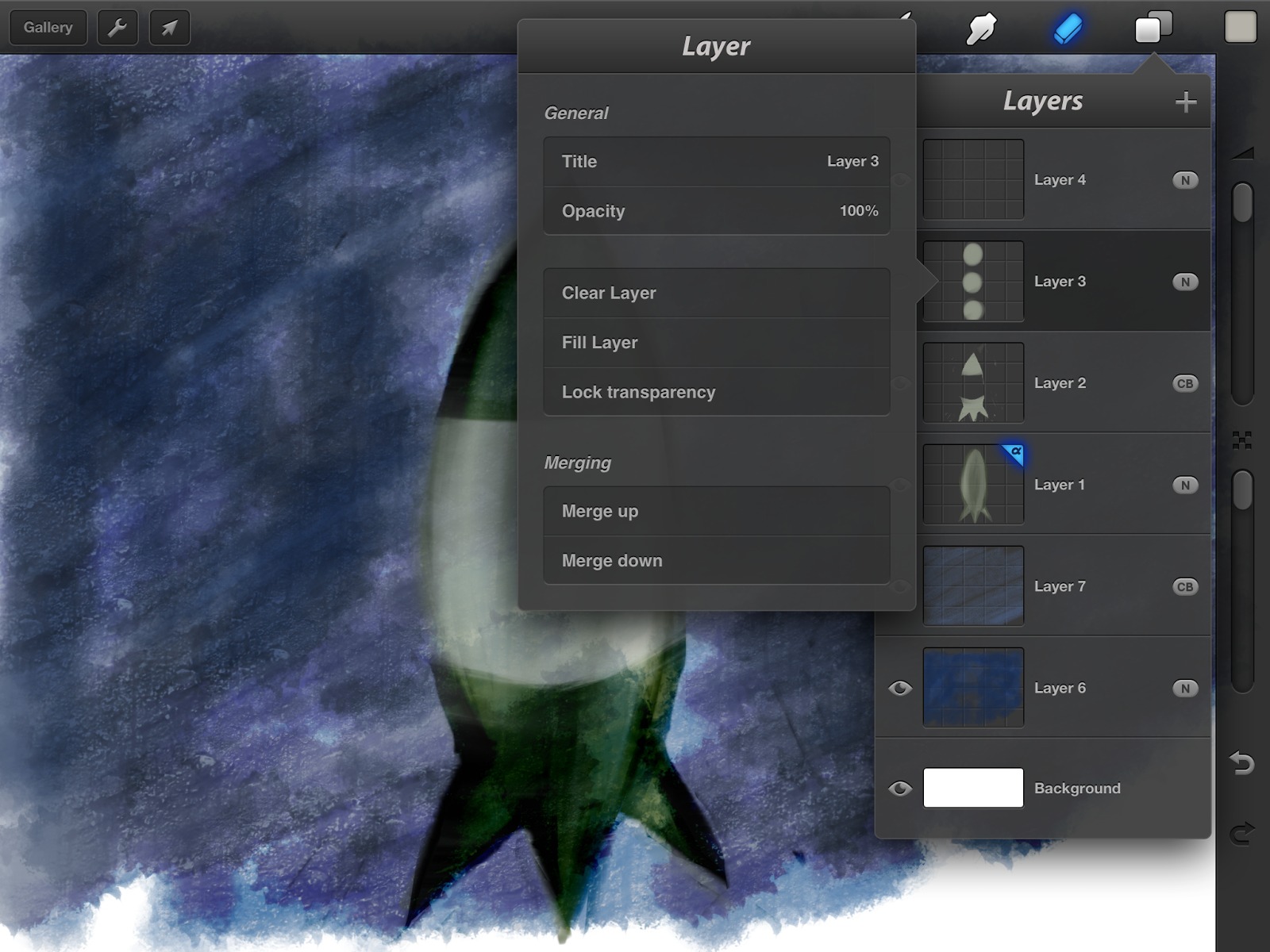
How To Flip A Layer In Procreate

To flip a layer in Procreate, select the layer you want to mirror, then tap the Transform tool (the arrow icon) and choose Flip Horizontal or Flip Vertical. This two-step...

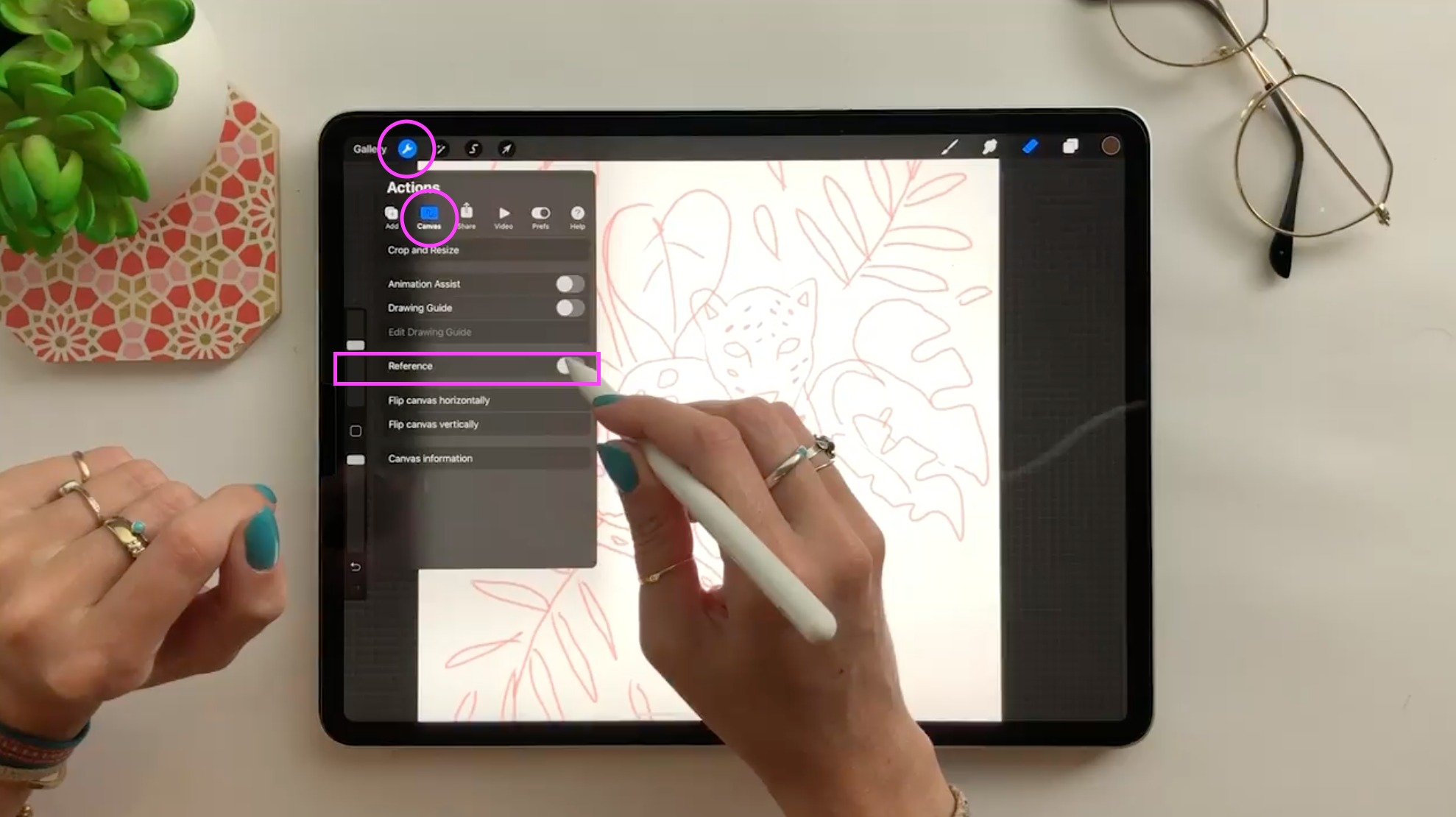
How To Add Reference Photo In Procreate

To add a reference photo in Procreate, open any canvas, tap the Actions (wrench icon), then Canvas, and turn on the Reference toggle. In the Reference Companion that appears, tap...

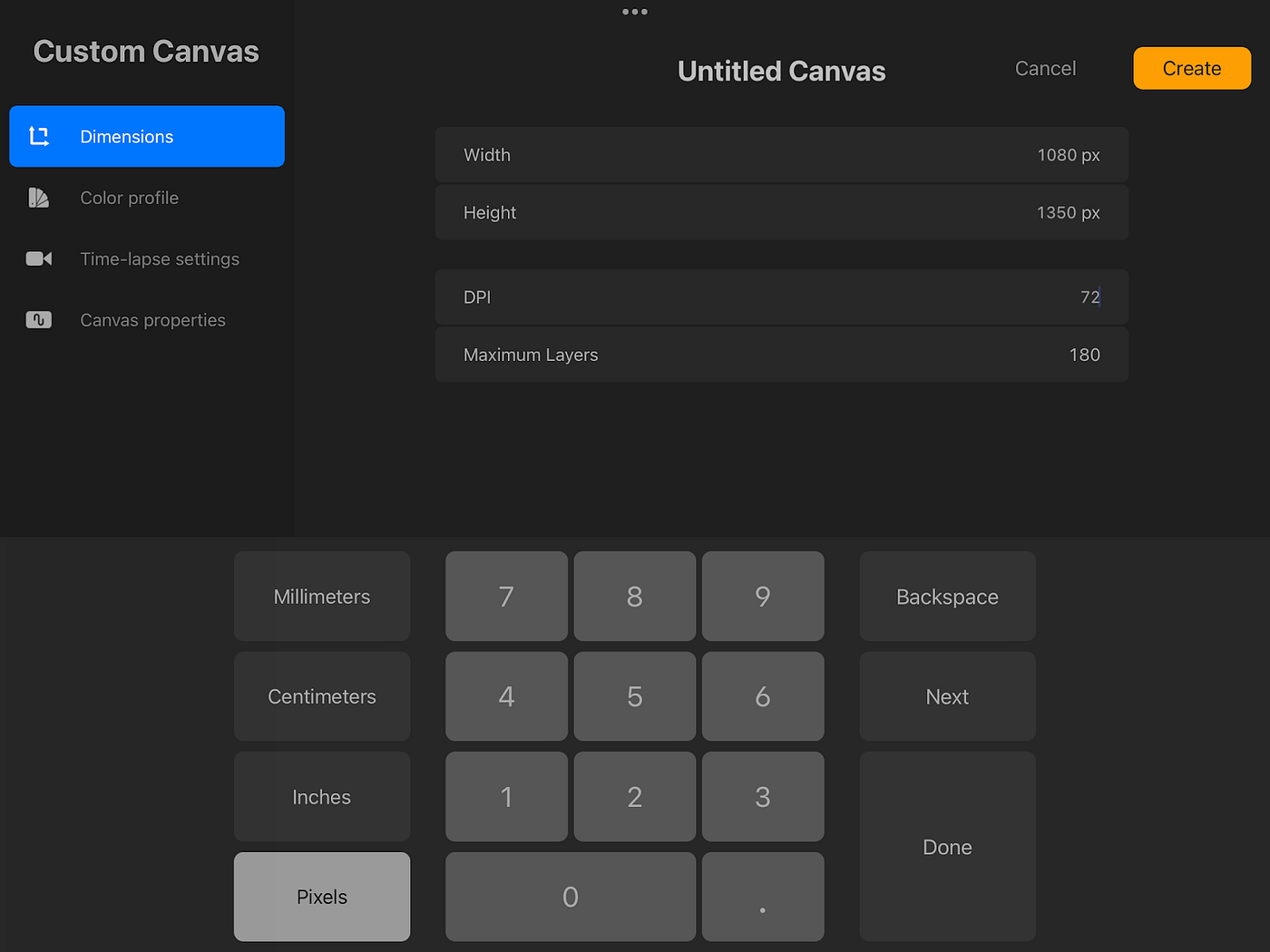
How To Change DPI On Procreate

To change DPI on Procreate for iPad, open the Actions menu, tap Canvas, select Crop and Resize, and enter the new DPI value. For Procreate Pocket on iPhone, the path...

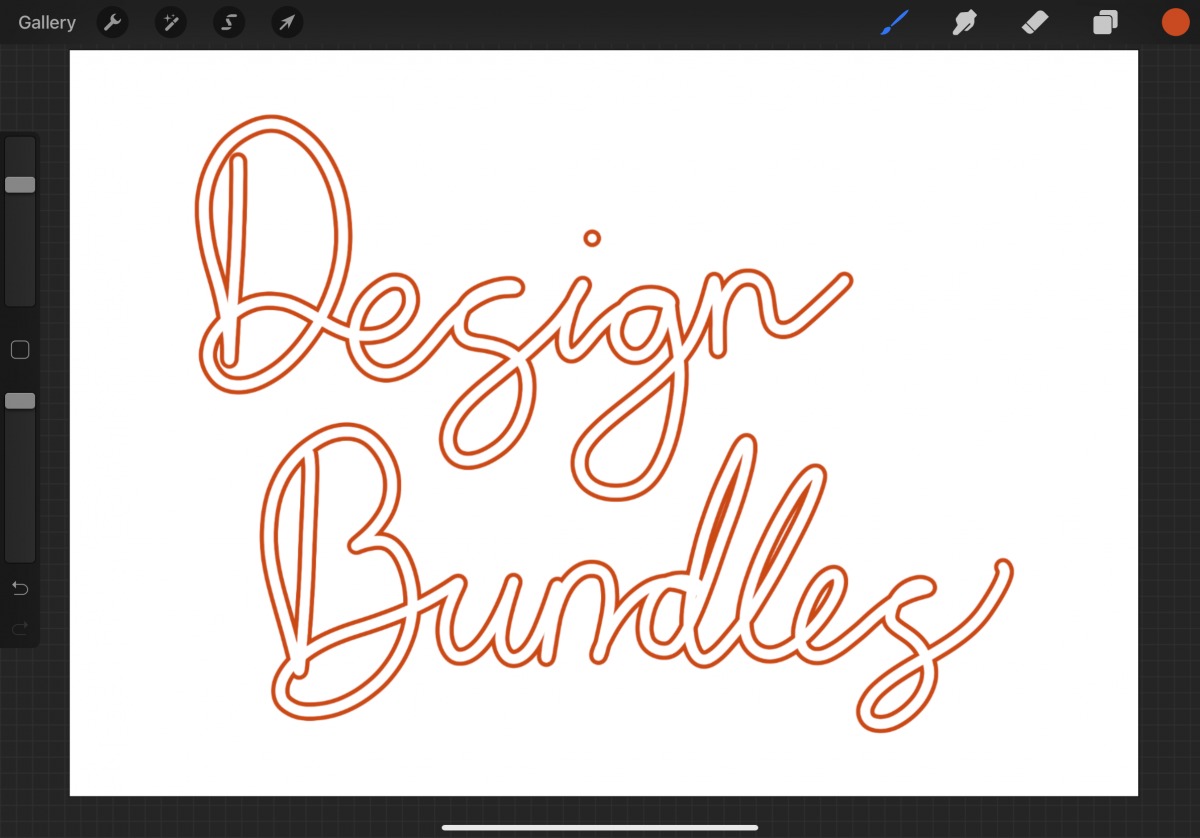
How To Make An Outline Brush In Procreate

To create an outline brush in Procreate, you must combine two core brush-editing techniques: using a ring-shaped brush tip and adjusting the pressure curve. Procreate does not have a single...

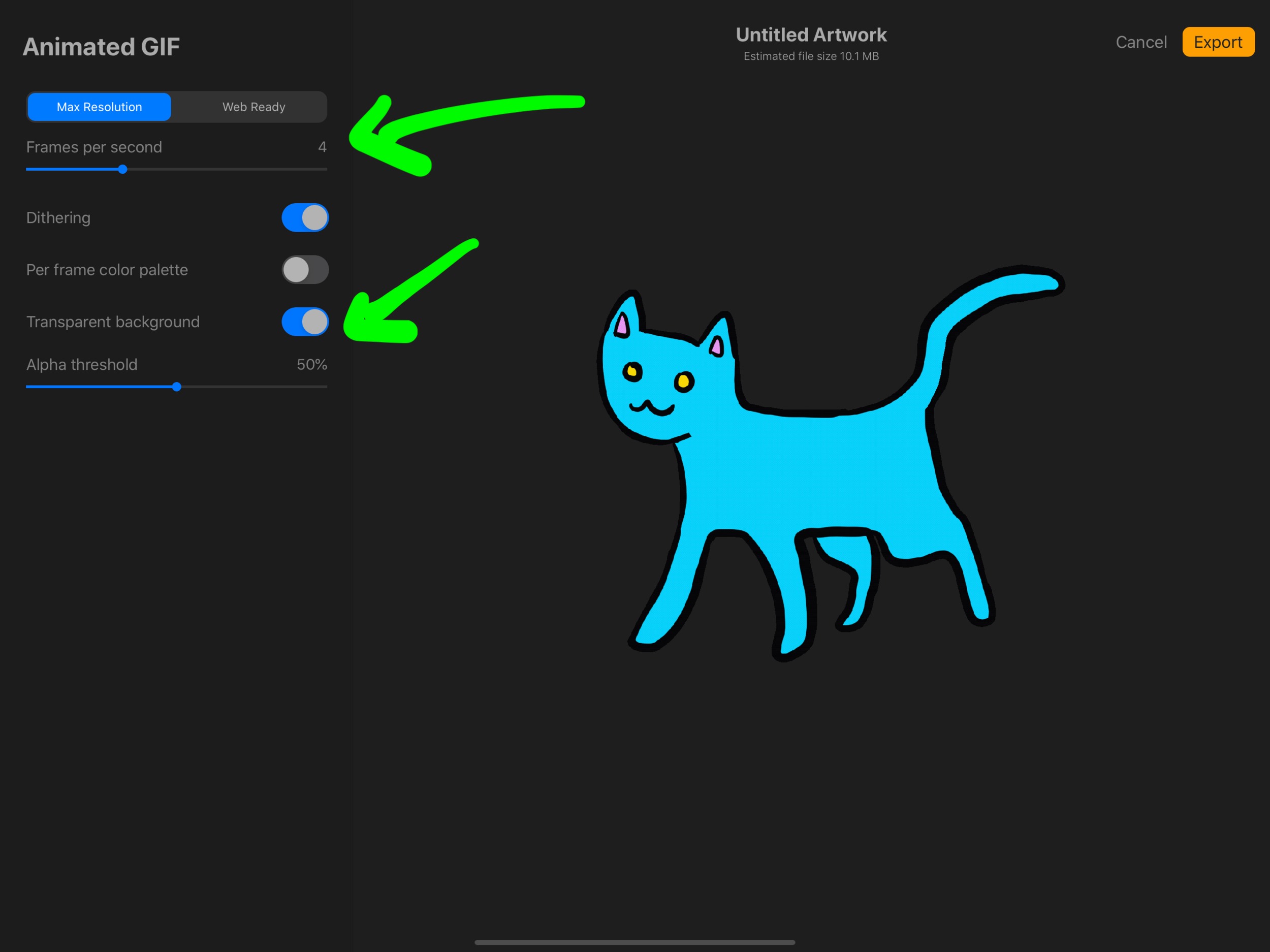
How To Make A GIF On Procreate

To make a GIF on Procreate, you build your animation from layers, with each layer becoming a single frame and the bottom layer playing first. This method works on both...

How To Sample Color In Procreate

To sample color in Procreate, tap and hold anywhere on your canvas to invoke the Eyedropper, drag to the exact hue you want, and release your finger to select it....

How To Lasso In Procreate

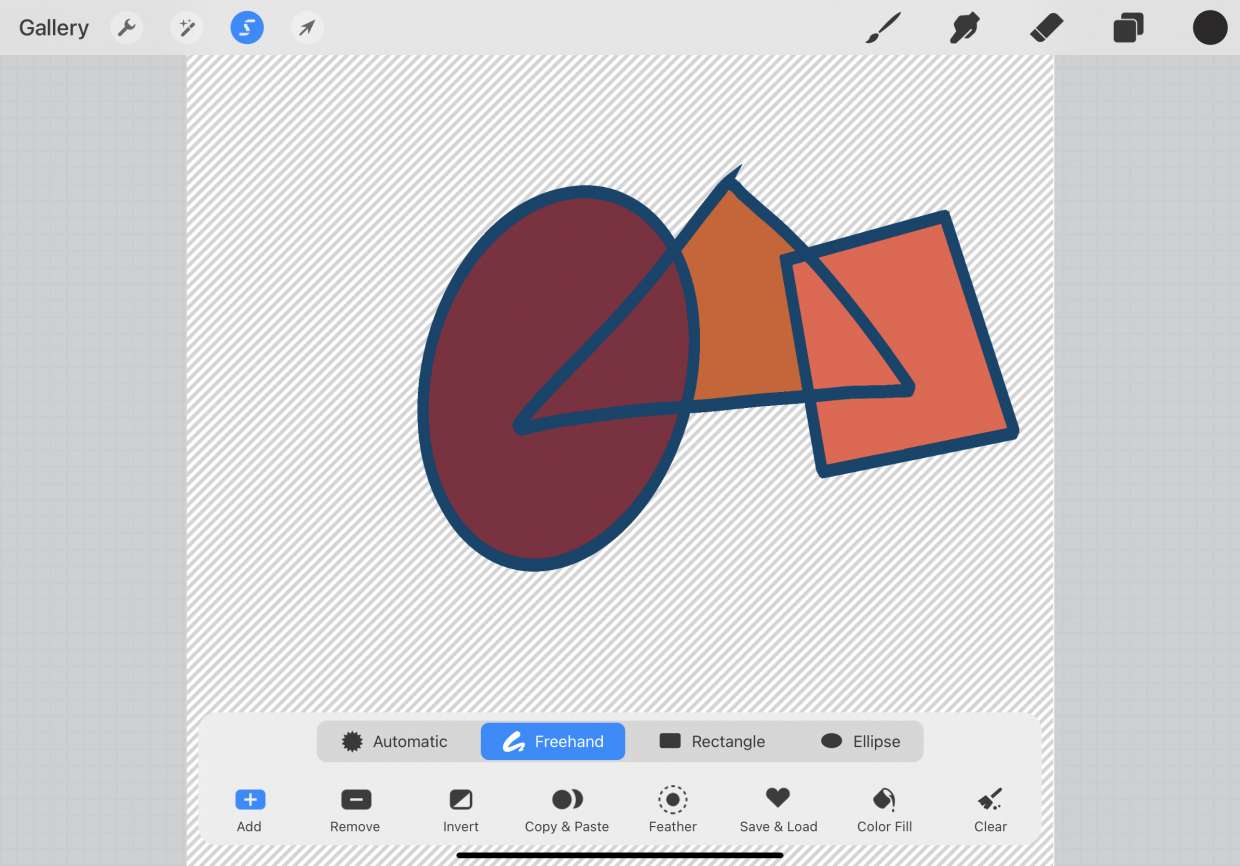
What the lasso tool is in Procreate The lasso tool in Procreate is the Freehand selection mode, which lives inside the Selection tool, the ribbon icon in the top menu...

How To Ungroup In Procreate

To ungroup in Procreate, open the Layers Panel, tap the group name, then tap Ungroup in the pop-up menu. This is the only documented method for separating grouped layers so...

How To Smudge On Procreate

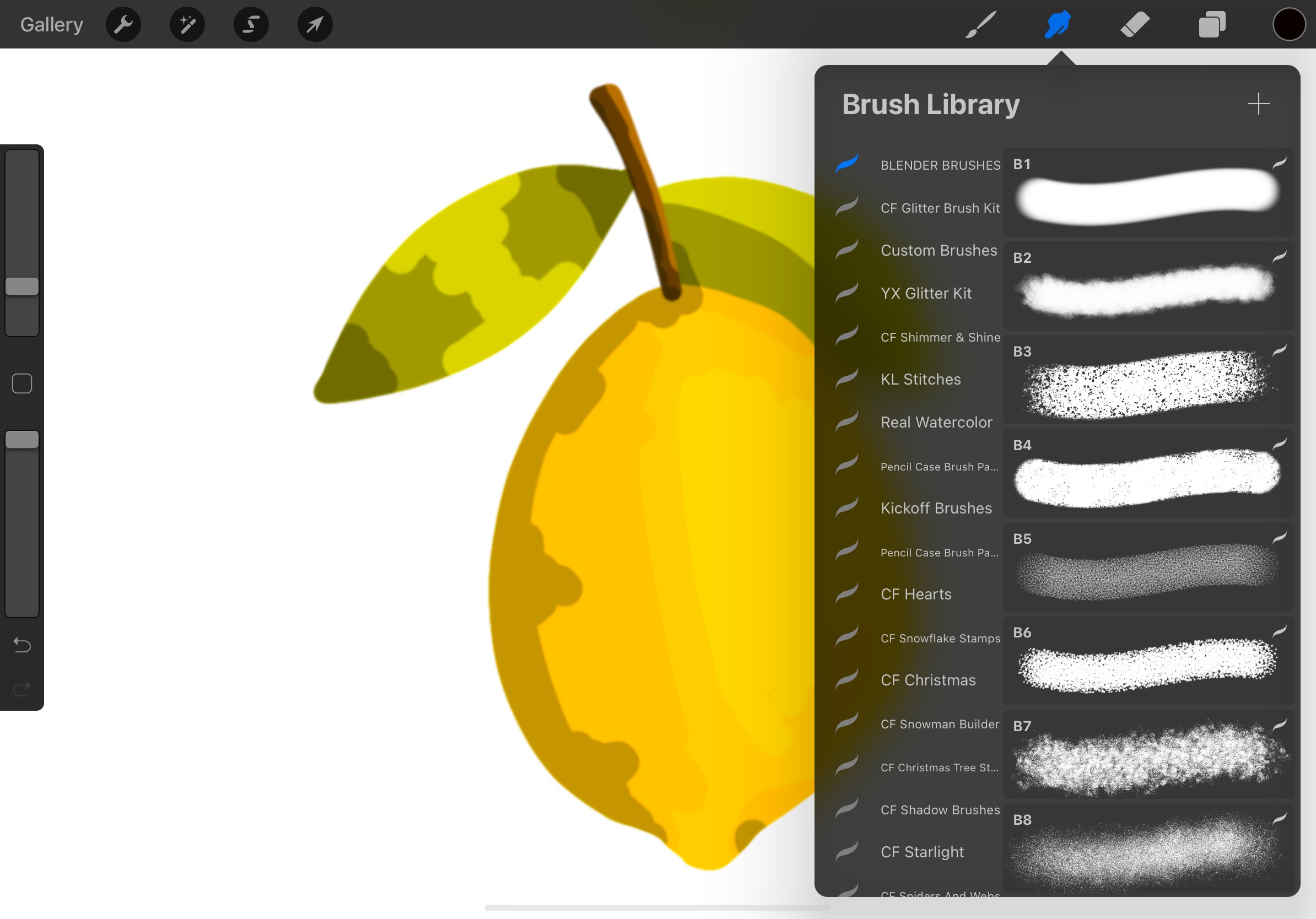
To smudge on Procreate, tap the Smudge icon in the toolbar, select a brush from the Brush Library, and then tap or drag your finger or Apple Pencil across the...

How To Back Up Procreate Files

To back up Procreate files, you must manually export them as .procreate files because the app does not provide automatic iCloud syncing. This manual process preserves your layer information, settings,...

How To Move A Layer In Procreate

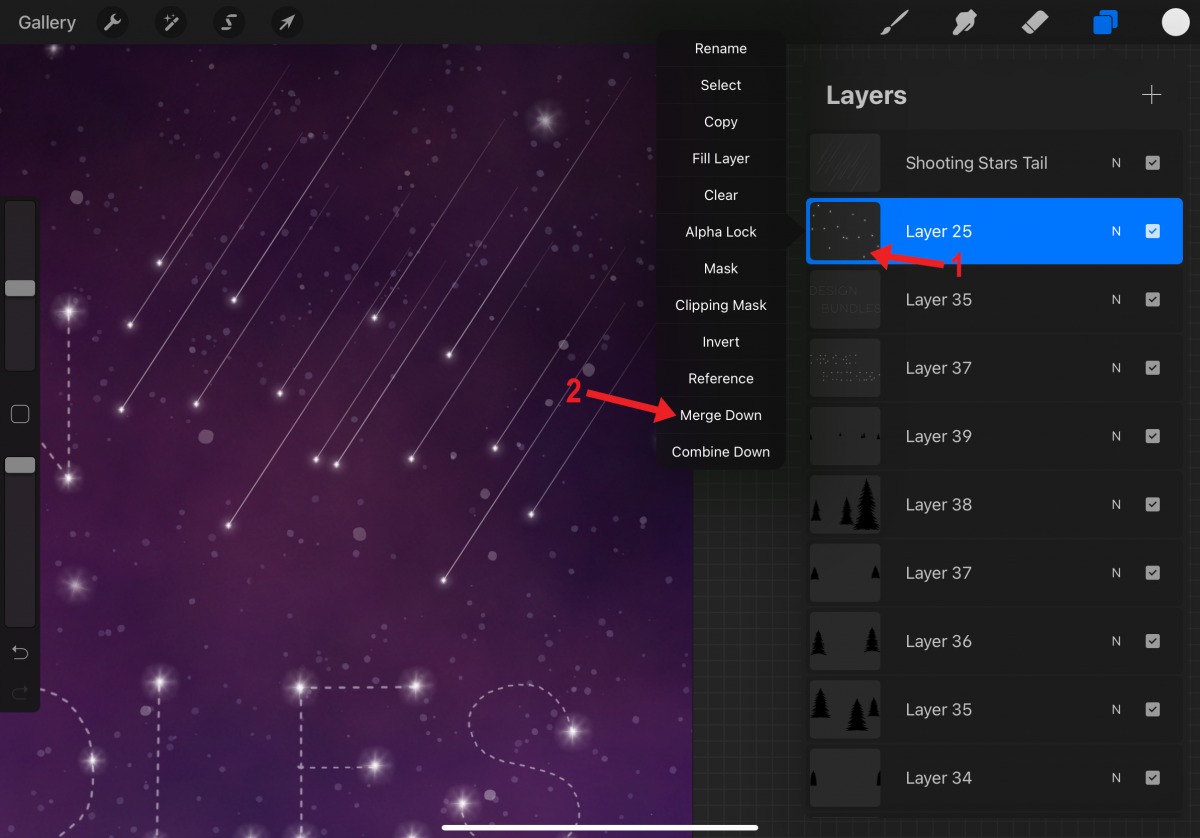
To move a layer in Procreate, you can reposition the artwork on the canvas using the Transform tool or change the layer’s position in the stacking order by dragging it...

Why Does Procreate Keep Crashing

If Procreate keeps crashing, the issue is almost always caused by one of a few verified problems: an outdated app version, an iPadOS version below 16.3, or specific bugs with...