






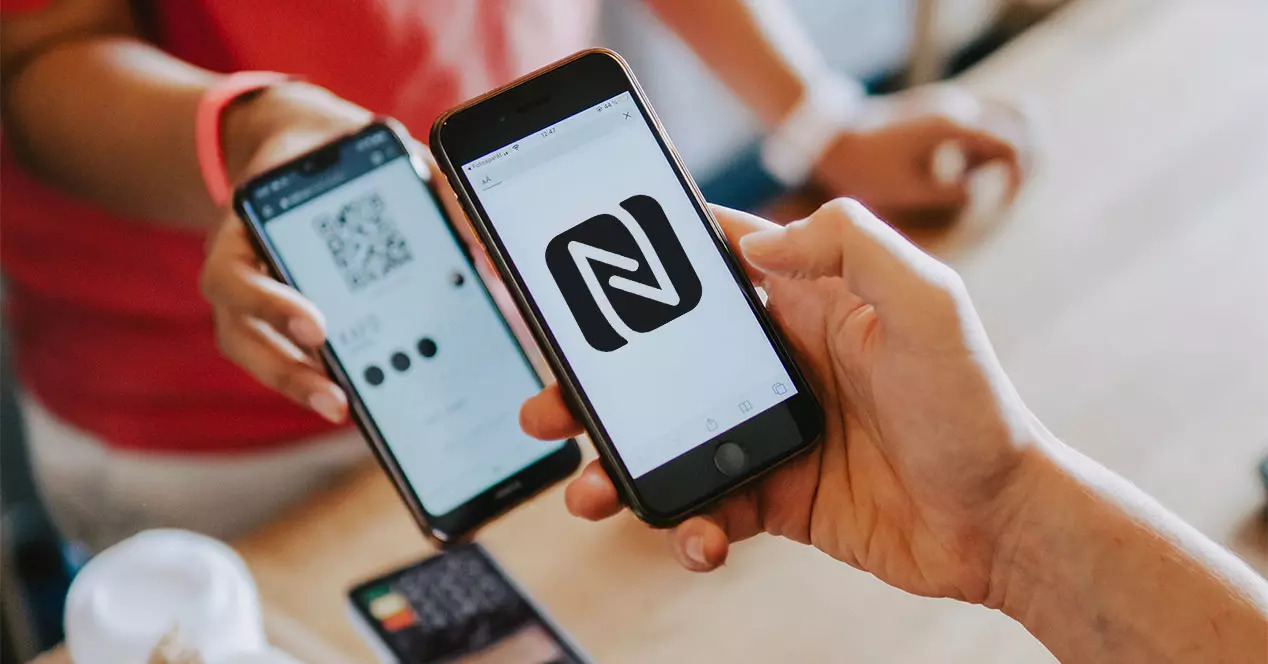
Copying an NFC tag to your phone means you want your phone to act exactly like the original tag when tapped, but this is not a built-in feature on any platform. To copy NFC tag to phone, iPhone users cannot clone a tag onto the device itself, while Android users must rely on third-party apps with varying capabilities.
What 'copy NFC tag to phone' actually means
Users searching for how to copy an NFC tag to their phone typically want the phone to replicate the tag's function, triggering the same action or sharing the same data when tapped. This is fundamentally different from reading a tag, which simply displays its content. The search intent expects a direct cloning feature, but neither Apple nor Google provides a native "copy tag to phone" workflow. iPhone NFC is designed for reading tags in supported apps, not for storing cloned tags on the device. Android lacks a built-in copy function, leaving it to third-party apps that may or may not support specific tag types or locked tags. Understanding this distinction is key before attempting any copy process.
iPhone and NFC tag copying: what you can and can't do
Apple's documentation confirms that iPhone NFC is for reading tags, not cloning them onto the phone. Supported iPhone models can read tags in specific scenarios: iPhone 7 or later with iOS 11 supports app-based reading, while iPhone XS, XS Max, XR, and later models add background tag reading. iPhone XS, XS Max, and XR add background tag reading; Apple also documents background tag reading behavior and restrictions. For background reading, Apple specifies that the phone reads tags automatically when the display is on, after the first unlock following boot, and not while Wallet/Apple Pay, camera use, a Core NFC reader session, or Airplane Mode interfere. There is no iPhone setting or menu to copy a tag's data onto the device so the phone itself becomes the tag. The NFC Tags and Readers Explained documentation from Apple covers reading and app delivery of tag data, not cloning. If you need your iPhone to act as a tag, you cannot do this through any built-in or officially supported method.
Android and NFC tag copying: app-based solutions
Android does not include a built-in "copy NFC tag to phone" feature. Instead, users must install third-party apps from the Play Store. Because the exact step-by-step flow varies by app and is not standardized in official Android documentation, you must check each app's description for compatibility with your tag type and lock state. No official Android platform help pages document a native copy function.
What to expect when copying NFC tags
Realistic expectations are important. Cloning an NFC tag to a phone is not a universal capability. iPhone cannot do it at all. On Android, third-party apps may copy certain tag types, but limits exist: some tags are locked (write-protected), some use proprietary formats, and UID cloning is rarely supported. Official platform documentation does not provide standardized copy workflows for either iPhone or Android. The apps you find on the Play Store may work for simple NDEF records (like URLs or text) but may fail with complex data or locked tags. Always verify the app's description for supported tag types before attempting a copy.
Frequently Asked Questions
Can I copy an NFC tag to my iPhone?
No. iPhone NFC is designed for reading tags, not for cloning them onto the device. There is no built-in setting or app from Apple that allows you to store a tag's data on the phone so it acts like the original tag.
Do all phones support NFC tag copying?
No. iPhones cannot copy NFC tags at all. Android phones with NFC hardware can use third-party copy apps, but the phone itself does not have a native copy feature. The ability to copy depends on the app you choose and the tag type.
Do all Android phones support copying NFC tags?
What is the process of copying an NFC tag to an Android phone?
The process varies by app. Generally, you enable NFC, open a third-party app like NFC Tag Tools or NFC.cool, select the copy/clone option, and tap the original tag. The app then writes the data to another tag or, in some cases, to the phone's memory. Exact steps are not standardized.
Are there any limitations to copying NFC tags to a phone?
Yes. Locked tags cannot be copied. Some tag types (like those using proprietary formats or UID-dependent systems) may not be supported. iPhone cannot copy tags at all. Android app support varies by tag type and lock state.
Can I copy multiple NFC tags to my phone?
On Android, some apps like NFC.cool support batch copying to other tags, but storing multiple cloned tags on the phone itself is not a standard feature. Each app may handle multiple copies differently.















