An emoji translator is the tool you need when a picture is worth a thousand words but you are not sure which picture to send, or what one you received actually means. Whether you want to turn a typed message into playful emojis or decode a confusing string of symbols, the best emoji translator websites and apps bridge the gap between text and icons.
Best Emoji Translator Websites and Apps
Emoji translators fall into two categories: tools that convert your typed words into emojis (and vice versa) and reference sites that explain what a specific emoji means. The top picks for text-to-emoji conversion include EmojiTranslate, Yandex Translate, Edit Pad, and Monica's Emoji Translate Tool. For mobile use, the apps Emoji Translate and Emoji Translator: Text & Emoji handle both directions. When you need to look up meanings, Emojiguide, Emojis.wiki, and Emojipedia serve as reliable glossaries.
Text-to-Emoji Translator Websites
These web-based tools let you type a sentence and receive an emoji-rich version without installing anything.
EmojiTranslate
EmojiTranslate accepts text in over 100 languages and automatically replaces words with matching emojis. You can customize skin tones for human emojis. It also works in reverse: paste an emoji message and get a plain‑text explanation. The translation is automated, though accuracy can vary, and the site is not optimized for mobile screens.
Yandex Translate
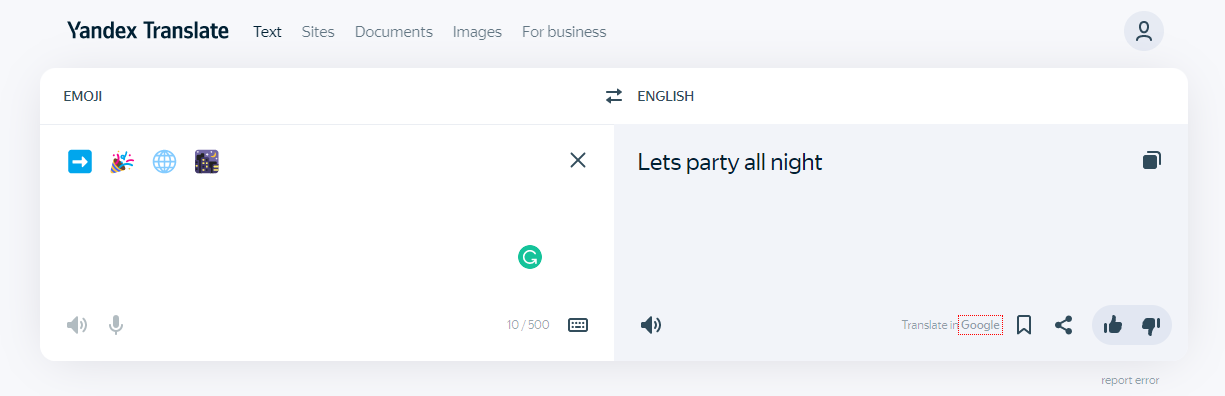
Yandex Translate includes emoji as a language option, allowing you to translate emojis into any of its 90+ languages and vice versa. It converts entire sentences into emojis, but the results can be too literal, sometimes losing the intended context.
Edit Pad
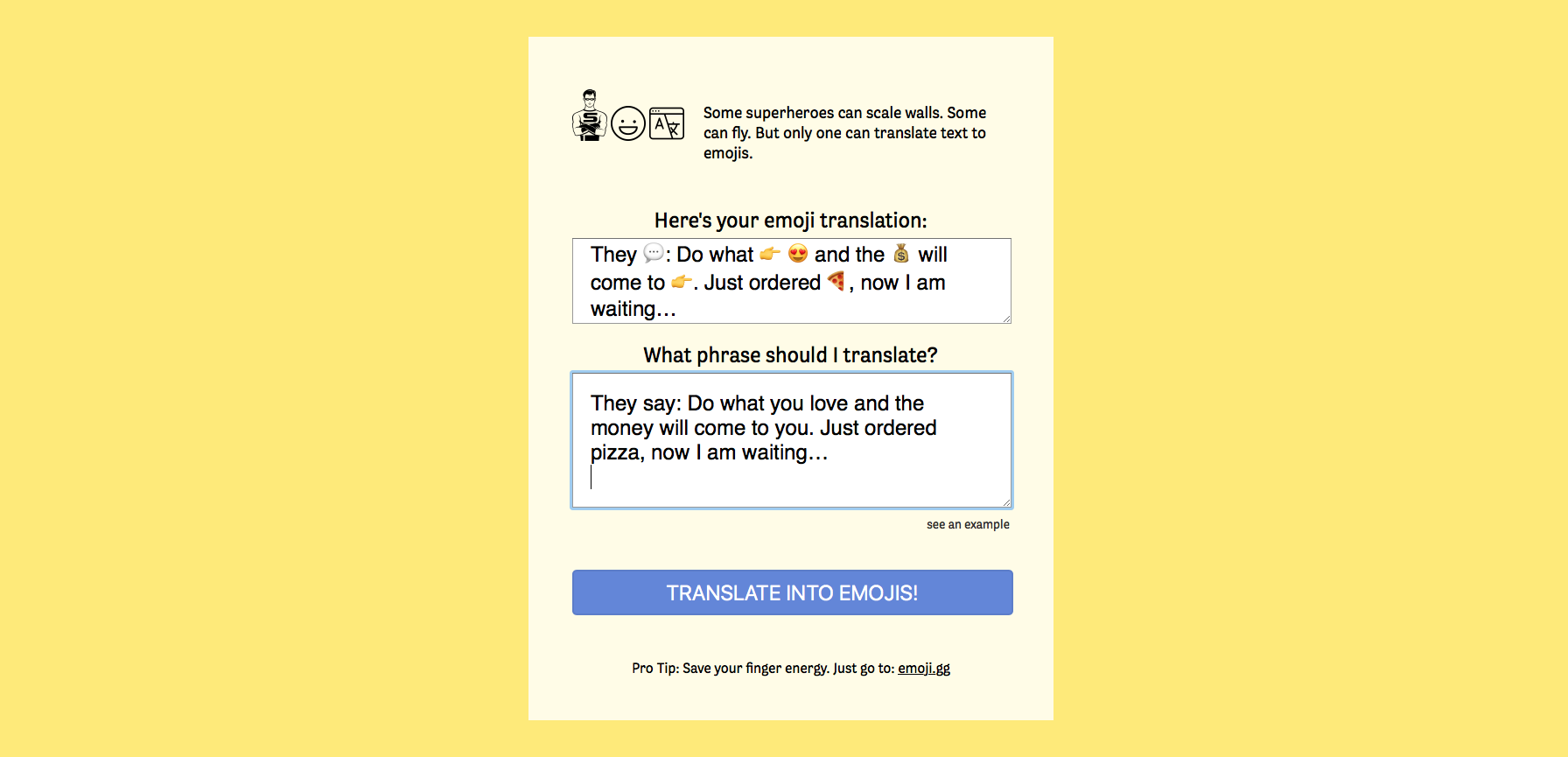
Edit Pad translates text into emojis instantly as you type. There is no download, installation, or sign‑up required. You simply enter text in the left box and copy the emoji output from the right box.
Monica's Emoji Translate Tool
Monica's Emoji Translate Tool is a web‑based translator powered by ChatGPT. It supports both text‑to‑emoji and emoji‑to‑text conversions. The interface is simple, but you must install and register for a free monica.im account to use it.
Meowni
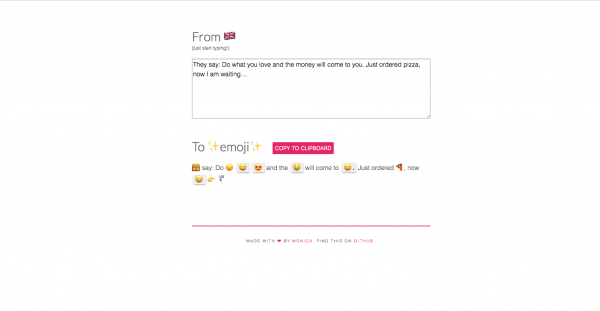
Meowni's pink Copy To Clipboard button messes up text alignment by lumping words into one single paragraph.
LingoJam
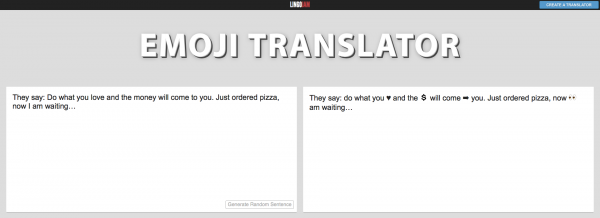
LingoJam has a random sentence generator for creating random emoji-filled sentences.
Super Emoji Translator
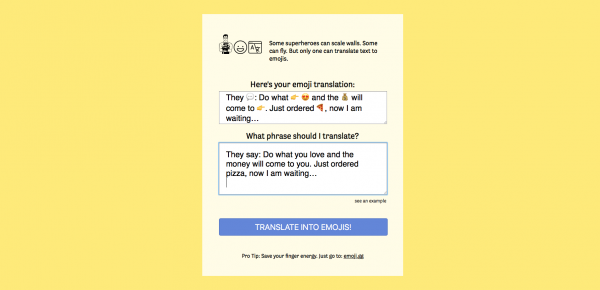
Super Emoji Translator has the most accurate emoji translation among all the translators tested.
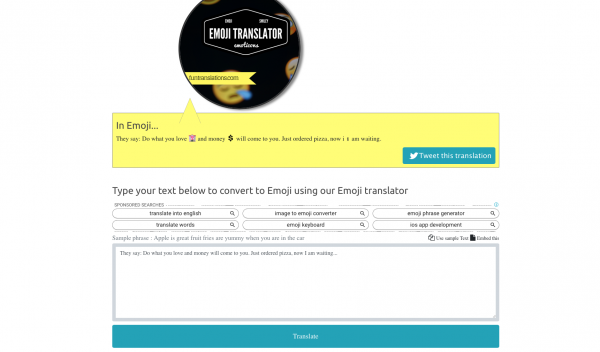
Fun Translations
Fun Translations inserts emojis adjacent to words instead of replacing them, so you can still make sense of the sentence. It also has an embedded Twitter button to tweet the translation.
Emoji Translator Mobile Apps
Dedicated mobile apps make it easy to translate on the go, directly from your phone.
Emoji Translate
Available on Google Play and the App Store, Emoji Translate offers instant text‑to‑emoji and emoji‑to‑text translation. It includes an emoji dictionary, offline mode, support for multiple languages, custom favorites, bulk translation, and smart suggestions. The interface is user‑friendly. It shows what an emoji looks like on other software by selecting the device type of the sender. However, it does not allow you to copy and paste the emojis generated, and displays emojis too small to see clearly.
Emoji Translator: Text & Emoji
This Android app (requires 8.0 or higher) supports over 99 languages and translates text to emojis in real‑time as you type. Note that the app may share app info, performance data, and device/other IDs with third parties. While data is encrypted in transit, it cannot be deleted.
Websites to Translate Emoji to Words
When you receive an emoji you do not recognize, these reference sites give you the official meaning and show how it looks on different platforms.
Emojiguide
Emojiguide explains emoji meanings and lets you copy and paste emojis. It includes a platform section showing each operating system’s version of the emoji, plus a Unicode reference for all emojis.
Emojis.wiki
Emojis.wiki is an emoji glossary that offers emoji combinations for creating phrases. It is organized by categories such as food and activities, and also has thematic collections (e.g., birthday emojis) and holiday emoji collections.
Emojipedia
Emojipedia is a reference site where you can search for emoji meanings and copy and paste emojis. It covers categories including platforms, Unicode versions, and both old and new emoji releases.
Why Emoji Meanings Can Be Tricky
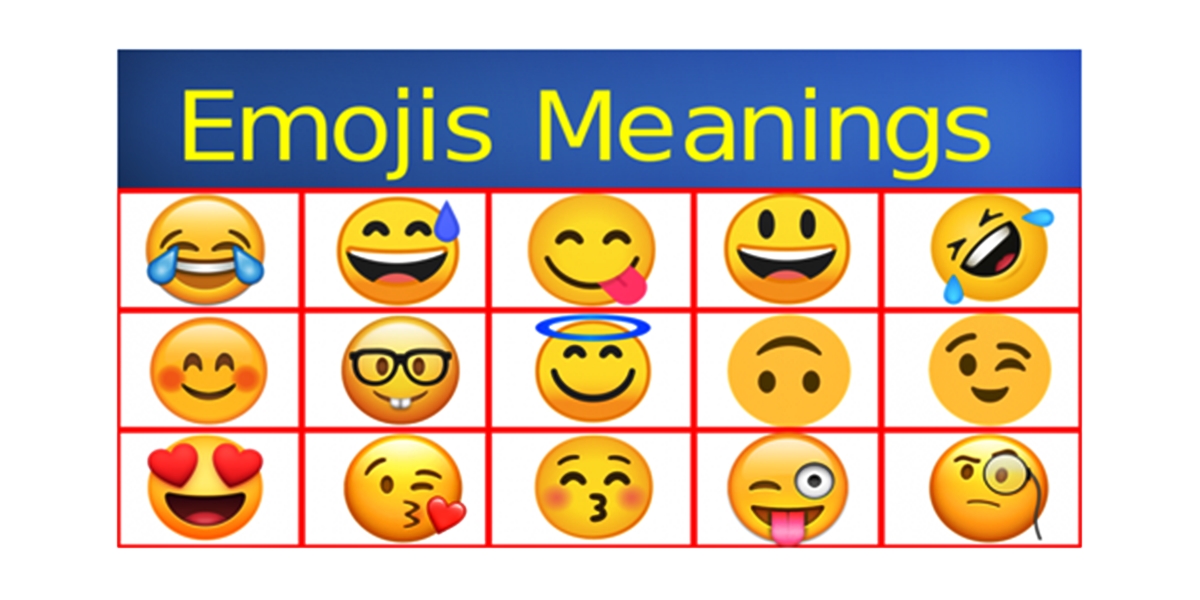
Emojis were created as a universal language, but cultural differences and cross‑platform display variations can change their meaning entirely. For example, the thumbs‑up emoji 👍 signals approval in many Western countries but is considered offensive in Greece and the Middle East. The peach emoji 🍑 is often used to represent an attractive posterior rather than the fruit itself. Even the same emoji can look different on iOS, Android, Samsung, and Microsoft devices. A “shocked face” on one platform may appear as a “giggle” on another, leading to misunderstandings. This is why a reliable emoji translator is essential, not just for fun, but to avoid social blunders.
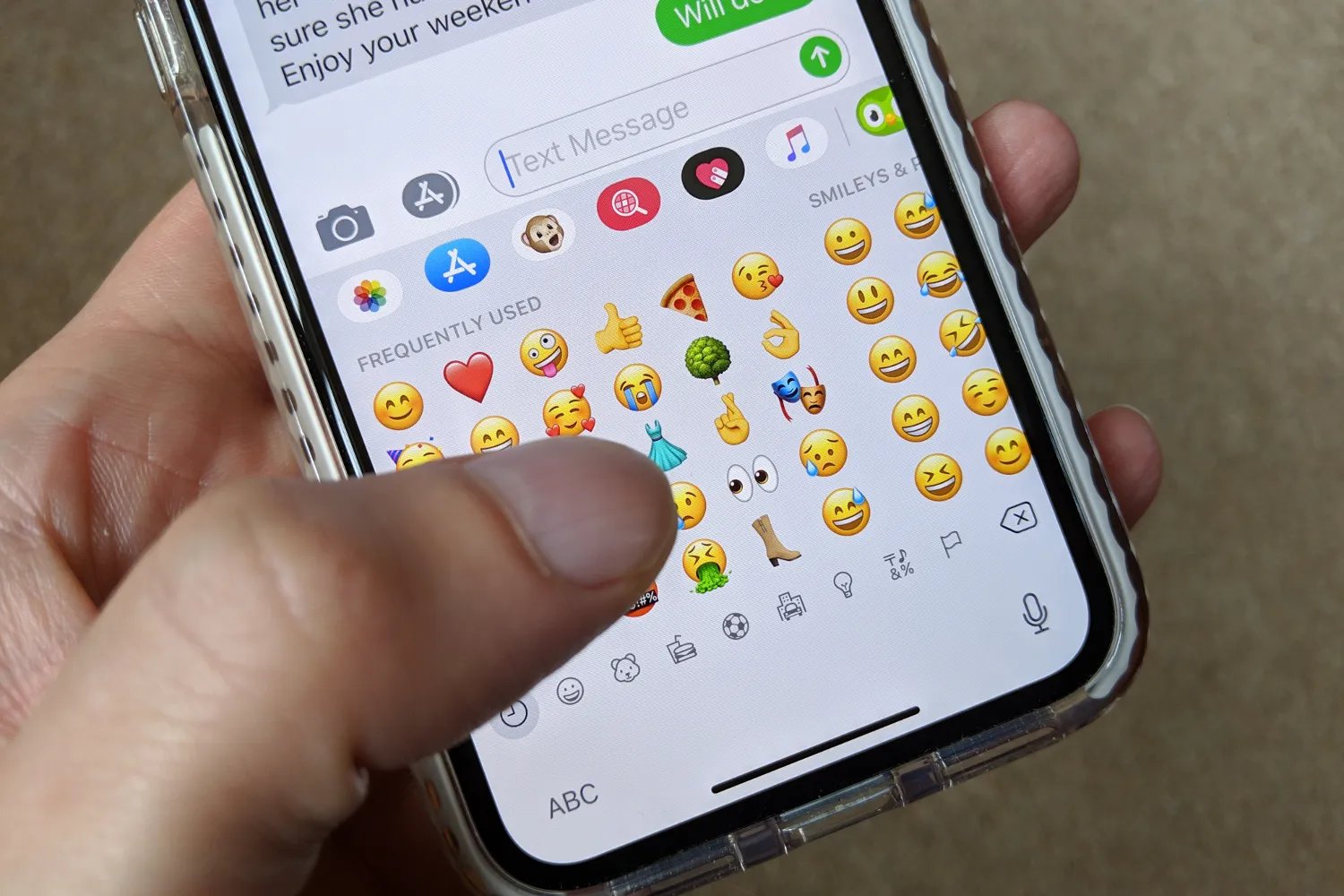
When you understand emoji meanings better, you can use translators more effectively to create clever, context‑appropriate messages. Whether you are looking up common emoji meanings & text abbreviations, learning how to add emojis to text messages with the emoji keyboard, or exploring emojis and custom keyboards, a good translator keeps your communication clear and creative.
Frequently Asked Questions
Can I use an emoji translator to decode a message from someone using a different phone brand?
Yes. The Emoji Translate mobile app lets you select the device type of the person who sent the message, then shows you how the emoji would appear on their phone. This helps you see the exact version they intended.
Do emoji translators work with slang or regional expressions?
Most tools rely on direct word‑to‑emoji matching, so slang and regional phrases may not translate accurately. EmojiTranslate and Yandex Translate handle multiple languages, but results can be literal rather than contextual.
Are there any privacy concerns with using an emoji translator app?
Yes. The Emoji Translator: Text & Emoji app shares app info, performance data, and device/other IDs with third parties. Always check an app’s privacy policy before installing.
Can I translate an entire webpage into emojis?
A Chrome extension called Emoji Translate (created by Monica Dinculescu) once allowed this, but it is no longer available. It required a page reload to return to the original text; you could not switch back by clicking the icon again. No current mainstream tool offers full‑page emoji translation.
Why does the same emoji look different on my friend’s phone?
Each platform (iOS, Android, Samsung, Microsoft) uses its own design for emojis. The Unicode standard defines the concept, but illustrators at each company create unique artwork, leading to visible differences in style, color, and expression.
Is there a way to get alternative emojis for the same word?
Yes. The Meowni emoji translator (hosted on Monica Dinculescu’s personal site) lets you manually copy and paste text to see a range of alternative emojis for each word, so you can pick the one that best fits your meaning.