To change your trusted phone number, you need to update the phone number used for two-factor authentication (2FA) and account recovery on each major platform individually, as there is no single setting that updates all services at once. The process varies by platform, but generally involves editing your security settings and verifying the new number.
How to change your trusted phone number on an Apple ID
on an Apple ID is essential because a trusted phone number is used to receive verification codes when signing in to new devices or browsers, or when resetting your password. You must have at least one trusted phone number on file to enable two-factor authentication for your Apple ID. A trusted phone number enables two-factor authentication (2FA), which sends a verification code when logging in from an unfamiliar device. A trusted phone number is used for account recovery when you forget your password, acting as a verification step to prove ownership.
On an iPhone or iPad
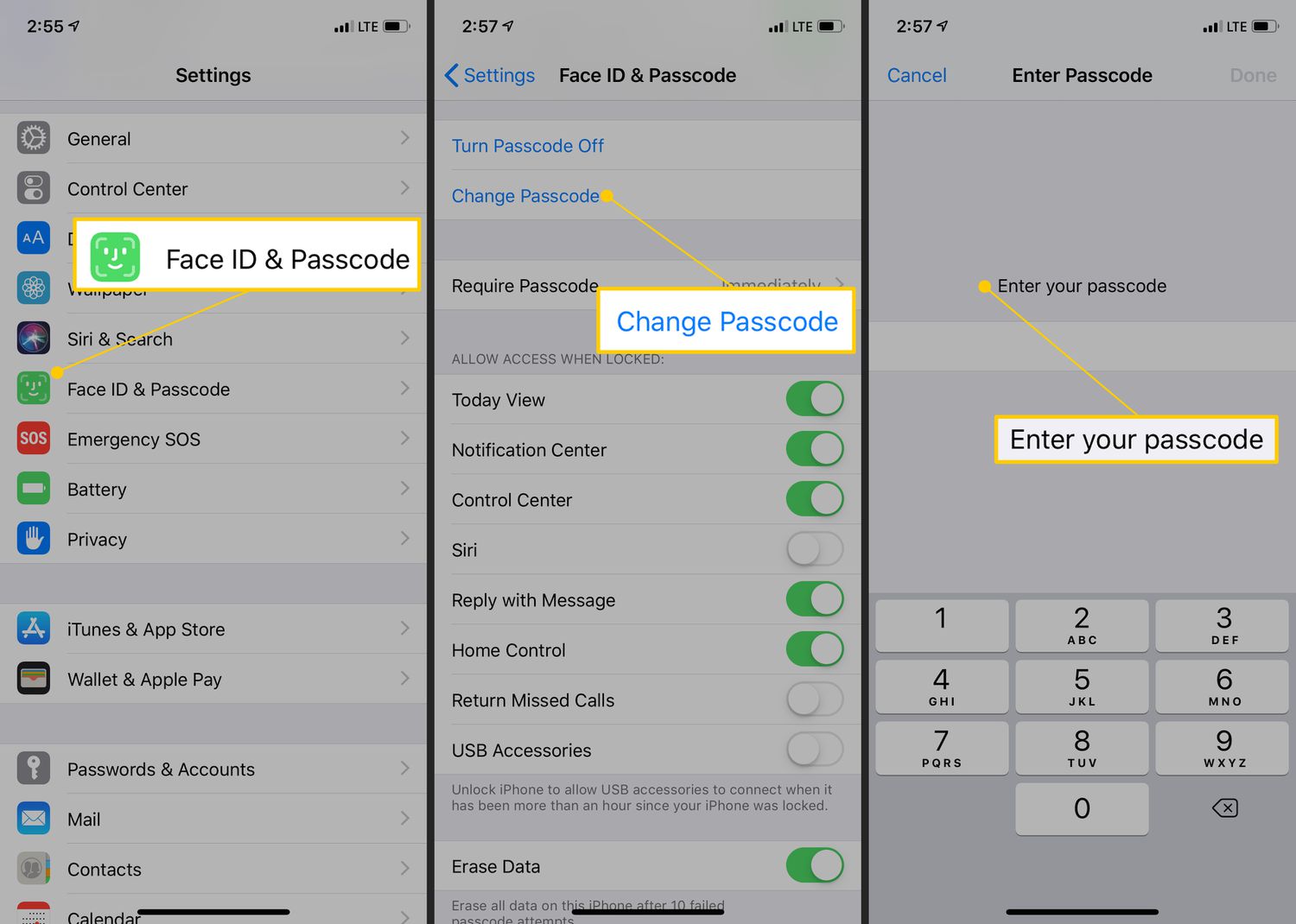
- Open Settings and tap your name at the top.
- Tap Sign-In & Security, then tap Two-Factor Authentication.
- Tap Add Trusted Phone Number or tap Edit next to an existing number. When changing your trusted phone number, you may be prompted to enter your current passcode to proceed.
- Follow the on-screen instructions to add and verify the new number.
On a Mac
- Open the Apple menu and go to System Settings (or System Preferences on older macOS versions).
- Click your name (or Apple ID), then click Sign-In & Security.
- Click Two-Factor Authentication, then click Add Trusted Phone Number or manage existing numbers.
- Verify the new number when prompted.
Via a web browser
- Go to account.apple.com and sign in with your Apple ID.
- Navigate to Sign-In and Security, then click Account Security.
- In the Trusted Phone Number section, add or remove numbers as needed.
- Complete the verification process for the new number.
If you are locked out
If you lose access to all your trusted devices and phone numbers, you can initiate account recovery. Attempt to sign in, and when prompted for a verification code, select "Didn't Get a Code?" or "Can't get to your devices?" Then choose "Can't use [phone number]" to start the recovery process.
How to change your recovery phone number on a Google account
A recovery phone number for a Google Account helps you regain access if locked out, prevents unauthorized use, assists in proving account ownership, and alerts you to suspicious activity. When you change your recovery phone number, it may take up to 7 days for the changes to fully take effect for security reasons. It is advised not to use a Google Voice number as a recovery phone number, as this could lead to being locked out.
- Go to your Google Account and click Personal info.
- Under Contact info, click Phone.
- Select Add a recovery phone or click Edit next to an existing number.
- Enter the new phone number and follow the verification steps.
- Be aware that the change may take up to 7 days to fully apply.
How to change your security phone number on a Microsoft account
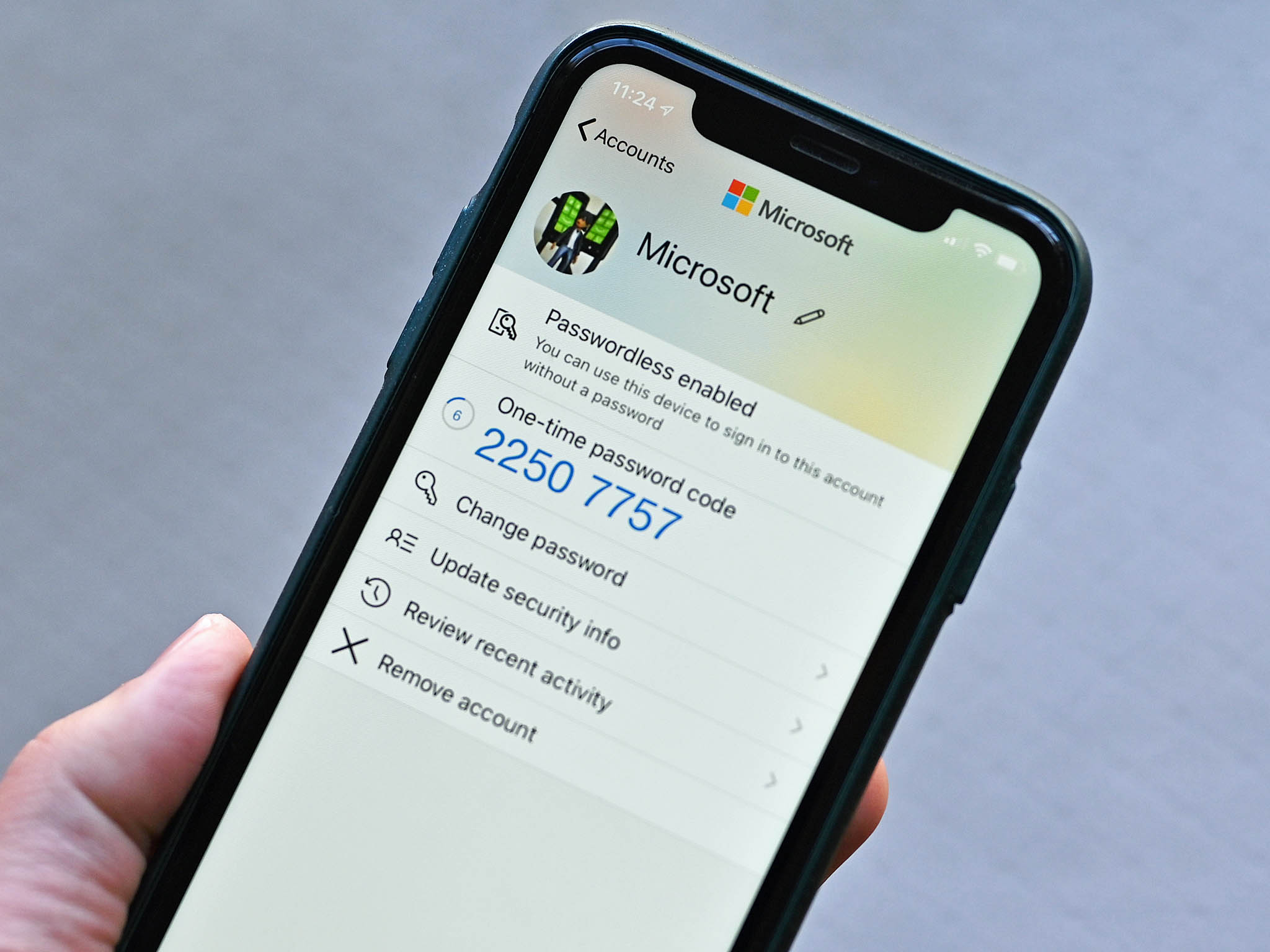
A security phone number for a Microsoft Account is part of two-step verification and is crucial for protecting against unauthorized access. When adding a new number, you must complete verification by receiving a code via SMS or a call.
- Go to account.microsoft.com/security and sign in.
- In the Security info or Recovery options section, find your current phone number.
- If you need to remove the old number first, do so (note that Microsoft may impose a 30-day security waiting period for sensitive changes like removing a phone number).
- Click Add a new phone number and enter the new number.
- Complete the verification by entering the code sent via SMS or call.
If the phone number you wish to use is already linked to another Microsoft account, you might be given the option to "Transfer number." If that option is not available, you may need to wait 30 days before trying again.
What to do after you change your trusted phone number
After updating your trusted phone number on each platform, complete this brief checklist to ensure everything works properly:
- Verify the new number works: Sign out of one device or browser and sign back in to confirm you receive the verification code on the new number.
- Update it in any password manager: If you store your recovery information in a password manager, update the phone number there to keep your records accurate.
- Remove the old number from other services: Check any other accounts where you used the old number for security (such as banking apps, social media, or email) and update those as well.
- Keep a record of your new trusted phone number in a secure location for account recovery and security purposes.
- A trusted phone number is essential for seamless communication, allowing you to receive and make calls and send text messages.
- A trusted phone number is a lifeline during emergencies, enabling you to call for help or contact loved ones.
- Many online platforms require a verified phone number for transactions like purchasing goods or managing finances.
- A trusted phone number allows personalization, such as syncing contacts and receiving tailored notifications.
- Update your trusted phone number on social media platforms like Facebook, Twitter, Instagram, and LinkedIn.
- Update your trusted phone number on email accounts like Gmail, Outlook, and Yahoo.
- Update your trusted phone number with banking and financial institutions for security purposes.
- Update your trusted phone number on online shopping platforms like Amazon, eBay, and Alibaba.
Frequently Asked Questions
Can I have multiple trusted phone numbers on my Apple ID?
Yes, you can add multiple trusted phone numbers to your Apple ID. Having more than one number provides a backup option if you lose access to your primary device.
What happens if I change my Google recovery phone number and the 7-day delay hasn't ended?
During the 7-day security delay, the old recovery phone number may still be used to help you regain access. The new number will not be fully active for account recovery until the waiting period is complete.
Will changing my Microsoft security phone number affect my Xbox or Skype accounts?
Yes, because those accounts are often linked to the same Microsoft account. Updating your security phone number will apply to all services under that Microsoft account, including Xbox and Skype.
Can I use a landline as a trusted phone number?
For Apple and Google, a landline can be used as a trusted phone number if it can receive SMS or voice calls for verification. Microsoft also supports landlines for receiving verification codes via call.
What should I do if I no longer have access to my old trusted phone number?
If you cannot receive verification codes on your old number, use account recovery options on each platform. For Apple, initiate account recovery by selecting "Didn't Get a Code?" during sign-in. For Google, use the account recovery process with other recovery options like your recovery email. For Microsoft, use alternate recovery methods such as an alternate email or the Microsoft Authenticator app.
Related reading: How To Change Phone Number On Microsoft Authenticator App.